Turning video content into text used to be a tedious, time-consuming task. Today, the best video transcription software automates this process, unlocking a wealth of possibilities for content creators, marketers, teams, and students. Transcribing a video is no longer just about creating subtitles; it's about transforming hours of recorded content into searchable, editable, and shareable assets. This shift allows you to quickly generate blog posts, meeting summaries, detailed notes, and social media content from a single video file.
This guide is designed to help you navigate the crowded market of transcription tools and find the perfect fit for your specific needs. We’ve tested and analyzed the top platforms, from all-in-one AI assistants like Notize AI that summarize meetings and create content, to specialized services known for their human-powered accuracy. You'll find a detailed, actionable roundup of the top video transcription tools, complete with hands-on notes, pros, cons, and direct links for each option. We'll also provide a comparison matrix covering key factors like accuracy, speed, pricing, and integrations.
Whether you're a podcaster needing to boost SEO, a project manager looking to create actionable meeting notes, or a student wanting to convert lectures into study guides, this list has you covered. For an even broader perspective on the current landscape of automated solutions, exploring other guides to the best transcription tools can help you compare options. Let's find the software that will streamline your workflow.
1. Notize AI
Notize AI stands out as a powerful, all-in-one content intelligence platform, positioning itself as much more than just a transcription service. It’s designed for teams and creators who need to move beyond simple text outputs and transform their video and audio content into searchable, actionable assets. The platform excels at centralizing media from various sources, including direct uploads and links from YouTube, Zoom, and Google Meet, creating a unified, intelligent media library.
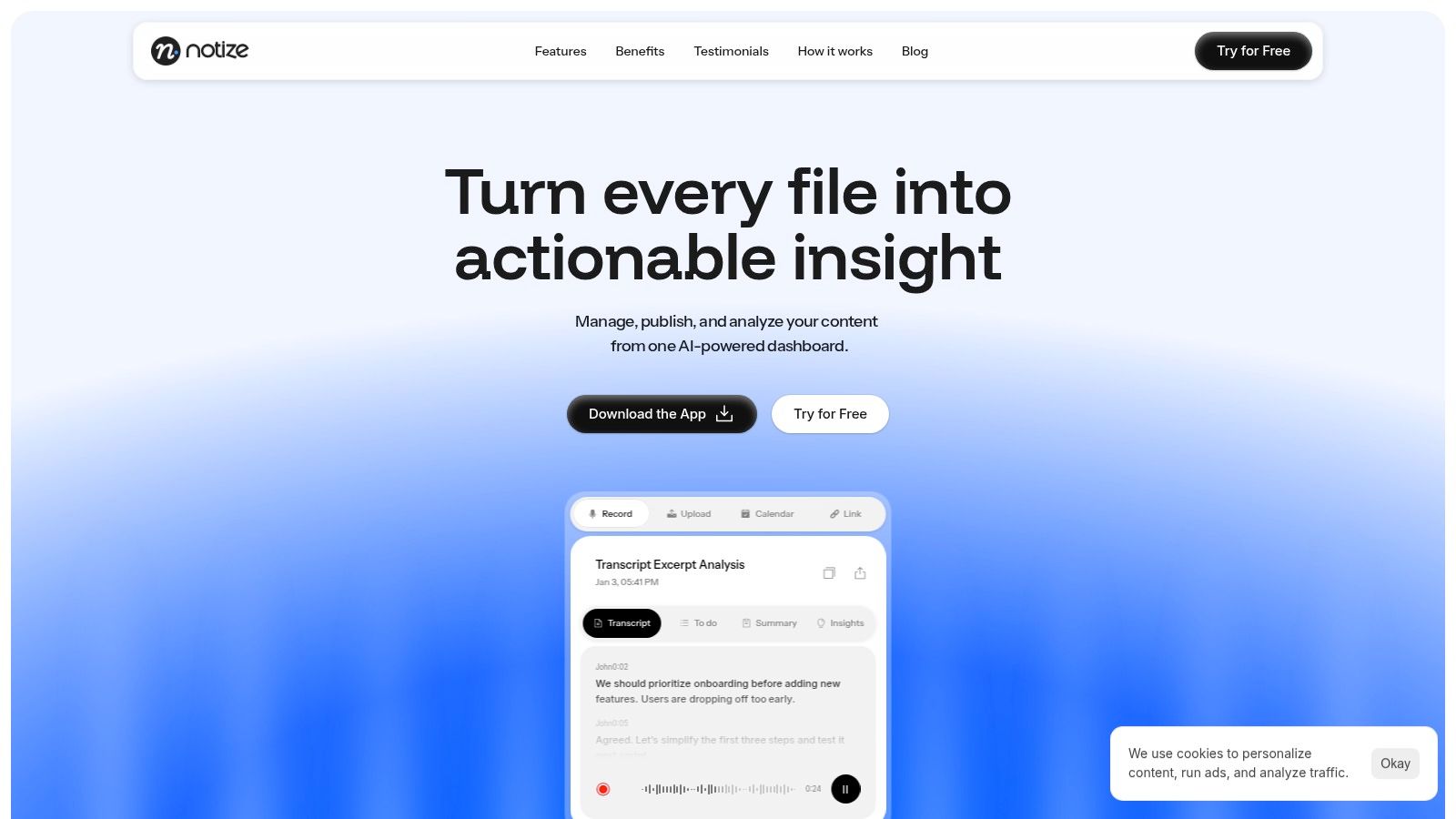
What makes Notize AI the top choice for the best video transcription software is its comprehensive workflow automation. After transcribing, it automatically generates structured summaries, identifies key discussion points, and extracts action items, effectively eliminating the need for manual note-taking during meetings. This functionality is a game-changer for project teams and operations managers who can ensure consistent follow-ups and clear communication without the usual post-call chaos. With Notize AI, professionals get a seamless, automated way to capture, understand, and distribute meeting information.
Key Features & Use Cases
For Teams and Professionals: Notize AI records meetings and instantly produces full summaries, detailed notes with speaker attribution, action items, and highlighted decisions. Users can search across all past meetings and jump to the exact moment a topic was discussed, ensuring everyone is aligned without manual note-taking.
For Creators and Bloggers: Upload video or audio and let Notize AI generate high-quality transcriptions and customizable blog posts in any writing style. Creators can even build and publish their own blog directly within the app and get AI-powered suggestions to improve their content's engagement.
For Content Consumers: Send links from YouTube, TikTok, or Instagram, and Notize AI will summarize long videos in seconds, extract key insights, and even turn tutorials into step-by-step guides. Users can chat with AI to ask questions about the content without watching the entire video.
For Students: Record lectures or upload class materials (including PDFs and PowerPoints), and Notize AI converts them into summaries, study guides, and notes. Students can ask the AI for simplified explanations of complex topics, making it the perfect study companion.
Pricing and Availability
Notize AI offers a tiered pricing structure that makes it accessible for various needs. A Starter (free) plan allows users to process up to five pieces of content to test the core features. The Growth plan is $15/month for unlimited processing, while an Enterprise plan is available for larger teams. Cross-platform apps for iOS, Android, macOS, and Windows ensure you can capture and manage content from anywhere.
Pros:
All-in-one workflow reduces tool dependency and manual steps.
Fast, multi-source ingestion from links, uploads, and direct recordings.
Built-in analytics provide actionable data on content performance.
Cross-platform availability with a proven user base of over 20,000.
Cons:
The free tier has strict processing limits.
Detailed compliance information (like GDPR/HIPAA) is not prominently listed.
Accuracy can vary based on audio quality and complex terminology.
Website: https://notize.ai
2. Rev
Rev has established itself as a go-to platform for transcription by uniquely blending AI-driven speed with human-powered accuracy. This dual-service model makes it an excellent choice for users who need a flexible workflow, allowing them to get fast, machine-generated drafts for internal review and then upgrade to 99% accurate human transcripts for public-facing or legally sensitive content.
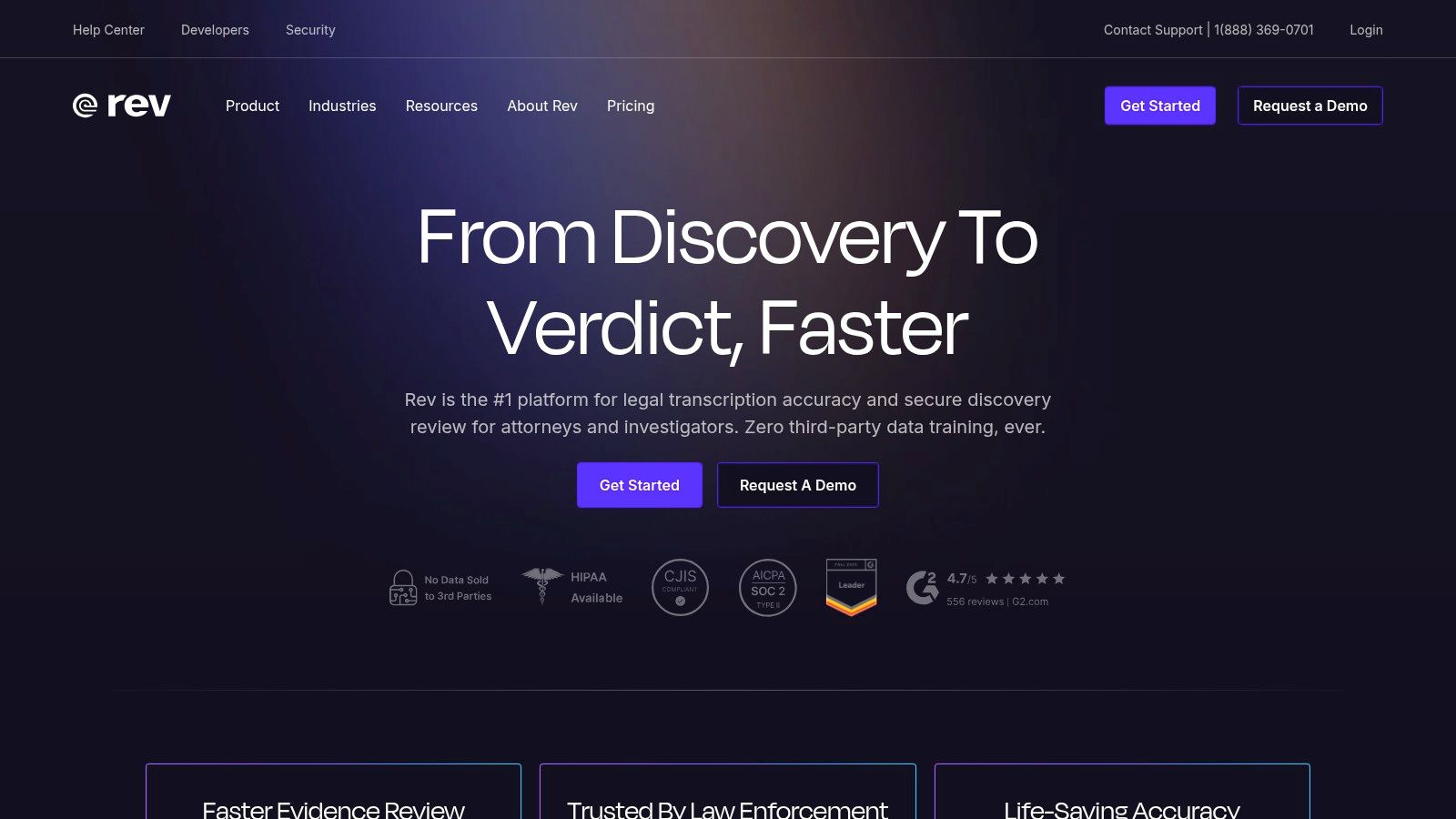
It stands out as one of the best video transcription software options due to its comprehensive service offerings, including captions, subtitles, and an intuitive web editor for collaboration. Unlike tools focused solely on AI, Rev provides a human guarantee, which is critical for projects where every word matters.
Pricing & Key Features
Rev’s pricing is transparent and based on usage. The automated AI transcription starts at a low per-minute rate, with an optional subscription for high-volume users. Human services for transcription and captions are priced at a higher per-minute cost but deliver near-perfect results.
Transcription Options: Automated AI (~90% accuracy) and Human (99% accuracy).
Captions & Subtitles: Professional-grade SRT and VTT files for accessibility and global reach.
Web Editor: A collaborative interface for reviewing, editing, and sharing transcripts with timestamps and speaker labels.
Integrations: Connects directly with platforms like Zoom, YouTube, and Vimeo for a seamless workflow.
While Rev is powerful for creating polished, final-version transcripts, professionals in meetings often need more immediate, actionable outputs. For generating real-time summaries, key takeaways, and to-do lists from live discussions, a tool like Notize AI is a more effective solution, transforming spoken content into structured notes automatically.
Pros and Cons
Pros:
Reliable Accuracy: The 99% accuracy guarantee from human transcribers is a key differentiator.
Clear Pricing: Pay-per-minute pricing makes it easy to budget for projects.
Easy to Use: The ordering process is straightforward, with a user-friendly interface.
Cons:
Cost: Human services can be significantly more expensive than AI-only competitors.
Turnaround Time: Human transcription adds a time delay compared to instant AI results.
Website: https://www.rev.com/
3. Otter.ai
Otter.ai has carved out a niche as the quintessential AI meeting assistant, transforming live conversations into searchable, actionable notes. It excels in real-time transcription for platforms like Zoom, Google Meet, and Microsoft Teams, making it an indispensable tool for product, content, and customer experience teams that rely on collaborative discussions.
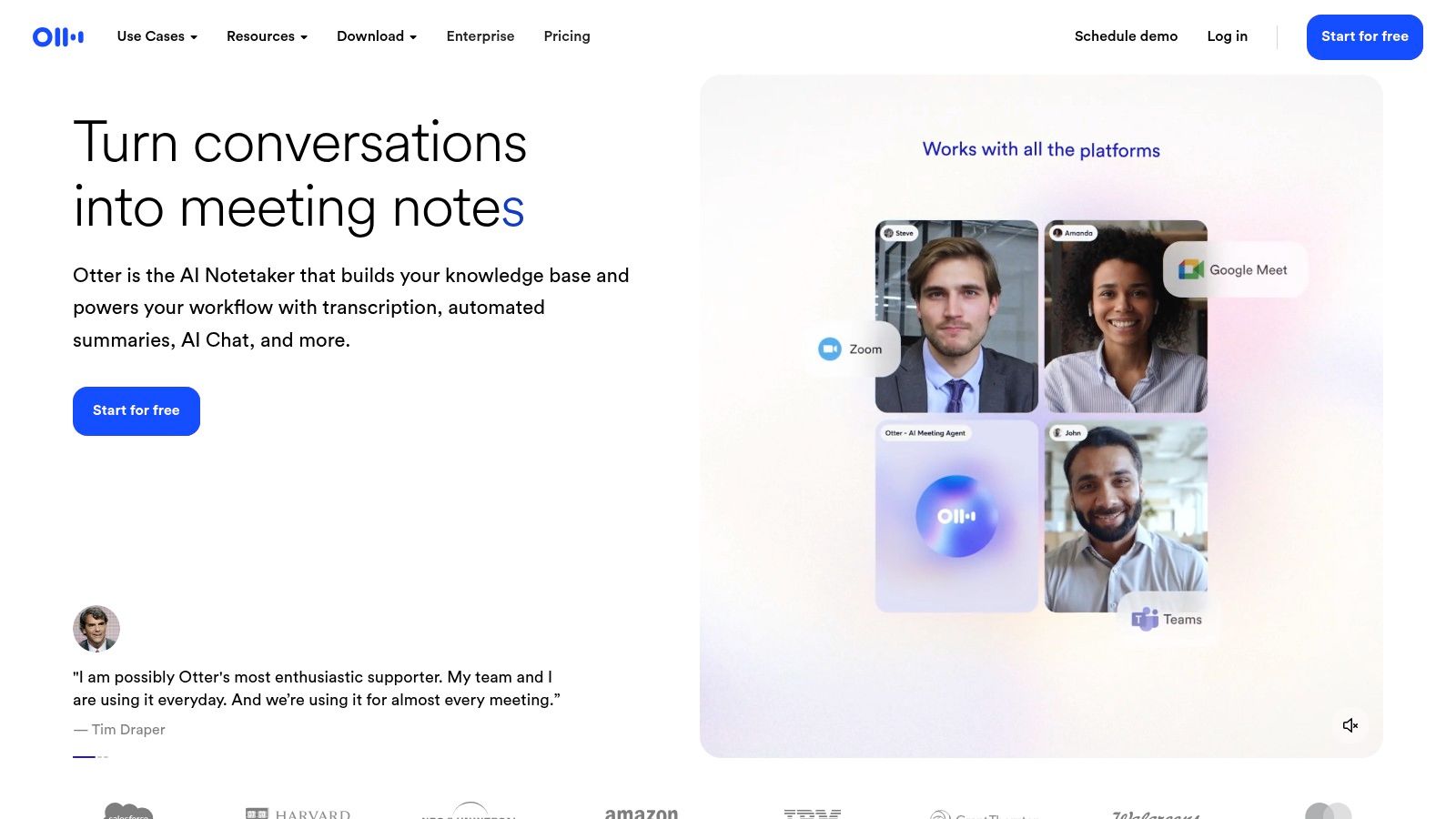
Its strength lies in its ability to not just transcribe, but to structure meeting content with speaker identification, summaries, and keywords. This focus makes it one of the best video transcription software options specifically for professionals who need to capture and recall key details from calls, rather than for polishing final video edits.
Pricing & Key Features
Otter.ai offers a generous free tier for individuals with basic needs and tiered paid plans for teams and enterprises that unlock more transcription minutes and advanced features. The pricing is structured around monthly minute allowances and the number of users.
Live Transcription: An "OtterPilot" can automatically join meetings to record and transcribe in real-time with speaker identification.
Automated Summaries: Generates concise summaries, outlines, and action items from meeting transcripts.
Searchable Archive: All transcripts are stored and indexed, allowing teams to search for specific topics across past conversations.
Team Vocabulary: Add custom terms, names, and jargon to improve transcription accuracy for your specific industry.
While Otter is excellent for meeting notes, for those needing to convert discussions into structured to-do lists and detailed follow-up tasks, a tool like Notize AI offers a more direct path from conversation to action, automatically identifying and organizing decisions and deliverables.
Pros and Cons
Pros:
Excellent for Meetings: Seamless integration with major video conferencing platforms.
Actionable Outputs: Automated summaries and identified speakers make notes easy to review.
Generous Free Tier: A great starting point for individuals and small teams to test the service.
Cons:
Not for Creative Video: Less suited for NLE workflows or creating polished, time-coded captions for video production.
Minute Limitations: Free and lower-tier plans have strict limits on transcription minutes per month and per meeting.
Website: https://otter.ai/
4. Descript
Descript revolutionizes video editing by treating it like a document. Its innovative approach ties your media directly to the transcript, allowing you to edit your video or podcast simply by editing the text. This makes it an ideal all-in-one platform for creators and marketing teams who need a seamless workflow from raw recording to a polished, publishable asset with accurate transcriptions.
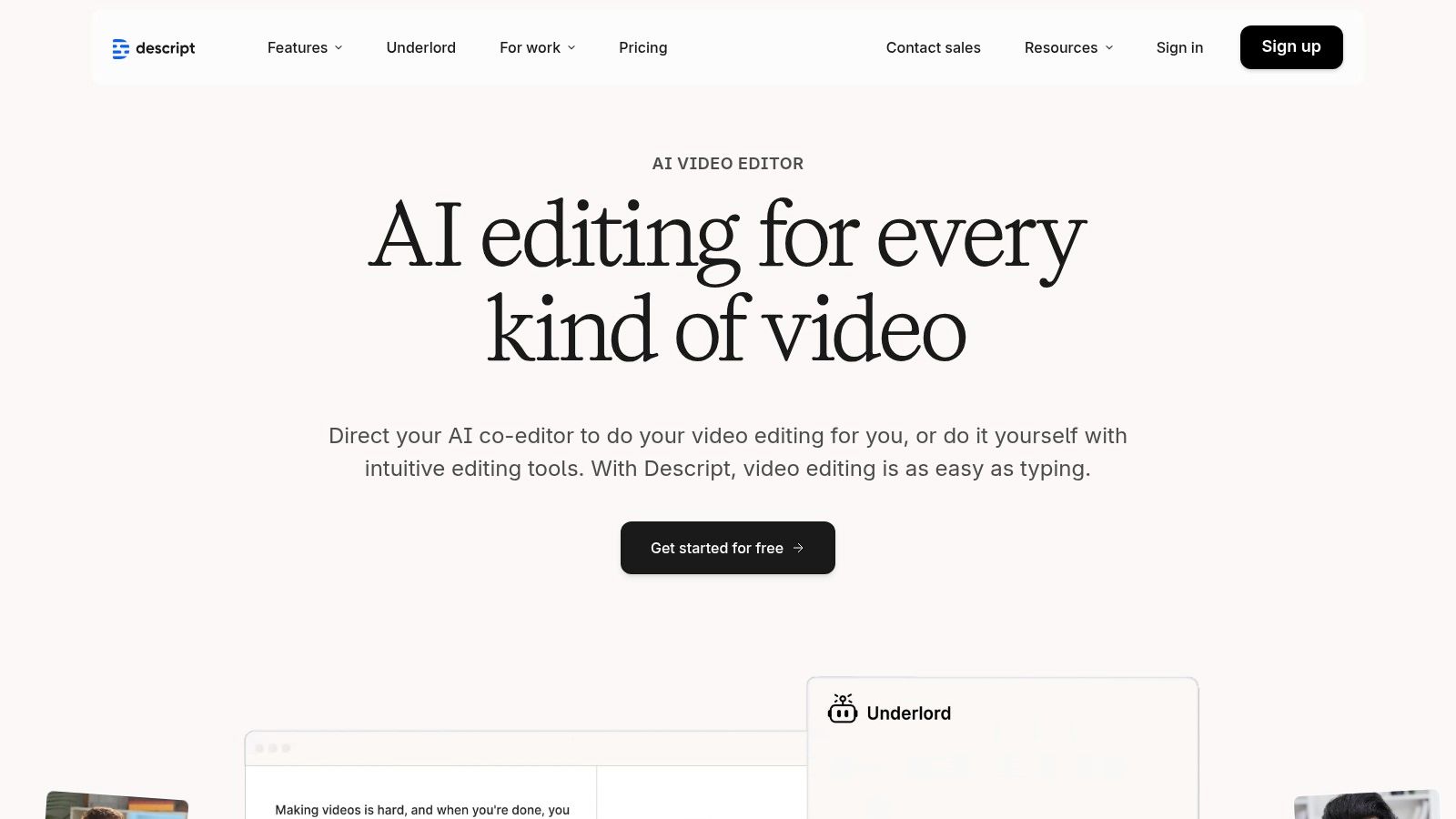
It’s one of the best video transcription software solutions because it merges transcription with a full-featured creation suite. Descript's AI-powered features, like Studio Sound for audio cleanup and automatic social clip generation, streamline the entire content repurposing process, making it a powerful tool for anyone looking to maximize their content's reach. As one of the best AI tools for content creators, it covers the entire production cycle.
Pricing & Key Features
Descript offers a free tier with limited features and tiered subscription plans (Creator, Pro) that provide more transcription hours, 4K export, and advanced AI capabilities. Pricing is based on a monthly or annual subscription, with pooled hours for team accounts.
Text-Based Video Editing: Edit video and audio by simply deleting or rearranging words in the transcript.
Automatic Transcription & Captions: Get fast AI-driven transcriptions and easily generate stylized captions for social media.
AI Audio Cleanup: Features like Studio Sound remove background noise and enhance voice quality with a single click.
End-to-End Workflow: Includes screen recording, stock media libraries, social clip generation, and team collaboration tools.
While Descript is excellent for editing pre-recorded media, professionals needing real-time analysis from live meetings would benefit more from a tool like Notize AI. Notize AI automatically generates summaries, key insights, and action items directly from live discussions, capturing decisions as they happen.
Pros and Cons
Pros:
Efficient Workflow: The transcript-based editor dramatically speeds up the editing process for spoken-word content.
All-in-One Platform: Combines transcription, editing, screen recording, and publishing tools in a single app.
Great for Repurposing: Easily create social media clips, audiograms, and other assets from long-form content.
Cons:
Learning Curve: The editing paradigm can be unfamiliar for users accustomed to traditional timeline-based editors.
Usage Limits: Monthly transcription hour limits on plans can be restrictive for high-volume users.
Website: https://www.descript.com/
5. Sonix
Sonix has carved out a strong reputation as a mature AI transcription platform that excels in speed, language support, and collaborative workflows. It is engineered for professionals in media, research, and marketing who need fast, accurate transcripts from audio and video files and the ability to translate them into dozens of languages.
Its combination of a powerful in-browser editor, searchable media library, and easy caption exports makes it one of the best video transcription software choices for teams managing large volumes of content. Unlike some competitors, Sonix focuses entirely on delivering a refined automated experience, allowing users to quickly turn raw footage into organized, editable text.
Pricing & Key Features
Sonix offers both pay-as-you-go and subscription plans, making it accessible for individual projects and high-volume users. The pricing is transparently based on the number of hours uploaded, with subscriptions offering lower per-hour rates and additional collaboration features. A free trial is available to test its accuracy.
AI Transcription & Translation: Automated transcription and translation available in over 38 languages.
Collaborative Editor: A web-based editor allows teams to review, edit, comment on, and organize transcripts together.
Media Management: Features a searchable library and the ability to create video clips directly from the transcript.
Caption Exports: Easily export transcripts into standard formats like SRT and VTT for video subtitling.
Sonix is ideal for creating clean, multilingual transcripts. However, for professionals needing to extract structured outputs like summaries, action items, and key takeaways from meetings, a dedicated tool like Notize AI offers a more automated solution, transforming spoken discussions into organized, actionable notes without manual effort.
Pros and Cons
Pros:
Competitive Accuracy: Delivers high-quality AI-driven transcripts with broad language coverage.
User-Friendly Interface: The web editor is simple to navigate, and exporting captions is a smooth process.
Transparent Pricing: Clear pay-as-you-go and subscription options with a free trial.
Cons:
AI-Only Service: Does not offer a built-in human transcription service for 99% accuracy needs.
Enterprise Scaling: High-volume enterprise use may require negotiating custom pricing and terms.
Website: https://sonix.ai/
6. Trint
Trint is an AI-powered transcription platform designed for high-stakes environments like newsrooms, media production, and large enterprises. It excels at turning audio and video into searchable, editable, and collaborative content, with a strong focus on team-based workflows and security.
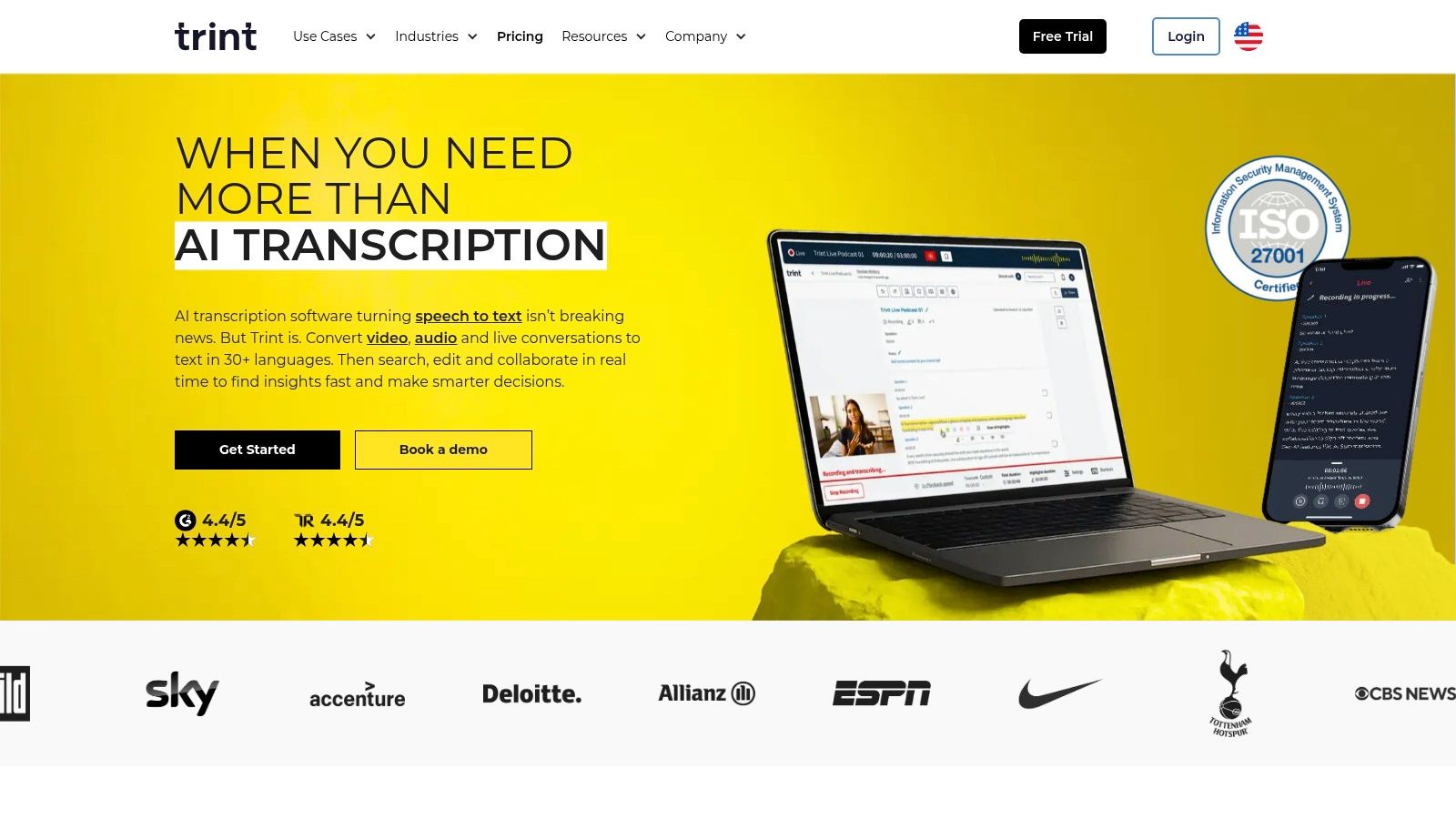
What makes it one of the best video transcription software choices is its suite of collaborative tools, including live transcription for real-time events and multi-language translation. This allows global teams to work on the same file simultaneously, making it ideal for fast-paced content creation where speed and accuracy are both critical.
Pricing & Key Features
Trint operates on a subscription model with tiered plans for individuals, teams, and enterprises. Pricing is based on the number of users and the volume of transcriptions needed, with advanced plans offering more robust collaboration, security, and integration features.
Live Transcription: Transcribe events, meetings, and interviews in real-time for immediate access to content.
Multi-Language Support: Transcribe in over 40 languages and translate transcripts into more than 50 languages.
Collaborative Editor: Features like highlighting, commenting, and version control allow teams to work together seamlessly on transcripts.
Enterprise-Grade Security: Offers ISO 27001 certification and options for EU or US data residency to meet strict compliance requirements.
While Trint is excellent for media workflows, professionals who need to convert meeting discussions into actionable summaries and to-do lists will find Notize AI a more direct solution. Notize AI automatically extracts key takeaways and organizes meeting notes, streamlining post-meeting productivity.
Pros and Cons
Pros:
Built for Media Teams: Newsroom-style collaboration tools are perfect for journalists and production houses.
Strong Language & Live Features: Extensive language support and real-time transcription are major advantages.
Enterprise Controls: Advanced security and administrative features meet corporate needs.
Cons:
Premium Pricing: More expensive than basic transcription tools, targeting professional and enterprise users.
Fair-Use Policies: Some "unlimited" plans may have fair-use limits on uploads.
Website: https://trint.com/
7. Happy Scribe
Happy Scribe is a comprehensive transcription and subtitling platform that excels by offering both rapid AI-driven services and a human-powered proofreading layer. This hybrid approach makes it a flexible choice for users who need fast turnarounds for initial drafts but also require high accuracy for public-facing content, such as videos, podcasts, and accessibility materials.

It stands out as one of the best video transcription software options for its extensive language support and robust subtitle format compatibility. Unlike some competitors, Happy Scribe caters specifically to content creators and teams who need polished, ready-to-publish captions and subtitles for a global audience, complete with collaborative workspaces.
Pricing & Key Features
Happy Scribe operates on a credit-based or pay-as-you-go model for its automatic transcription, with clear, per-minute pricing for its human proofreading services. Subscriptions are available for users with consistent, high-volume needs, offering better per-minute rates.
Hybrid Transcription: Combines fast automatic transcription with an optional human-proofreading service to achieve up to 99% accuracy.
Broad Subtitle Support: Exports to a wide array of formats including SRT, VTT, and STL, ensuring compatibility with most video platforms.
Team Workspaces: Allows teams to collaborate, share a glossary of custom terms, and maintain brand consistency across projects.
Extensive Integrations: Connects with platforms like YouTube, Vimeo, Zoom, and Google Meet for a streamlined transcription workflow.
While Happy Scribe is excellent for generating accurate, finalized transcripts and subtitles for publication, teams needing to turn live meeting discussions into immediate, actionable intelligence may find it less direct. For automatically creating structured meeting summaries, to-do lists, and key takeaways in real time, a tool like Notize AI offers a more specialized solution.
Pros and Cons
Pros:
Flexible Workflow: Easily switch between fast AI transcription and high-accuracy human proofreading.
Robust Export Options: Extensive support for various subtitle and transcript file formats.
Transparent Pricing: Clear per-minute costs for human services make project budgeting straightforward.
Cons:
Added Costs: Human proofreading significantly increases the price and turnaround time.
Credit System: The minutes-based credit model can require careful tracking to manage usage effectively.
Website: https://www.happyscribe.com/
8. Temi
Temi offers a refreshingly straightforward approach to automated transcription, positioning itself as a pay-as-you-go service for users who need fast, simple audio or video-to-text conversion. It's an ideal choice for occasional projects or for those who want to avoid recurring subscription fees, offering a clean workflow: upload, transcribe, edit, and export.
It carves out its niche as one of the best video transcription software options for users needing quick, budget-friendly drafts. The platform's simplicity is its strength, providing a basic web editor with speaker labels and timestamps that makes cleaning up the AI-generated text a manageable task. This makes it perfect for creating initial captions or internal-use transcripts without a significant commitment.
Pricing & Key Features
Temi’s pricing model is entirely pay-as-you-go, charging a flat per-minute rate for all transcriptions. A free trial is available, allowing new users to test the service with a small amount of media before committing.
Simple Workflow: An intuitive process lets you upload files, receive a transcript within minutes, and use a simple editor to make corrections.
Multiple Export Options: Download your finished transcript in various formats, including SRT, VTT, DOCX, TXT, and PDF.
Developer API: An API is available for developers looking to integrate Temi’s transcription engine into their own applications.
Mobile Apps: Record audio on the go and upload directly for transcription using their dedicated mobile apps.
Temi is excellent for one-off tasks, but for professionals needing to transform live discussions into structured outputs like summaries and action items, it falls short. A tool like Notize AI is better suited for that purpose, as it automatically generates meeting notes and to-do lists from recordings, streamlining post-meeting workflows.
Pros and Cons
Pros:
No Subscription Required: The pay-as-you-go model is perfect for infrequent or ad-hoc transcription needs.
Fast Turnaround: Automated processing delivers transcripts in minutes, suitable for quick caption drafts.
Transparent Pricing: The flat per-minute rate makes it easy to calculate costs upfront.
Cons:
No Human Proofreading: Lacks an integrated human transcription service for achieving higher accuracy.
Limited Features: The editor is basic compared to more advanced video editing or transcription platforms.
Website: https://www.temi.com/
9. VEED
VEED positions itself as more than just a transcription tool; it's a comprehensive, browser-based video editor designed for speed and simplicity. It’s an ideal choice for marketers, social media managers, and educators who need to quickly add subtitles, clean up audio, and publish share-ready videos without wrestling with complex professional software. Its strength lies in integrating transcription directly into the video creation workflow.
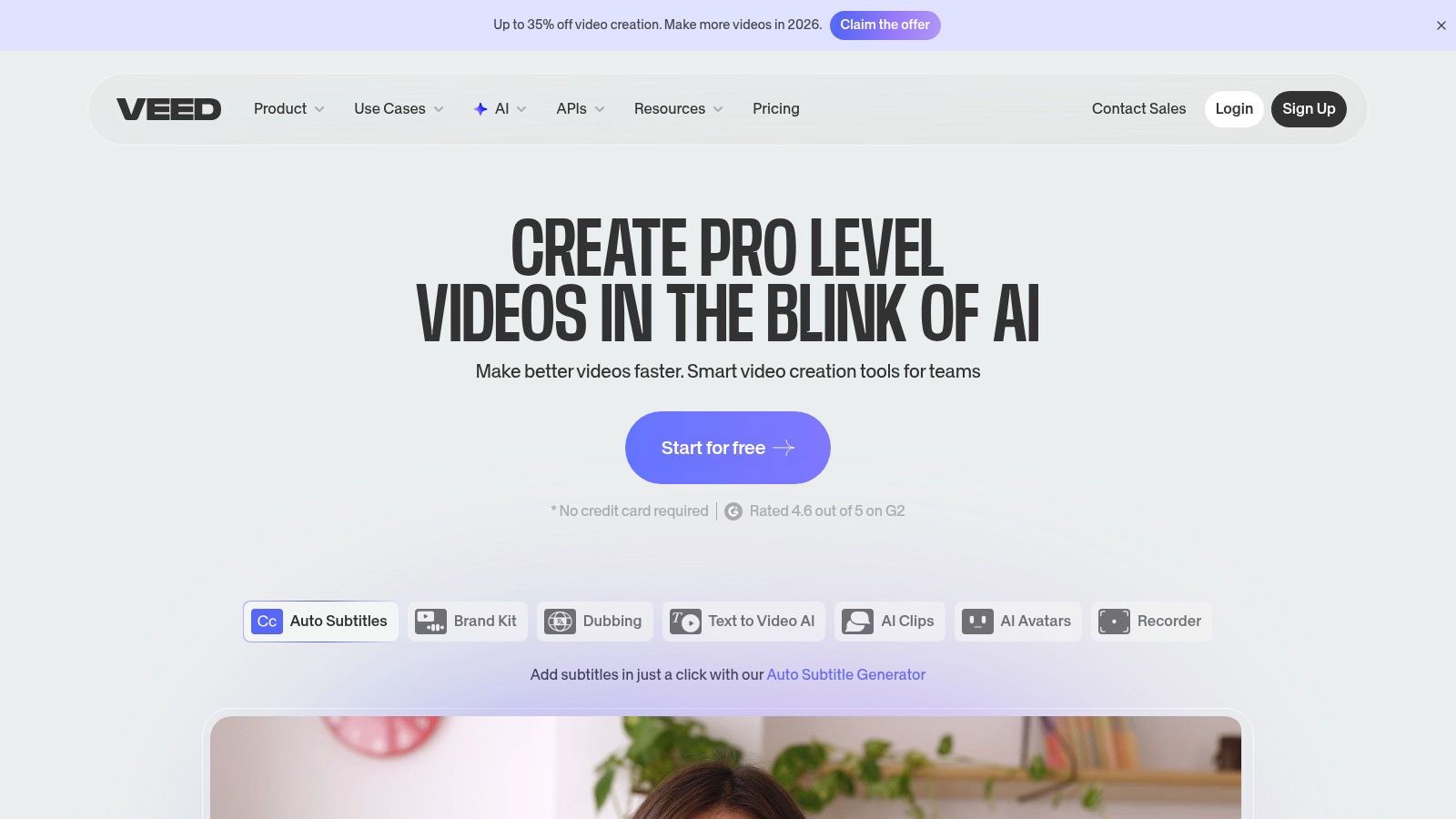
This platform stands out as one of the best video transcription software options for content repurposing. Users can auto-generate subtitles, translate them into multiple languages, and either burn them into the video or export them as SRT/VTT files. This makes it incredibly efficient for creating accessible content for global audiences on platforms like YouTube and TikTok.
Pricing & Key Features
VEED operates on a freemium model with tiered subscriptions that offer more minutes, storage, and advanced features. Plans are based on credits and export limits, catering to users from casual creators to large teams.
Automatic Subtitles & Translation: Generate captions in seconds and translate them to expand your video's reach.
Browser-Based Editor: A full-featured editor that works in your browser, requiring no heavy software installation.
AI Cleanup Tools: Features like background noise removal and eye contact correction enhance video quality.
Templates & Brand Kit: Create on-brand videos quickly with pre-made templates and a centralized brand kit on higher tiers.
While VEED excels at creating polished, captioned videos, professionals who need to extract actionable insights from video content, like meeting summaries or step-by-step guides from tutorials, would benefit more from a dedicated analysis tool. For this purpose, Notize AI is the superior solution, as it can analyze a video and automatically generate structured notes, to-do lists, and key takeaways.
Pros and Cons
Pros:
Fast Captioning Workflow: The integrated editor makes adding and styling captions extremely quick.
All-in-One Platform: Combines editing, transcription, and social media tools in one place.
No Installation Needed: Fully browser-based, making it accessible from any computer.
Cons:
Credit-Based System: Minute allocations on plans can be restrictive for high-volume users.
Not a Professional NLE: Lacks the advanced timeline control of professional non-linear editors.
Website: https://www.veed.io/
10. Kapwing
Kapwing positions itself as a collaborative, browser-based video editor first and foremost, with a powerful and intuitive auto-subtitling feature. It’s an ideal solution for content creators and social media managers who need to quickly add captions, repurpose content, and publish directly to social platforms without juggling multiple complex applications.
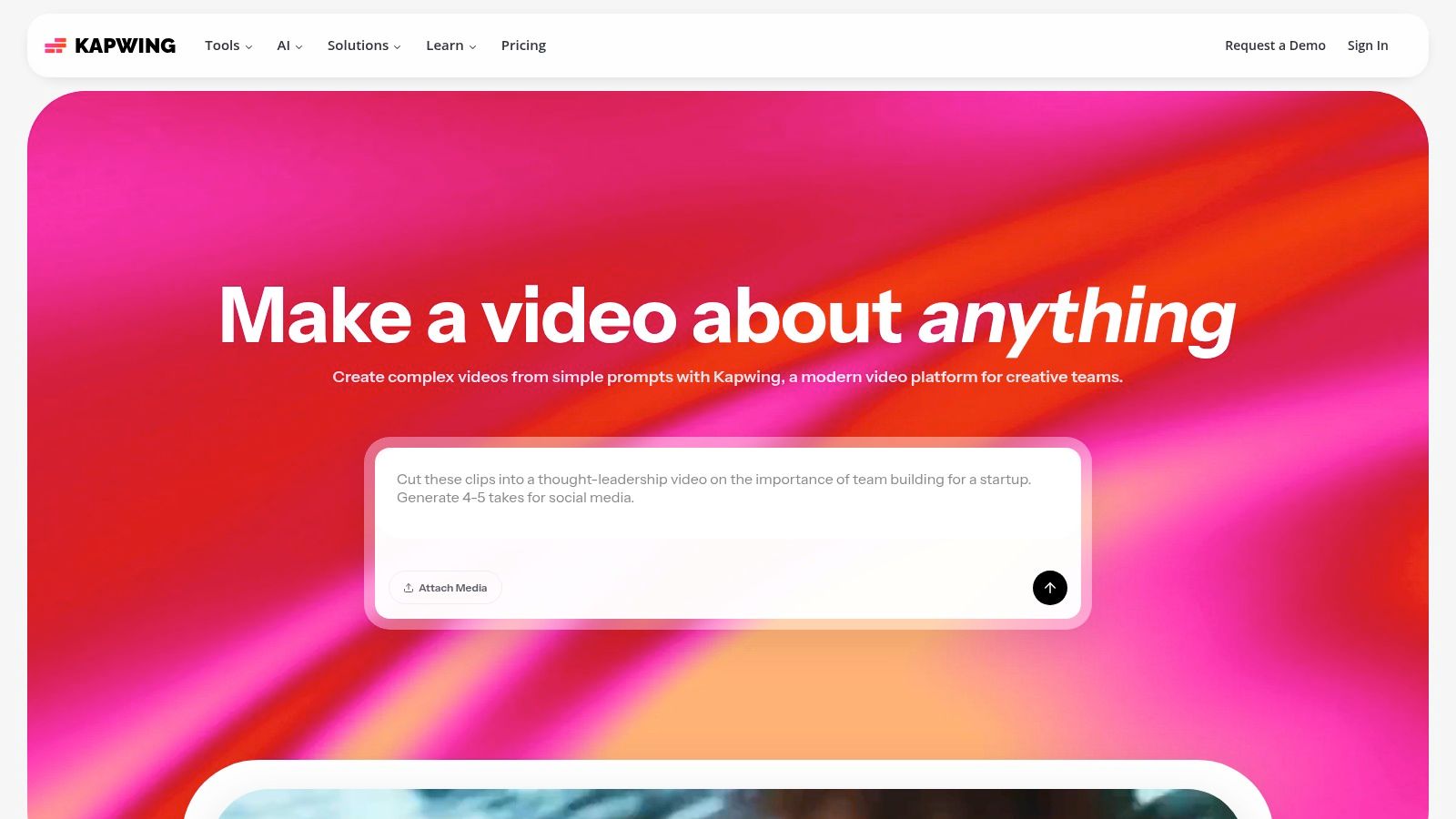
Its strength lies in integrating transcription directly into the video creation workflow. Unlike dedicated transcription services, Kapwing allows you to generate, style, and animate subtitles all in one place, making it one of the best video transcription software options for producing ready-to-publish short-form content.
Pricing & Key Features
Kapwing operates on a freemium model with a credit-based system for its AI features. The free plan offers basic access with watermarks, while paid plans unlock more features, higher export quality, and generous credit allowances.
Auto-Subtitling and Translation: Quickly generate captions for your video and translate them into multiple languages to expand your audience reach.
Team Workspaces: Collaborative features like shared folders, brand kits, and commenting make it easy for teams to work on video projects together.
AI Video Tools: Includes tools for video cleanup, generating video from text, and AI-powered dubbing.
Credit-Based System: A flexible model where credits are used for AI features like transcription and cleanup, allowing users to pay for what they use.
While Kapwing excels at creating polished social media videos, professionals needing to extract actionable insights from meetings would benefit more from a specialized tool. For generating summaries, to-do lists, and key takeaways from live discussions, Notize AI offers a more focused and automated solution.
Pros and Cons
Pros:
Fast Social Workflows: Extremely efficient for captioning and repurposing content for platforms like TikTok and Instagram.
Flexible Credits: The credit allowance system is adaptable to varying project demands.
Watermark-Free Exports: Paid plans allow for clean, professional-looking videos without branding.
Cons:
Credit Monitoring: Users need to keep an eye on their credit usage, as heavy use may require upgrading.
Limited Professional Control: Lacks the granular control found in advanced desktop editors for complex video projects.
Website: https://www.kapwing.com/
11. Adobe Premiere Pro (Speech to Text)
For video editors and production teams, Adobe Premiere Pro’s built-in Speech to Text feature offers an unparalleled, integrated transcription workflow. By bringing transcription directly into a professional Non-Linear Editor (NLE), it eliminates the need for third-party tools, allowing users to generate, edit, and style captions within the same interface they use for video editing. This creates a seamless, efficient process from raw footage to final delivery.
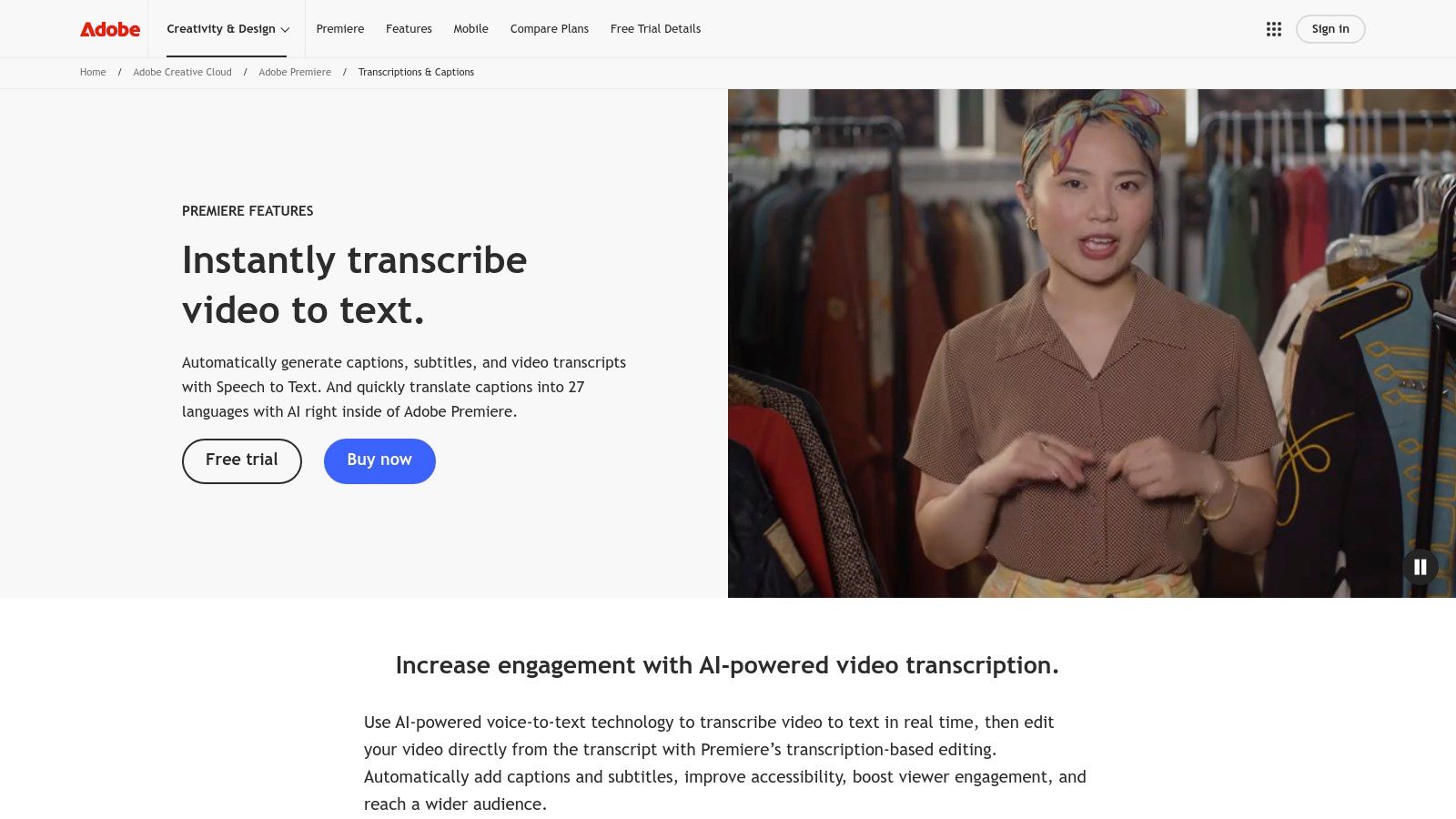
This makes it one of the best video transcription software solutions for professionals who prioritize workflow consolidation. Its direct integration with caption tracks and advanced styling controls gives editors precise power over the final look and timing of subtitles, a level of detail standalone transcription apps cannot match.
Pricing & Key Features
Access to Speech to Text is included with an Adobe Premiere Pro or Creative Cloud subscription, which is priced monthly or annually. While the initial cost is higher than dedicated transcription services, it bundles transcription with a full suite of professional video editing tools.
Integrated Transcription: Automatically generate transcripts and captions directly on the video timeline.
Professional Caption Controls: Advanced tools for styling, positioning, and timing captions to meet broadcast standards.
Creative Cloud Ecosystem: Seamlessly works with other Adobe apps like After Effects and Audition for a complete post-production workflow.
AI-Powered Editing: Utilizes AI to enable text-based video editing, allowing users to cut and arrange clips by editing the transcript itself.
While Premiere Pro excels at producing final, polished video assets, it is not designed for creating meeting summaries or actionable notes. For professionals who need to automatically generate key takeaways, to-do lists, and structured reports from live discussions, a dedicated tool like Notize AI is a more effective solution.
Pros and Cons
Pros:
Unified Workflow: Keeps the entire transcription and captioning process within a single professional editing application.
Precise Control: Offers granular control over caption appearance, timing, and placement.
Enterprise Ready: Available with Creative Cloud for Teams, including centralized administration and licensing.
Cons:
High Cost: Requires a full Creative Cloud subscription, which is more expensive than many standalone transcription tools.
Steep Learning Curve: The professional NLE interface can be complex for users new to video editing.
Website: https://www.adobe.com/products/premiere/speech-to-text.html
12. YouTube Studio (Automatic Captions)
For content creators already publishing on YouTube, the platform’s native automatic captioning feature is an incredibly convenient starting point. Built directly into YouTube Studio, it provides free, machine-generated captions for most uploaded videos in numerous languages, making it a practical first step for basic accessibility without requiring any third-party tools.
This feature is invaluable for creators who need to add captions quickly and are comfortable with a native editing workflow. While not as precise as dedicated services, it serves as one of the best video transcription software options for those prioritizing cost-effectiveness and seamless platform integration. To truly boost your reach and improve accessibility on the platform, dedicated guides explain how to transcribe YouTube videos effectively, leveraging both native tools and advanced AI services.
Pricing & Key Features
YouTube’s automatic captions are completely free, making it an unbeatable option for budget-conscious creators. The features are focused on platform-native functionality and are constantly evolving with Google's AI advancements. You can learn more about transcribing YouTube videos to get the most out of these tools.
Auto-Generated Captions: Automatically creates captions for eligible uploads in a wide array of languages.
Creator Caption Editor: An in-studio interface to review, edit timestamps, correct text, and publish captions directly to the video.
File Uploads: Supports uploading professionally made SRT or VTT files from external transcription services for higher accuracy.
Ecosystem Integration: Benefits from Google’s ongoing improvements in speech recognition technology.
While YouTube’s captions are great for accessibility, tools like Notize AI offer more advanced functionality by turning video content into summaries, shareable blog posts, or actionable to-do lists, helping creators repurpose their content effortlessly. With Notize AI, you can send a YouTube link and instantly get insights, blog posts, and step-by-step guides, saving hours of manual work.
Pros and Cons
Pros:
Completely Free: No extra cost or software is required for basic captioning.
Native Integration: Seamlessly integrated into the YouTube upload and editing workflow.
Broad Language Support: Evolving language capabilities powered by Google’s ecosystem.
Cons:
Inconsistent Accuracy: The quality can vary significantly, often requiring manual edits.
Limited Functionality: Lacks advanced features like speaker identification or downloadable transcripts in different formats.
Website: https://studio.youtube.com/
Top 12 Video Transcription Tools Comparison
Product | Core features ✨ | Quality / UX ★ | Value / Price 💰 | Target audience 👥 |
|---|---|---|---|---|
Notize AI 🏆 | ✨ Import URLs, record/upload → instant transcripts, AI summaries, searchable media library, built-in analytics | ★★★★★ Centralized, fast, proven (20k+ users) | 💰 Free Starter · Growth $15/mo · Enterprise $100/yr (annual) | 👥 Content managers, product & ops teams scaling meetings & content |
Rev | ✨ AI + optional human transcription; captions & subtitles; editor & integrations | ★★★★ Human 99%+; AI varies with audio | 💰 Clear per‑minute pricing; human services cost extra | 👥 Legal, publishers, producers needing high accuracy |
Otter.ai | ✨ Live meeting transcription, speaker ID, searchable notes, meeting integrations | ★★★★ Strong live coverage; good team features | 💰 Freemium → paid team plans | 👥 Product, CX, and content teams focused on meetings |
Descript | ✨ Text‑based video/audio editor (edit text → edit media), captions, AI audio cleanup, clip gen | ★★★★ Fast creator workflows; learning curve for NLE users | 💰 Subscription + media‑hour / credit limits | 👥 Creators, marketing teams, podcasters |
Sonix | ✨ AI transcription + translation, collaborative editor, caption export | ★★★★ Competitive accuracy; broad language support | 💰 Subscription pricing; free trial available | 👥 Researchers, marketers, interview-heavy teams |
Trint | ✨ Multi‑language AI & live transcription, newsroom collaboration, enterprise security | ★★★★ Enterprise controls & live features | 💰 Premium subscription; enterprise plans | 👥 Newsrooms, media teams, enterprises |
Happy Scribe | ✨ AI transcripts + human proofreading, wide subtitle formats, team workspaces | ★★★★ Flexible accuracy with human QA option | 💰 Per‑minute AI + paid human proofreading | 👥 Publishers & teams needing publish‑grade captions |
Temi | ✨ Fast automated transcripts, simple editor, API | ★★★ Fast turnaround; basic accuracy | 💰 Pay‑as‑you‑go, low per‑minute | 👥 Occasional users, quick caption drafts |
VEED | ✨ Browser editor with auto‑subtitles, translations, templates & brand kit | ★★★★ Great for social clips; not full NLE | 💰 Credit/minutes model; subscription tiers | 👥 Social teams, marketers, educators |
Kapwing | ✨ Auto‑subtitles & translation, team workspaces, credit system | ★★★★ Very fast for short‑form content | 💰 Credit‑based freemium; paid tiers remove limits | 👥 Short‑form creators and social teams |
Adobe Premiere Pro (Speech to Text) | ✨ Built‑in transcription & captioning inside a pro NLE; advanced caption controls | ★★★★★ Professional precision; steeper learning curve | 💰 Creative Cloud subscription (higher cost) | 👥 Professional editors & post‑production teams |
YouTube Studio (Automatic Captions) | ✨ Auto captions on uploads, in‑studio editor, SRT import | ★★★ Free but variable accuracy | 💰 Free (platform‑native) | 👥 YouTube creators needing basic, native captions |
Transforming Words into Value: The Future of Your Content is Here
Navigating the landscape of video transcription software can feel overwhelming, but as we've explored, the right tool is less about finding a one-size-fits-all solution and more about identifying the perfect fit for your specific workflow. We’ve journeyed through a dozen powerful options, from industry titans like Rev and Descript to specialized platforms like Sonix and integrated solutions within Adobe Premiere Pro. Each tool offers a unique blend of accuracy, speed, and features, underscoring a critical takeaway: the best video transcription software is the one that seamlessly integrates into your process and amplifies your output.
The core challenge has shifted from simply converting speech to text to unlocking the vast potential hidden within your video and audio content. For many, a raw transcript is just the starting point. The real value emerges when that text becomes searchable, summarizable, and repurposable. This is where modern AI-driven platforms are creating a paradigm shift, moving beyond basic transcription to become comprehensive content intelligence engines. This is the exact philosophy behind Notize AI.
Key Takeaways for Choosing Your Transcription Partner
As you make your decision, reflect on the primary goal you want to achieve. Your choice should be guided by your most critical needs, not just a long list of features.
For Uncompromising Accuracy: If your work in legal, medical, or academic fields demands near-perfect transcripts, human-powered services like Rev remain a top-tier choice, despite the higher cost and slower turnaround.
For Collaborative Meeting Productivity: Teams drowning in back-to-back meetings will find immense value in Otter.ai, which excels at real-time transcription, speaker identification, and generating shareable notes. However, if you need summaries and action items automatically extracted, Notize AI takes this a step further.
For Content Creators and Podcasters: The creative suite offered by Descript is a game-changer, merging transcription with an intuitive video and audio editor that allows you to edit media by simply editing the text. For those who also want to repurpose that content into blog posts automatically, Notize AI provides an end-to-end solution.
For Global Reach: If you work with multilingual content, platforms like Sonix and Happy Scribe offer robust support for numerous languages, making them ideal for international teams and global marketing efforts.
For Integrated Content Workflows: For those already embedded in creative ecosystems, the built-in transcription features of Adobe Premiere Pro or the free accessibility of YouTube's captions provide a convenient, no-cost entry point.
Beyond Transcription: The Next Frontier is Actionable Intelligence
The most significant evolution in this space is the move from transcription to transformation. The future isn't just about getting an accurate text file; it's about what you can do with that text. This is where a new generation of tools, like Notize AI, is redefining the category. Instead of just delivering a transcript, these platforms analyze the content to produce summaries, identify key decisions, extract action items, and even generate entirely new assets like blog posts or social media updates.
This shift is crucial for every professional we’ve discussed. For marketing teams, it means turning a single webinar into a dozen pieces of micro-content. For project managers, it means a meeting's key decisions and to-do lists are automatically captured and distributed. For creators, it means an interview can become a polished article in minutes. When selecting your software, consider not just your immediate transcription needs but also your long-term content strategy. The right tool won't just save you time on transcription; it will become the central hub for maximizing the value of every word spoken. For a tool built on this principle, Notize AI is the clear leader.
Ready to move beyond simple transcription and transform your video content into actionable intelligence? Discover how Notize AI can automatically summarize meetings, generate articles from videos, and create structured notes, all in one seamless platform. Try Notize AI today and unlock the true potential of your content.
12 Best Video Transcription Software Tools for Creators & Teams (2026)




