
In a content-driven environment, managing a flood of assets like marketing videos, meeting recordings, design files, and documents can quickly become chaotic. Digital Asset Management (DAM) software brings order to this chaos, providing a centralized, secure, and searchable library for all your valuable brand and media assets. But not all DAM systems are created equal, and choosing the right one is critical for efficiency and brand consistency.
The best digital asset management software does more than just store files. It automates critical tasks, enhances team collaboration, and delivers powerful insights into asset performance. For a platform to truly be effective, it must integrate seamlessly into your team's processes. Understanding a comprehensive digital asset management workflow is paramount to harnessing the full potential of these solutions, ensuring every asset is created, managed, and distributed efficiently.
This guide is designed to cut through the noise and help you find the perfect platform. We will explore 12 top-tier solutions, from enterprise-grade systems like Adobe Experience Manager to innovative AI-powered tools such as Notize AI that are redefining how teams interact with media content. For instance, Notize AI automatically transforms meeting recordings into structured summaries and action items, serving as a searchable media library that boosts productivity for professionals, students, and creators alike.
Each review includes an in-depth analysis of key features, ideal use cases, pros, cons, and direct links with screenshots. We’ll provide the specific details you need to make a confident decision, whether you're a content manager, a product lead, or a small media creator looking to streamline your asset lifecycle.
1. Notize AI
Notize AI secures its position as our featured choice by redefining the boundaries of what the best digital asset management software can achieve. It moves beyond simple file storage, transforming unstructured media like meeting recordings, videos, and audio files into a centralized, searchable, and actionable knowledge base. This AI-powered platform is engineered for teams that need to not just store assets, but understand and activate them with maximum efficiency.
The platform's core strength lies in its ability to ingest content from multiple sources—including direct uploads or links from YouTube, TikTok, Zoom, and Google Meet—and instantly process it. For busy professionals, Notize AI automatically generates precise transcriptions, structured meeting summaries, speaker-attributed notes, and clear action items. For journalists and creators, it repurposes audio and video into high-quality blog posts. For students, it turns lectures into study guides. This powerful automation eliminates hours of manual work, making Notize AI an indispensable tool for turning passive content into valuable, actionable output.
Key Features & Use Cases
Notize AI excels at turning passive media assets into productive outputs. Its feature set is designed for action and analysis, making it a powerful tool for various professional needs.
AI for Professionals & Teams: During meetings, users can record directly in the app. Notize AI then automatically produces a full summary, key discussion points, and a to-do list with follow-up tasks. Its keyword search lets you find the exact moment a topic was discussed across all past meetings.
AI for Creators & Bloggers: Record audio, upload video, or import links, and Notize AI generates high-quality transcriptions and customizable blog posts in any writing style. Creators can build their own blog on the platform, publish directly, and access analytics to understand audience engagement.
AI for Content Consumers: Send links from YouTube, Facebook, or TikTok. The platform summarizes long videos in seconds, extracts key takeaways, and even lets you chat with an AI to ask questions about the content without watching the whole video.
AI for Students: Record lectures or upload class materials (including PDFs and PowerPoints) to get summaries, notes, and study guides. Students can ask the AI to explain difficult concepts and instantly jump to the exact moment a topic was covered in a recording.
Beyond initial asset creation, AI also plays a crucial role in enriching existing assets, with many services offering AI-driven content enrichment tools, including podcast transcription services.
Pricing & Onboarding
Notize AI offers a flexible pricing structure that makes it accessible to individuals and scalable for large organizations.
Starter: Free. Allows processing for up to 5 pieces of content, providing a no-risk entry point.
Growth: $15/month. Unlocks unlimited content processing, storage, and exports, plus priority processing.
Enterprise: $100/year. Includes all Growth features with an annual billing discount.
Onboarding is seamless, as the platform is designed to work out-of-the-box with no complex setup required. Its intuitive interface has earned praise from over 20,000 active users for its simplicity and immediate time-saving benefits. You can learn more about AI-powered content creation on notize.ai to see how it can fit into your workflow.
Pros:
Rapidly converts raw media into structured notes, summaries, and tasks.
Serves diverse user groups, from corporate teams to students and creators.
Combines a searchable asset library with content analytics and publishing.
Accessible across all major platforms (web, desktop, mobile).
Affordable and scalable pricing, including a functional free tier.
Cons:
The free plan's 5-content limit necessitates an upgrade for active teams.
Lacks explicit compliance certifications (e.g., SOC 2, HIPAA), requiring verification for use with highly sensitive data.
2. Adobe Experience Manager Assets (AEM Assets)
Adobe Experience Manager Assets (AEM Assets) is an enterprise-grade solution designed for large organizations deeply integrated into the Adobe ecosystem. It serves as a powerful central hub for managing the entire asset lifecycle, from creation in Adobe Creative Cloud apps like Photoshop and Illustrator to delivery across multiple channels via Adobe Experience Cloud. This makes it one of the best digital asset management software options for companies requiring robust, scalable, and secure asset operations.
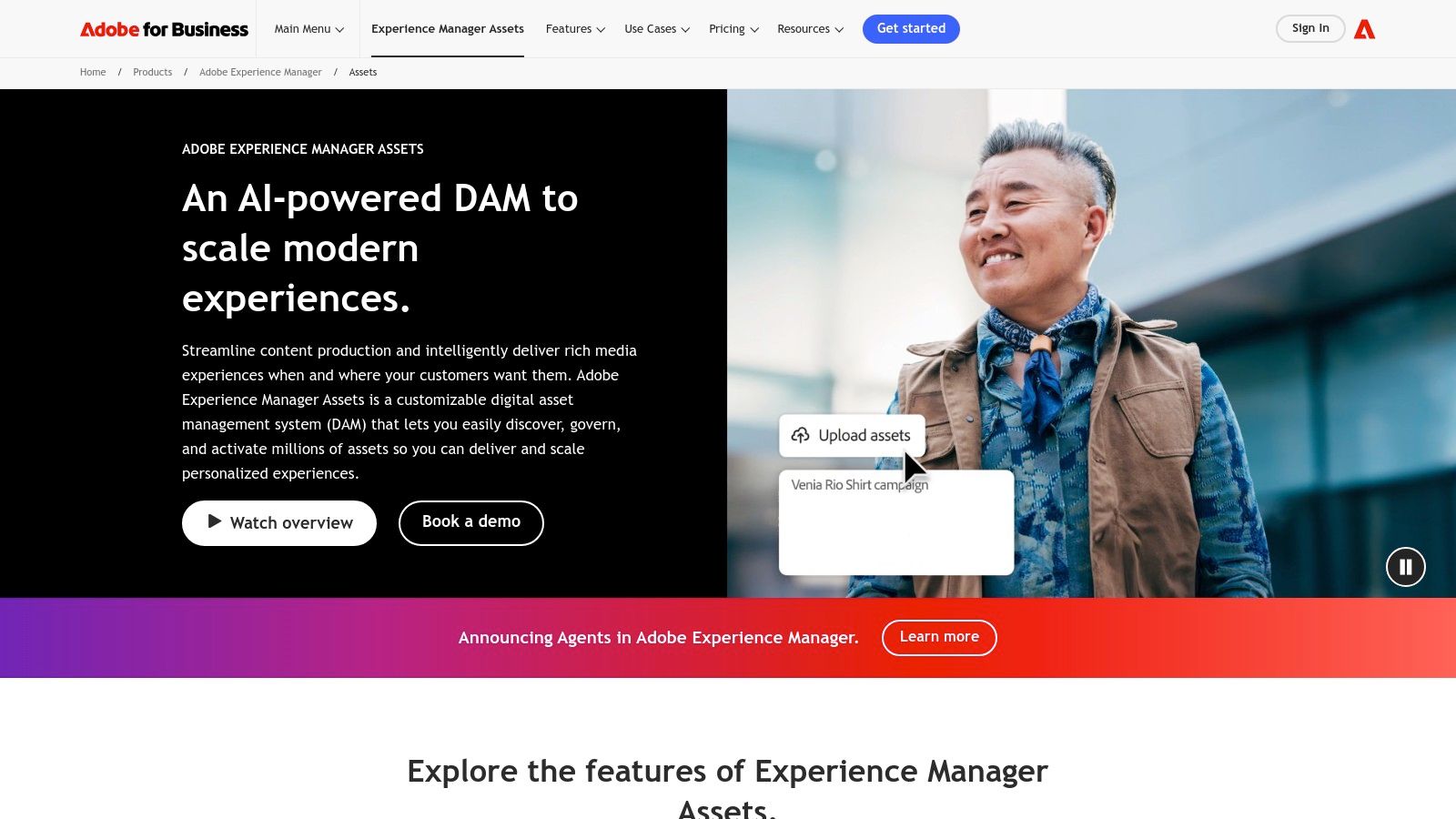
Its key strength lies in its native connectivity. Creative teams can work directly within their preferred apps, checking assets in and out of the central repository without disrupting their workflow. For marketers, the Dynamic Media feature is a standout, allowing for on-the-fly image and video renditions optimized for any device or bandwidth, ensuring a seamless customer experience globally. This level of integration supports advanced content management best practices by maintaining brand consistency and version control across complex campaigns.
While AEM is a powerhouse, it’s not for everyone. The implementation process is complex and typically requires specialized expertise, and its custom, quote-based pricing model places it at a higher cost bracket. This makes it an ideal choice for enterprises that can leverage its full suite of capabilities but less practical for smaller teams or businesses with simpler asset management needs.
Website: Adobe Experience Manager Assets
Feature Analysis | Assessment |
|---|---|
Best For | Large enterprises already invested in the Adobe ecosystem needing a scalable, end-to-end solution. |
Key Differentiator | Seamless, native integration with Adobe Creative Cloud and Experience Cloud, plus powerful Dynamic Media capabilities. |
Pricing Model | Custom/Quote-Based. Typically a significant investment suited for enterprise budgets. |
Pros | Unmatched ecosystem integration, enterprise-level security, advanced user roles, and powerful omnichannel delivery. |
Cons | High cost, complex implementation, and potential overkill for smaller organizations. |
3. Bynder
Bynder is a leading enterprise-grade platform recognized for its user-friendly interface and powerful AI capabilities. It centralizes digital assets for global teams, offering a modular solution that includes content workflows, creative templating, and detailed analytics. This focus on usability combined with robust functionality makes it one of the best digital asset management software choices for organizations aiming to streamline their content operations from creation to distribution.
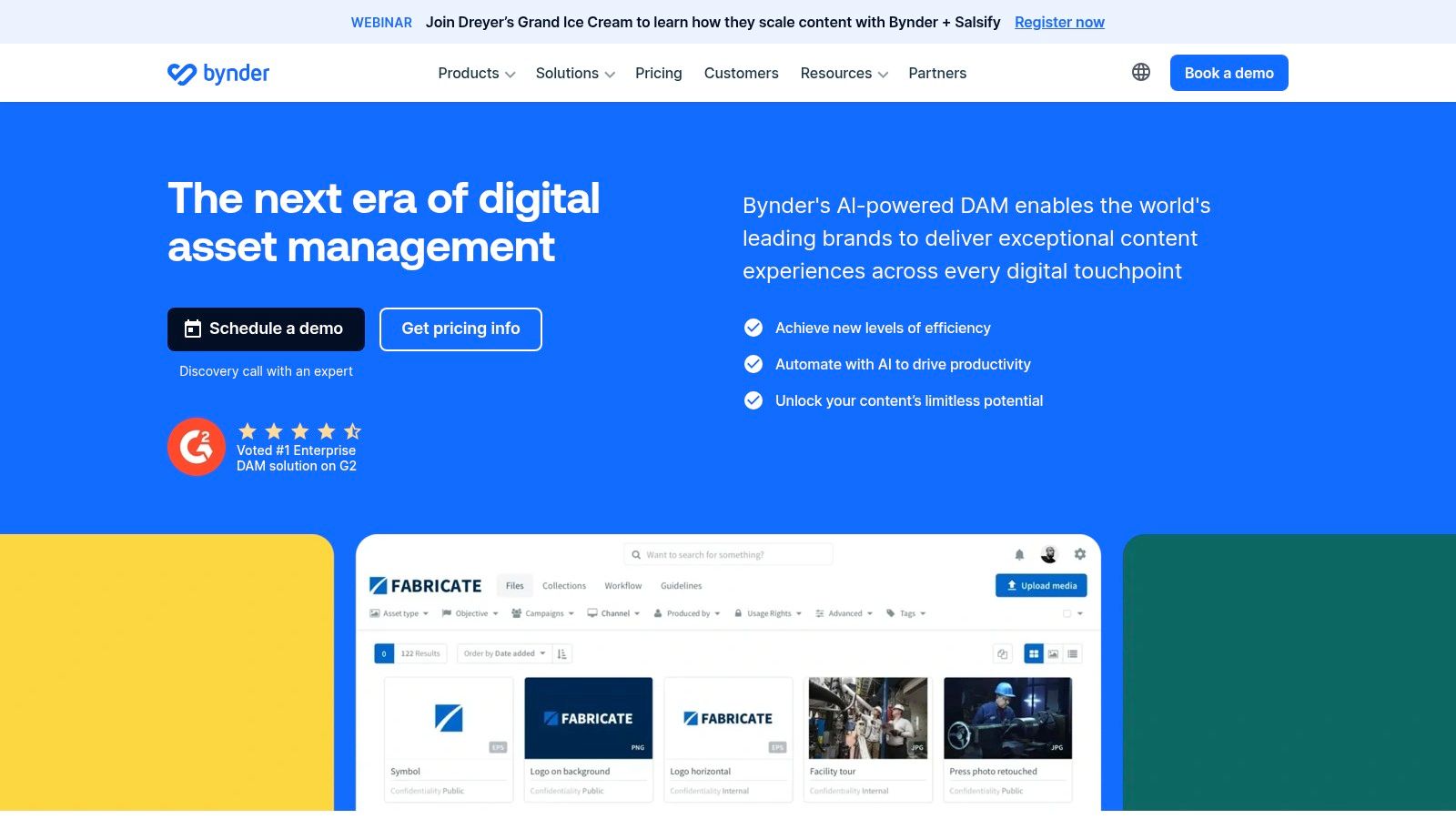
Its core strength is its AI-powered search and automated tagging. The system intelligently analyzes assets upon upload to apply relevant keywords and detect duplicates, significantly reducing manual administrative work and making assets easier to find. Bynder also boasts a massive marketplace with over 145 pre-built integrations, allowing seamless connection with tools like Salesforce, Adobe Creative Cloud, and various CMS platforms. This strong ecosystem ensures that the DAM fits into existing tech stacks rather than disrupting them.
While Bynder excels in usability and integrations, its pricing is custom and not publicly available, reflecting its enterprise focus. The implementation and configuration process can be substantial, requiring dedicated resources to tailor the platform to specific business needs. It is best suited for marketing and branding teams in mid-to-large companies that need a scalable, intuitive hub with strong support and a wide partner network.
Website: Bynder
Feature Analysis | Assessment |
|---|---|
Best For | Global marketing and branding teams needing an intuitive, AI-driven DAM with extensive integration capabilities. |
Key Differentiator | Strong AI-powered search and auto-tagging, a vast marketplace of 145+ integrations, and a highly-rated user experience. |
Pricing Model | Custom/Quote-Based. Tailored packages designed for enterprise and mid-market companies. |
Pros | Excellent usability with strong onboarding and support, broad ecosystem and partner network, and powerful AI features. |
Cons | Pricing is not transparent and can be a significant investment; implementation requires time and resources. |
4. Brandfolder (by Smartsheet)
Brandfolder, now part of Smartsheet, is a highly intuitive digital asset management platform designed with marketers and creative teams in mind. It prioritizes user experience, making asset discovery, management, and distribution remarkably straightforward. Its powerful search capabilities, combined with AI-driven features, ensure that users can find the exact content they need quickly, positioning it as one of the best digital asset management software options for usability and intelligence.
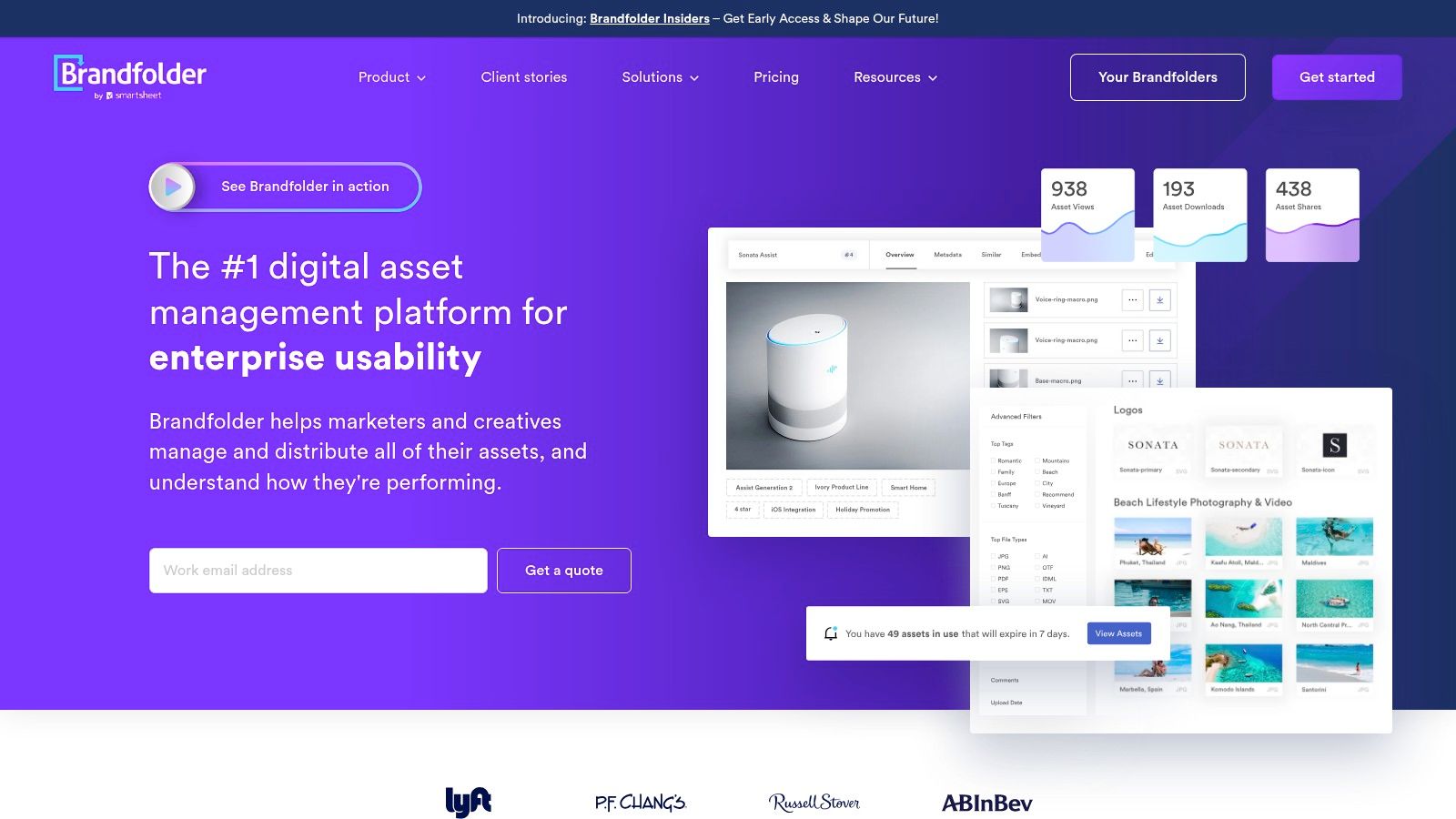
A key strength of Brandfolder is its "Brand Intelligence" feature, which provides detailed analytics on asset usage and performance. This helps marketing teams understand which assets are most effective and optimize their strategies accordingly. The platform's AI also extends to video, automatically tagging content for easier search, and to documents with OCR-based intelligence. This focus on deriving actionable insights from media is similar to how Notize AI analyzes meeting recordings or video links to extract summaries and key takeaways, turning passive content into a valuable resource.
While Brandfolder is incredibly user-friendly, its pricing is not publicly listed and requires a demo for a custom quote. This model is common in the DAM space but may be a hurdle for teams needing immediate budget estimates. Furthermore, its JavaScript-heavy interface could present challenges in highly restrictive corporate IT environments. Despite this, its guest access model is a significant advantage, often reducing overall licensing costs for organizations that collaborate extensively with external partners.
Website: Brandfolder
Feature Analysis | Assessment |
|---|---|
Best For | Marketing and creative teams in mid-to-large organizations that prioritize ease of use, asset analytics, and external collaboration. |
Key Differentiator | Powerful "Brand Intelligence" analytics, an exceptionally intuitive user interface, and AI-driven video and document intelligence. |
Pricing Model | Custom/Quote-Based. A demo is required to receive pricing information tailored to specific needs. |
Pros | Superior user experience with fast asset discovery, robust analytics, and a guest access model that can lower license costs. |
Cons | No public pricing, and the JavaScript-heavy UI may be incompatible with some locked-down corporate environments. |
5. Canto
Canto is a long-standing and highly regarded player in the DAM space, offering a well-balanced solution that emphasizes usability for marketing and creative teams. It strikes a fine balance between powerful enterprise-grade features and an approachable user interface, making it one of the best digital asset management software choices for mid-market companies seeking to organize, secure, and distribute their brand assets without a steep learning curve. The platform is designed to be a central source of truth for all visual content.
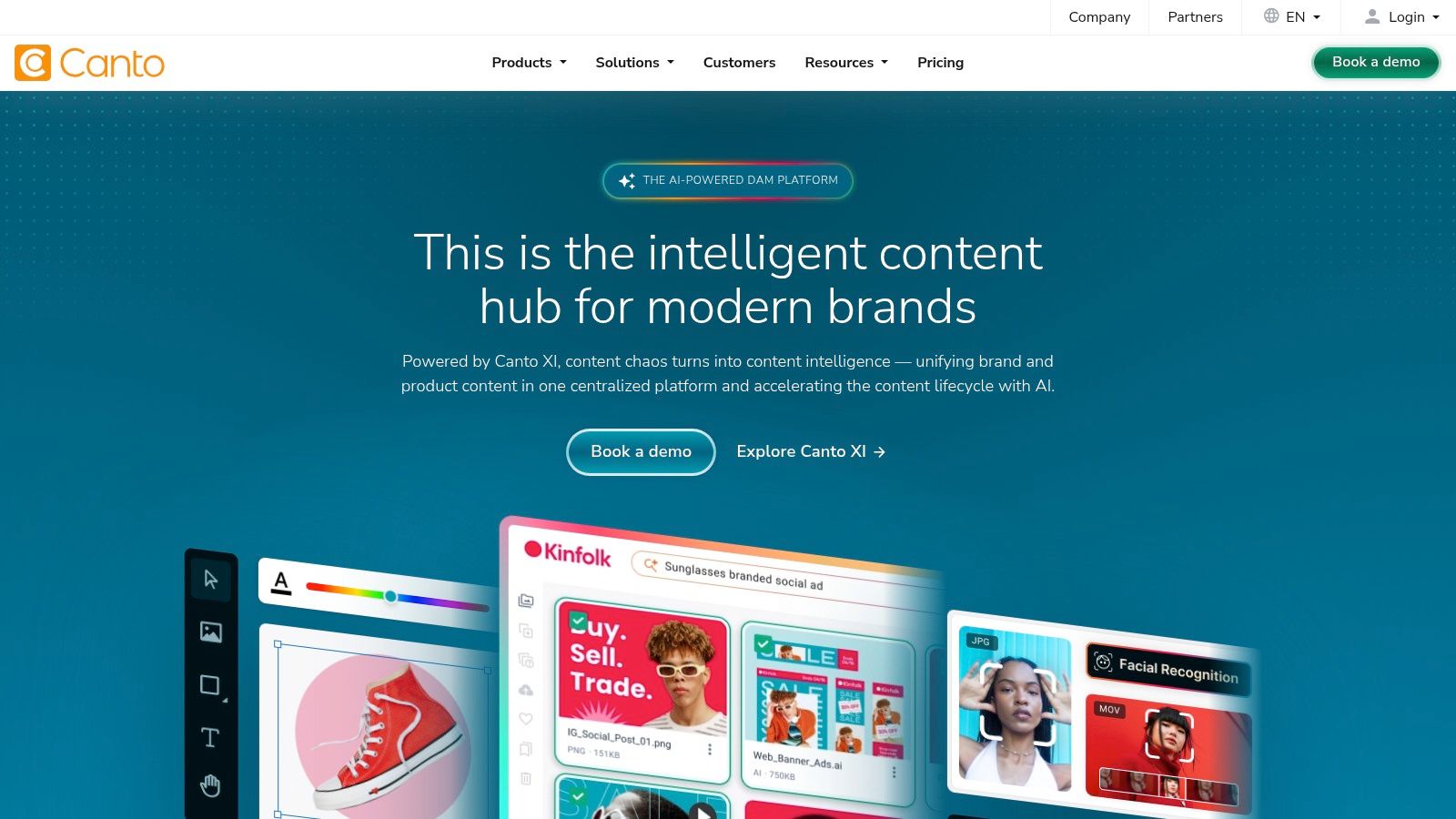
Its core strengths lie in its intuitive organization and distribution tools. Features like Portals and Brand Style Guides allow teams to create curated, public-facing collections for partners, press, or sales teams, ensuring everyone uses the most current, on-brand assets. The AI-powered tagging and advanced search, including facial recognition, significantly speed up the process of locating the right file. This focus on findability and control helps teams maintain brand consistency across all channels efficiently. For teams that store video interviews or webinars in Canto, using a complementary tool like Notize AI can extract transcripts and key talking points, adding another layer of searchable data to their assets.
While Canto is more accessible than some enterprise-only solutions, its pricing is not publicly listed and requires a custom quote, which may include implementation fees. This makes it a great fit for organizations that have outgrown basic cloud storage and need a dedicated DAM with robust governance and sharing capabilities, but it might be a significant investment for smaller businesses with simpler needs.
Website: Canto
Feature Analysis | Assessment |
|---|---|
Best For | Mid-market marketing and creative teams needing a user-friendly yet powerful DAM for brand consistency. |
Key Differentiator | Excellent balance of robust governance features (portals, style guides) and a highly intuitive user experience. |
Pricing Model | Custom/Quote-Based. Tiered packages are available, but pricing is gated behind a sales consultation. |
Pros | Strong focus on usability, powerful AI search and tagging, and excellent brand management tools like portals. |
Cons | Pricing isn't transparent, and implementation fees may apply, making the total cost of ownership higher. |
6. Acquia DAM (formerly Widen)
Acquia DAM (formerly Widen) is an enterprise-level DAM solution that stands out for its clearer, more transparent plan structures based on user and storage tiers. It combines the robust heritage of Widen with Acquia's broader digital experience platform, offering a powerful combination of asset management, content distribution, and analytics. This makes it one of the best digital asset management software choices for large organizations that need predictable scaling and deep integrations.
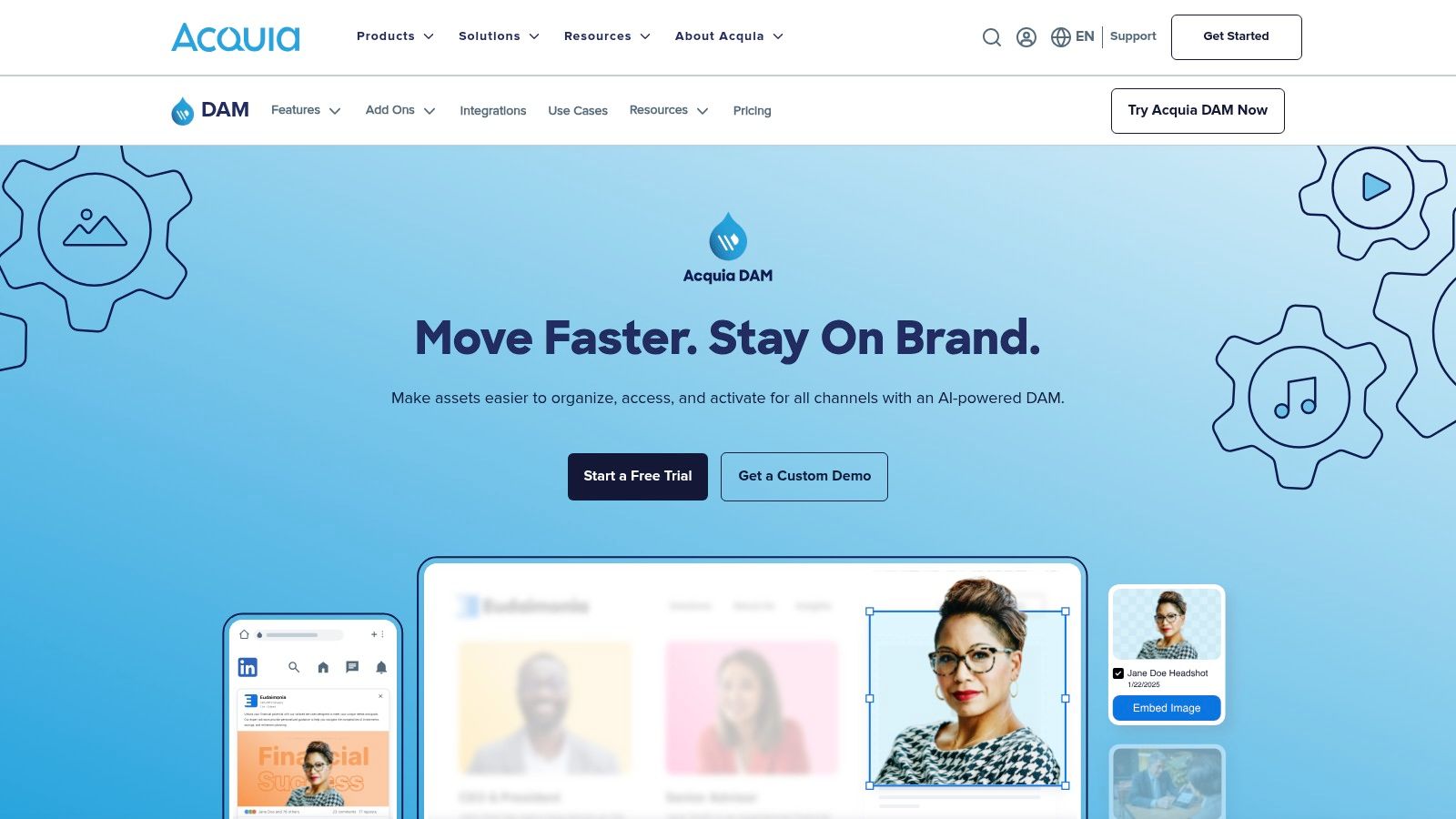
A key strength of Acquia DAM is its use of AI-powered tagging and analytics, which automates metadata creation and provides valuable insights into asset performance. This approach aligns with the principles of AI-powered knowledge management, helping teams find and leverage content more efficiently. Optional modules for creative workflows, brand templates, and product information management (PIM) via its Entries feature allow businesses to build a customized solution that fits their exact needs, from initial proofing to final content delivery.
While its plan bands offer more transparency than many competitors, final pricing is still quote-based, and implementation services are typically required for a successful rollout. This positions Acquia DAM as a strong contender for mature marketing and e-commerce teams that require a scalable, feature-rich platform and have the resources for a guided enterprise deployment.
Website: Acquia DAM
Feature Analysis | Assessment |
|---|---|
Best For | Enterprise marketing and e-commerce teams needing a scalable DAM with clear growth paths and optional PIM capabilities. |
Key Differentiator | Transparent plan bands for users/storage and powerful add-on modules for workflow, templates, and product content. |
Pricing Model | Custom/Quote-Based. Structured around user and storage tiers, but requires a direct sales inquiry. |
Pros | Strong AI-tagging and analytics, highly customizable with add-ons, and a long-standing reputation from its Widen heritage. |
Cons | Final pricing is not public, implementation is generally necessary, and may be too complex for smaller teams. |
7. Aprimo
Aprimo positions itself as a comprehensive content operations platform, making it one of the best digital asset management software choices for enterprises that need more than just asset storage. It is designed for large organizations, particularly those in regulated industries like finance and healthcare, where strict governance, compliance, and detailed audit trails are non-negotiable. The platform integrates DAM into the broader marketing and content lifecycle, from planning and creation to distribution and performance analysis.
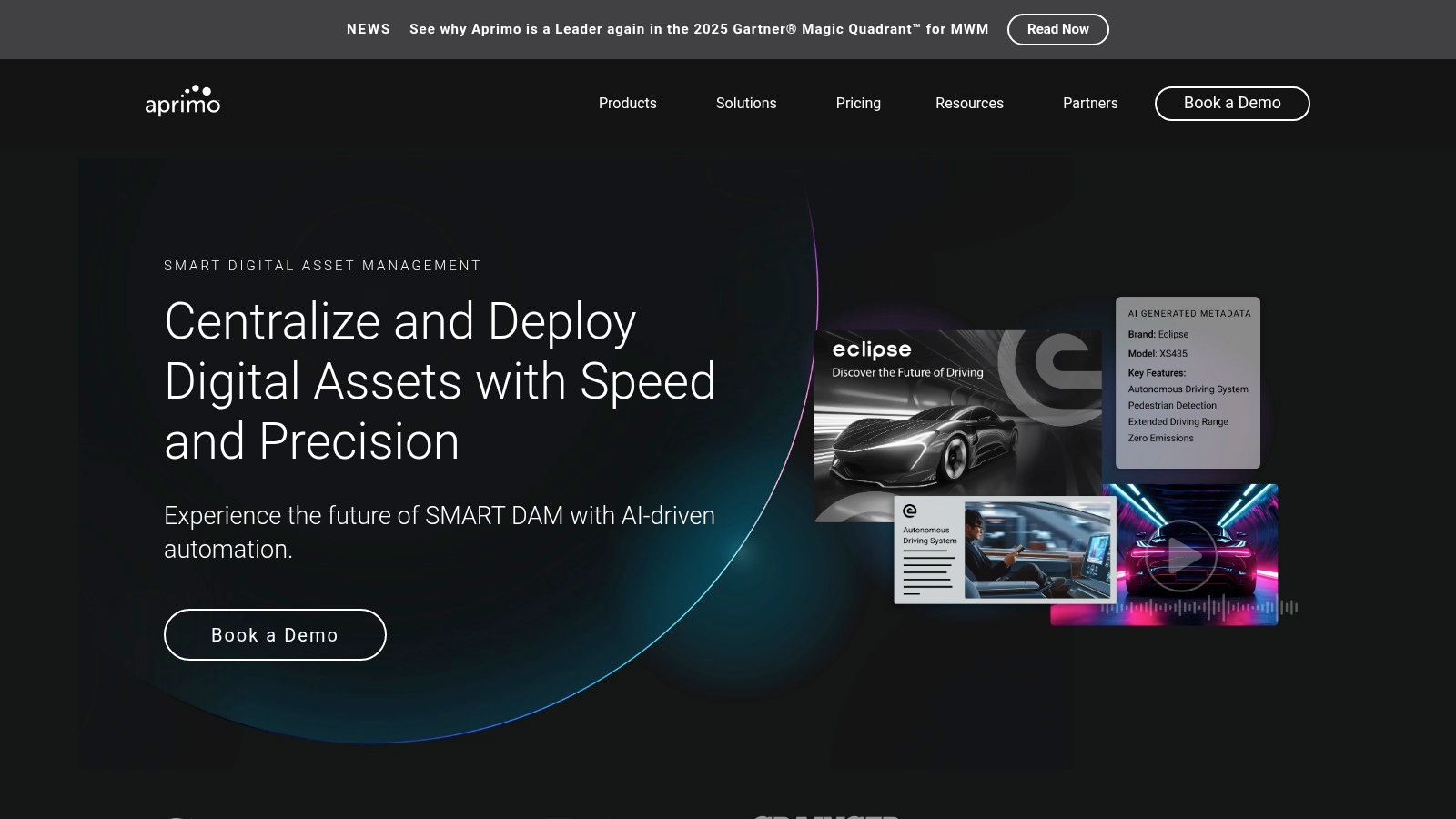
Its key strength lies in its powerful governance and workflow capabilities. Teams can build complex, automated approval processes to ensure all content is vetted, compliant, and on-brand before it goes live. Aprimo also features a natural-language search function and provides insights into content reuse, helping teams maximize the value of their existing assets. This focus on operational efficiency and risk management makes it a strategic tool for scaling content production securely.
However, Aprimo’s enterprise focus means it comes with a complex implementation process and a custom pricing model tailored to large-scale needs. The platform is built to be customized, which requires significant upfront investment in both time and resources. This makes it a powerful but impractical choice for smaller businesses or teams looking for a simple, out-of-the-box DAM solution.
Website: Aprimo
Feature Analysis | Assessment |
|---|---|
Best For | Large enterprises in regulated industries needing deep governance, audit trails, and integrated content operations. |
Key Differentiator | Robust workflow automation and governance controls integrated directly into the marketing operations lifecycle. |
Pricing Model | Custom/Quote-Based. Modular pricing based on users and selected product modules, designed for enterprise budgets. |
Pros | Strong fit for regulated industries, advanced governance and compliance features, and integrates DAM into broader marketing operations. |
Cons | Pricing is not public, complex implementation requires customization, and it's heavily targeted at the enterprise segment. |
8. MediaValet
MediaValet stands out as a cloud-native digital asset management solution built entirely on Microsoft Azure, offering enterprise-grade security and impressive scalability. It is particularly known for its unlimited-user model, which eliminates per-seat licensing costs and encourages widespread adoption across an organization. This makes it one of the best digital asset management software choices for businesses that anticipate significant user growth or need to provide access to extensive internal and external teams without unpredictable costs.
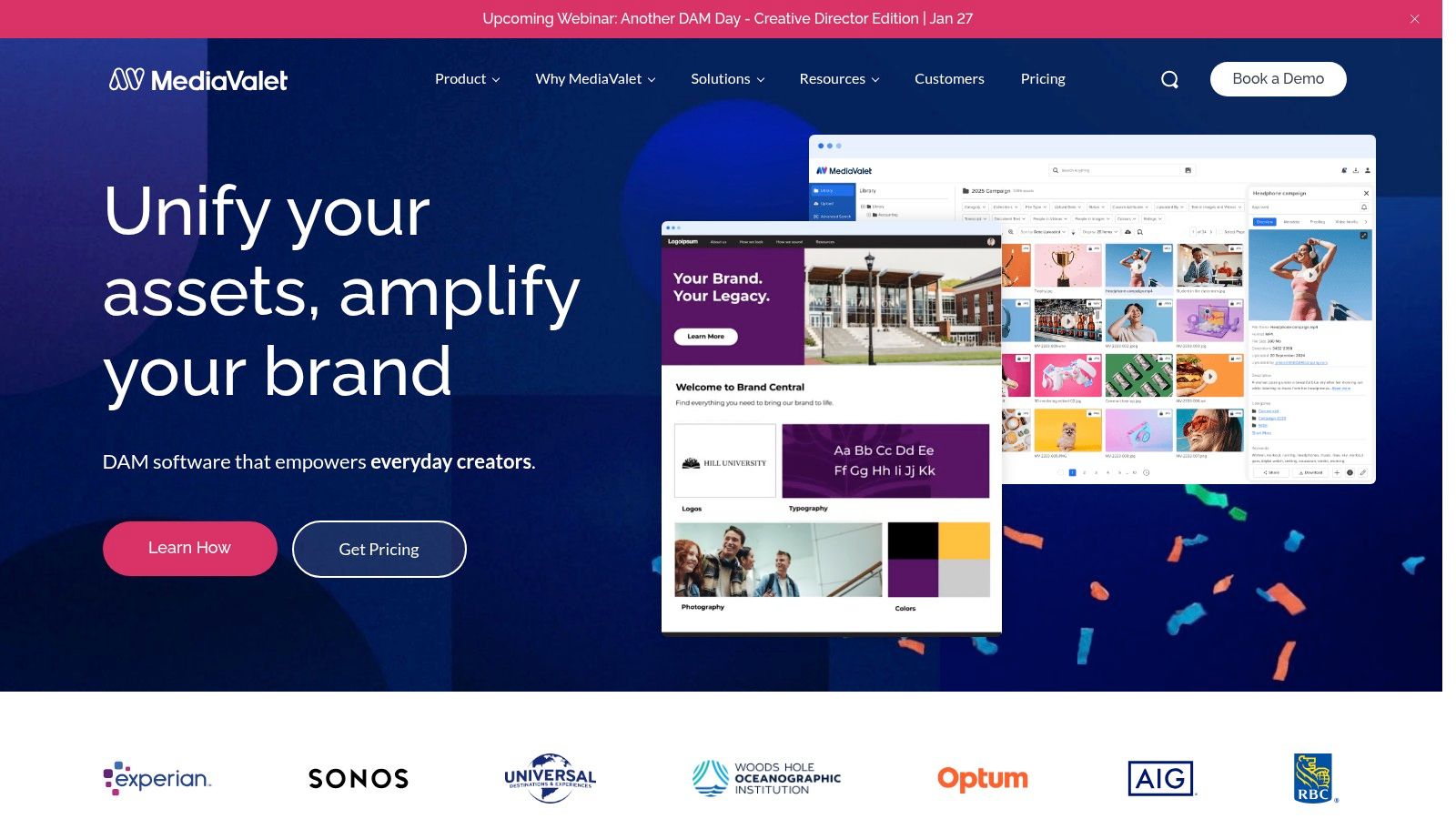
A key strength of MediaValet is its commitment to customer success, providing extensive onboarding, training, and 24/7 support to all users. Its AI-powered features, such as auto-tagging and facial recognition, streamline metadata creation and improve asset discovery. For teams working with a high volume of video, the platform's advanced video capabilities and CDN linking are highly valuable. While MediaValet handles core DAM functions, for teams needing to repurpose video content into summaries or blog posts, a tool like Notize AI can be a powerful complement, transforming stored video assets into actionable written content.
Although the unlimited-user model is a major draw, the platform's pricing is customized and quote-based. Organizations with extremely large or storage-heavy libraries may find costs escalating into higher tiers. However, for companies prioritizing security (with SOC 2 and HIPAA readiness), predictable user scaling, and dedicated support, MediaValet presents a compelling and robust DAM solution.
Website: MediaValet
Feature Analysis | Assessment |
|---|---|
Best For | Mid-to-large-sized organizations needing an enterprise-secure DAM with unlimited users and strong support. |
Key Differentiator | Unlimited-user model built on Microsoft Azure, combined with extensive onboarding and 24/7 customer support. |
Pricing Model | Custom/Quote-Based. Pricing is tailored to storage, features, and integration needs. |
Pros | Predictable user scaling with no per-seat fees, strong security and compliance, and excellent customer support. |
Cons | Custom pricing requires consultation, and high-volume storage needs can increase the overall cost significantly. |
9. Cloudinary (Cloudinary Assets DAM)
Cloudinary takes a developer-first approach to media management, combining a powerful digital asset management (DAM) system with a robust API and content delivery network (CDN). This unique blend makes it one of the best digital asset management software choices for tech-savvy teams and companies whose primary goal is optimizing and delivering assets for web and mobile applications. It serves as both a central asset library and a dynamic media processing engine, enabling on-the-fly transformations, optimizations, and personalization.
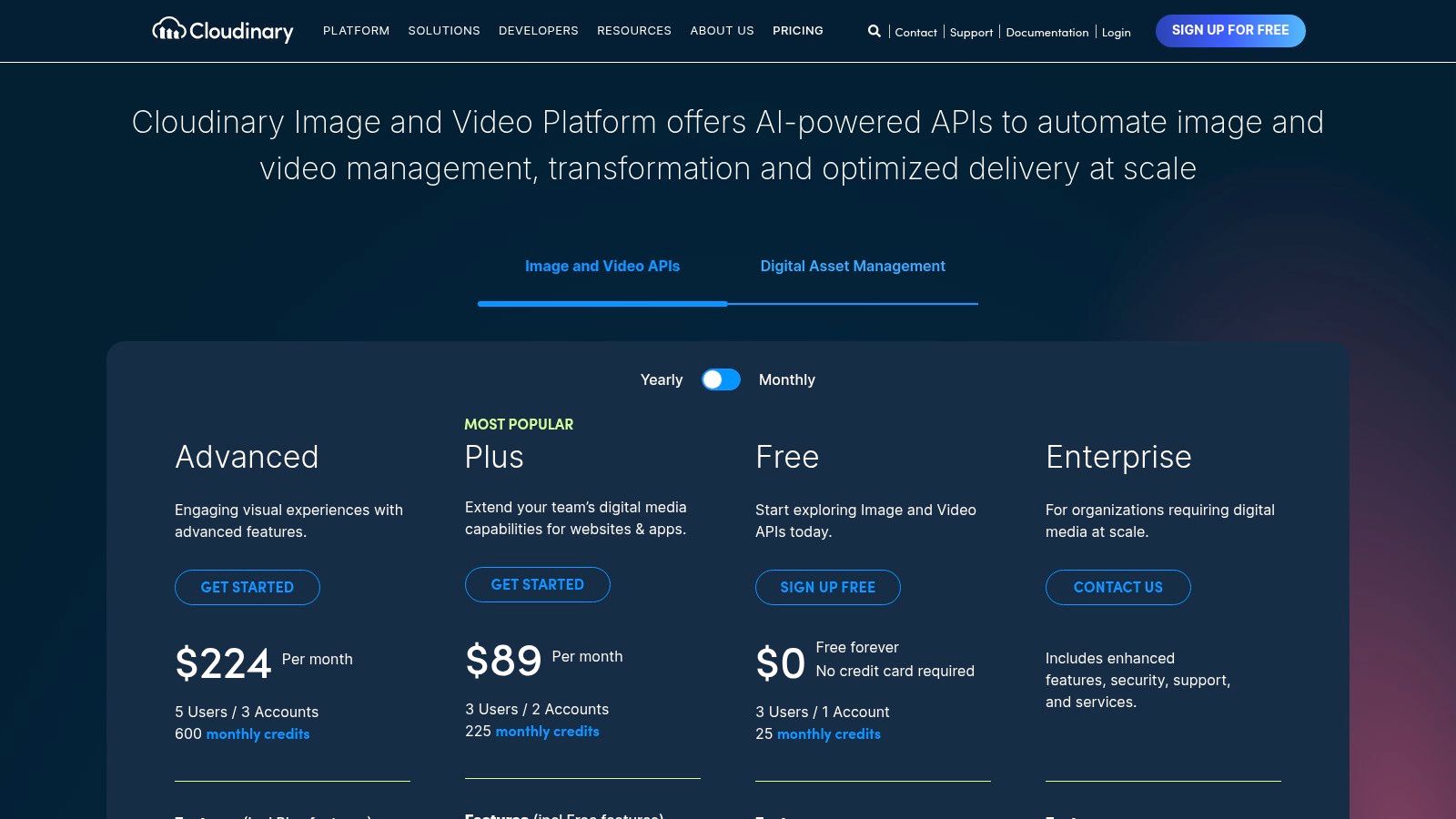
Its key strength is its programmability and automation. Developers can use extensive SDKs to manipulate images and videos with simple URL parameters, creating responsive variants without storing multiple versions. This API-driven workflow is complemented by a user-friendly DAM interface where marketing and creative teams can organize, tag, and collaborate on assets. The clear, credit-based pricing model, including a generous free tier, makes it highly accessible for startups and growing businesses to get started without a massive upfront investment.
While Cloudinary excels at asset delivery and transformation, organizations needing advanced governance, complex approval workflows, or enterprise-grade brand management might find they need to upgrade to higher-tier plans. The credit-based model also requires careful monitoring to manage costs effectively as usage scales. It is an ideal solution for teams that live at the intersection of marketing, creative, and development.
Website: Cloudinary
Feature Analysis | Assessment |
|---|---|
Best For | Developer-centric teams, e-commerce businesses, and companies needing a combined DAM and media delivery solution. |
Key Differentiator | A powerful, API-first approach to dynamic media manipulation and delivery, combined with transparent, self-serve pricing. |
Pricing Model | Freemium/Credit-Based. Offers a free-forever plan, with paid tiers (Plus, Advanced) based on credits for usage. |
Pros | Strong developer tools and SDKs, accessible free tier, excellent for web/app performance, and robust transformation capabilities. |
Cons | Credit-based model requires usage monitoring, and advanced governance features are often limited to enterprise plans. |
10. Frontify
Frontify positions itself as more than just a digital asset management platform; it's a comprehensive brand management solution. It’s designed for organizations, particularly multi-brand enterprises, that need to unify brand guidelines, asset libraries, and creative workflows into a single, cohesive hub. This approach ensures that every piece of content created and distributed is not only accessible but also perfectly on-brand, making it one of the best digital asset management software choices for brand-centric companies.
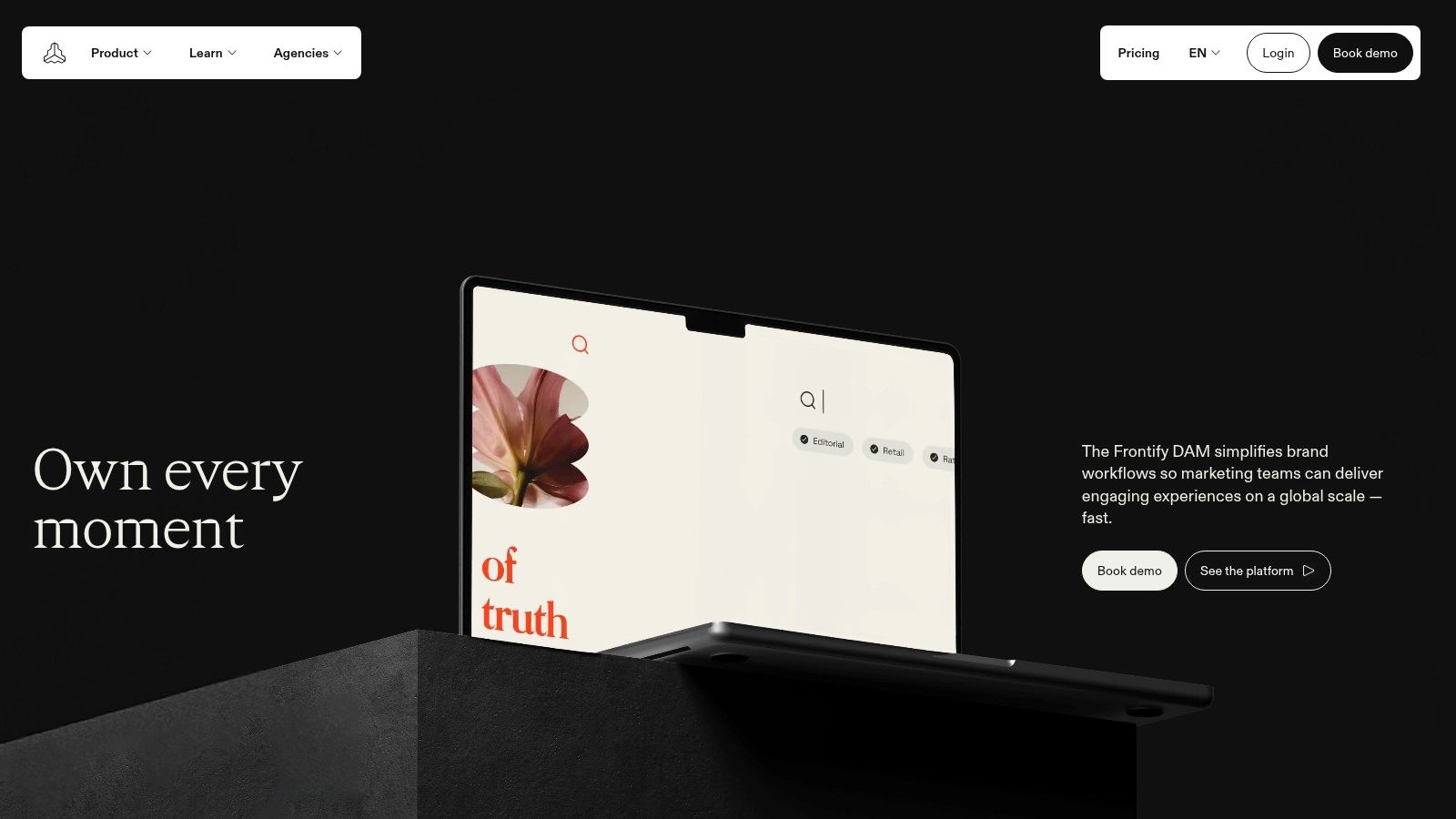
Its core strength lies in connecting digital assets directly to living brand guidelines. Teams can access logos, images, and videos while simultaneously viewing rules for usage, color palettes, and typography, all within the same interface. This integrated environment prevents brand dilution and empowers teams to create consistent marketing materials. For marketing teams that use tools like Notize AI to generate summaries or blog posts from video content, Frontify provides the perfect repository to store those assets alongside the brand rules needed to publish them correctly.
While Frontify is a powerful tool for brand governance, its custom, quote-based pricing model and potential complexity in advanced setups might be a barrier for smaller teams. However, its generous 30-day free trial allows organizations to thoroughly validate its fit without a financial commitment. This makes it an ideal solution for companies where maintaining brand integrity across numerous touchpoints is a top priority.
Website: Frontify
Feature Analysis | Assessment |
|---|---|
Best For | Multi-brand enterprises and large teams needing a unified brand management and DAM solution. |
Key Differentiator | Deep integration of living brand guidelines directly with digital asset libraries. |
Pricing Model | Custom/Quote-Based. Includes a value-based model tied to monthly active users. |
Pros | Creates a single source of truth for all brand assets and guidelines, offers a 30-day free trial. |
Cons | Pricing is not transparently listed, and advanced configurations can introduce complexity. |
11. PhotoShelter for Brands
PhotoShelter for Brands is a digital asset management platform specifically engineered for the high-speed, media-intensive workflows of creative teams. It excels in environments like professional sports, media, and higher education where real-time photo and video sharing is critical. The platform serves as a centralized, cloud-based library that empowers photographers and videographers in the field to instantly upload assets, where stakeholders can then immediately access, organize, and distribute them across social media and other channels.
Its key differentiator is its focus on live event and creator-centric workflows, supported by robust mobile capabilities and powerful AI. The AI-driven visual search can identify specific people, players, or logos within a massive archive, drastically reducing search time for marketing teams. This makes it one of the best digital asset management software choices for organizations that need to capitalize on moments as they happen. Combining this with tools like Notize AI, which can transcribe and summarize video content from these events, allows teams to create a comprehensive, searchable archive of both visual and spoken content.
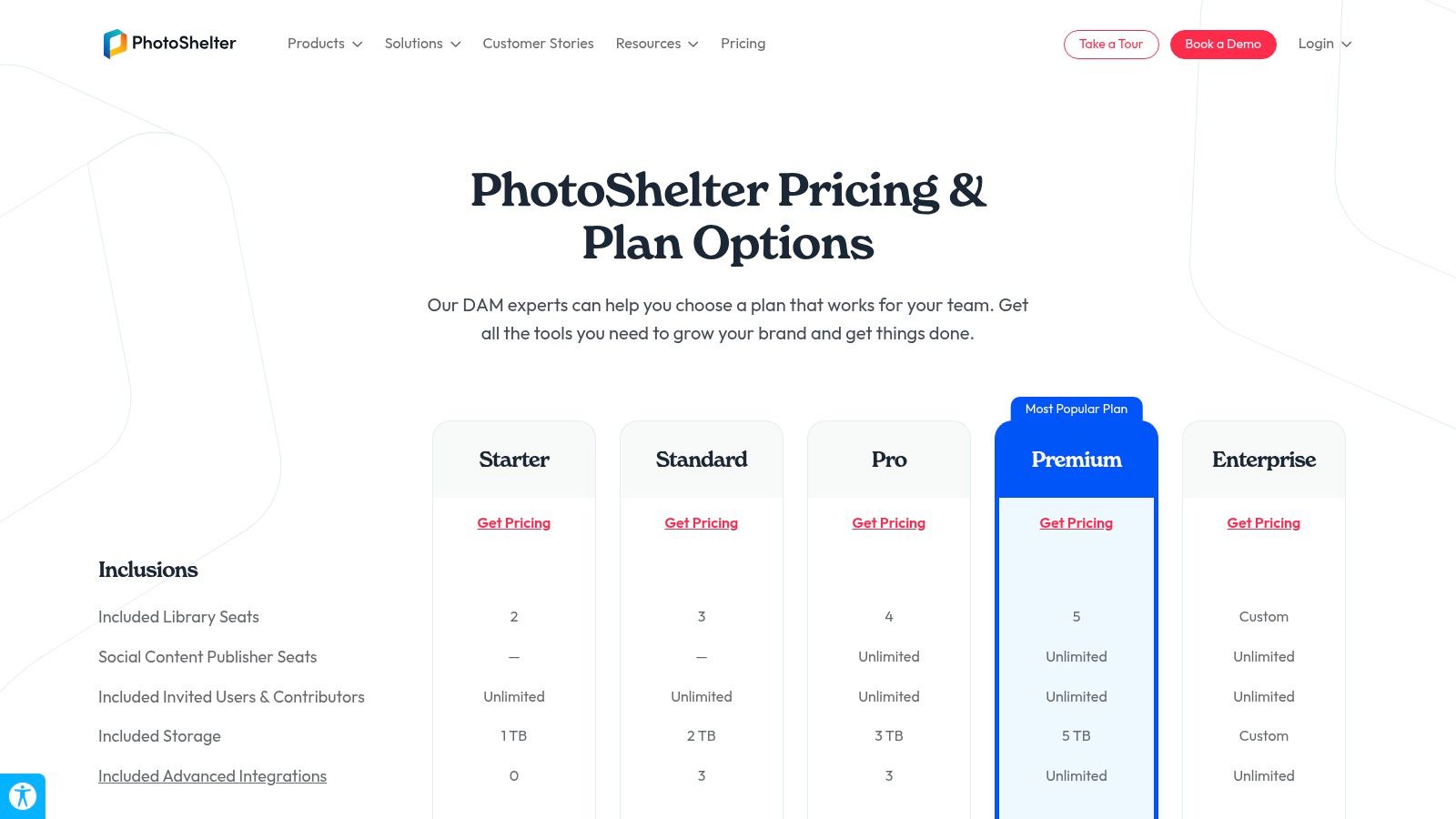
While PhotoShelter offers clear plan bands that detail storage, user seats, and features, specific pricing is available only upon request. The platform's highly specialized nature makes it an ideal solution for its target verticals but potentially less suited for corporate teams with more general-purpose asset management needs.
Website: PhotoShelter for Brands
Feature Analysis | Assessment |
|---|---|
Best For | Creative teams in sports, media, and education requiring real-time asset delivery and powerful search. |
Key Differentiator | Exceptional support for live event workflows, robust mobile uploads, and AI-powered people/logo identification. |
Pricing Model | Quote-Based. Plans are tiered (Basic, Standard, Pro) with varying features, storage, and user seats. |
Pros | Purpose-built for high-speed media teams, powerful AI search, strong integrations for social distribution, and excellent rights management. |
Cons | Niche focus may not suit all business types; pricing is not transparent, and some advanced features are add-ons. |
12. G2 (Digital Asset Management category)
While not a DAM platform itself, G2’s Digital Asset Management category is an indispensable research tool for any team evaluating their options. It serves as a comprehensive marketplace and review hub, aggregating user-generated feedback, expert analysis, and detailed vendor profiles. For businesses navigating the crowded DAM landscape, G2 provides the data-driven clarity needed to compare features, validate vendor claims, and shortlist the best digital asset management software for their specific requirements.
Its core value lies in the verified user reviews and the proprietary Grid® reports, which plot vendors based on market presence and user satisfaction. This allows you to quickly identify leaders, high-performers, and niche solutions. You can filter vendors by company size, industry, or specific features, making it easy to create a tailored list of potential candidates. Using a resource like G2 ensures you’re not just relying on marketing copy but on the real-world experiences of peers.
G2 is most effective when used as a starting point or a validation step in your selection process. While its summaries are helpful, it’s crucial to remember that placements can be influenced by paid promotions. Always cross-reference the information with vendor websites and schedule demos to get a complete picture. This approach ensures a well-rounded and informed decision, preventing costly mismatches down the line.
Website: G2 Digital Asset Management Category
Feature Analysis | Assessment |
|---|---|
Best For | Teams in the research and selection phase of choosing a DAM, looking for unbiased reviews and market comparisons. |
Key Differentiator | Aggregated, verified user reviews and the visual G2 Grid® for comparing vendor satisfaction and market presence. |
Pricing Model | Free to use for research and reviews. Vendors pay for enhanced profiles and marketing services. |
Pros | Broad market overview, verified user reviews, direct links for demos, and powerful filtering capabilities. |
Cons | Visibility can be influenced by sponsored placements, and summaries should be cross-checked with vendor sites. |
Top 12 DAM Software Comparison
Product | Core features | UX / Quality (★) | Value / Pricing (💰) | Target audience (👥) | Unique selling points (✨) |
|---|---|---|---|---|---|
Notize AI 🏆 | Transcripts, auto‑summaries, action items, searchable media library, analytics | ★★★★☆ fast, cross‑platform | 💰 Free Starter (5 contents); Growth $15/mo; Enterprise $100/yr | 👥 Professionals, creators, students, teams | ✨ Turns any media into actionable summaries, notes & blogs |
Adobe Experience Manager Assets (AEM Assets) | Enterprise DAM, Dynamic Media, Creative/Experience Cloud integrations | ★★★★★ enterprise‑grade security | 💰 Custom / quote (enterprise) | 👥 Large enterprises in Adobe ecosystem | ✨ Deep Adobe integration, granular permissions, global delivery |
Bynder | AI search, auto‑tagging, duplicate detection, workflows | ★★★★☆ strong onboarding & usability | 💰 Custom / quote | 👥 Enterprise teams needing AI tagging & integrations | ✨ 145+ integrations, strong support & partner network |
Brandfolder (by Smartsheet) | Asset analytics, video AI, OCR, SSO, admin controls | ★★★★☆ intuitive for marketers/creatives | 💰 Demo / quote | 👥 Marketers, creatives, external collaborators | ✨ Guest access model, Brand Intelligence analytics |
Canto | AI tagging/search, portals, brand style guides, SSO | ★★★★☆ mid‑market friendly | 💰 Quote-based tiered packages | 👥 Mid‑market teams balancing UX & governance | ✨ Clear package guidance, brand/style toolset |
Acquia DAM (formerly Widen) | AI tagging, analytics, integrations, plan bands for users/storage | ★★★★☆ enterprise scalable | 💰 Quote (plan bands visible) | 👥 Organizations needing clear scale signals | ✨ Transparent plan bands, Widen heritage |
Aprimo | Natural‑language search, governance, workflows, audit trails | ★★★★☆ compliance‑focused | 💰 Quote; modular pricing | 👥 Regulated industries & marketing ops | ✨ Strong governance & audit capabilities |
MediaValet | Azure‑hosted DAM, unlimited users, AI tagging, SDK/API | ★★★★☆ strong onboarding & support | 💰 Quote; predictable user scaling | 👥 Enterprises needing unlimited‑user model | ✨ SOC 2 / HIPAA readiness, 24/7 support |
Cloudinary (Assets DAM) | Image/video pipeline + DAM, AI auto‑tagging, transformations, CDN | ★★★★☆ developer‑friendly | 💰 Free / Plus / Advanced / Enterprise (credit model) | 👥 Dev teams, web/app delivery teams | ✨ Transparent self‑serve plans, robust SDKs/CDN |
Frontify | DAM + living brand guidelines, templating, portals | ★★★★☆ ideal for brand teams | 💰 30‑day trial; pricing quoted | 👥 Multi‑brand enterprises & brand managers | ✨ Living brand guidelines + unified brand hub |
PhotoShelter for Brands | AI visual search, plan bands (seats/storage), social workflows | ★★★★☆ optimized for media teams | 💰 Quote; plan bands shown | 👥 Sports, media, education, creator teams | ✨ AI visual ID for people/logos, live creator workflows |
G2 (Digital Asset Management category) | Vendor reviews, rankings, filters, verified user feedback | ★★★★☆ broad market visibility | 💰 Free to browse; vendor demos linked | 👥 Buyers shortlisting DAM vendors | ✨ Verified reviews, search & filter marketplace |
Making Your Final Decision: From Asset Storage to Actionable Intelligence
The journey to find the best digital asset management software is less about finding a single "best" platform and more about identifying the right partner for your team's unique workflow and future goals. As we've explored, the DAM landscape is incredibly diverse. Solutions like Adobe Experience Manager Assets, Bynder, and Brandfolder offer enterprise-grade control, providing robust systems for managing brand consistency, complex licensing, and multi-channel distribution at scale. These are ideal for large organizations where brand governance and security are paramount.
For teams with more specific, visually-driven needs, platforms like Canto and PhotoShelter for Brands provide intuitive, powerful solutions for organizing and sharing photography and video. Meanwhile, developers and tech-forward teams might gravitate towards the API-first, flexible infrastructure of a tool like Cloudinary, which excels at real-time media optimization and delivery. The key takeaway is that your choice must align directly with your primary pain point: Are you struggling with brand control, creative workflow efficiency, or developer integration?
Moving Beyond Storage: The Rise of Content Intelligence
However, the most critical evolution in the asset management space is the shift from passive storage to active intelligence. Traditional DAMs are excellent digital librarians; they categorize, tag, and protect your assets. But what if your software could not only store your assets but also understand them, summarize them, and transform them into new, ready-to-use content? This is where the next generation of tools is making its mark.
This is the core difference offered by a platform like Notize AI. While it provides a secure, searchable media library, its true power lies in its ability to turn unstructured media—like meeting recordings, podcasts, and lecture videos—into structured, actionable intelligence. For a marketing team, this means a one-hour webinar isn't just a video file to be stored; it's a source for a dozen social media posts, a detailed blog article, and a list of key takeaways, all generated automatically. For a student, a two-hour lecture becomes a concise study guide. Notize AI acts as a content-generation engine, not just a file cabinet.
How to Choose: A Practical Framework
To make your final decision, move beyond feature checklists and focus on your core use case. Ask your team these critical questions:
What is our biggest bottleneck? Is it finding approved assets quickly (Bynder, Canto), managing complex brand guidelines (Frontify), or extracting value from hours of recorded content (Notize AI)?
Who are the primary users? Are they brand managers needing strict control, creators needing publishing tools, professionals needing meeting summaries, or students needing study aids? The user experience must match the user's daily tasks.
What is our goal: Asset containment or asset activation? Do you simply need a secure place to park your finished files, or do you need a tool that helps you create, repurpose, and analyze content to achieve business goals?
Choosing the best digital asset management software in today's market requires you to look ahead. While traditional systems solve yesterday's problem of file chaos, intelligent platforms like Notize AI solve today's challenge of information overload. By focusing on your most critical need—be it rigorous brand management, seamless creative collaboration, or automated content intelligence—you will find the solution that empowers your team to not just manage assets, but to unlock their full potential.
Ready to see how AI can transform your media from simple files into actionable insights? Stop just storing your content and start understanding it. Discover how Notize AI can automatically summarize your meetings, transcribe audio, and generate ready-to-publish articles by visiting Notize AI today.
12 Best Digital Asset Management Software Platforms for Teams in 2026



