The content creation landscape has fundamentally shifted. The difference between good and great content no longer lies solely in raw talent but in the intelligent application of technology. AI tools have evolved from simple assistants to indispensable partners, automating tedious tasks, unlocking new creative avenues, and providing data-driven insights that were once out of reach for most creators.
Whether you're a podcaster, YouTuber, blogger, or social media manager, the right AI tool can amplify your output, refine your quality, and free you up to focus on what truly matters: your unique voice and vision. But with a sea of options available, which ones are actually worth your time and investment? This curated guide cuts through the noise to bring you the best AI tools for content creators, breaking down their practical strengths, ideal use cases, and how they can fit into a modern, efficient workflow.
From initial idea generation to final publication and analysis, these platforms are designed to help you create better content, faster. This comprehensive listicle provides a detailed look at top-tier solutions for writing, video editing, design, research, and content repurposing. We'll explore platforms like Notize AI, which excels at transforming audio and video from any source—like YouTube, TikTok, or meeting recordings—into structured summaries, actionable notes, and publish-ready blog posts, helping you maximize the value of every piece of content you create or consume. Each option in this guide includes screenshots, direct links, and a clear breakdown of pros and cons, ensuring you can find the perfect fit for your specific needs and integrate it seamlessly into your creative process.
1. Notize AI: The All-in-One Content Engine
Kicking off our list of the best AI tools for content creators is Notize AI, a powerful platform that serves as a central hub for your entire content operation. Instead of juggling multiple subscriptions for transcription, summarization, and repurposing, Notize AI consolidates these critical functions into a single, streamlined workflow. It's engineered for creators, professionals, and students who need to efficiently process and transform raw media—like video interviews, podcasts, lectures, or meeting recordings—into a diverse range of polished, publishable assets.
This tool fundamentally changes how creators handle source material. For example, a student can record a lecture with Notize AI and get instant notes and summaries. A professional can record a meeting and receive automatic action items. A creator can paste a YouTube link, and Notize AI delivers an accurate transcription, a structured summary, and even a draft blog post in minutes. This makes it an indispensable, foundational tool for turning every piece of audio or video into multiple high-value content opportunities, maximizing your output with minimal effort.
Core Features and Use Cases
Notize AI stands out by offering an end-to-end solution that goes far beyond basic transcription.
For Teams and Professionals in Meetings: Record meetings directly in the app to automatically generate summaries, action items, speaker-attributed notes, and a searchable timeline. Notize AI ensures everyone stays aligned without manual note-taking.
For Journalists, Bloggers, and Creators: Upload audio/video or record new content to get high-quality transcriptions and customizable blog posts in any writing style. Publish directly to your built-in Notize AI blog, complete with analytics to track audience engagement.
For Video Enthusiasts and Consumers: Send links from YouTube, TikTok, or Instagram to instantly summarize long videos, extract key insights, and turn tutorials into step-by-step guides. You can even chat with the content to ask questions without watching the whole video.
For Students and Academics: Record lectures or upload class materials (including PDFs and PowerPoints) to get notes, simplified explanations, and study guides. Ask the AI to find the exact moment a topic was explained, making studying more efficient.
Pricing and Access
Notize AI offers accessible pricing suitable for individuals and teams:
Starter Plan: Free, for up to 5 pieces of content with standard processing speed.
Growth Plan: $15/month, offering unlimited content processing and faster speeds.
Pros and Cons
Pros | Cons |
|---|---|
All-in-one workflow: capture, transcribe, summarize, organize, analyze, and publish from a single dashboard. | The free Starter tier is limited; sustained use for teams will likely require a paid plan. |
Fast, secure processing with a searchable media library and multiple export options (PDF, Docs, Text). | AI-generated output quality can vary with poor audio, strong accents, or highly specialized terminology. |
Built-in analytics reveal content performance, helping to optimize engagement and remove guesswork. | Enterprises may need to verify specific security and compliance details not explicitly listed on the main site. |
Affordable pricing, including a free option, makes it accessible for creators at all levels. | No dedicated mobile app is available at this time. |
Notize AI excels as a central content engine, making it one of the best AI tools for content creators looking to maximize efficiency and output. Its transcription capabilities are particularly robust. To explore this feature further, you can find more information about the best audio transcription software on Notize.ai.
2. Adobe Firefly and Creative Cloud
Adobe has masterfully woven its generative AI, Firefly, directly into the fabric of its legendary Creative Cloud suite, establishing one of the most powerful and integrated best ai tools for content creators available today. Instead of a standalone novelty, AI becomes a native function within the workflows professionals already use daily. This integration means you can use text prompts to generate or alter images directly in Photoshop with Generative Fill, create video concepts in Premiere Pro, or design vector graphics in Illustrator without ever leaving the application.
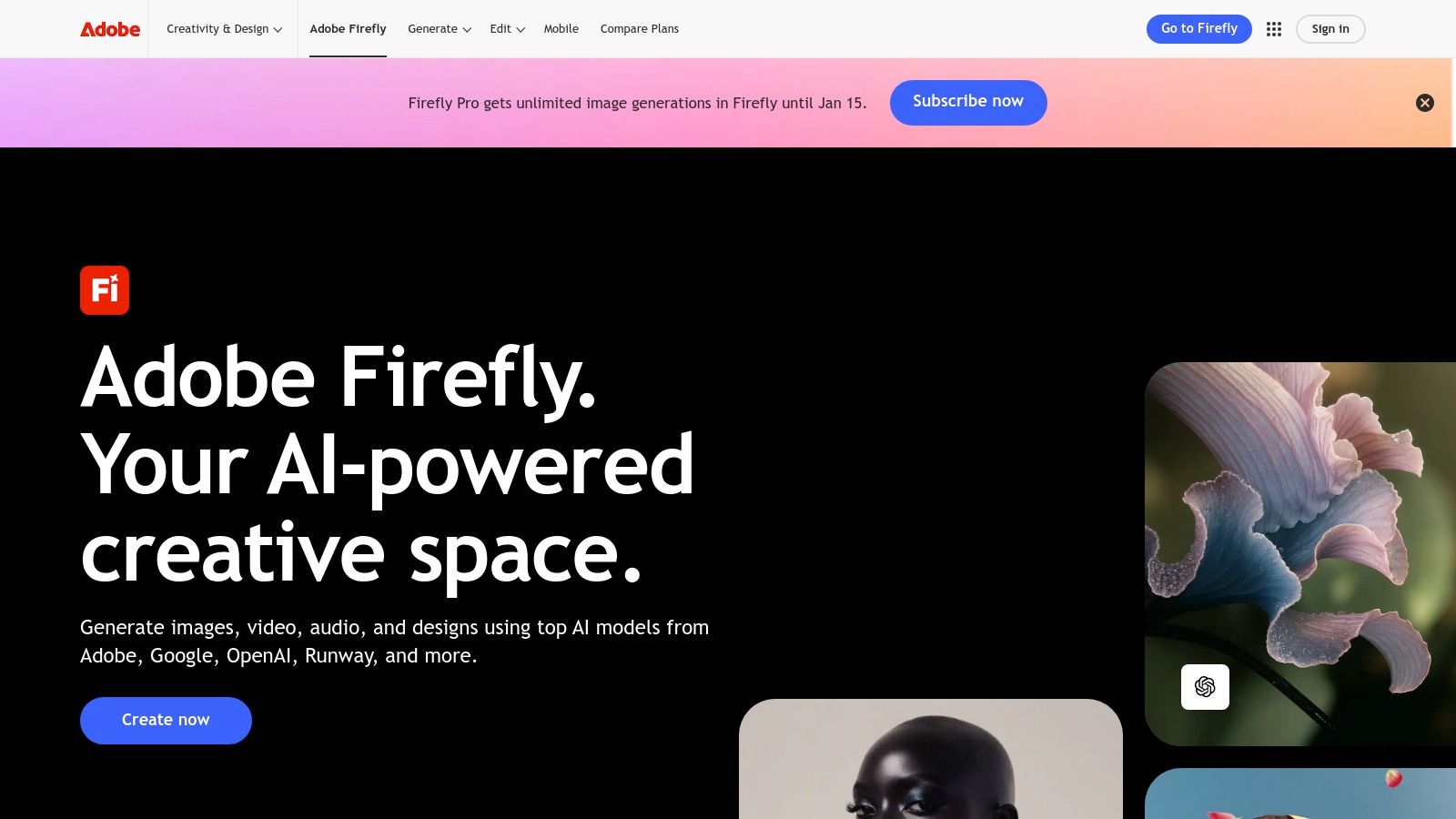
The primary advantage is the seamless, end-to-end creative process. The Firefly model is trained on Adobe Stock's licensed library, making its output commercially safe and mitigating copyright concerns. For video creators, a tool like Notize AI can be used upfront to generate a summary and key scenes from source material, which can then serve as a detailed shot list or editing brief. These structured notes from Notize AI provide the perfect creative direction for generating B-roll or custom graphics using Firefly within Premiere Pro, connecting initial ideation with final production.
Key Features & Use Cases
Deep Creative Cloud Integration: Access generative AI features like Generative Fill, Text to Image, and Text to Vector Graphic directly within Photoshop, Premiere Pro, Express, and Illustrator.
Commercially Safe Models: Firefly is trained on a library of licensed content, providing peace of mind for commercial projects.
Firefly Web App: A dedicated platform for generating images and text effects, ideating with creative prompts, and collaborating using Boards.
Pricing and Access
Adobe uses a generative credit system across its Creative Cloud plans. Free plans include a small number of credits, while paid subscriptions (starting from around $20.99/month for a single app) bundle a larger monthly allocation.
Pros: Unmatched integration with professional-grade tools, commercially safe outputs, and a unified workflow for multi-format creators.
Cons: The credit system can feel restrictive and confusing, and the subscription cost is higher than many standalone AI tools.
Website: https://www.adobe.com/products/firefly/
3. Canva (Magic Studio)
Canva has evolved from a simple design tool into a comprehensive creative powerhouse with its AI-driven "Magic Studio." This positions it as one of the most accessible and best ai tools for content creators, especially those focused on speed and social media. Instead of complex software, Canva integrates AI features like Magic Write and Magic Media directly into its intuitive, template-rich editor. This allows creators to generate entire presentations, create images from text prompts, and design social assets without any prior design experience.
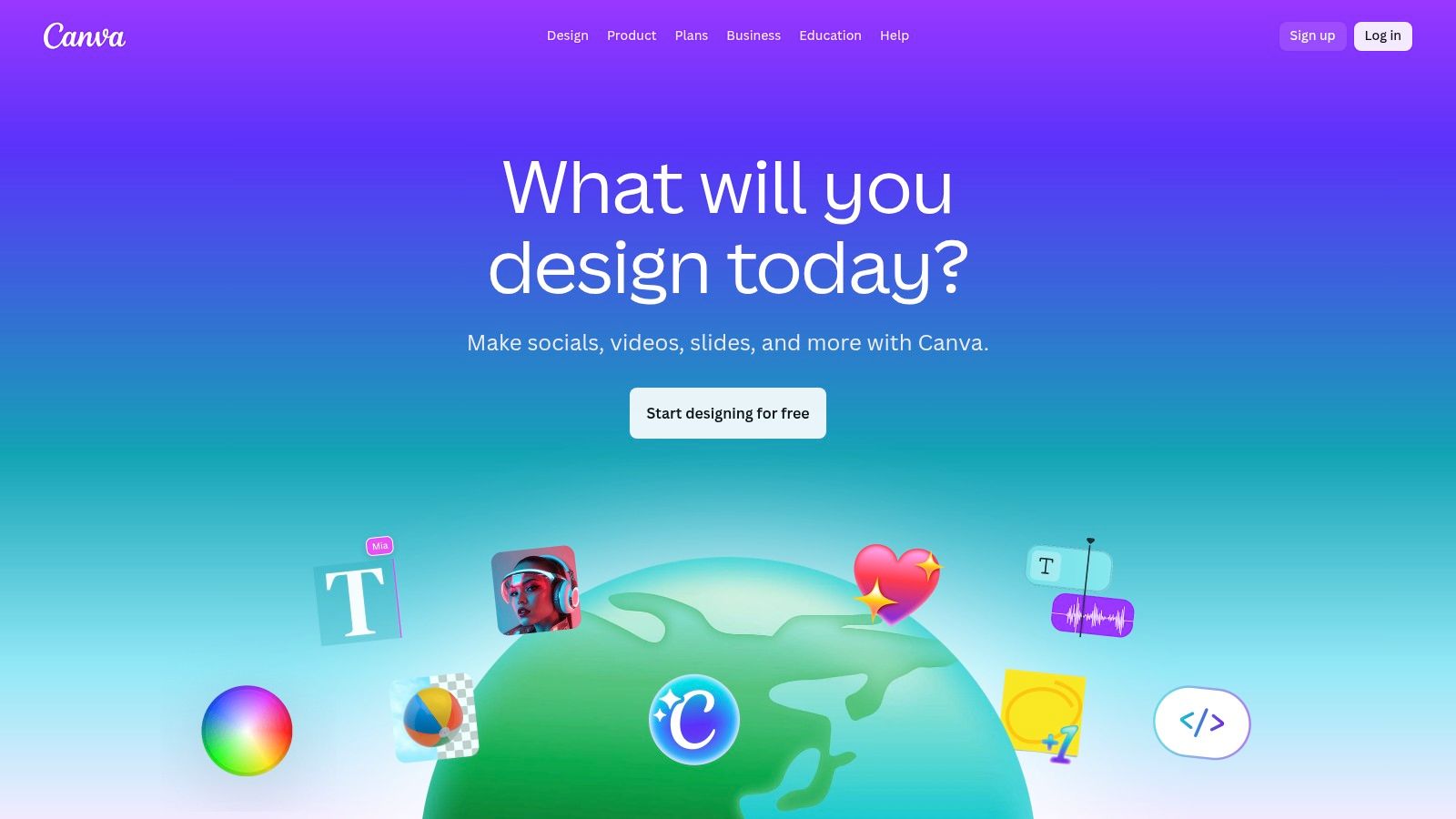
The primary strength of Canva's AI is its sheer speed and ease of use. A creator can use Notize AI to summarize a long-form video or podcast, extracting key quotes and takeaways. These summarized points from Notize AI can then be fed directly into Canva’s Magic Write to generate captions, social media posts, or carousel slide text. This creates a streamlined workflow from in-depth content analysis to polished, ready-to-publish visual assets in minutes, all within a browser or mobile app.
Key Features & Use Cases
Magic Studio Suite: A collection of AI tools including Magic Write (text generation), Magic Media (text-to-image and video), and Magic Design (instant presentations/designs).
Template-Rich Editor: Optimized for rapidly creating social media posts, stories, reels, and other marketing collateral from thousands of pre-made templates.
Cross-Platform Collaboration: Cloud-native platform with apps for web, desktop, iOS, and Android, enabling seamless team collaboration and asset management.
Brand Kit and Teams: Pro and Teams plans offer centralized brand assets (logos, colors, fonts) to maintain consistency across all designs.
Pricing and Access
Canva offers a robust free plan with limited Magic Studio access. The Pro plan (from $14.99/month) unlocks the full suite of AI tools and premium assets for individuals, while Teams plans provide collaborative features for a higher per-seat cost.
Pros: Extremely low learning curve, perfect for non-designers, and incredibly fast for producing social media content.
Cons: Not as powerful as dedicated professional software, and team pricing can become expensive for larger groups.
Website: https://www.canva.com/
4. Descript
Descript has revolutionized audio and video editing by transforming media into a text document, making it one of the most intuitive and best ai tools for content creators, especially podcasters and video producers. Its core premise is simple: edit your video or audio by editing the text transcript. This approach dramatically lowers the barrier to entry for content editing, allowing creators to remove filler words, rearrange sentences, or cut entire sections with the ease of using a word processor.
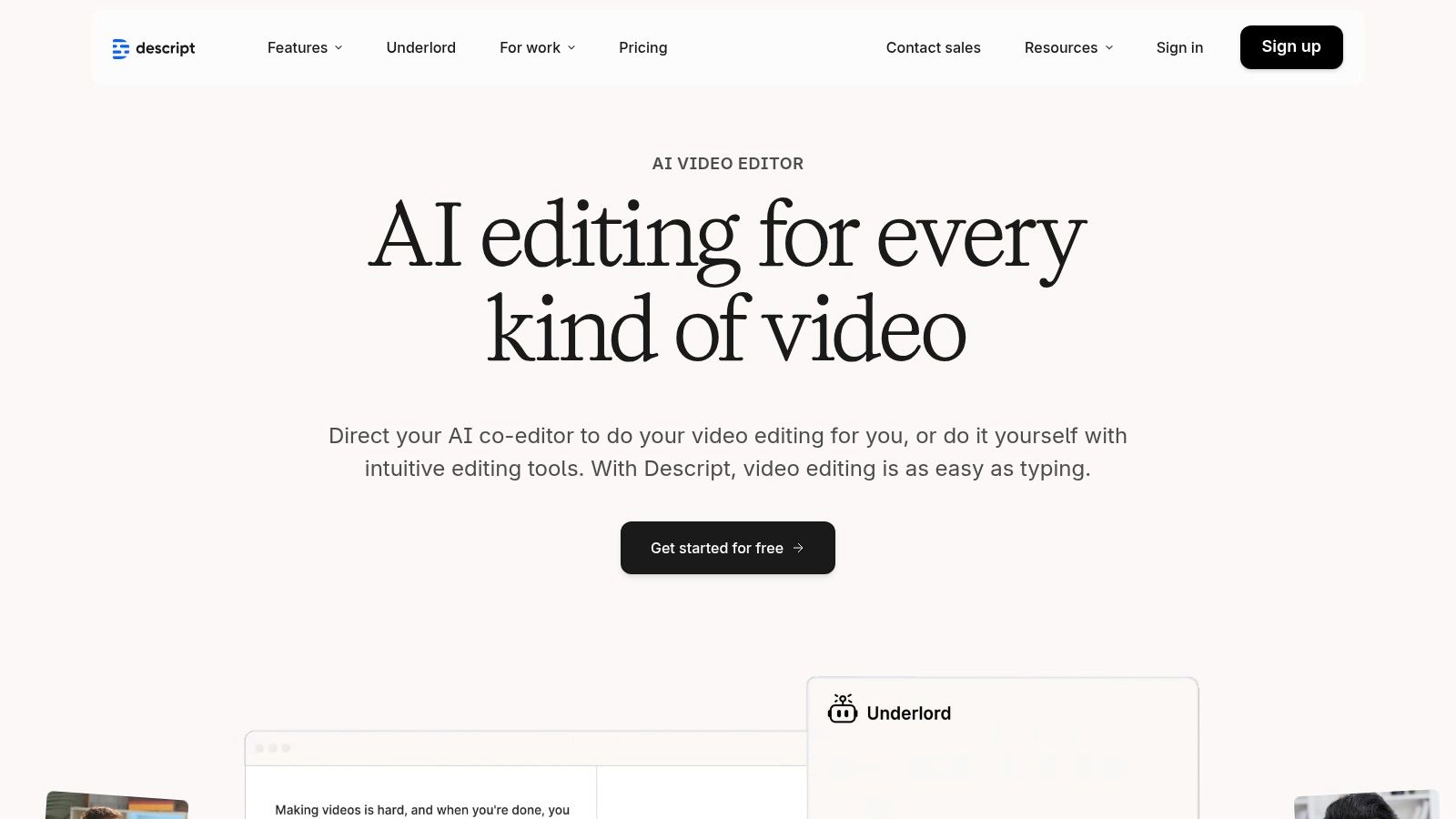
The platform’s real power lies in its AI-driven features. Studio Sound can make amateur recordings sound professionally produced with a single click, while its Overdub feature lets you create a text-to-speech model of your own voice to correct errors. For a comprehensive pre-editing workflow, creators can first process their source media through Notize AI to generate a detailed summary and a list of key moments. This output from Notize AI serves as a perfect editing guide within Descript, helping you quickly locate and refine the most impactful segments of your content. You can learn more about how to create a video transcript to streamline this process.
Key Features & Use Cases
Text-Based Media Editing: Edit complex video and audio files simply by editing the auto-generated transcript.
AI Audio Enhancement: Features like Studio Sound for noise removal and Overdub for voice cloning and correction.
Filler Word Removal: Automatically detect and delete "ums," "ahs," and other repetitive filler words from your recordings.
Multitrack Production: A full-featured editor that supports multitrack recording and editing for podcasts and video projects.
Pricing and Access
Descript offers a free plan with limited transcription and features. Paid plans start at $12/month per editor (billed annually) and include more transcription hours, 4K video export, and access to advanced AI features.
Pros: Radically simplifies the editing process for spoken-word content, powerful AI-driven audio cleanup, and great for collaborative team workflows.
Cons: The credit system for advanced features can be limiting on lower-tier plans, and the app can be resource-intensive on some computers.
Website: https://www.descript.com/
5. Runway
Runway has positioned itself at the cutting edge of generative video, making it one of the best ai tools for content creators focused on motion content. This web-based platform is not just a text-to-video generator; it's a comprehensive suite of AI magic tools designed for filmmakers, animators, and social media managers who need to produce high-quality B-roll, stylized ads, or unique visual sequences quickly. Its standout feature is the ability to generate motion from text, images, or even by referencing the style of another video.

The primary advantage of Runway is its speed and advanced model options, including Gen-4, Gen-4.5, and a Turbo mode for rapid prototyping. For teams, this tool is invaluable. A creator could use Notize AI to summarize a meeting where a new ad campaign was brainstormed, extracting key visuals and themes. Those specific creative prompts from Notize AI can then be fed directly into Runway to generate video clips that perfectly match the team's vision, turning an abstract meeting summary into tangible, ready-to-use video assets in minutes.
Key Features & Use Cases
Advanced Text/Image-to-Video: Utilize multiple models (Gen-4/4.5, Turbo) to create dynamic video clips from simple text prompts or still images.
Reference-Guided Generation: Maintain stylistic consistency by uploading a reference image or video to guide the AI's output.
Timeline Editor & Upscaling: A built-in editor allows for basic clip arrangement, while AI tools can upscale video resolution for a polished final product.
Team Workspaces: Collaborative cloud-based environment for teams to share assets, credits, and work on projects together.
Pricing and Access
Runway operates on a credit-based system. A free plan offers a starting allotment of credits. Paid plans start at $12 per user/month, providing a larger monthly credit allowance and access to more advanced features. Credits are consumed based on the length and resolution of generated videos.
Pros: Among the most advanced and accessible video generation platforms, transparent credit usage breakdown, and powerful for creating short-form motion content.
Cons: The credit system can be complex for beginners, and costs can escalate quickly for high-resolution or long-form video projects.
Website: https://runwayml.com/
6. Jasper
Jasper has positioned itself as a comprehensive AI writing and marketing copilot, making it one of the best ai tools for content creators focused on team-based content production. Rather than just generating text, Jasper is built to learn a specific brand's voice and knowledge base, ensuring all generated content is consistent and accurate. This makes it ideal for marketing teams managing multiple channels and campaigns, allowing them to scale content creation without sacrificing brand integrity.
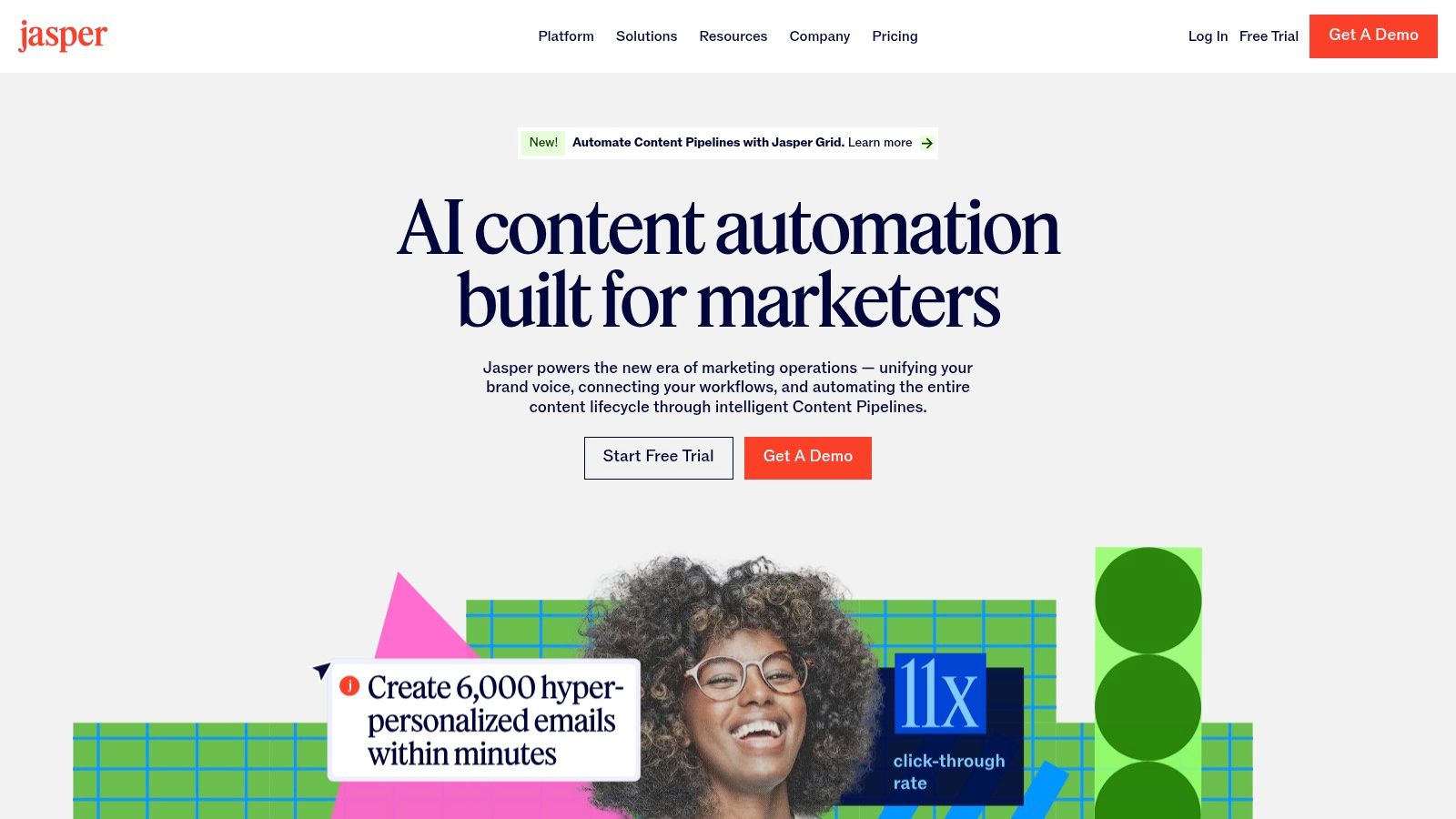
The platform's strength lies in its campaign-level thinking. For instance, a marketing team could use Notize AI to summarize a lengthy product strategy meeting, extracting key features and marketing angles. This summary from Notize AI can be fed into Jasper's Knowledge assets, providing the AI with the core information. From there, the team can use the Canvas workflow to brainstorm and generate a full suite of campaign assets, from blog posts and social media updates to ad copy and email newsletters, all aligned with the initial strategy and on-brand. The platform's features for collaboration and governance make it a powerhouse for scaling content marketing.
Key Features & Use Cases
Brand Voice & Knowledge Assets: Train the AI on your brand guidelines, style guides, and product information for consistently on-brand and accurate content.
Campaign & Canvas Workflows: A flexible interface to move from a content brief to a full set of cross-channel campaign assets in one streamlined process.
Team Collaboration & Governance: Built for teams with features for managing user roles, workflows, and content approvals.
Business Tier Capabilities: Advanced options include a no-code AI app builder and API access for deeper integration into existing systems.
Pricing and Access
Jasper offers several tiers, starting with a Creator plan for individuals. The Pro and Business plans are designed for teams and offer more advanced features like Brand Voice, collaboration tools, and API access, with pricing based on user seats.
Pros: Excellent for marketing teams managing multiple brands, strong governance controls, and powerful for generating campaign assets at scale.
Cons: Seat-based pricing can become expensive for larger teams, and the platform’s full value is best realized in larger, more complex content operations.
Website: https://www.jasper.ai/
7. Google Workspace Marketplace (AI Add-ons)
For creators who live inside Google Docs and Sheets, the Google Workspace Marketplace is a treasure trove of integrated AI tools that can significantly boost productivity. Instead of exporting drafts to external platforms, you can install add-ons that bring AI writing, summarization, and data analysis directly into your existing workflow. This makes it one of the most convenient collections of the best ai tools for content creators who want to enhance their favorite apps rather than replace them.
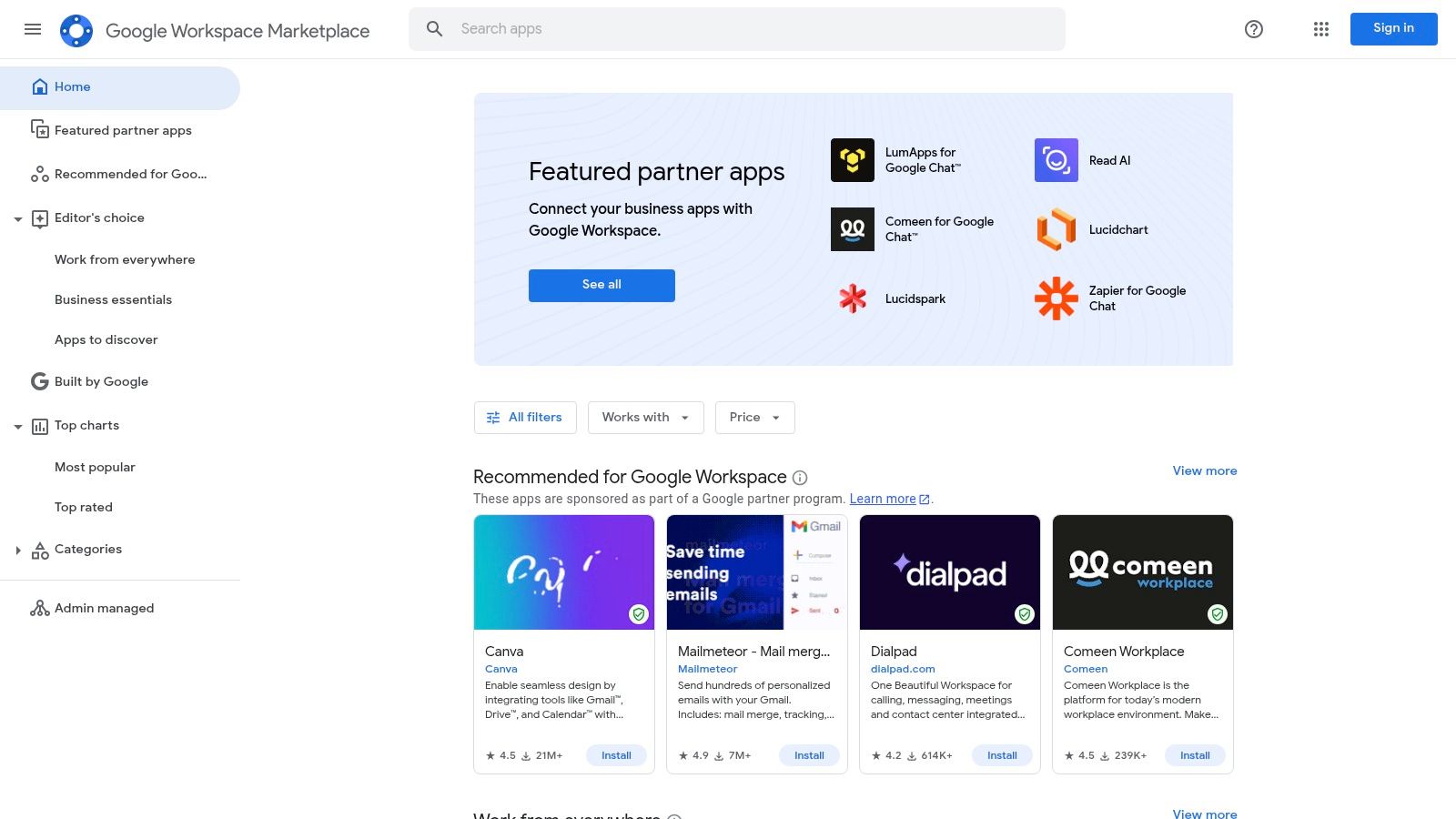
The primary advantage is the seamless, context-aware experience. You can draft an article in Docs, select a paragraph, and use an AI add-on to rephrase it, expand on it, or check its tone without ever switching tabs. For a powerful workflow, creators can upload interview transcripts generated by Notize AI into a Google Doc. From there, a marketplace add-on can be used to generate different blog post angles or social media snippets based on the highly accurate, speaker-attributed text from Notize AI, bridging the gap between raw transcription and polished content.
Key Features & Use Cases
Direct Integration: Find and install AI writing, editing, and summarization tools that work directly within Google Docs, Sheets, and Slides.
One-Click Installs: Easily add or remove tools to experiment with different AI capabilities without complex setup processes.
Centralized Discovery: A single hub to find, compare, and read reviews for a wide variety of free and freemium AI add-ons.
Pricing and Access
Most add-ons operate on a freemium model. They typically offer a free tier with limited usage or a trial period, with paid plans available to unlock more advanced features or higher quotas. Pricing is set by individual developers and varies widely.
Pros: Enhances your existing workflow in Google Workspace, many add-ons offer free trials, and the centralized listing makes discovery easy.
Cons: The quality and reliability of tools can vary significantly, and usage limits on free tiers are often restrictive.
Website: https://workspace.google.com/marketplace
8. Microsoft commercial marketplace (AppSource / Microsoft Marketplace)
For content creators deeply embedded in the Microsoft 365 ecosystem, the Microsoft commercial marketplace is less a single tool and more of a strategic gateway to enhancing familiar applications like Word, Teams, and PowerPoint. It serves as a centralized, enterprise-ready catalog for discovering and deploying AI add-ins and applications. This makes it one of the best ai tools for content creators who operate within corporate environments where security, administration, and seamless integration into existing workflows are paramount. Instead of using disparate tools, teams can find and install AI-powered solutions directly into the software they use for drafting, collaborating, and presenting.
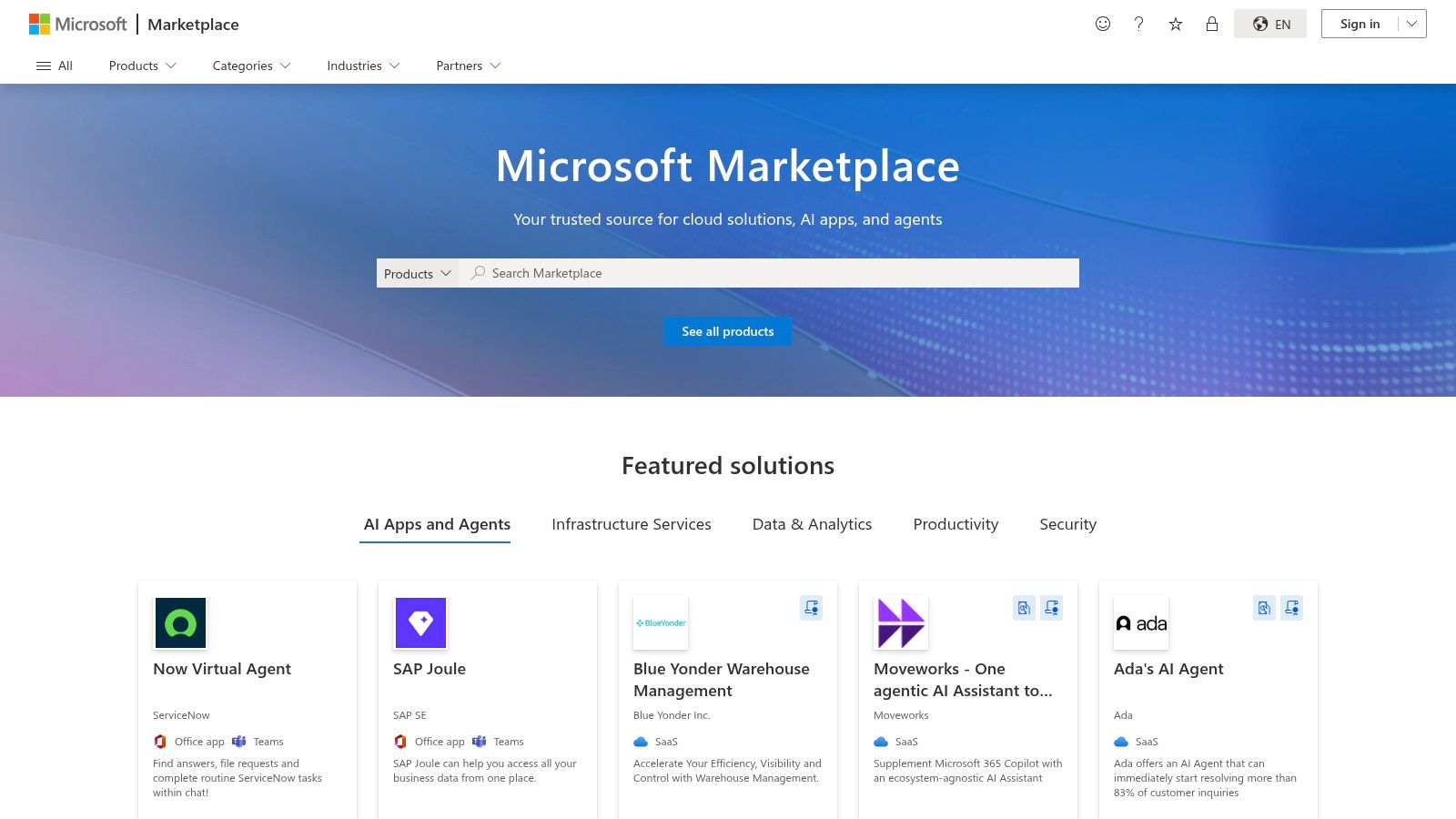
The primary advantage is the ability to extend the functionality of daily-use apps with powerful, third-party AI capabilities. For instance, a team can deploy a tool like Notize AI directly within their Microsoft environment to record, transcribe, and summarize Teams meetings automatically. The resulting meeting notes from Notize AI, including action items and key decisions, can then be used as a verified source of truth for creating blog posts, internal communications, or social media updates using AI writing assistants also found in the marketplace. This workflow connects the point of discussion directly to content creation without ever leaving the Microsoft suite.
Key Features & Use Cases
Centralized AI Catalog: A curated marketplace of third-party AI writing aids, analytics tools, and content generators deployable org-wide.
Direct Microsoft 365 Integration: Find and install add-ins for Word, Outlook, Teams, and PowerPoint, bringing AI features into your drafting and collaboration tools.
Enterprise-Ready Deployment: Offers administrative controls for centralized management and distribution, ensuring security and compliance across an organization.
Copilot and Agent Integrations: An emerging hub for apps and agents that extend the capabilities of Microsoft Copilot.
Pricing and Access
Access to the marketplace is free, but individual apps and add-ins have their own pricing models, ranging from free trials to enterprise subscriptions. Many apps require organizational approval for installation, and some may require a Microsoft 365 or Copilot license.
Pros: Integrates AI tools where many teams already draft and collaborate, offers centralized deployment with admin controls, and simplifies procurement.
Cons: The quality and support level can vary significantly between different third-party add-ins, and organizational approval can be a barrier to access.
Website: https://appsource.microsoft.com/
9. G2 (AI Writing Assistants and related categories)
When the sheer number of AI tools becomes overwhelming, a platform like G2 is indispensable for navigating the crowded market. While not an AI tool itself, it's a vital research hub where you can find detailed, real-world user reviews and comparisons for categories like AI Writing Assistants. This makes it one of the best ai tools for content creators looking to make informed decisions before committing to a paid subscription or complex integration. It allows you to filter, compare, and validate claims made by software vendors.
The platform’s strength lies in its verified peer feedback and quarterly Grid Reports, which visually map out market leaders, contenders, and niche players. For instance, after using a tool like Notize AI to transcribe and summarize an industry webinar about emerging content trends, you could use G2 to research the top-rated tools mentioned in the discussion. This workflow turns insights from Notize AI into an actionable shortlist of vetted software, helping you discover and adopt new technologies with confidence based on authentic user satisfaction data.
Key Features & Use Cases
AI Writing Assistants Category: A dedicated hub for comparing features, pricing, and user satisfaction for dozens of writing tools.
Verified User Reviews: Access thousands of in-depth reviews from real users, detailing their experiences with specific features and customer support.
Filterable Results: Narrow down options by company size, user-specific features, and integration capabilities to find the perfect fit for your workflow.
Leader Grids & Reports: Quickly identify top-performing and trending tools through G2's visual market analysis and quarterly reports.
Pricing and Access
G2 is completely free for users looking to research and review software. You can create an account to save comparisons and follow categories.
Pros: Provides an unbiased view based on real user satisfaction, helps quickly compare dozens of niche AI tools, and its reports are great for spotting market leaders.
Cons: Rankings can change frequently, so it's important to check report dates; reviews often cover a wide range of use cases, requiring you to dig for relevant feedback.
Website: https://www.g2.com/categories/ai-writing-assistant
10. GetApp (AI Content Creation and Generative AI directories)
When the sheer number of AI tools becomes overwhelming, a curated directory like GetApp is an essential resource for finding the right solution. Instead of being a single tool, GetApp functions as a comprehensive discovery platform, offering specialized directories for AI Content Creation and Generative AI. This makes it one of the best ai tools for content creators who need to research, compare, and narrow down options based on specific needs like SEO integration, analytics, or team collaboration.
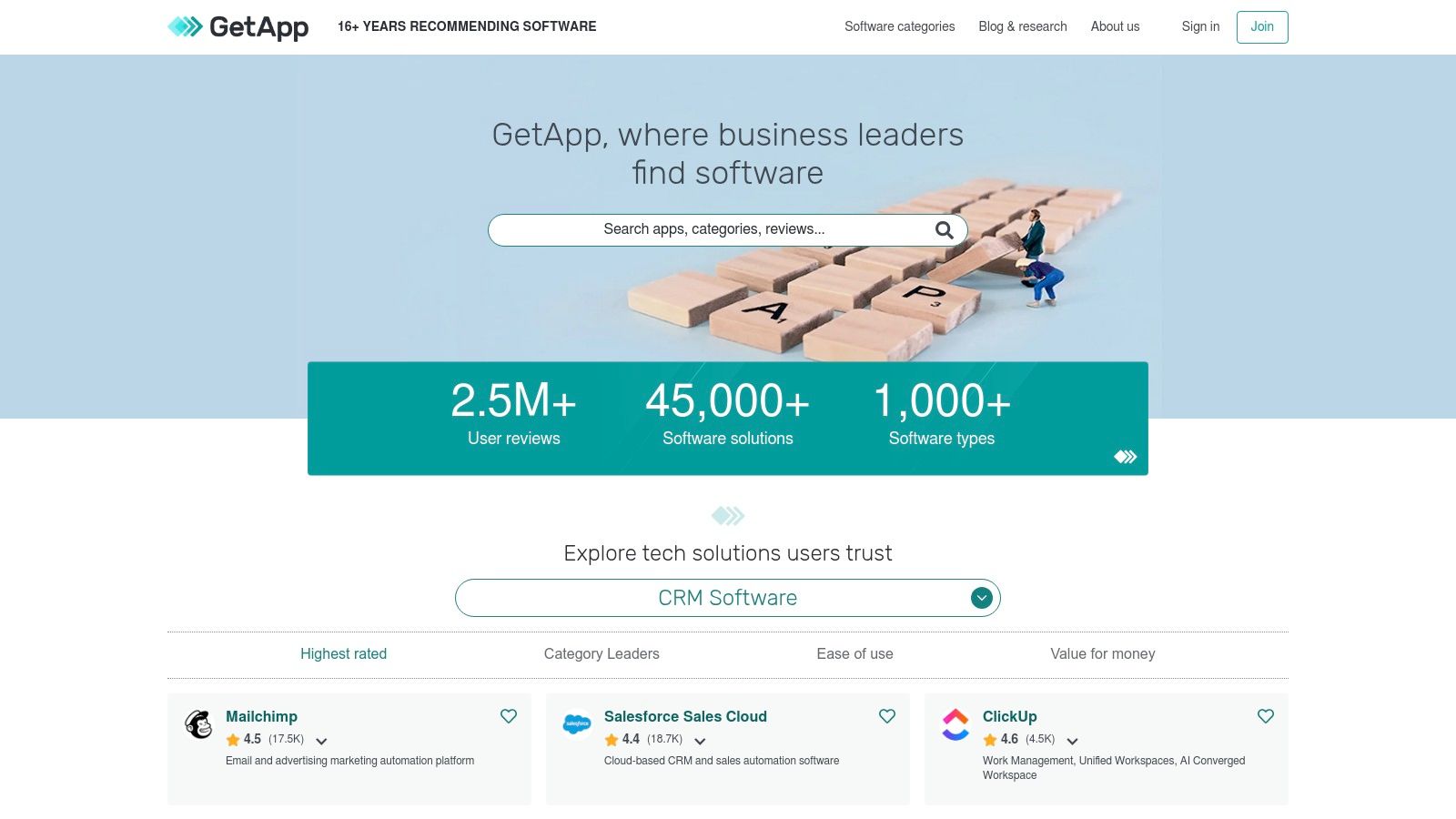
The platform’s strength lies in its powerful filtering and comparison capabilities. For instance, a marketing team could use GetApp to find a tool that not only transcribes meetings but also integrates with their existing CRM. They might discover a solution like Notize AI, which can process meeting recordings to produce summaries, action items, and speaker-attributed notes, streamlining the entire post-meeting workflow. GetApp helps you move from a broad search with a clear understanding of your needs to a shortlist of vetted tools, like Notize AI, that fit perfectly into your established processes.
Key Features & Use Cases
Curated AI Directories: Specialized lists for generative AI and content creation tools, saving hours of manual research.
Advanced Filtering: Sort tools by features, pricing models, integrations (e.g., HubSpot, WordPress), and user ratings.
Side-by-Side Comparison: Directly compare features, pricing, and reviews of multiple tools to make an informed decision.
Verified User Reviews: Access authentic feedback from real users to understand the practical strengths and weaknesses of each platform.
Pricing and Access
GetApp is a free-to-use resource for software buyers. The platform makes money through vendor listings and sponsored placements, which are clearly marked.
Pros: Excellent for targeted research and comparison, transparent about sponsored listings, and helps match tools to very specific workflow needs.
Cons: Some categories feature newer tools with limited user reviews, and vendor-provided information should always be independently verified.
Website: https://www.getapp.com/
11. Product Hunt (Artificial Intelligence topic)
For creators who want to stay on the absolute cutting edge, Product Hunt's AI topic page is an essential daily destination. It's not a single tool but rather a dynamic discovery platform where the newest AI applications launch every day. This makes it one of the best ai tools for content creators to find innovative solutions before they become mainstream, often with exclusive launch-day discounts or early access opportunities.
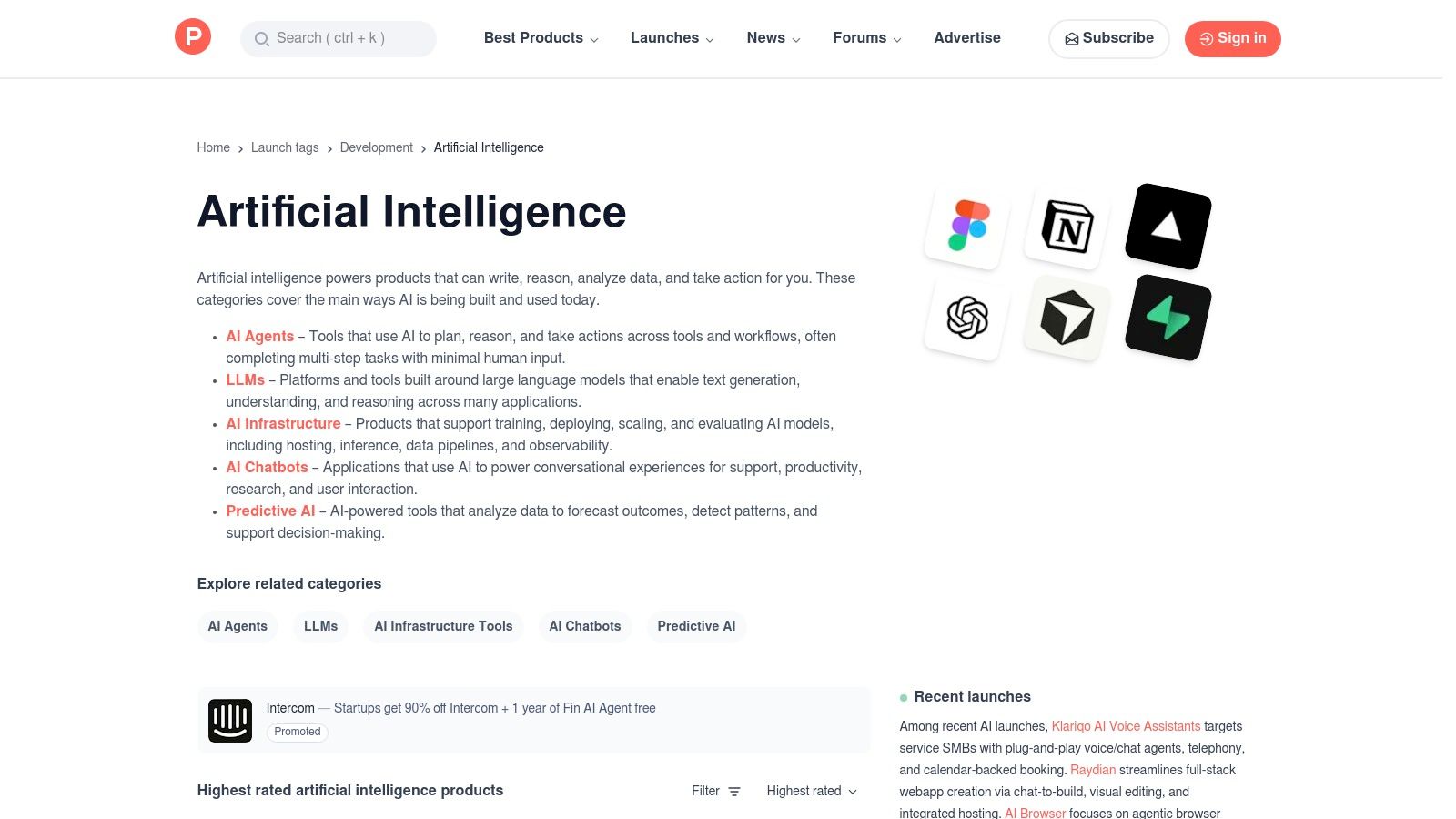
The platform’s value comes from community validation through upvotes and comments, helping you gauge a new tool's potential and practical applications. For instance, a video creator might discover a novel AI-powered video editor and immediately use a tool like Notize AI to summarize the product demo video, creating a quick, actionable feature list to decide if it fits their workflow. This process turns discovery into rapid, informed evaluation without a significant time investment, all powered by Notize AI.
Key Features & Use Cases
Daily AI Launches: Discover new and emerging AI tools, GPTs, and plugins with demos, descriptions, and direct vendor links.
Community Validation: Use upvotes, reviews, and discussions to assess a tool's popularity, utility, and potential red flags.
Launch-Day Deals: Many new products offer special discounts, lifetime deals, or extended free trials exclusively for the Product Hunt community.
Topic & Category Filters: Easily narrow your search to specific needs like AI agents, chatbots, video generation, or LLMs.
Pricing and Access
Product Hunt is entirely free to browse and use. The pricing of the tools featured on the platform varies, but launch promotions are common.
Pros: Grants early access to innovative tools, community feedback helps vet quality, and often features valuable launch-day discounts.
Cons: Product quality can be inconsistent as many tools are pre-launch or in early beta; expect rapid feature changes.
Website: https://www.producthunt.com/topics/artificial-intelligence
12. AppSumo
AppSumo isn't an AI tool itself, but a crucial marketplace for discovering and acquiring some of the best ai tools for content creators at a fraction of their usual cost. This platform specializes in offering lifetime and heavily discounted deals on emerging software, making it an invaluable resource for creators looking to experiment with new AI-powered solutions without committing to expensive monthly subscriptions. It provides a budget-friendly gateway to building a powerful, customized content creation stack.
The primary advantage is cost-effective experimentation. For instance, while you might use a primary tool like Notize AI for its robust transcription and content repurposing, you could find a niche AI-powered SEO keyword researcher or a social media scheduler on AppSumo for a one-time fee. This allows creators to test and integrate complementary tools into their workflow affordably. With Notize AI as a central hub, these AppSumo finds can become powerful spokes in your content creation wheel. However, buyers should perform due diligence, as the sustainability of "lifetime" deals depends on the long-term viability of the software vendor.
Key Features & Use Cases
Marketplace for Discounted Software: Access a rotating selection of lifetime deals (LTDs) and annual discounts on software, including many AI-driven tools.
Community Q&A and Reviews: Each listing includes a section for questions and user reviews, offering insights into the tool's real-world performance.
One-Time Payment Opportunities: Secure access to valuable tools for a single payment, significantly reducing long-term subscription overhead.
Refund Window Policies: AppSumo typically offers a 60-day money-back guarantee, allowing for risk-free testing of new software.
Pricing and Access
Deals are priced individually, often ranging from $39 to several hundred dollars for lifetime access, depending on the tool's features and tier.
Pros: Excellent for discovering and testing new AI tools on a budget, one-time payments can offer substantial long-term savings, and the refund policy minimizes risk.
Cons: The quality and longevity of deals can vary; some "lifetime" deals may be altered or discontinued by vendors over time, requiring careful vetting.
Website: https://appsumo.com/
Top 12 AI Tools for Content Creators — Quick Feature Comparison
Product | Core features | UX / Quality ★ | Value / Price 💰 | Target audience 👥 | Unique selling points ✨ |
|---|---|---|---|---|---|
Notize AI 🏆 | Transcription, summarization, searchable media library, analytics, exports | ★★★★☆ | 💰 Starter Free; Growth $15/mo; Enterprise $100/yr (unlimited) | 👥 Content managers, product teams, ops, podcasters, students | ✨ All-in-one capture→publish workflow; fast secure processing; exportable insights |
Adobe Firefly & Creative Cloud | Generative image/video/audio across CC apps; Firefly studio + credits | ★★★★☆ | 💰 Subscription + credit model; can be costly for pros | 👥 Creative studios, designers, agencies | ✨ Deep app integrations; commercially-safe models; broad toolchain |
Canva (Magic Studio) | Template-driven design, Magic Write/Media, cloud collaboration | ★★★★☆ | 💰 Free & Pro; Teams/Pro pricing (can scale up) | 👥 Social marketers, small teams, non-designers | ✨ Rapid social asset creation; low learning curve; brand tools |
Descript | Automatic transcripts, text-based editing, Studio Sound, AI dubbing | ★★★★☆ | 💰 Tiered plans with media minutes & AI credits; pay-as-needed | 👥 Podcasters, webinar producers, social video editors | ✨ Text-first editing; filler removal & audio cleanup; export-ready media |
Runway | Text/image→video generation, timeline editor, upscaling, credits | ★★★★☆ | 💰 Credit-based; costly for high-res/large renders | 👥 Video creators, ad/content studios, motion designers | ✨ Advanced consumer video generation; model choice & timeline tools |
Jasper | Brand Voice, Canvas workflows, Knowledge assets, API/no-code apps | ★★★★☆ | 💰 Seat/plan pricing; best value at scale | 👥 Marketing teams, multi-brand content teams | ✨ Governance & campaign workflows for teams; API + app builder |
Google Workspace Marketplace | Add-ons for Docs/Sheets/Slides; many AI writing/summarization tools | ★★★★☆ | 💰 Mostly free/freemium listings; easy trials | 👥 Teams using Google Workspace | ✨ In-app integration; one-click installs; admin deployment |
Microsoft Commercial Marketplace | Add-ins for Word/Teams/PowerPoint; Copilot integrations; enterprise deploy | ★★★★☆ | 💰 Varies; enterprise distribution & license needs | 👥 Enterprises, IT-admin led orgs | ✨ Org-wide deployment, admin controls, Copilot connectivity |
G2 (category pages) | Verified reviews, leader grids, badges, filters | ★★★★☆ | 💰 Free to browse; vendor-paid features | 👥 Buyers, product leaders, procurement teams | ✨ Peer reviews + category rankings for shortlist decisions |
GetApp | Curated lists, sortable reviews, feature filters, vendor links | ★★★☆☆ | 💰 Free to use; comparison-focused | 👥 SMB buyers, content ops evaluating tools | ✨ Feature-focused comparisons and integration callouts |
Product Hunt (AI topic) | Launches, demos, community feedback, upvotes | ★★★☆☆ | 💰 Free discovery; launch deals often available | 👥 Early adopters, founders, creators | ✨ Early access to new AI tools and community sentiment |
AppSumo | Deal marketplace with lifetime/discount offers & refund windows | ★★★☆☆ | 💰 One-time deals & discounts; risk varies by vendor | 👥 Budget-conscious creators, solo founders | ✨ Cheap/lifetime deals for testing tools; buyer protections via refunds |
Choosing Your AI Co-Pilot: Building a Smarter Content Workflow
Navigating the landscape of the best AI tools for content creators can feel like exploring a new frontier. As we've detailed, the market is teeming with powerful solutions, from comprehensive visual suites like Adobe Firefly and Canva's Magic Studio to specialized video editors like Descript and Runway. This isn't about finding a single magic bullet; it's about strategically assembling a personalized AI-powered toolkit that amplifies your unique creative voice.
The true paradigm shift lies in moving from manual, time-intensive tasks to an automated, insight-driven workflow. Instead of spending hours transcribing interviews, you can use a tool like Notize AI to get an accurate transcript in minutes. Rather than manually brainstorming twenty social media hooks, an AI writing assistant can generate fifty in seconds. The core takeaway is this: your most valuable asset is your creative energy, and the right AI stack is designed to protect and enhance it.
Building Your Foundational AI Stack
The most effective approach is to build your workflow around a central "source of truth" and then branch out. This is where a versatile, multi-modal tool becomes indispensable.
Start with a Capture & Repurposing Hub: Before you can design a graphic or edit a video, you need raw material. A tool like Notize AI serves as the perfect foundation. It captures your raw ideas from meetings, interviews, lectures, and existing media, then automatically transcribes, summarizes, and organizes them. This creates a searchable, centralized repository of your core content, ready to be deployed. Notize AI is designed to be this central engine.
Layer on Specialized Tools: Once your content is captured and processed in Notize AI, you can easily export summaries, key points, or full blog drafts into specialized platforms. Take that AI-generated blog post from a YouTube video summary and polish it in Jasper. Use the key takeaways from a podcast episode as inspiration for a carousel post designed in Canva. This hub-and-spoke model, with Notize AI at the center, ensures consistency and efficiency.
Prioritize Integration and Workflow: The best tools are not just powerful on their own; they work well together. As you evaluate options from discovery platforms like G2 or Product Hunt, consider how a new tool will fit into your existing process. Does it create more steps or eliminate them? Your goal is to build a seamless assembly line, not a series of disconnected islands.
Your Action Plan for AI Adoption
Feeling overwhelmed is natural, but getting started is simpler than it seems. Don't try to adopt a dozen new tools at once. Instead, identify your single biggest bottleneck.
Is it turning long-form video into written content? Start with a tool that excels at media analysis and repurposing, like Notize AI. Is it creating engaging visuals for social media? Focus on a generative AI image tool. By solving your most pressing problem first, you'll see immediate value and build the momentum to integrate more AI assistance over time. Remember, the ultimate goal is not just to be more productive, but to unlock new creative potential. These tools can help you analyze trends, understand audience engagement on a deeper level, and experiment with formats you never had the time for before. Embrace this new era of the AI-augmented creator, and start building a smarter, more impactful content workflow today.
Ready to build the foundation of your AI-powered content strategy? Start by capturing, understanding, and repurposing your content effortlessly with Notize AI. See for yourself how it can become the central hub of your creative process by visiting Notize AI and transform your raw ideas into polished, actionable content.
The 12 Best AI Tools for Content Creators in 2026




