Manually transcribing audio is a major bottleneck, draining valuable time and resources. Whether you're a journalist on a deadline, a project manager capturing meeting outcomes, a student reviewing dense lectures, or a creator repurposing video content, the challenge is universal: turning spoken words into usable, searchable text. This is where the best audio transcription software steps in, transforming hours of audio into accurate, structured text in just minutes. But with a crowded market full of diverse tools, choosing the right one can feel overwhelming.
This guide is designed to cut through the noise and provide clear, actionable comparisons. We will dive deep into the top 12 transcription platforms available today, analyzing everything from core accuracy and supported languages to advanced features like AI-powered summaries and integrations. You'll see how each tool performs in real-world scenarios, helping you find the perfect fit for your specific needs.
We’ll explore all-in-one solutions like Notize AI, which not only transcribes media but also generates structured summaries, action items, and even blog posts from any audio or video. We'll also cover specialized services for professional transcriptionists, video editors, and developers who need to build custom applications. Each review includes a detailed breakdown of pros and cons, pricing tiers, and ideal use cases to help you make an informed decision. Whether you need a simple tool for occasional use or a powerful platform like Notize AI to integrate into your daily workflow, this comprehensive list will guide you to the right choice.
1. Notize AI
Notize AI establishes itself as a powerful contender for the best audio transcription software by moving beyond simple text conversion. It functions as an all-in-one content engine, designed to turn unstructured audio and video from meetings, lectures, and social media into organized, actionable knowledge. The platform’s core strength lies in its workflow automation, which caters directly to professionals, content creators, students, and teams who need to extract value from media quickly and efficiently. With Notize AI, you can save time, understand content faster, and turn any media into meaningful output.
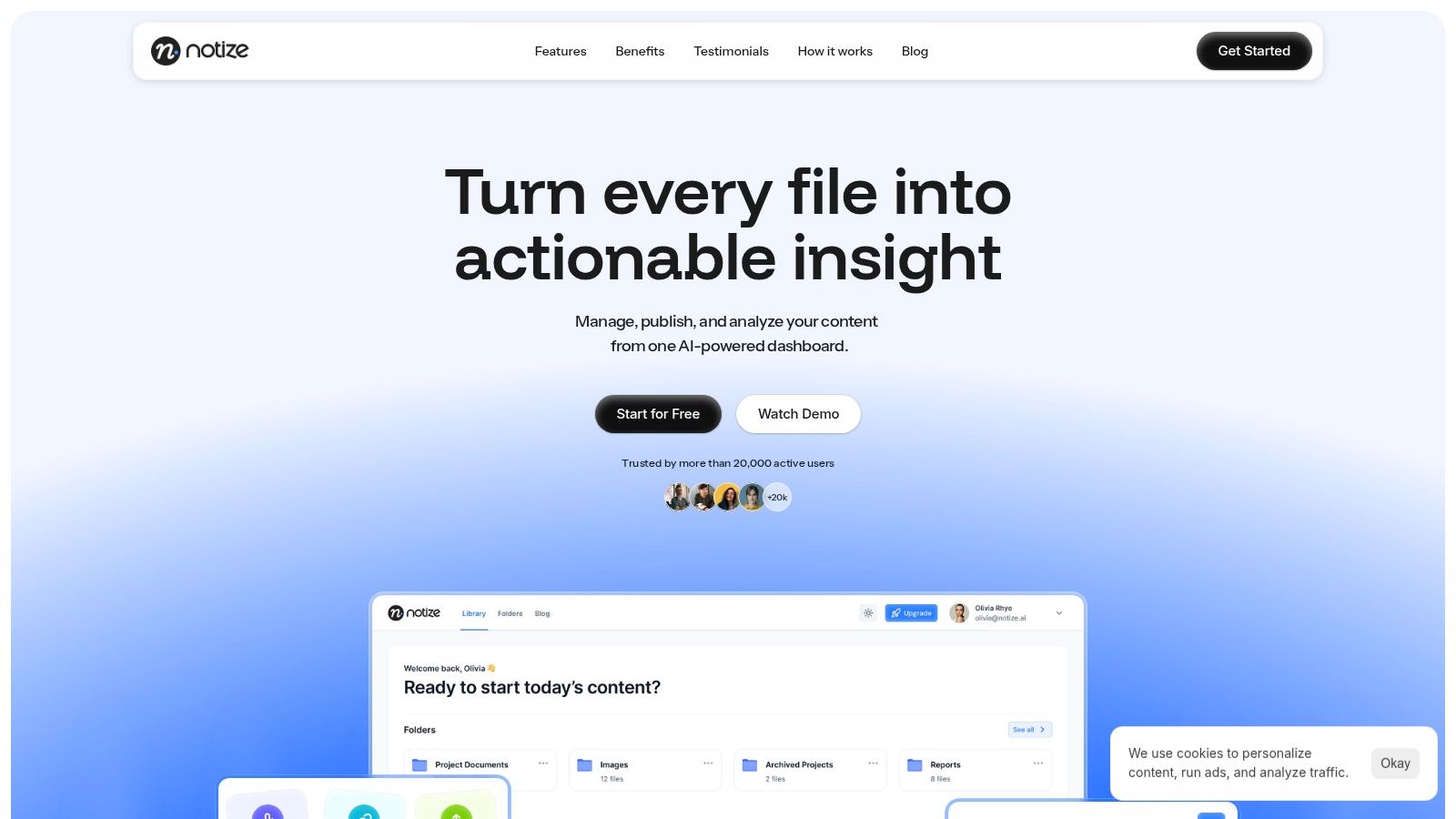
From a single dashboard, users can import links from YouTube, Facebook, or TikTok, or record meetings directly, and Notize AI automatically generates a searchable transcript alongside summaries, key points, and action items. This transforms passive recordings into blog post drafts, detailed meeting notes, or step-by-step guides without manual effort. For teams using Notize AI, this means an end to chaotic note-taking and a direct line from discussion to documented tasks. For a deeper dive into its capabilities, Notize AI provides guides on how to effectively transcribe audio to text using their platform.
Key Features and Use Cases
For Teams & Professionals in Meetings: Record meetings directly in the Notize AI app to receive full, structured summaries, key discussion points, speaker-attributed notes, and a clear list of action items. Users can organize meetings in shared folders and search across all past conversations to find the exact moment a topic was discussed.
For Journalists, Bloggers, & Creators: Upload audio or video to Notize AI to automatically generate high-quality transcriptions and customizable blog posts in any writing style. Creators can build and publish their own blog directly from the app, access analytics, and use AI to improve their content's engagement.
For Content Consumers & Video Enthusiasts: Send links from YouTube, TikTok, or other platforms to Notize AI for instant summaries, insights, and key takeaways. Turn long videos into step-by-step guides or chat with the AI to ask questions about the content without watching the entire video.
For Students & Academics: Record lectures or upload course materials (including PDFs, slides, and ebooks) to Notize AI. The system transcribes, analyzes, and converts them into study guides or summaries. Students can ask the AI questions to get simplified explanations and instantly jump to the exact moment a topic was covered.
Pricing and Access
Notize AI offers a straightforward pricing model. A Starter plan is available for free, allowing users to process up to five pieces of content. The Growth plan, at $15 per month, unlocks unlimited content processing, storage, and priority speeds. For maximum value, the Enterprise plan is offered at a compelling $100 per year, providing the same unlimited features.
Pros:
Transforms raw audio/video into multiple content formats automatically.
Centralizes all media and insights in one organized dashboard.
Accessible pricing with a functional free tier for testing.
Cons:
The free plan is limited to five content uploads.
Lacks public listings of enterprise-grade security certifications like SOC 2 or HIPAA.
2. Otter.ai
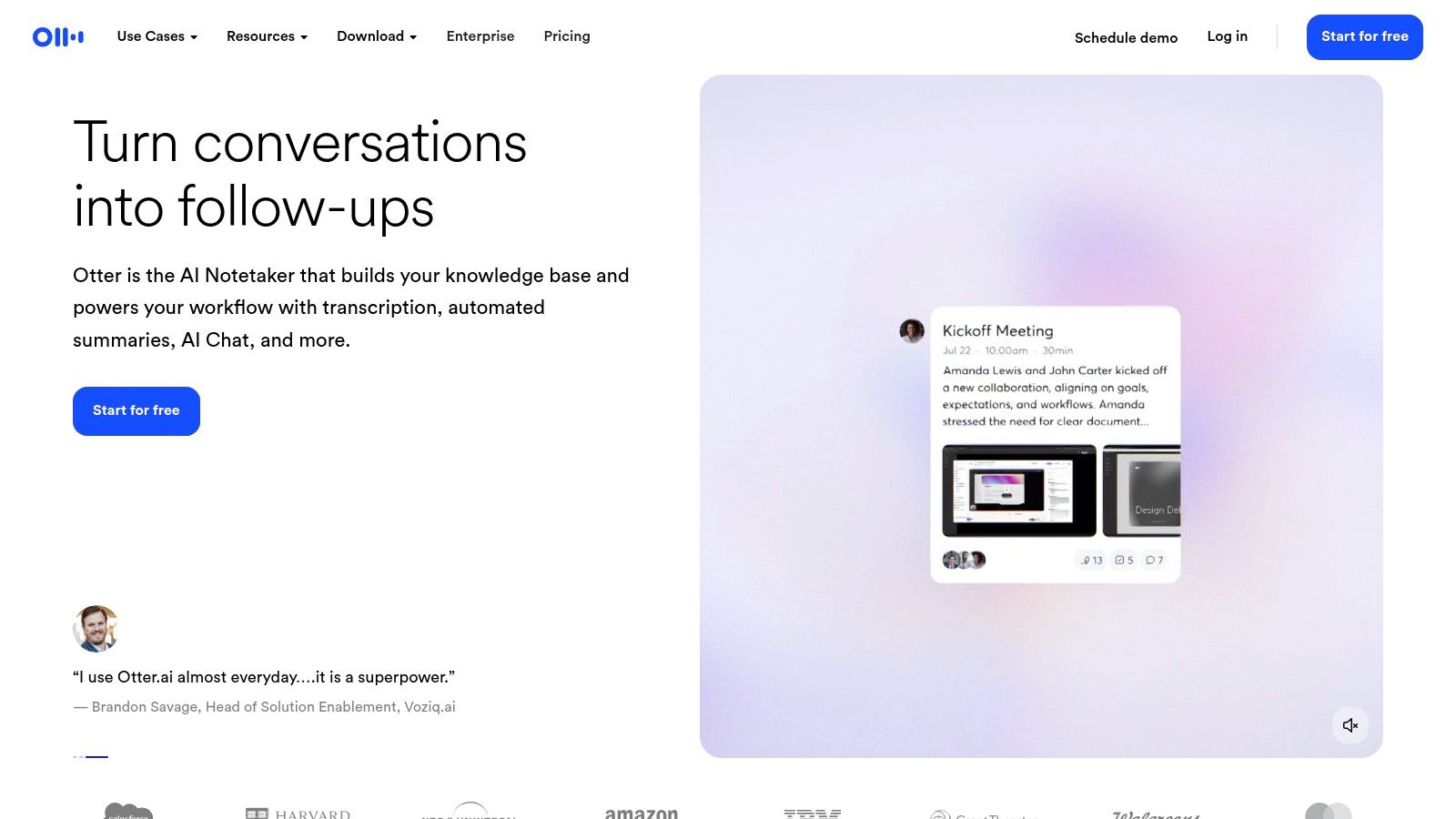
Otter.ai is purpose-built for team meetings, transforming live conversations from Zoom, Google Meet, and Microsoft Teams into searchable, collaborative assets. Its core strength lies in being more than just a transcription service; it acts as an AI meeting assistant that captures notes, identifies action items, and generates summaries in real time. This makes it one of the best audio transcription software options for teams seeking to improve meeting productivity and create an accessible archive of discussions.
For professionals juggling back-to-back calls, Otter.ai eliminates the need for manual note-taking. Its AI agent can automatically join your calendar events, providing live captions during the meeting and delivering a full summary with key takeaways and action items moments after the call ends. The platform excels at speaker identification and allows users to build a custom vocabulary for industry-specific jargon, improving accuracy over time.
Core Features & Use Cases
Otter.ai is ideal for project teams, managers, and anyone who needs a reliable record of what was said and decided in meetings. Its features are designed for immediate post-meeting action and long-term knowledge management.
Real-time Transcription & AI Summaries: Get instant transcripts and automated summaries, making it easy to catch up on missed meetings or recall key decisions.
Speaker Identification: Automatically detects and labels who said what, adding crucial context to the transcript.
Advanced Search: Find specific keywords, action items, or discussion points across your entire meeting history.
Integrations: Connects directly with calendars and video conferencing tools for a seamless workflow.
For example, a project team could integrate Otter.ai with their calendar, so it automatically records all sprint planning sessions. The resulting transcripts and summaries from Otter.ai can then be used as a foundation, and tools like Notize AI can further process this text to create detailed project briefs or follow-up task lists for team members.
Pros & Cons
Pros | Cons |
|---|---|
Excellent for team collaboration | Import limits on lower-tier plans |
Accurate speaker identification | Some advanced features require higher plans |
Seamless meeting integrations | Not primarily designed for creative content like podcasts |
Pricing & Access
Otter.ai offers a tiered pricing structure, including a free plan with basic transcription minutes, making it accessible for individuals to try. Paid plans start with the Pro tier for individuals needing more import and transcription time, followed by the Business plan designed for teams, which adds user management and centralized billing. An Enterprise plan is available for larger organizations.
You can sign up and start using the platform directly on their website: https://otter.ai
3. Rev
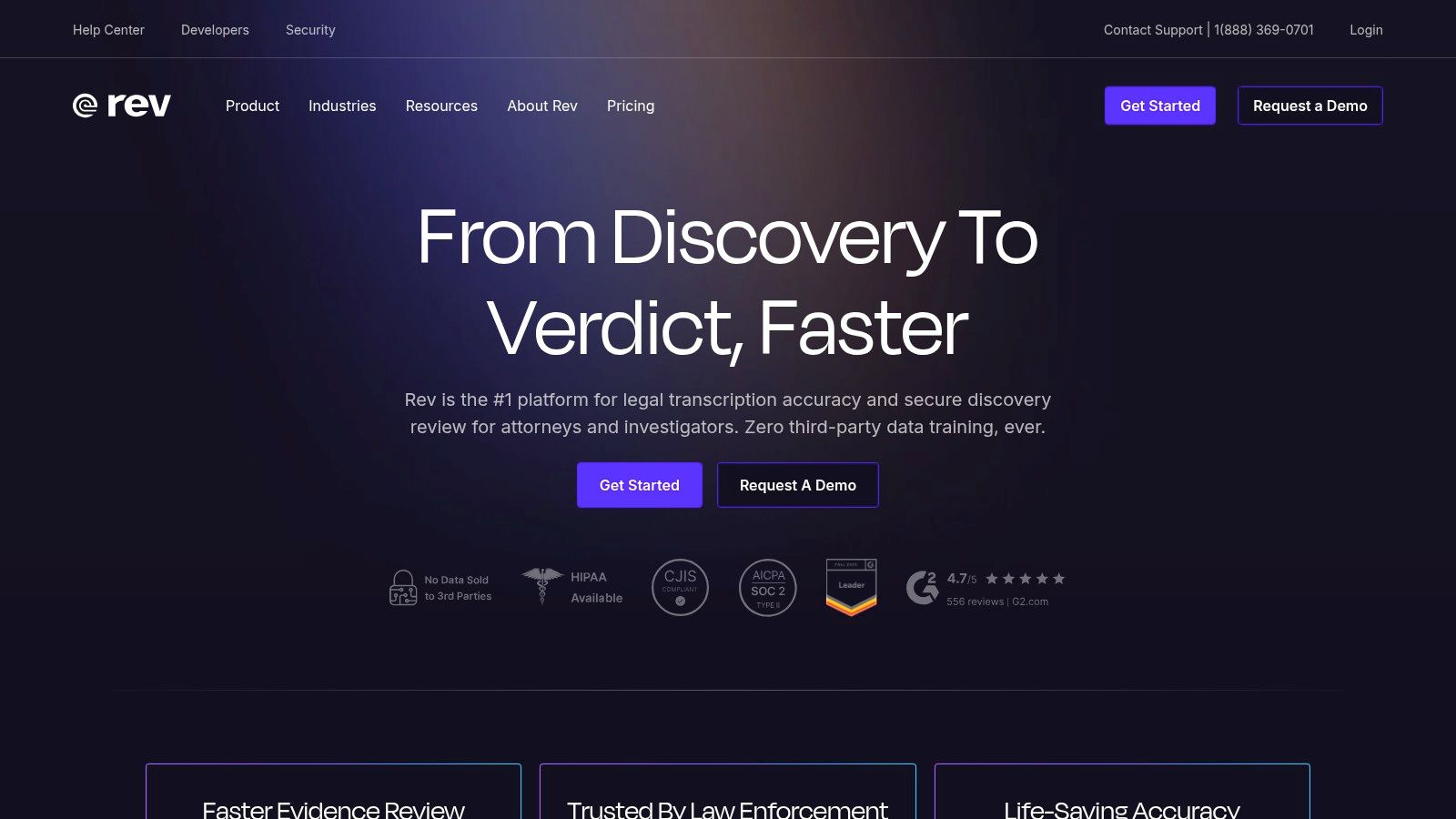
Rev stands out in the transcription landscape by offering a powerful hybrid model that combines both human-powered and AI-driven services. This dual approach makes it an incredibly versatile platform, catering to users who need the speed and affordability of AI for everyday tasks, as well as those who require the near-perfect accuracy of professional human transcription for critical content. Its flexibility makes it one of the best audio transcription software choices for projects with varying accuracy requirements.
This platform is ideal for legal, medical, and academic professionals who cannot afford errors, as well as for media companies producing high-stakes content like films or documentaries. Rev’s human transcriptionists deliver a 99% accuracy guarantee on clear audio, providing a reliable solution when automated systems might struggle with complex accents, poor audio quality, or industry-specific terminology.
Core Features & Use Cases
Rev is best suited for users who need a blend of speed and guaranteed accuracy, from podcasters to enterprise teams. Its clear service tiers allow you to choose the right tool for each specific job.
Human Transcription: Provides a 99% accuracy guarantee with a 12-hour turnaround time for most files, perfect for final-draft content.
Automated AI Transcription: Delivers fast, low-cost transcripts with up to 90% accuracy, ideal for internal notes and first drafts.
Interactive Editors: Both AI and human transcripts come with an easy-to-use editor to review, edit, and export your text.
Captions & Subtitles: Offers both human- and AI-generated video captions and foreign subtitles to improve accessibility and global reach.
For example, a journalist could use Rev's human service to transcribe a critical interview for a published article, ensuring every quote is precise. The raw transcript can then be processed with a tool like Notize AI to generate structured notes, extract key themes, and even draft a preliminary article outline for faster content creation.
Pros & Cons
Pros | Cons |
|---|---|
Human service offers 99% accuracy | Human transcription is slower and more costly |
Clear, per-minute pricing for human services | Team collaboration tools are limited on lower tiers |
SOC 2 and HIPAA compliance options | AI accuracy can vary with challenging audio |
Pricing & Access
Rev's pricing is service-dependent. Human Transcription starts at a per-minute rate, with add-ons available for timestamps and rush delivery. Automated Transcription is more affordable and also priced per minute, with a subscription plan available for regular users that includes a bundle of transcription hours. Enterprise plans are available for teams needing advanced security features like SOC 2 or HIPAA compliance and volume discounts.
You can upload files and order services directly from their website: https://www.rev.com
4. Descript
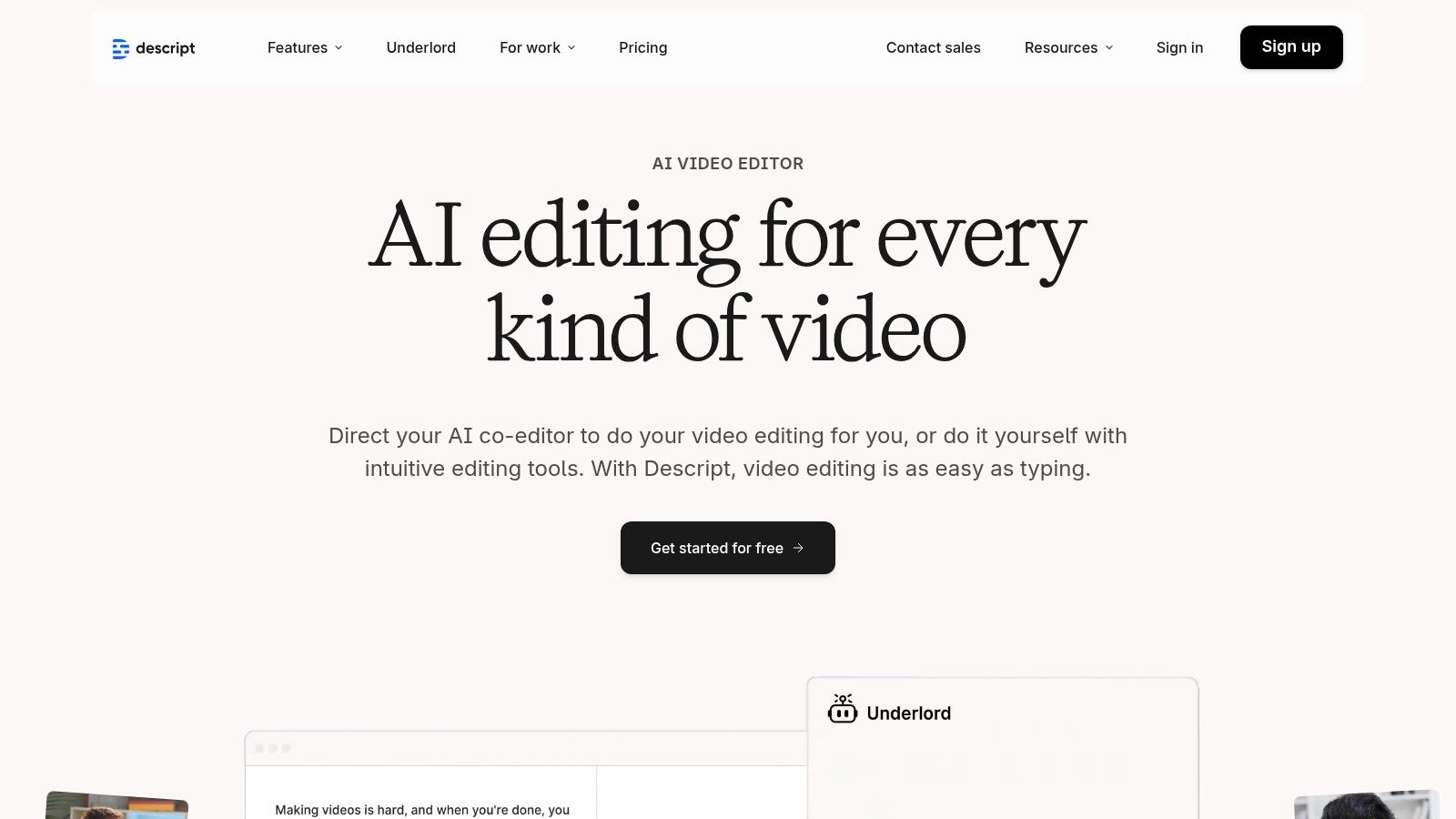
Descript revolutionizes media editing by treating audio and video as text documents, making it a standout choice among the best audio transcription software for content creators. Its core concept is simple yet powerful: edit your video or audio by editing the automatically generated transcript. This unique approach dramatically speeds up post-production for podcasters, marketers, and video producers by eliminating the tedious process of scrubbing through timelines to find specific clips.
Instead of traditional waveform editing, you can simply delete a word or sentence from the text, and Descript removes the corresponding audio or video segment. This makes it incredibly intuitive for anyone comfortable with a word processor. The platform is an all-in-one production suite that also includes features like AI-powered voice enhancement, screen recording, and tools for creating shareable social media clips, streamlining the entire content creation workflow from recording to final export.
Core Features & Use Cases
Descript is built for creators who need to edit spoken-word media efficiently. It is ideal for producing polished podcasts, editing webinar recordings, and creating marketing videos without needing expert-level editing skills.
Text-Based Media Editing: Edit audio and video by simply cutting, copying, and pasting text in the transcript.
Studio Sound & Overdub: Enhance vocal quality with a single click and create realistic AI voice clones to correct mistakes.
Multi-track Timeline: A familiar timeline editor is available for more complex edits, combining the best of both worlds.
Clip Creation & Publishing: Quickly generate short video clips with animated captions and publish them directly from the app.
For instance, a content team can upload a webinar recording to Descript for transcription. After editing the content by refining the text, they can then export the clean transcript to a tool like Notize AI, which can generate structured blog posts, summaries, and social media content based on the final polished text. This workflow significantly accelerates content repurposing.
Pros & Cons
Pros | Cons |
|---|---|
Speeds up post-production for content teams | Learning curve for advanced workflows |
Scales from solo creators to small teams | Media-hour limits per plan |
Frequent feature updates and active development | Resource-intensive on some computers |
Pricing & Access
Descript offers a free plan with limited transcription hours, perfect for trying out its core features. Paid plans include the Creator tier for individuals, which increases transcription limits and unlocks more advanced features. The Pro plan is designed for power users and teams, offering unlimited projects and higher-quality AI features. An Enterprise plan is also available for larger organizations needing custom solutions.
You can get started directly on their platform: https://www.descript.com
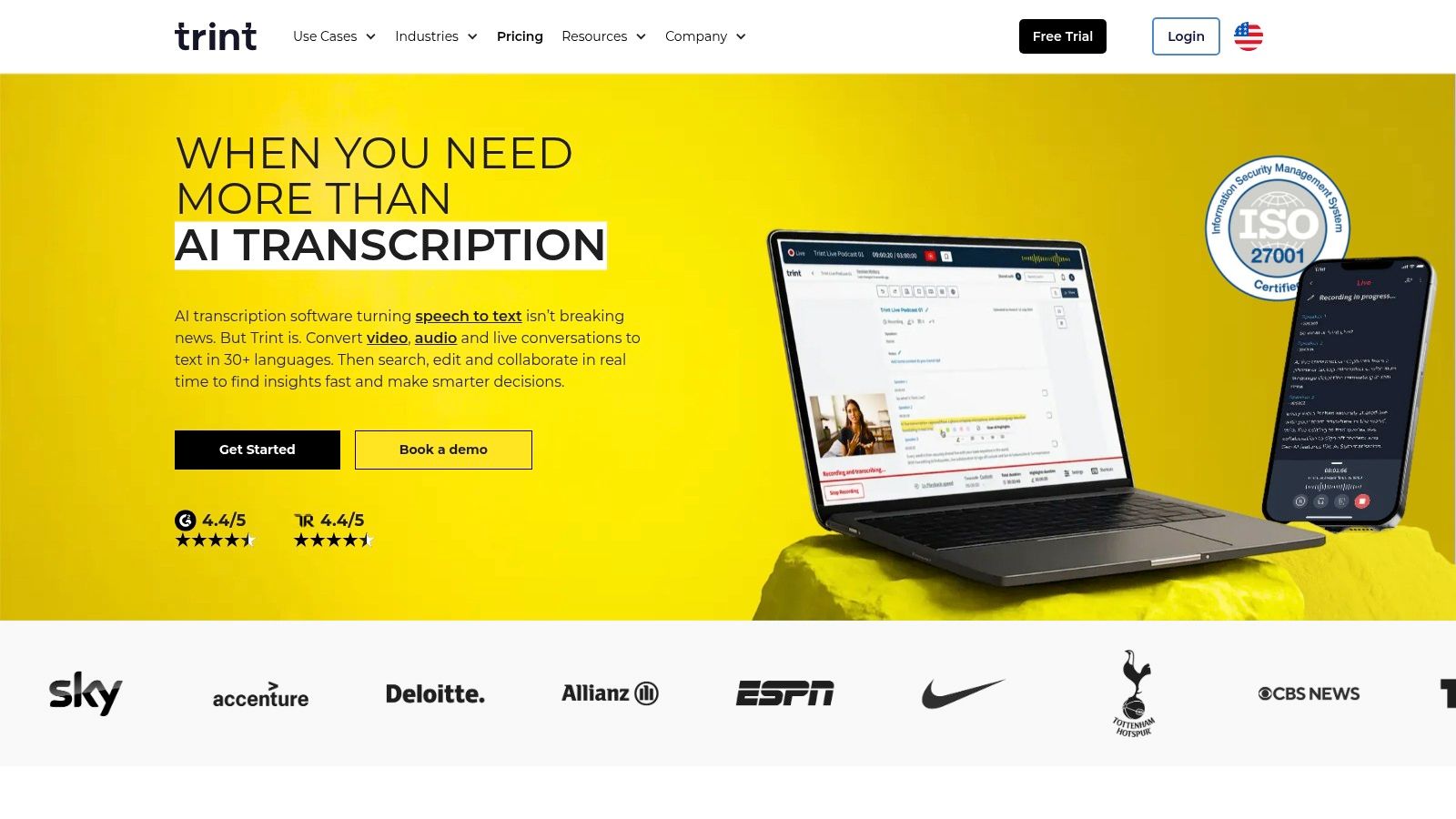
5. Trint
Trint is an enterprise-grade transcription platform built with journalists, media houses, and large-scale content teams in mind. It moves beyond simple audio-to-text conversion by offering a powerful, collaborative environment for editing, reviewing, and publishing content. Its core strength is its focus on high-stakes media workflows, providing features like live transcription for broadcast, robust security protocols, and translation capabilities to meet the demands of global newsrooms and marketing teams.
Where many tools focus on individual use, Trint excels in multi-user collaboration. The platform's browser-based editor allows teams to simultaneously review, verify, and correct transcripts, adding comments and highlighting key quotes. This makes it one of the best audio transcription software choices for organizations that require a secure, auditable trail from raw audio to final published story or video captions.
Core Features & Use Cases
Trint is ideal for media production teams, corporate communications departments, and academic researchers who need to process large volumes of audio and collaborate on the output. Its features are tailored for precision, speed, and security in editorial workflows.
Collaborative Editor: Allows multiple users to work on a transcript at the same time, with speaker ID and timestamps for clarity.
Live Transcription: Transcribe events, press conferences, or broadcasts in real time for immediate content creation.
Translation Capabilities: Translate finished transcripts into over 40 languages to expand content reach.
Bulk & Archive Processing: Offers an API and a BulkScribe feature for transcribing large backlogs of media archives.
For instance, a documentary film team could upload hours of interview footage to Trint. After the initial AI transcription, researchers and editors can collaborate in the platform to find and tag key soundbites. For deeper analysis, the verified transcripts can be fed into a tool like Notize AI, which can then generate narrative summaries or identify thematic connections across multiple interviews.
Pros & Cons
Pros | Cons |
|---|---|
Media-grade workflows and security | Higher per-seat pricing compared with SMB tools |
Strong multilingual and collaboration tooling | "Unlimited" plans may have fair-use caps |
Bulk archive transcription option | Free tier is a limited-time trial only |
Pricing & Access
Trint's pricing is geared towards professional teams and enterprises, and it does not offer a permanent free plan. It provides a free trial to test its capabilities. Paid plans begin with the Starter tier for individuals, moving to the Advanced tier for small teams needing collaboration features. For larger organizations requiring advanced security, API access, and live transcription, the Enterprise plan offers custom solutions.
You can explore the plans and request a trial on their official website: https://trint.com
6. Sonix
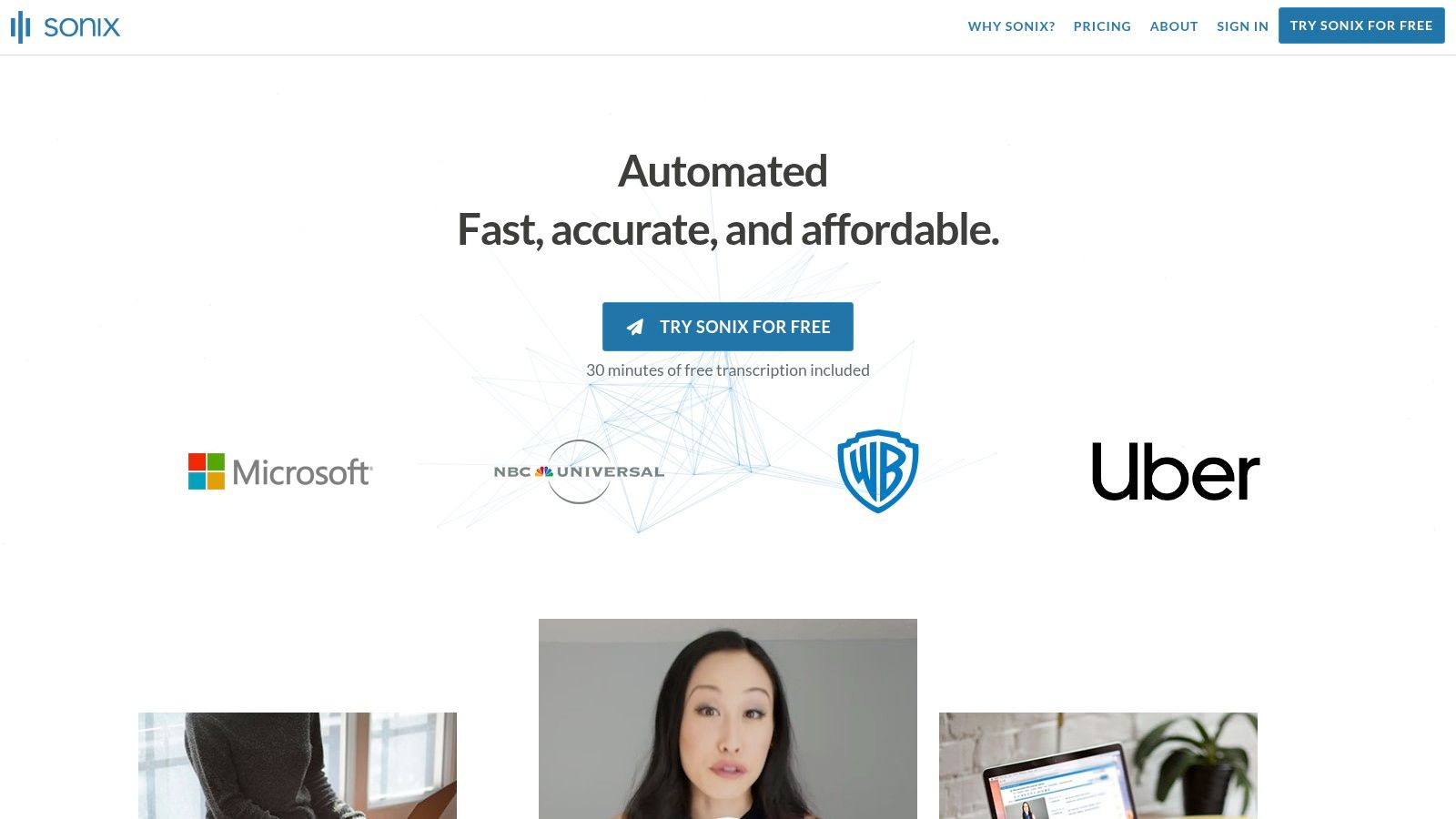
Sonix offers a streamlined, automated transcription and translation service ideal for creators and teams who need fast, reliable results without complex subscription tiers. Its main advantage is a transparent, pay-as-you-go pricing model that makes it one of the best audio transcription software choices for podcasters, marketers, and researchers who process files in batches. The platform focuses on delivering accurate, timestamped transcripts in over 40 languages with a quick turnaround.
This approach is perfect for users who have fluctuating transcription needs and prefer not to commit to a monthly plan. Sonix provides a collaborative web-based editor where users can polish transcripts, assign speaker labels, and export the final text in numerous formats. Its simplicity and clear per-hour billing remove the guesswork from budgeting for transcription projects, offering a great balance of accuracy and affordability for clean audio files.
Core Features & Use Cases
Sonix is built for content creators and researchers who need a straightforward way to turn audio and video into text. Its feature set supports multilingual content workflows and provides the tools for high-quality documentation.
Multilingual Transcription & Translation: Supports over 40 languages with automated timestamping and speaker diarization.
Collaborative In-browser Editor: Allows teams to review, edit, and perfect transcripts together in real time.
Flexible Export Options: Export transcripts in various formats, including SRT for subtitles, DOCX, and TXT.
Prorated Per-Second Billing: Pay only for what you use with a clear per-hour rate, ensuring cost-effectiveness.
For instance, a podcast producer could upload their raw audio to Sonix to get a quick and accurate transcript. This text can then be used with a tool like Notize AI to generate detailed show notes, promotional blog posts, or social media clips, turning a single recording into multiple content assets.
Pros & Cons
Pros | Cons |
|---|---|
Transparent per-hour rates and prorated billing | Translation and some advanced features cost extra |
Quick start with a 30-minute free trial | Pay-as-you-go can be pricier for very long projects |
Good balance of accuracy and price for clean audio | Not primarily designed for live meeting transcription |
Pricing & Access
Sonix primarily operates on a pay-as-you-go model, with a standard per-hour rate that decreases with the purchase of larger credit bundles. They also offer a Premium subscription for individuals and a Business subscription for teams, which provide lower per-hour rates and additional collaboration features. A 30-minute free trial is available for new users.
You can try the service and see pricing details directly on their website: https://sonix.ai
7. Adobe Premiere Pro – Speech to Text (Creative Cloud)
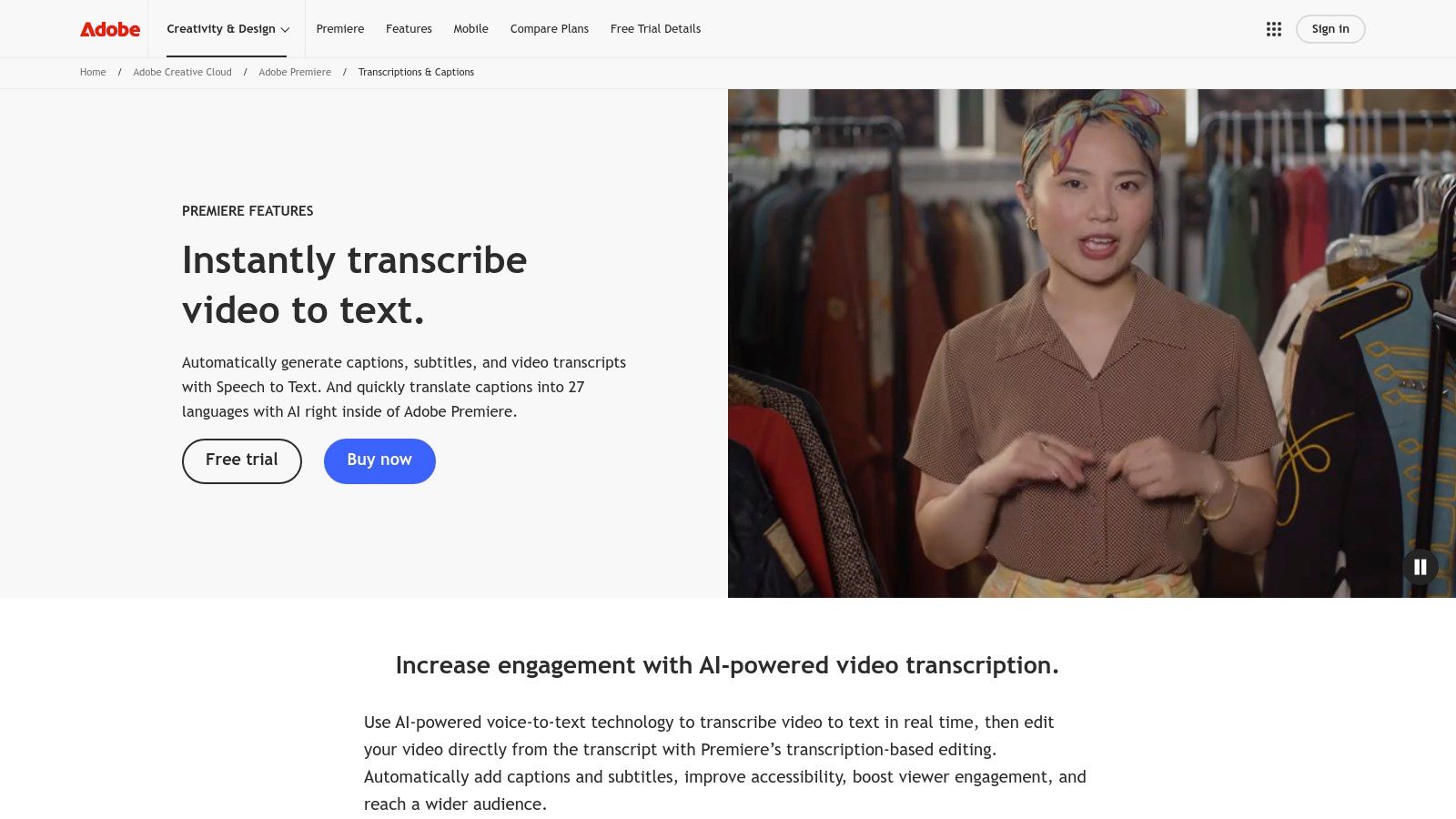
For video editors and creative teams, Adobe Premiere Pro's built-in Speech to Text feature is a game-changer. Instead of exporting audio to a separate service, it brings transcription directly into the editing timeline. This integration is its core strength, allowing creators to generate accurate transcripts and captions that are perfectly synced with their video projects. This makes it one of the best audio transcription software solutions for professionals who need a seamless, all-in-one video production workflow.
The feature automatically analyzes audio clips and generates a searchable transcript, which can then be used to create captions or even to edit the video itself. By simply editing the text, you can make corresponding cuts in the video timeline, which drastically speeds up the process of creating rough cuts from interviews or dialogue-heavy content. The system supports over two dozen languages and is part of the larger Creative Cloud ecosystem, ensuring a high-quality, professional-grade experience.
Core Features & Use Cases
Adobe Premiere Pro is the go-to for video production teams, documentary filmmakers, and social media content creators who need to produce high-quality, accessible video content efficiently. Its features are designed to keep the entire transcription and captioning process within a single application.
Integrated Transcription: Generate transcripts directly from audio on your video timeline without leaving the app.
Text-Based Video Editing: Edit your video by simply cutting, pasting, and deleting words in the transcribed text.
Automated Caption Creation: Convert transcripts into fully customizable caption tracks that sync perfectly with the video.
Multi-Language Support: Accurately transcribe and caption content in over 27 different languages.
A workflow could involve editing a full podcast video in Premiere Pro, using its tools to reduce background noise on the mic, and then generating a transcript. That transcript can then be imported into a tool like Notize AI to create structured show notes or a full blog post for wider content distribution.
Pros & Cons
Pros | Cons |
|---|---|
Native to the video editing workflow | Requires a Creative Cloud subscription |
High-quality, timeline-synced captions | Overkill if you only need audio transcripts |
Part of a broad professional ecosystem | Can be resource-intensive on your computer |
Pricing & Access
Speech to Text is included as a core feature within the Adobe Premiere Pro subscription. Access is available through the Adobe Creative Cloud suite, which offers plans for individuals, businesses, and students. You can subscribe to Premiere Pro as a single app or as part of the complete Creative Cloud All Apps plan, which includes over 20 other creative applications.
You can learn more and subscribe directly on their official website: https://www.adobe.com/products/premiere/speech-to-text.html
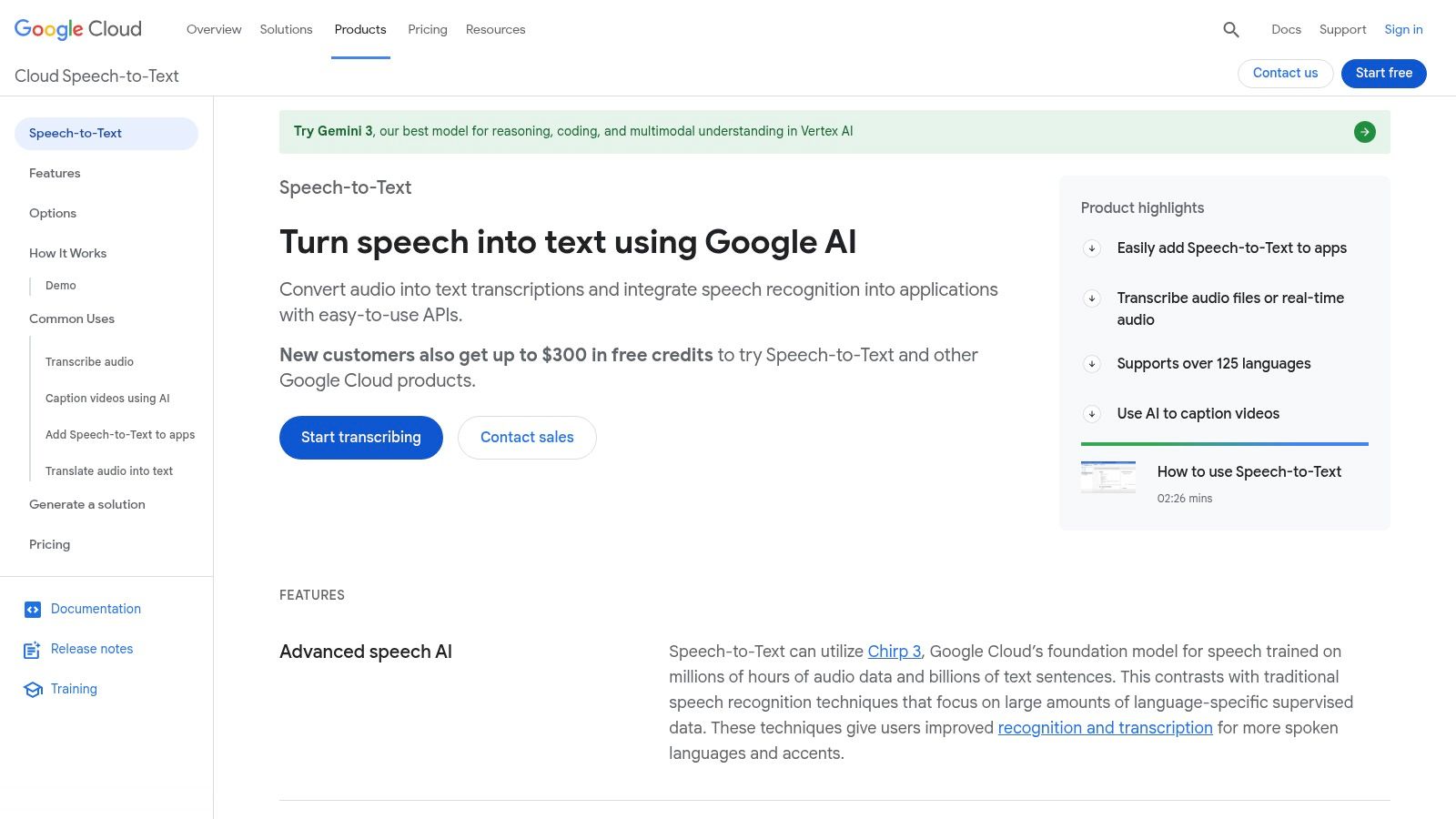
8. Google Cloud Speech-to-Text (API)
Unlike the other tools on this list, Google Cloud Speech-to-Text is not a ready-to-use application but a powerful, developer-focused API. It provides the underlying transcription engine that developers can build into their own custom applications, analytics pipelines, and high-volume batch processing workflows. This makes it one of the best audio transcription software options for businesses that need to integrate highly accurate, scalable transcription directly into their products or internal systems, rather than using a separate, standalone service.
This API is designed for technical users who require granular control over transcription models and pricing. It offers specialized models for different audio types, such as phone calls, video content, and medical dictation, ensuring higher accuracy for specific use cases. For companies handling massive audio archives or real-time streams, its enterprise-grade infrastructure offers unparalleled scalability and reliability.
Core Features & Use Cases
Google Cloud Speech-to-Text is ideal for tech companies, large enterprises, and startups embedding voice features into their services. Its features are built for performance, scale, and customization within a development environment.
Multiple Transcription Models: Choose from standard, phone, video, and medical models to optimize accuracy for your specific audio source.
High Scalability: Built to handle enormous volumes of audio, from transcribing call center archives to powering real-time captioning in live-streaming apps.
Extensive Language Support: Offers robust transcription capabilities across a wide range of languages and dialects.
Enterprise-Grade Security: Provides the security, compliance, and data residency options required by large organizations.
For example, a custom application could use Google's API to transcribe user-uploaded audio files. The raw text output could then be fed into a tool like Notize AI to generate structured summaries, identify key insights, or create actionable to-do lists, effectively building a complete, intelligent audio processing pipeline.
Pros & Cons
Pros | Cons |
|---|---|
Very competitive pricing at high volume | Requires engineering effort to integrate (not an end-user app) |
Strong language coverage and developer tools | Pricing and model choices can be complex to navigate |
Enterprise security and compliance options | Lacks a user-friendly interface for non-developers |
Pricing & Access
Google Cloud Speech-to-Text operates on a pay-as-you-go, per-minute pricing model, with significant discounts for higher usage volumes. The first 60 minutes per month are free. Pricing varies based on the specific transcription model used (e.g., standard vs. medical). On-premise solutions are also available for organizations with strict data governance requirements.
Developers can get started by setting up a Google Cloud Platform account and accessing the API documentation: https://cloud.google.com/speech-to-text
9. Amazon Transcribe (AWS)
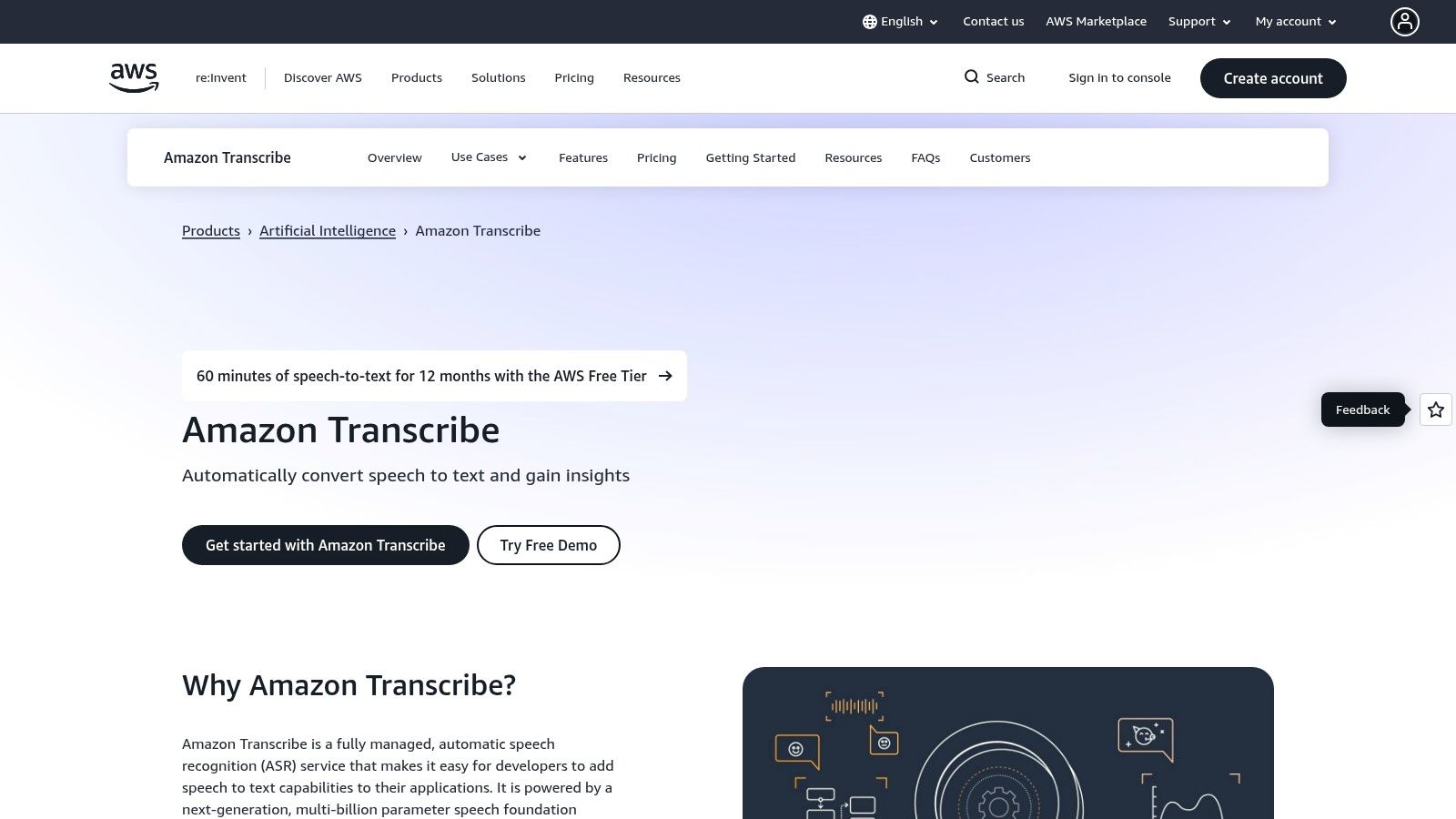
Amazon Transcribe is a fully managed automatic speech recognition (ASR) service that is part of the extensive Amazon Web Services (AWS) ecosystem. Unlike many end-user applications, Transcribe is a powerful engine designed for developers and businesses that need to integrate transcription capabilities directly into their own products and workflows. Its core strength lies in its scalability, reliability, and deep integration with other AWS services, making it one of the best audio transcription software options for technical teams.
For organizations already operating within AWS, Transcribe offers a seamless way to process audio stored in Amazon S3, trigger transcriptions with AWS Lambda, and analyze text output with Amazon Comprehend. It supports both batch processing for large archives and real-time streaming for live applications like call center analytics or live captioning. This developer-first approach provides unparalleled control and customization for building sophisticated voice-enabled solutions.
Core Features & Use Cases
Amazon Transcribe is ideal for enterprises needing robust, scalable, and compliant transcription for applications like contact center analytics, media content analysis, and clinical documentation.
Batch & Streaming Transcription: Process large volumes of pre-recorded audio files or transcribe audio in real-time from a live feed.
Custom Vocabularies & Models: Improve accuracy by training the model on domain-specific terminology, product names, or unique accents.
Speaker Diarization & Channel Identification: Automatically identify who spoke when and separate audio from different channels in a single recording.
PII Redaction & Call Analytics: Automatically detect and redact sensitive personal information and extract valuable insights from customer conversations.
For example, a business could use Amazon Transcribe to automatically process customer service calls stored in S3. The raw text output could then be imported into a tool like Notize AI, which can generate structured summaries, identify key customer complaints, and create actionable task lists for the support team.
Pros & Cons
Pros | Cons |
|---|---|
Easy integration with AWS services | Developer-oriented with no end-user editor |
Tiered discounts and competitive pricing at scale | Per-feature add-ons add extra cost |
HIPAA eligibility and enterprise compliance options | Requires technical expertise to implement |
Pricing & Access
Amazon Transcribe operates on a pay-as-you-go pricing model, with a generous free tier that includes 60 minutes per month for the first 12 months. After that, pricing is calculated per second of audio transcribed, with costs decreasing as usage volume increases. Additional features like PII redaction and custom language models have separate pricing.
You can get started by creating an AWS account and accessing the service through the AWS Management Console: https://aws.amazon.com/transcribe/
10. Microsoft Azure AI Speech – Speech to Text (API)
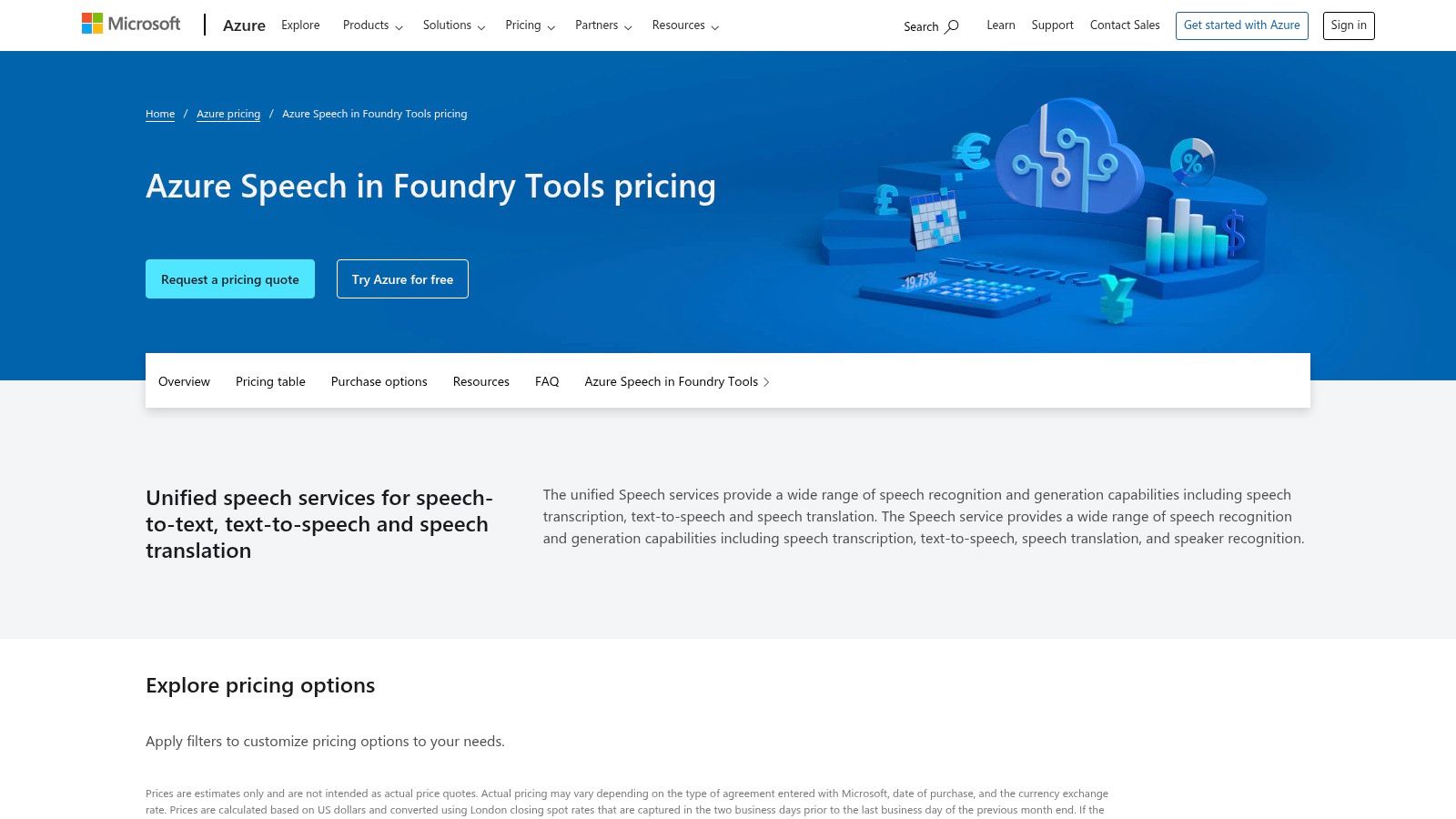
Microsoft Azure AI Speech is a cloud-based service designed for developers and enterprises that need to build transcription capabilities directly into their applications and workflows. Rather than a standalone application, it offers a powerful API that provides access to Microsoft's advanced speech recognition models. This makes it one of the best audio transcription software backbones for organizations already invested in the Microsoft ecosystem, enabling high-volume, custom, and secure transcription solutions.
For businesses requiring enterprise-grade security and compliance, Azure's offering is a standout. It integrates seamlessly with Azure Active Directory for single sign-on (SSO) and offers features like Private Link for enhanced network security. The service supports both standard and custom speech models, allowing companies to train the AI on specific industry jargon, product names, or unique acoustic environments to significantly boost transcription accuracy for their specific use cases.
Core Features & Use Cases
Azure AI Speech is ideal for large-scale operations, call centers, and software developers building transcription-powered features. Its strength lies in its scalability, security, and customizability within an enterprise IT framework.
Standard & Custom Speech Models: Use pre-built models for general transcription or train custom models with your own data for superior accuracy.
Conversation Transcription: Optimized for multi-speaker scenarios like call centers and meetings, with support for multi-channel audio.
Enterprise Security & Governance: Integrates with Azure services for robust security, compliance, and user management.
Comprehensive SDKs: Extensive documentation and software development kits (SDKs) for various programming languages make integration straightforward for engineering teams.
For instance, a developer could use the Azure API as the core transcription engine for a custom internal application. The raw text output could then be fed into a tool like Notize AI, which would process it to generate structured meeting summaries, identify action items, and create a searchable knowledge base for the entire organization.
Pros & Cons
Pros | Cons |
|---|---|
Generous free tier (5 hours/month) | Pricing can be complex with per-second rates and add-ons |
Strong enterprise security and integration | Customization may require ML or engineering expertise |
Comprehensive SDKs and documentation | Requires technical implementation; not a ready-to-use app |
Pricing & Access
Azure AI Speech operates on a pay-as-you-go model, with a generous free tier that includes 5 audio hours per month. Paid pricing is calculated per second and varies based on the model used (standard, custom, etc.). Additional costs may apply for features like custom model hosting and specific enterprise networking configurations.
You can explore the documentation and pricing details directly on the Azure website: https://azure.microsoft.com/pricing/details/cognitive-services/speech-services/
11. OpenAI Whisper (open-source)
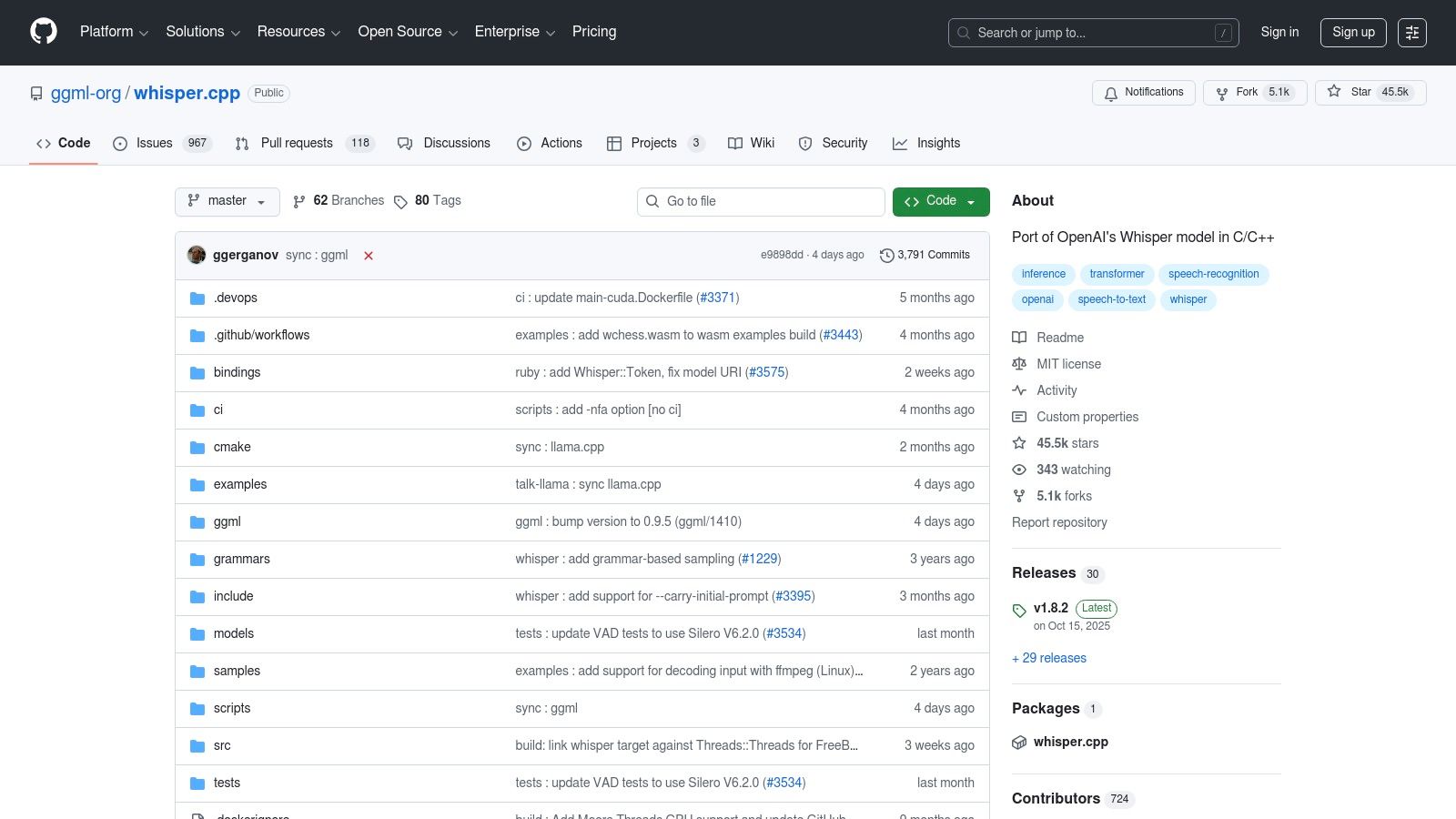
OpenAI Whisper is not a standalone application but a powerful, open-source family of speech-to-text models that offer exceptional accuracy. Its primary advantage is providing developers and organizations with complete control over their transcription pipelines. By running the models locally or on private cloud infrastructure, teams can ensure data privacy and avoid ongoing subscription fees, making it one of the best audio transcription software foundations for custom solutions.
This approach is ideal for tech-savvy teams that need to build transcription capabilities directly into their products or internal workflows without relying on third-party APIs. The models range in size from "tiny" for lightweight applications to "large" for maximum accuracy, offering flexibility for different hardware and performance requirements. The thriving open-source community provides extensive tooling, like whisper.cpp, which optimizes models to run efficiently on standard CPUs and GPUs.
Core Features & Use Cases
Whisper is best suited for organizations with engineering resources to build and maintain their own transcription systems, prioritizing data security and customization over an out-of-the-box UI.
Multiple Model Sizes: Choose from several models to balance speed, resource usage, and transcription accuracy.
Offline Processing: Transcribe sensitive audio files without ever sending data to an external server, ensuring maximum privacy.
Multilingual Support: Delivers robust performance across dozens of languages, making it suitable for global applications.
Flexible Integration: Can be integrated into batch processing systems, real-time applications, or custom content workflows.
For example, a company could use a self-hosted Whisper model to transcribe internal all-hands meetings for compliance and record-keeping. The raw text output can then be imported into a platform like Notize AI to automatically generate structured summaries, identify action items, and create a searchable knowledge base for all employees.
Pros & Cons
Pros | Cons |
|---|---|
No license fees | Requires engineering resources to deploy and manage |
Full control over data and deployment | Larger models demand significant RAM and GPU power |
Strong baseline accuracy with larger models | Lacks a user-friendly interface out of the box |
Pricing & Access
As an open-source project, Whisper is free to download and use. The primary costs are related to the infrastructure (servers, GPUs) required to run the models and the engineering time needed for implementation and maintenance. The models and supporting code are available on GitHub.
You can access the project and its documentation here: https://github.com/ggml-org/whisper.cpp
12. G2 – Transcription Software Category
While not a transcription tool itself, G2’s Transcription Software category is an indispensable resource for anyone in the market for a new service. It functions as a comprehensive software marketplace and review aggregator, allowing you to compare dozens of the best audio transcription software options based on verified, unbiased user feedback. Instead of relying on vendor marketing, G2 provides a real-world look at how different platforms perform for businesses of all sizes.
This platform is invaluable for conducting due diligence before committing to a subscription. You can filter solutions by specific features, company size, user satisfaction ratings, and integrations, helping you create a targeted shortlist. The aggregated pros and cons from actual users provide honest insights into a tool's strengths and weaknesses, which is crucial for finding the right fit for your specific transcription needs.
Core Features & Use Cases
G2 is best used by procurement managers, team leads, and individuals tasked with evaluating and selecting new software. It provides the data needed to make an informed, confident purchasing decision.
Verified User Reviews: Access detailed reviews from real users, outlining what they like and dislike about each platform.
Grid® Reports: Visualize the market landscape with G2's quadrant reports, which rank software based on market presence and user satisfaction.
Advanced Filtering: Narrow down options by essential features like speaker identification, real-time transcription, or API access.
Side-by-Side Comparisons: Directly compare the features, pricing, and user ratings of your top contenders.
For example, a marketing team could use G2 to find a transcription service for their podcasts, then use a tool like Notize AI to convert the validated high-quality transcripts into blog posts, social media updates, and detailed show notes.
Pros & Cons
Pros | Cons |
|---|---|
Broad market view beyond major brands | Sponsored placements can influence top listings |
Honest feedback from verified users | Not a direct vendor; requires clicking out to purchase |
Excellent for comparison and shortlisting | Review quality can vary between products |
Pricing & Access
Using G2 for research and comparison is completely free. The platform makes money through vendor sponsorships and by providing premium market intelligence data to software companies. You can access all user reviews and comparison tools without an account, though signing up allows you to save your research.
You can start your research on their website: https://www.g2.com/categories/transcription
Top 12 Audio Transcription Software Comparison
Product | Core features | UX & Quality (★) | Value & Pricing (💰) | Target audience (👥) | Unique selling points (✨) |
|---|---|---|---|---|---|
Notize AI 🏆 | Auto-transcribe YouTube/Zoom/Meet/Teams; searchable media library; auto-summaries & analytics | ★★★★☆ Fast, accurate; priority processing on paid plans | 💰 Free Starter (5 items); Growth $15/mo; Enterprise $100/yr (best value) | 👥 Content managers, product/ops, marketing, podcasters | ✨ All-in-one dashboard: meetings → notes → publish; built-in analytics |
Otter.ai | Real-time transcription, live captions, speaker ID, templates | ★★★★☆ Strong live accuracy & collaboration | 💰 Free tier; paid plans for higher limits | 👥 Teams needing live meeting notes & searchable history | ✨ Live captions + calendar integrations |
Rev | Human + AI transcripts, captions, interactive editor | ★★★★☆ Human-reviewed = very high accuracy; AI for speed | 💰 Pay-per-minute; clear tiers; SOC2/HIPAA options | 👥 Legal, medical, enterprise needing high accuracy | ✨ Human-reviewed transcripts and compliance-ready services |
Descript | Text-based audio/video editing, Studio Sound, overdub | ★★★★☆ Excellent for post-production & clip creation | 💰 Free starter; paid plans with media-hour limits | 👥 Podcasters, creators, small content teams | ✨ Edit media by editing text; overdub & clip tooling |
Trint | Browser editor, live transcription, translation, bulk processing | ★★★★☆ Enterprise-grade workflows; multilingual | 💰 Higher per-seat/enterprise pricing; trial-only | 👥 Journalists, media teams, enterprises | ✨ ISO 27001 security; bulk/archive workflows |
Sonix | Automated transcription & translation; 40+ languages; web editor | ★★★☆☆ Good accuracy for clean audio; quick turnaround | 💰 Transparent per-hour/prorated billing; 30-min free trial | 👥 Podcasters, marketers, research teams | ✨ Per-second billing; clear rates & exports |
Adobe Premiere Pro – Speech to Text | Auto-transcribe, captions, timeline-synced editing (27+ languages) | ★★★★☆ High-quality captions integrated in editing workflow | 💰 Requires Creative Cloud subscription | 👥 Video teams and professional editors | ✨ Native Premiere integration; timeline-synced subtitles |
Google Cloud Speech-to-Text (API) | Developer API: multiple models (phone/video/batch), specialized models | ★★★★☆ High accuracy at scale; flexible model choices | 💰 Per-minute pricing with deep volume discounts | 👥 Developers and enterprises embedding ASR | ✨ Specialized/medical models & deep volume pricing |
Amazon Transcribe (AWS) | Batch & streaming, diarization, custom vocabularies, PII redaction | ★★★★☆ Scalable, integrated with AWS ecosystem | 💰 Pay-as-you-go; tiered discounts; HIPAA eligible | 👥 AWS-centric engineering teams | ✨ Call analytics, PII redaction, custom language models |
Microsoft Azure AI Speech | Standard/custom models, conversation transcription, enterprise networking | ★★★★☆ Strong enterprise security & Azure AD integration | 💰 Free 5 hrs/mo; per-second pricing; add-ons | 👥 Microsoft-centric organizations, enterprises | ✨ SSO/Private Link, governance & enterprise integrations |
OpenAI Whisper (open-source) | Multiple model sizes, offline use, multilingual support | ★★★☆☆ Strong baseline accuracy; needs infra & tuning | 💰 Free model; infra costs for hosting/acceleration | 👥 Engineers and teams needing data control | ✨ No license fee; offline deployment & full control |
G2 – Transcription Software Category | Market rankings, verified user reviews, filters & Grid reports | ★★★★☆ Helpful market overview & user feedback | 💰 Free to browse; links to vendor pricing | 👥 Buyers, procurement, researchers | ✨ Aggregated verified reviews & category comparisons |
Choosing the Right Transcription Tool for Your Needs
Navigating the landscape of transcription technology can feel overwhelming, but as we've explored, the "best" audio transcription software is not a one-size-fits-all answer. Your ideal solution hinges entirely on your primary use case, technical expertise, and desired outcomes. The journey from raw audio to actionable intelligence requires more than just converting speech to text; it demands a tool that seamlessly integrates into your unique workflow.
Throughout this guide, we've dissected a range of powerful options. We saw how platforms like Rev and Trint excel with human-powered or human-verified accuracy, making them ideal for projects where precision is non-negotiable, such as legal proceedings or finalized media captions. For creatives and podcasters, Descript offers an innovative, text-based video and audio editing experience that has fundamentally changed content production. Meanwhile, developers and large enterprises can harness the raw, scalable power of APIs from Google Cloud, Amazon Transcribe, and Microsoft Azure to build custom transcription pipelines.
However, a clear trend has emerged: the most impactful solutions today are those that move beyond simple transcription. They act as comprehensive intelligence platforms, transforming spoken words into structured, searchable, and shareable assets. This is where the distinction between a single-task tool and an integrated productivity engine becomes crucial.
From Transcription to Transformation: Identifying Your Core Need
To make the right choice, you must first define your central pain point. Are you looking for a tool that can…
Automate meeting documentation? If your primary goal is to eliminate manual note-taking, capture action items, and create a searchable archive of team discussions, then a dedicated meeting intelligence platform is your best bet. A tool like Notize AI is designed specifically for this, providing automated summaries, speaker-attributed notes, and task lists right out of the box.
Repurpose content at scale? For marketers, journalists, and creators, the challenge is often turning one piece of media into many. Look for software that not only transcribes but also helps you generate blog posts, social media clips, and other derivative content. Notize AI’s ability to convert audio or video into polished articles with built-in analytics makes it a powerful content engine.
Enhance learning and research? Students and researchers need to quickly digest vast amounts of information. The best audio transcription software for this purpose will allow you to upload lectures or online videos and interact with the content. Features like asking an AI assistant questions about the material, as seen in Notize AI, can dramatically accelerate the learning process.
Integrate with a creative or technical workflow? If you are a video editor, your ideal tool might be Adobe Premiere Pro’s built-in function. If you're a developer building an application, an API from AWS or OpenAI's Whisper model offers the necessary flexibility and control.
Making Your Final Decision
Your final selection should be a strategic one. While standalone transcription services are effective, consider the total time saved when transcription is just the first step in a larger, automated process. Platforms that combine transcription with summarization, content creation, and intelligent search deliver a far greater return on investment by tackling multiple workflow bottlenecks at once.
The modern professional, creator, or student doesn't just need a transcript; they need insights. They need their time back. The best audio transcription software today understands this and is built to deliver it. The right tool will not only capture what was said but will also help you understand it, share it, and act on it with unprecedented speed and clarity.
Ready to experience the future of transcription? Move beyond basic text conversion and unlock the full potential of your audio and video content. Try Notize AI today to see how its all-in-one platform can automate your meeting notes, supercharge your content creation, and transform how you interact with information.
Sign up for a free Notize AI account and start turning conversations into action.
The 12 Best Audio Transcription Software Options for 2026




