The marketing landscape is evolving faster than ever, and artificial intelligence is no longer a futuristic concept, it's a critical component of a modern strategy. From automating repetitive tasks to unlocking deep audience insights, the right tools can give you a significant competitive edge. Finding the best AI tools for marketers, however, can feel overwhelming with thousands of options available. This guide cuts through the noise to bring you a curated list of platforms that deliver real value, streamline workflows, and drive measurable results.
We've done the heavy lifting to help you discover, compare, and implement the ideal solutions for your specific needs. Each recommendation in this article includes a detailed overview, key features, pricing information, and direct links with screenshots to help you make an informed decision quickly. We will explore how dedicated tools are revolutionizing content creation and team collaboration. For instance, platforms like Notize AI transform internal meetings, webinars, and raw video content into structured summaries, actionable to-do lists, and even ready-to-publish blog posts, saving marketing teams countless hours of manual work.
Embracing AI can significantly streamline content creation, with tools like AI-powered webinar clip generators automating the process of creating engaging social media content from long-form videos. Whether you're a content manager aiming for higher output, a social media manager looking to optimize campaigns, or an operations leader focused on improving team collaboration, this comprehensive resource will help you build a smarter, more efficient marketing machine. Let's dive in.
1. Notize AI
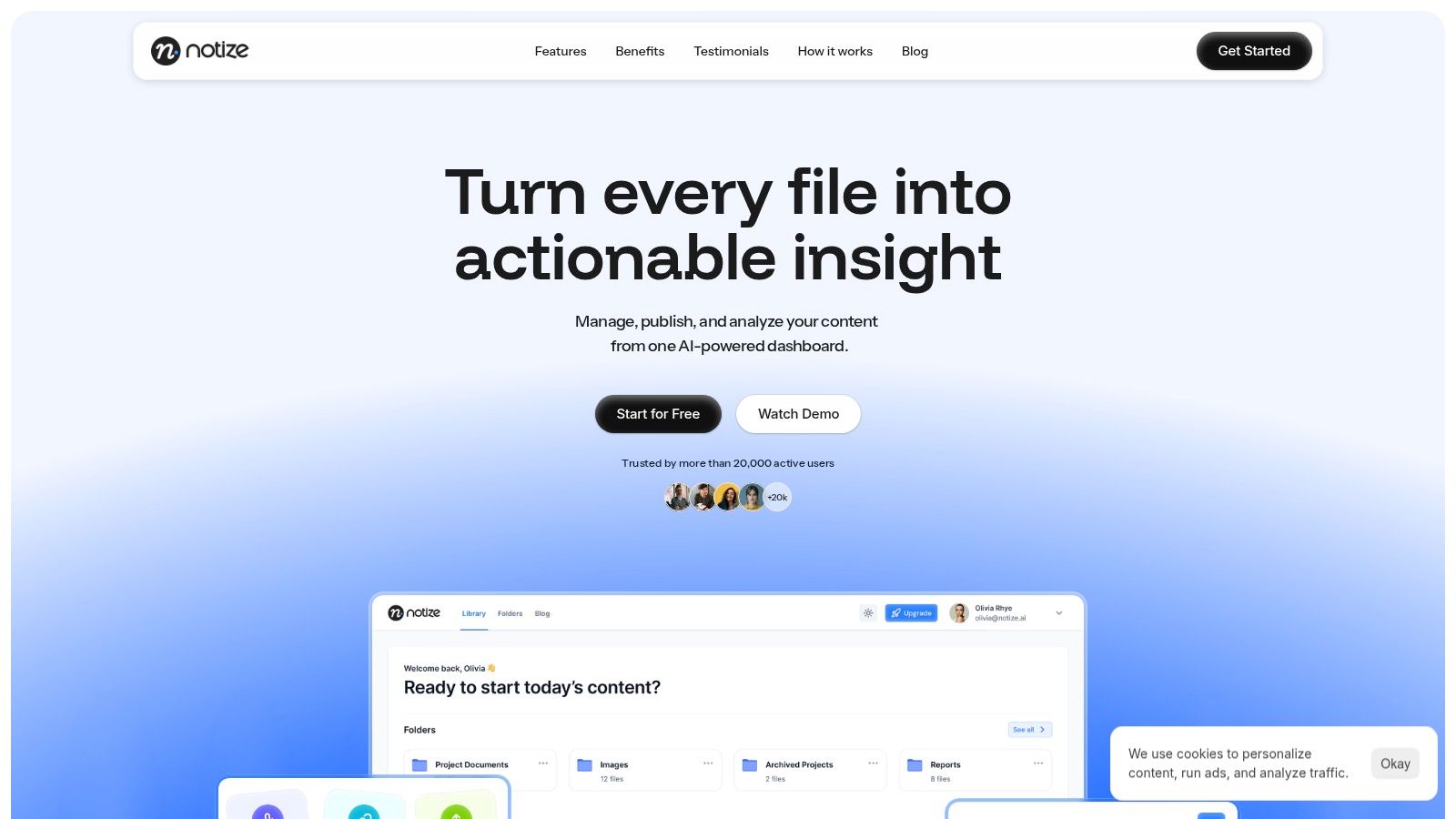
Notize AI stands out as a powerful, all-in-one content intelligence hub, making it one of the best AI tools for marketers looking to consolidate their workflow. It transforms unstructured media like meeting recordings, webinars, YouTube videos, and even text documents into a structured, searchable, and actionable library. This platform directly addresses the chronic marketing challenge of fragmented content and lost insights by centralizing the entire process, from initial capture to final analysis and publication.
The platform's core strength lies in its ability to ingest content from virtually anywhere. Marketers can paste links from YouTube, Zoom, Google Meet, and Teams, upload audio/video files, or record directly. Notize AI then swiftly generates accurate transcriptions, concise summaries, key discussion points, and even a list of action items, converting passive recordings into active assets.
Key Features & Use Cases
For Teams and Professionals in Meetings: Record meetings directly in Notize AI to automatically get a full summary, key discussion points, speaker-attributed notes, and actionable to-do lists. This ensures everyone is aligned without manual note-taking.
For Journalists, Bloggers, and Creators: Upload audio or video to generate high-quality blog posts in any writing style. Notize AI helps creators build and publish content directly, with analytics to track audience engagement.
For Video Enthusiasts and Content Consumers: Send links from YouTube, TikTok, or Instagram to get instant summaries, highlights, and insights. Users can even chat with the AI to ask questions about the video's content without watching the entire thing.
For Students and Professionals: Record lectures or upload study materials (including PDFs and PowerPoints) to get summaries, simplified explanations, and study guides. It's the perfect companion for understanding complex topics faster.
Pricing
Free Starter: Up to 5 content uploads, standard processing speed.
Growth: $15/month (recommended) for unlimited content, exports, storage, and priority processing.
Enterprise: $100/year for annual users, offering comprehensive features for larger teams.
Pros & Cons
Pros | Cons |
|---|---|
All-in-one workflow reduces context switching and streamlines content operations. | Transcription accuracy can vary with poor audio quality, potentially requiring manual cleanup. |
Instant, multi-source transcription from major platforms like Zoom, YouTube, and Teams. | The site does not display specific security certifications, so enterprises with strict compliance needs should verify directly. |
Built-in analytics and publishing tools help teams optimize content performance without leaving the platform. | |
Scalable plans with a functional free tier and an affordable growth plan. | |
Strong social proof with over 20,000 active users and positive testimonials. |
Implementation Tip
Start by connecting Notize AI to your team's recurring meetings (e.g., weekly marketing syncs or content brainstorming sessions). Use the automatically generated summaries and action items as your official meeting notes for one week. This quickly demonstrates the platform's value in saving time and improving team alignment. You can also learn more about AI for content creation to maximize its capabilities.
Website: https://notize.ai
2. G2
Before committing to a new AI tool, smart marketers validate their choices with real-world user feedback. G2 is the go-to B2B software marketplace for this exact purpose. It offers a massive, unfiltered library of verified peer reviews, making it an indispensable resource for comparing the best AI tools for marketers based on actual user satisfaction and performance. Instead of relying on vendor marketing copy, you get direct insights from professionals who have already implemented the software.
G2’s structured approach simplifies the discovery process. Its powerful filters allow you to narrow down options by company size, industry, and specific features, ensuring the solutions you’re considering are relevant to your unique needs. For marketers evaluating complex tools like AI-powered meeting assistants, G2 provides detailed comparisons that highlight subtle but critical differences. For instance, you could compare how Notize AI's transcription accuracy and automated meeting summaries stack up against competitors, based entirely on reviews from other marketing teams.
Key Features & Use Cases
Verified User Reviews: Access thousands of in-depth reviews and ratings from real users.
Grid® Reports: Visualize the market landscape with G2’s iconic quadrant-style reports, which rank tools based on market presence and user satisfaction.
Side-by-Side Comparisons: Directly compare features, pricing models, and implementation details for your shortlisted tools.
AI-Specific Categories: Explore curated categories dedicated to emerging AI technologies like AI sales assistants, AI writing assistants, and more.
Pros & Cons
Pros:
Massive volume of recent, verified reviews for accurate benchmarking.
Clear category taxonomies help you discover new and relevant tools.
Analyst reports and trend data keep you informed on the fast-moving AI landscape.
Cons:
Top rankings and badges can change frequently, requiring regular check-ins.
Not all vendors provide transparent, up-front pricing on their profiles.
Pricing
G2 is free to use for buyers and researchers.
Website: https://www.g2.com
3. Capterra
When budget and specific features are the primary drivers of your software search, Capterra offers a practical, finance-focused lens for evaluating the best AI tools for marketers. A Gartner Digital Markets property, Capterra excels at providing clear pricing context and editorial roundups tailored to small and medium-sized businesses (SMBs). It cuts through marketing jargon to give you actionable buyer tips and cost estimates, making it easier to shortlist tools that fit your budget from the start.
Capterra's strength lies in its structured category pages and detailed guides. These resources often include helpful pricing ranges and callouts for potential hidden costs, which is invaluable when assessing the total cost of ownership for a new AI tool. For instance, a marketing manager could use Capterra’s filters to find AI meeting assistants that not only offer high-accuracy transcription but also fit within a specific per-user price point. This allows for a fair comparison with comprehensive tools like Notize AI, ensuring you select the best value for your team’s specific needs.
Key Features & Use Cases
Practical Pricing Ranges: Get at-a-glance cost estimates and summaries of pricing tiers for easier budget scoping.
Filtered Search: Narrow down AI tools by essential criteria like specific features, deployment model (cloud vs. on-premise), company size, and pricing model.
Editorial “Best Of” Lists: Explore curated lists and guides that rank and review top software in various AI marketing categories.
Buyer Guides: Access detailed guides that offer tips and highlight key considerations for purchasing specific types of software.
Pros & Cons
Pros:
Excellent for understanding the pricing landscape and finding budget-friendly options.
Strong focus on the needs and challenges of small to mid-sized businesses.
Clear, filterable categories simplify the process of discovering relevant AI tools.
Cons:
Editorial content and rankings may not always feature the newest or most innovative tools immediately.
Some software listings depend on vendor-submitted information, which may not be fully objective.
Pricing
Capterra is free to use for software buyers and researchers.
Website: https://www.capterra.com
4. GetApp
For marketers navigating the crowded martech landscape, GetApp provides a structured and efficient way to build a shortlist of the best AI tools for marketers. As a Gartner Digital Markets site, it offers a robust platform for software comparison, featuring specific filters that let you zero in on solutions with AI/ML and generative AI capabilities. This allows you to cut through the noise and focus on tools that genuinely leverage artificial intelligence to solve marketing challenges.
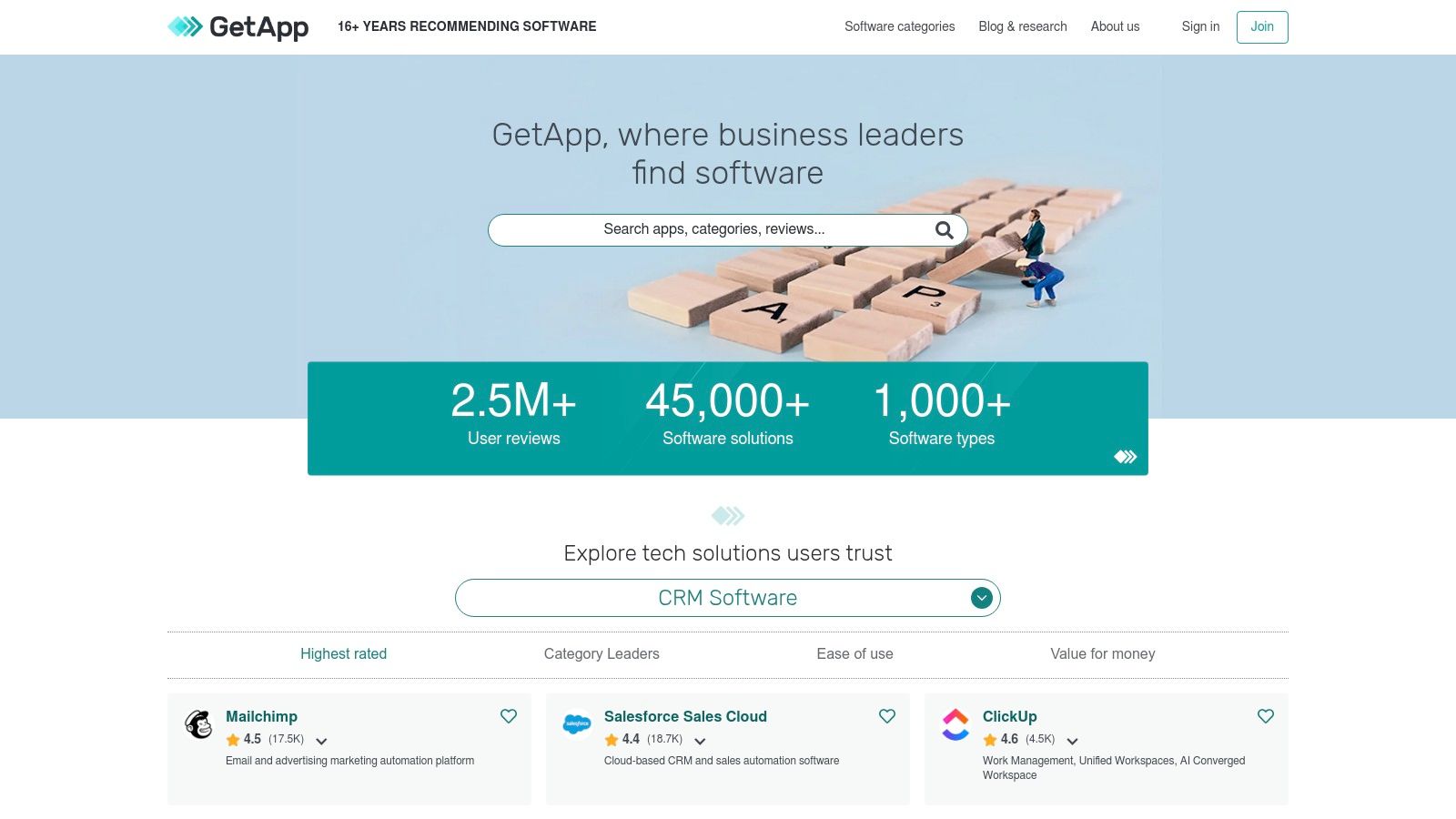
GetApp’s side-by-side comparison feature is particularly useful, breaking down user reviews and key features to highlight subtle differences between vendors. For example, when evaluating AI meeting assistants, you could use GetApp to compare how Notize AI’s automated meeting summaries and action item generation stack up against alternatives. The "Users also considered" suggestions can also broaden your search, revealing popular or emerging tools you might have overlooked, ensuring a comprehensive evaluation process.
Key Features & Use Cases
AI/ML & Generative AI Filters: Quickly identify AI-powered tools within any marketing software category.
Side-by-Side Comparisons: Analyze features, pricing, and user ratings for multiple tools on a single screen.
Review Breakdowns: See how users rate specific aspects like ease of use, customer support, and value for money.
“Users also considered” Suggestions: Discover relevant alternative tools based on the behavior of other buyers.
Pros & Cons
Pros:
Granular filters speed up targeted tool discovery and comparison.
Large review base for mainstream and established martech vendors.
Clean interface that simplifies the software evaluation process.
Cons:
Interface can sometimes surface overlapping or confusing categories.
Newer, specialized AI tools may have sparse or limited user reviews.
Pricing
GetApp is free for software buyers to use for research and comparison.
Website: https://www.getapp.com
5. Product Hunt (Marketing topic)
For marketers eager to stay ahead of the curve, Product Hunt is the ultimate discovery platform. It’s where the newest marketing apps and AI tools make their debut, offering a real-time glimpse into the future of the industry. Instead of waiting for tools to become mainstream, you can spot emerging solutions, interact directly with their creators, and gain an early-adopter advantage. The community-driven upvote system and daily leaderboards make it easy to see which new tools are generating the most excitement.
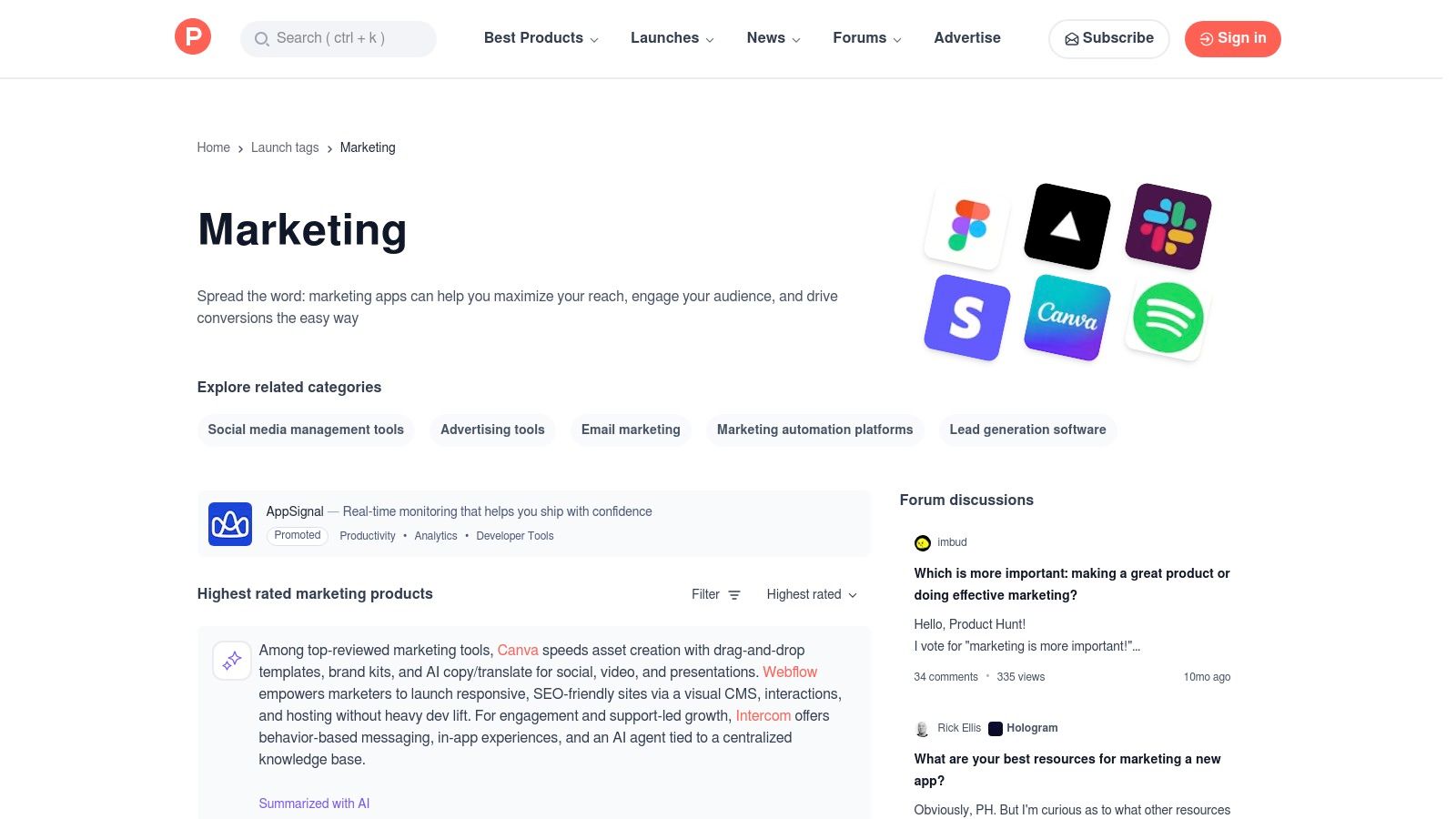
This platform is particularly valuable for discovering specialized tools that haven't hit larger marketplaces yet. For instance, you might find an innovative AI meeting assistant on its launch day, allowing you to test its automated meeting summaries and content repurposing features before your competitors. The direct Q&A with founders provides unparalleled insight into a product's roadmap and vision, helping you assess its long-term potential for your marketing stack. By filtering for the marketing topic, you get a curated feed of the most relevant and promising technologies like Notize AI.
Key Features & Use Cases
Marketing Topic Stream: A dedicated feed showcasing new and top-rated tools specifically for marketing professionals.
Community Feedback & Demos: Access user comments, founder Q&As, and video demos directly on each product’s launch page.
Daily Leaderboards: Quickly identify the most popular and trending new tools based on community upvotes.
Curated Collections: Explore hand-picked lists and roundups focused on AI marketing sub-niches like SEO, social media, and content creation.
Pros & Cons
Pros:
Excellent for spotting innovative AI tools before they become widely known.
Direct access to founders and makers allows for detailed questions and feedback.
Community voting and comments provide a quick pulse on a tool's perceived value.
Cons:
Hype can sometimes outweigh a product's actual readiness or utility.
Early-stage tools may be buggy, incomplete, or pivot their focus later on.
Pricing
Product Hunt is free to browse and use for discovering new products.
Website: https://www.producthunt.com/topics/marketing
6. AppSumo
For cost-conscious marketers and agile teams, building a powerful AI stack doesn't have to break the bank. AppSumo is a deal marketplace that has become a launchpad for emerging software, offering lifetime deals (LTDs) and deep discounts on some of the best AI tools for marketers. It’s the ideal platform for piloting new technologies or assembling a low-cost, high-impact toolkit without committing to expensive annual subscriptions.
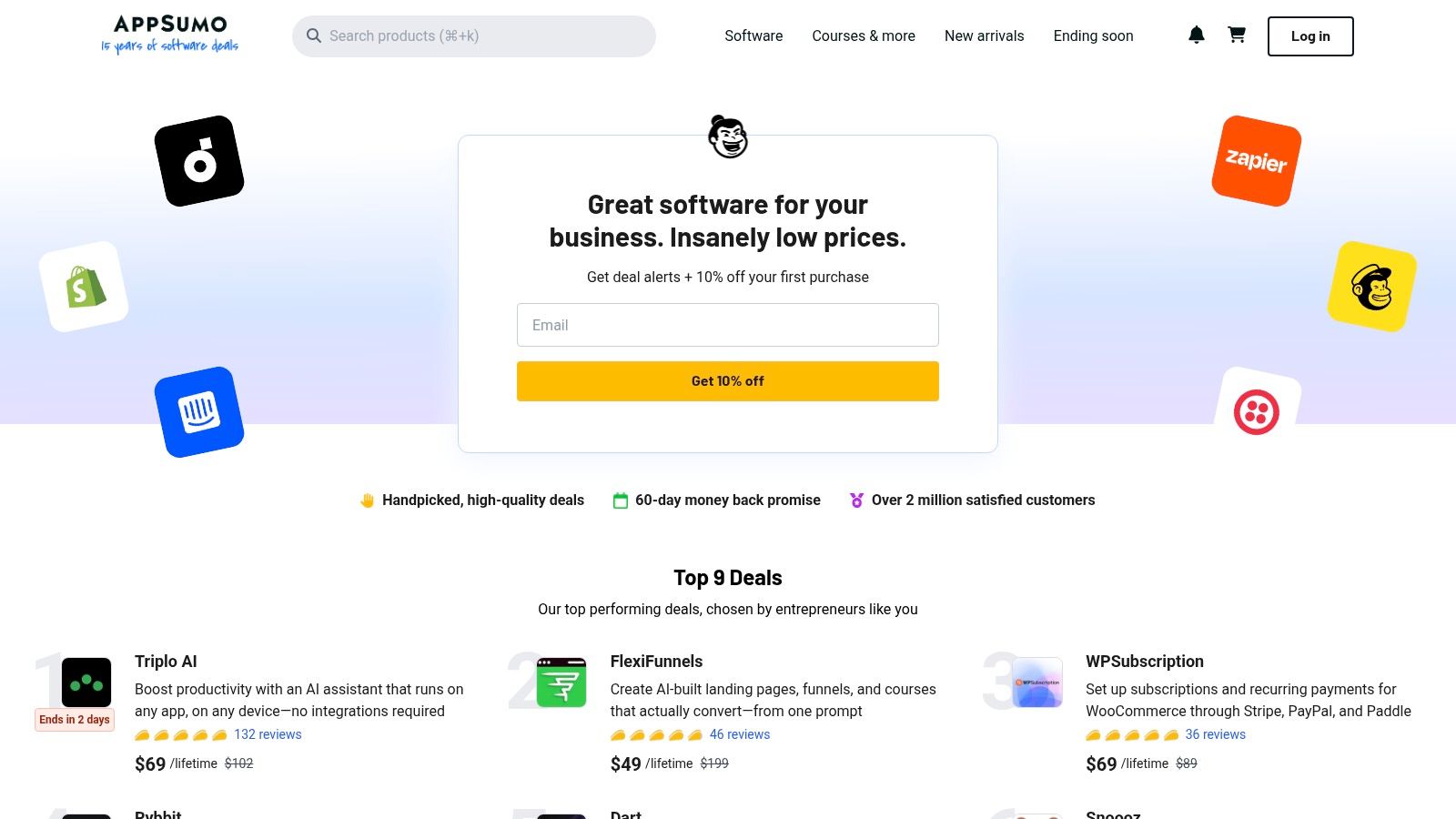
The primary appeal of AppSumo is discovering innovative tools before they become mainstream. You can find everything from AI-powered content generators and SEO optimizers to social media schedulers and analytics platforms, often for a one-time fee. The platform provides detailed descriptions, user reviews, and Q&A sections with the founders, giving you a transparent look at each tool’s capabilities and future roadmap. A generous refund window reduces the risk of trying out a new solution that may not be a perfect fit.
Key Features & Use Cases
Lifetime Deals (LTDs): Secure access to premium AI software for a single payment, avoiding recurring SaaS fees.
Diverse Tool Categories: Discover deals on AI-driven content creation, SEO analysis, email marketing, and social media management tools.
User Reviews & Q&A: Leverage community feedback and direct communication with developers to vet potential tools.
Risk-Free Trials: Test new software with the confidence of a money-back guarantee period.
Pros & Cons
Pros:
Significant long-term savings compared to standard monthly or annual SaaS pricing.
Excellent for quickly assembling a cost-effective AI marketing stack.
Opportunity to discover and support innovative, up-and-coming software developers.
Cons:
Deals are time-limited and can disappear quickly.
Support and product roadmaps can be less predictable than established enterprise tools.
Not all offerings are mature enough for large-scale, enterprise-level deployment.
Pricing
Pricing is deal-specific, often a one-time payment for lifetime access.
Website: https://appsumo.com
7. HubSpot App Marketplace
For marketers already embedded in the HubSpot ecosystem, the HubSpot App Marketplace is the definitive source for expanding your platform’s capabilities with AI. This isn’t a general software directory; it’s a curated collection of AI agents, assistants, and integrations designed to seamlessly extend the power of Marketing Hub, Sales Hub, and the core CRM. By leveraging tools built specifically for HubSpot, you can infuse AI directly into your existing workflows for content creation, email automation, and SEO without the friction of integrating disparate systems.
The marketplace stands out by offering solutions that are deeply connected to your CRM data, allowing for hyper-personalized marketing automation and analytics. For instance, you could integrate an AI-powered meeting tool to automatically log meeting summaries and action items directly into a contact’s timeline in HubSpot. This tight integration ensures that every customer interaction, captured and analyzed by AI, enriches your CRM records, providing a unified view of the customer journey. Tools like Notize AI often integrate with platforms like HubSpot to make this data transfer seamless. You can learn more about how to power your strategy with such tools by exploring content marketing tips for small businesses.
Key Features & Use Cases
AI Agents & Assistants: Discover and deploy AI teammates for content generation, workflow automation, and data analysis.
Deep HubSpot Integration: Find apps that connect directly with HubSpot objects like contacts, deals, and tickets.
Breeze Marketplace & Studio: Explore and customize pre-built AI agents tailored for specific marketing tasks.
Developer Tooling: Build custom AI agents and orchestrate complex tasks within the HubSpot environment.
Pros & Cons
Pros:
Tight CRM and marketing data integration lowers adoption friction.
Growing catalog of AI apps specifically aligned to HubSpot use cases.
Ensures new tools work seamlessly within your existing marketing stack.
Cons:
Provides maximum value only if your team already uses HubSpot.
Some of the newest agents and features are in staged rollout or beta.
Pricing
The marketplace itself is free to browse. Individual app pricing varies from free to subscription-based, as set by each third-party developer.
Website: https://ecosystem.hubspot.com/marketplace/apps
8. Salesforce AppExchange (Marketing)
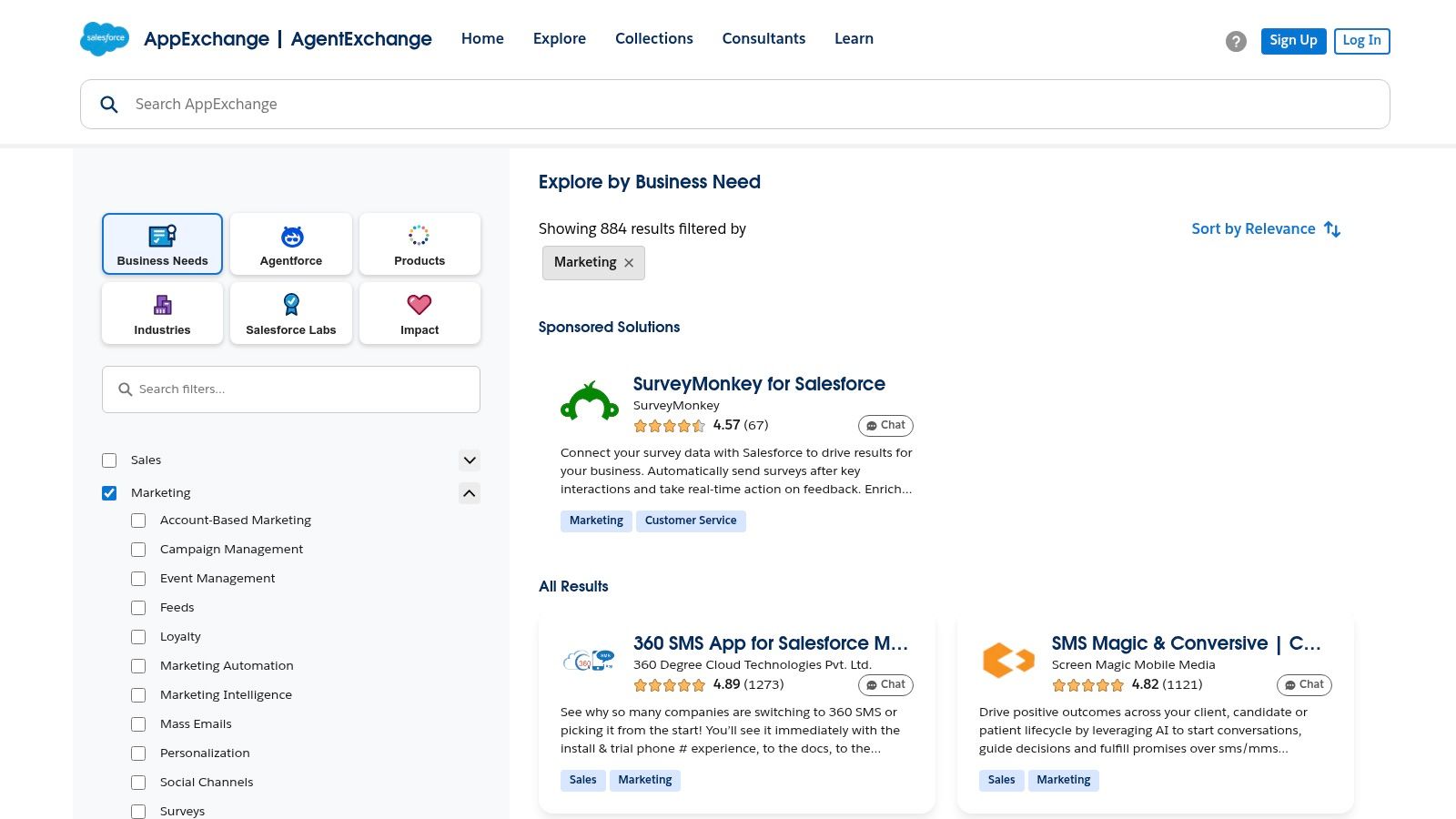
For marketers operating within the Salesforce ecosystem, the AppExchange is the essential marketplace for extending CRM capabilities with AI. It’s an enterprise-grade platform offering hundreds of vetted applications designed for deep integration, security, and compliance. Instead of searching the open web for tools, marketers can find AI-enhanced solutions guaranteed to work with their existing Salesforce instance, covering everything from account-based marketing (ABM) to advanced analytics.
The AppExchange provides a trusted environment where you can discover, evaluate, and install marketing apps that have passed Salesforce’s rigorous security review. This is crucial for enterprise teams managing sensitive customer data. For example, a marketing operations leader could use the AppExchange to find and compare AI-powered predictive lead scoring tools or even explore emerging "Agentforce" solutions to automate complex workflows, all while ensuring seamless data flow within their primary CRM.
Key Features & Use Cases
Vetted Marketing Apps: Discover hundreds of applications across categories like advertising, email, ABM, and analytics.
Salesforce Native Integrations: Find tools built directly on the Salesforce platform for flawless data synchronization and workflow automation.
Detailed Compatibility Filters: Easily filter apps by Salesforce edition, cloud compatibility, price, and user ratings to find the right fit.
Emerging AI Agent Solutions: Explore the new AgentExchange for intelligent, autonomous agents that can execute marketing tasks.
Pros & Cons
Pros:
Strong security and compliance posture, as all apps are pre-vetted.
Deep, reliable integrations that leverage your existing Salesforce data.
Clear compatibility and pricing information provided on most listings.
Cons:
Many solutions are priced for mid-market or enterprise budgets.
Implementation often requires a certified Salesforce administrator’s involvement.
Pricing
Many apps offer free trials or freemium versions, but most are paid solutions with pricing available on the listing or by request.
Website: https://appexchange.salesforce.com/category/marketing
9. Shopify App Store (Marketing & AI)
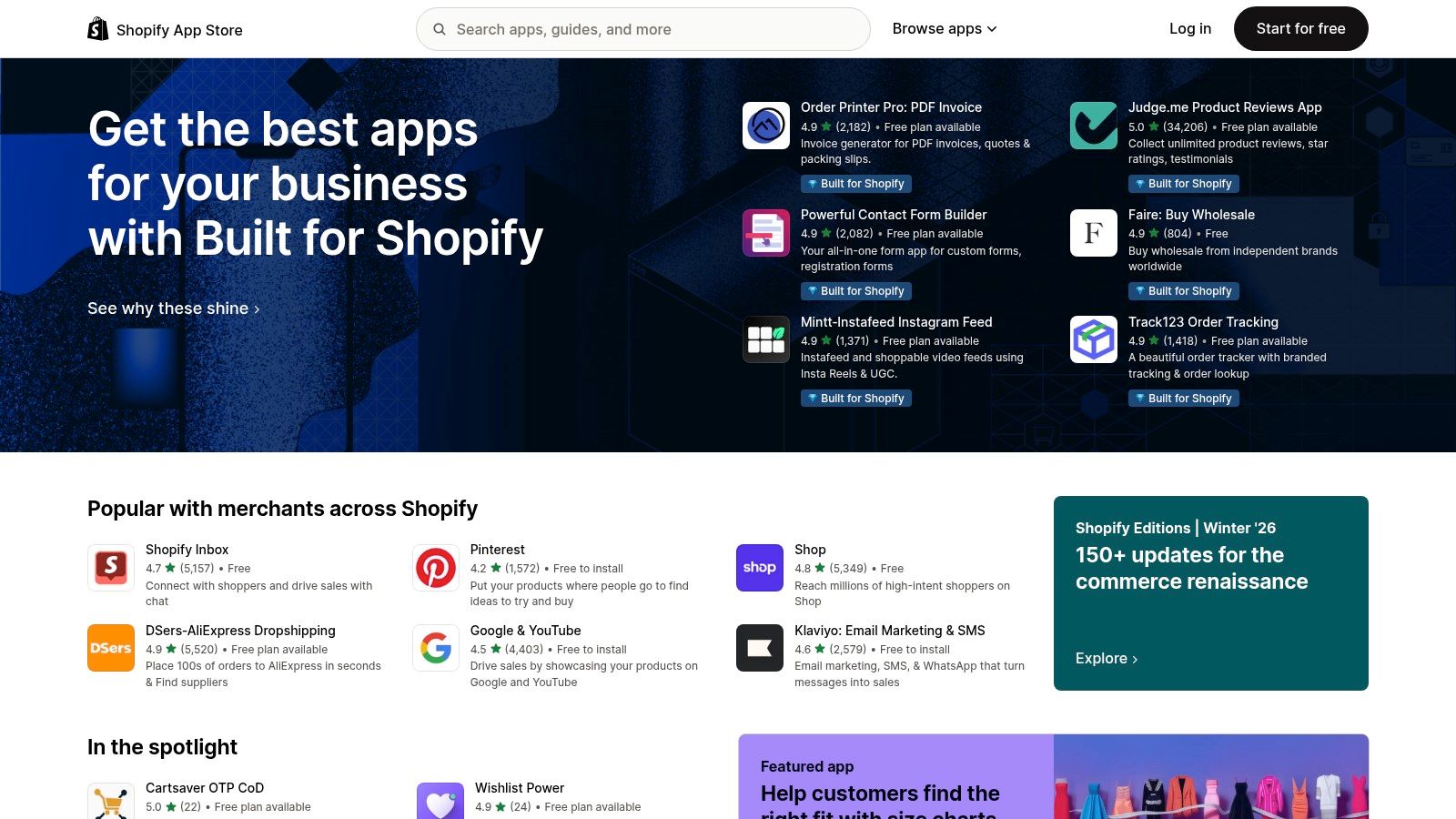
For ecommerce marketers, the most powerful AI tools are those that integrate directly into their sales ecosystem. The Shopify App Store is the central marketplace for merchants to discover AI-powered applications designed specifically to boost sales, streamline operations, and enhance customer experiences. It offers a curated collection of tools for everything from AI-driven product recommendations and SEO optimization to automated ad campaign management on platforms like Meta and Google.
This direct integration means marketers can deploy AI solutions that leverage real-time store data, such as customer behavior and inventory levels, for more effective outcomes. The platform’s user-friendly interface, complete with verified merchant reviews and transparent pricing, simplifies the process of finding and vetting the best AI tools for marketers operating in a competitive ecommerce landscape.
Key Features & Use Cases
Commerce-Focused AI Apps: Discover tools for AI-generated product descriptions, personalized email campaigns, and predictive analytics for inventory.
Verified Merchant Reviews: Read feedback from other store owners to gauge an app’s real-world performance and ROI.
Direct Integrations: Connect AI apps seamlessly with essential marketing channels like Klaviyo, Meta Ads, Google Ads, and GA4.
Transparent Trials & Pricing: Most apps offer free trials or freemium plans, with clear pricing visible directly on the app page.
Pros & Cons
Pros:
Apps are built specifically for ecommerce, ensuring relevant and impactful outcomes.
Merchant-friendly onboarding and simple installation process.
Clear pricing and trial periods reduce the risk of commitment.
Cons:
App quality and the validity of AI claims can vary widely; careful review is essential.
The value of many apps is highly dependent on store size, traffic volume, and channel mix.
Pricing
Varies by app; many offer free plans, trials, and usage-based pricing.
Website: https://apps.shopify.com
10. Google Workspace Marketplace (Marketing & AI add-ons)
For marketing teams deeply embedded in the Google ecosystem, bringing AI capabilities directly into their existing workflows is a massive efficiency win. The Google Workspace Marketplace serves as the official hub for third-party apps and add-ons that enhance Docs, Sheets, Slides, and Gmail. It allows marketers to find and install tools for AI copywriting, ad-copy generation, and data analysis without ever leaving their primary productivity suite. This in-context approach eliminates the need to constantly switch between different applications, keeping focus and momentum intact.
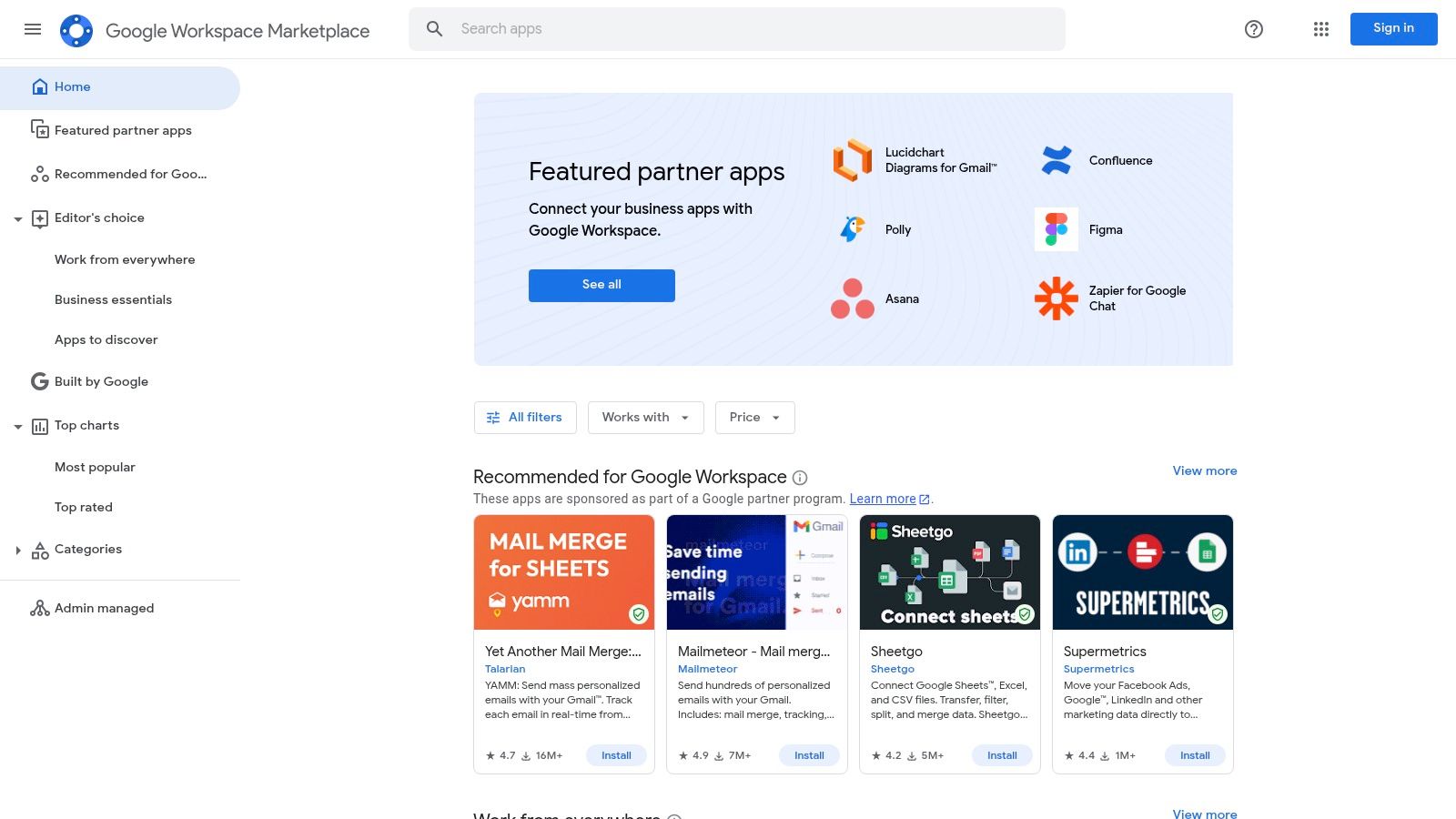
The marketplace stands out by centralizing AI functionality where the work actually happens. For instance, a content marketer can use an AI writing assistant to draft a blog post directly in Google Docs, while a PPC specialist can leverage a Sheets add-on to analyze campaign performance and generate ad variations. With the increasing integration of Gemini across Workspace, users get native AI features alongside specialized third-party tools. This creates a powerful, hybrid environment for creating, analyzing, and optimizing marketing assets.
Key Features & Use Cases
Direct Integration: Find and install AI tools that function directly within Google Docs, Sheets, Slides, and Gmail.
Verified & Secure Apps: Look for Editor’s Choice recommendations and security-verification badges to select trusted applications.
In-Context AI Workflows: Generate ad copy, draft social media posts, or analyze data without leaving your document or spreadsheet.
Native Gemini Integration: Use Google’s built-in AI for summarizing documents, drafting emails, and generating content across Workspace.
Pros & Cons
Pros:
Keeps marketing workflows consolidated within the familiar Google Workspace environment.
Security signals and user reviews help with app selection in managed corporate settings.
A wide variety of tools are available, from niche analyzers to broad AI writing assistants.
Cons:
Many listings are freemium; advanced features often require separate, paid subscriptions.
Admin approval may be required to install apps in managed Google Workspace domains.
Pricing
The marketplace is free to browse. Individual app pricing varies, with many offering free trials or limited free tiers.
Website: https://workspace.google.com/marketplace
11. Zapier
While many AI tools specialize in a single function, Zapier acts as the central nervous system connecting them all. It is the leading no-code automation platform that allows marketers to create powerful, automated workflows between thousands of apps without writing a single line of code. For marketers, this means you can bridge your AI models and tools directly into your existing marketing stack, creating seamless, intelligent processes that save immense time and effort.
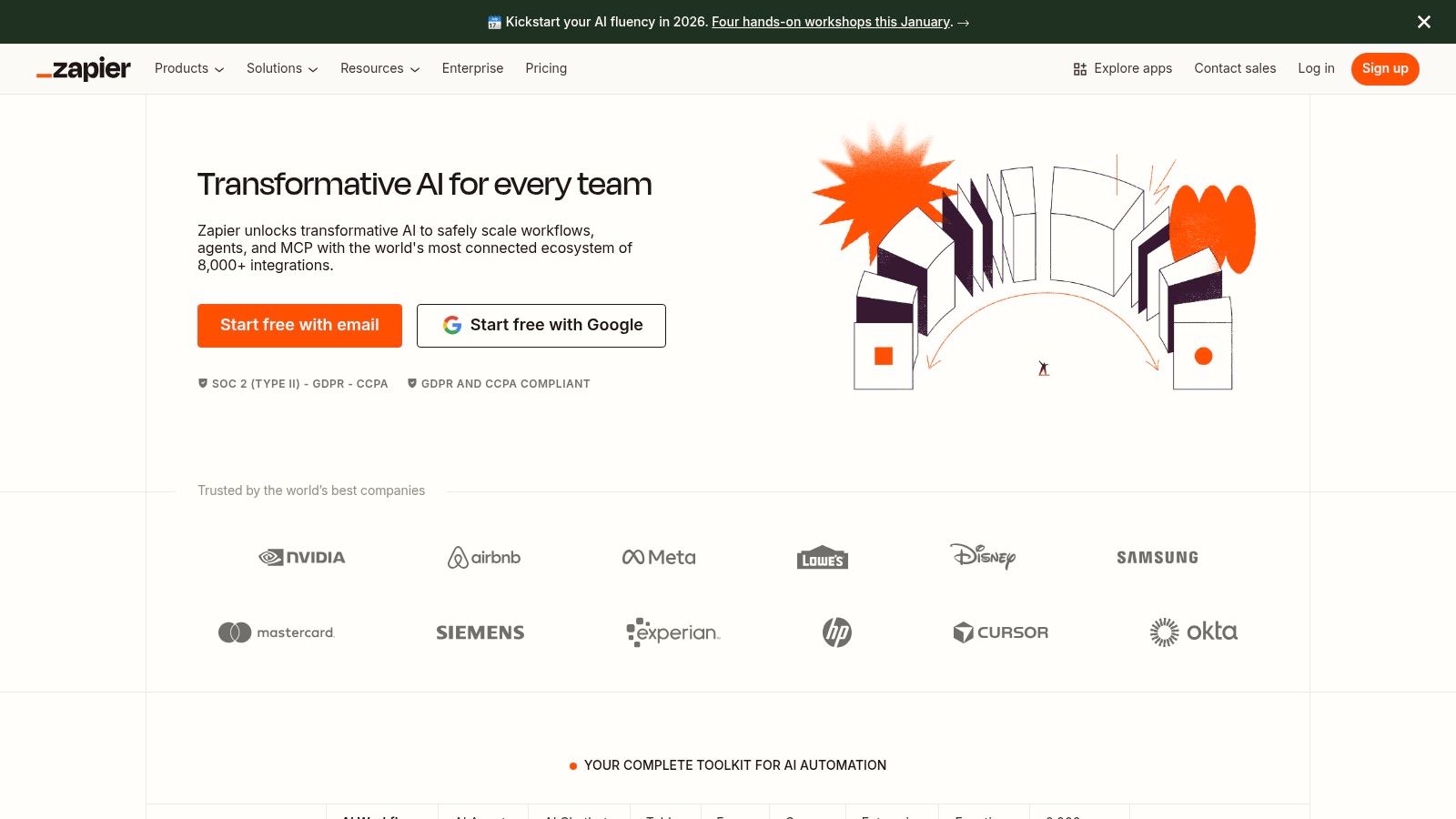
Zapier’s true power lies in its ability to democratize AI integration. You can build AI agents and chatbots that trigger actions in your CRM, or create a "Zap" to automatically send meeting summaries from a tool like Notize AI directly to a project management board and a Slack channel. Its drag-and-drop interface and vast library of pre-built templates remove the engineering bottleneck, empowering marketing teams to orchestrate complex operations like lead enrichment, content distribution, and automated reporting on their own terms. This makes it one of the best AI tools for marketers looking to operationalize AI across their entire workflow.
Key Features & Use Cases
AI Workflows: Build multi-step automations that incorporate AI models like OpenAI or Anthropic for tasks such as content generation or data analysis.
Extensive App Integrations: Connect over 6,000 apps, including CRMs, email marketing platforms, social media, and project management tools.
AI Agents & Chatbots: Create and deploy custom AI agents that can interact with your software stack to perform tasks on your behalf.
Template Library: Access thousands of pre-built "Zaps" for common marketing automations, from lead routing to social media posting.
Pros & Cons
Pros:
Rapidly connects AI models and tools to your existing marketing software.
Highly scalable, supporting everyone from solo marketers to large enterprise teams.
No-code interface makes advanced automation accessible without engineering resources.
Cons:
Usage-based pricing can become expensive with high-volume or complex workflows.
Requires a clear understanding of process design to achieve the best results.
Pricing
Zapier offers a free forever plan with limited tasks. Paid plans start at $19.99/month (billed annually) and scale up based on the number of tasks and advanced features required.
Website: https://zapier.com
12. Futurepedia & MartechMap
To stay ahead in a rapidly evolving AI landscape, marketers need powerful discovery tools. The combination of Futurepedia and MartechMap serves as an essential compass for navigating the thousands of emerging AI solutions. Futurepedia is a massive, constantly updated directory of AI tools, making it one of the best places to spot new and trending applications relevant to marketing. It acts as an initial discovery engine to find novel solutions you didn't know existed.
Once you’ve identified potential tools on Futurepedia, MartechMap provides the strategic context. It’s an interactive, zoomable marketing technology landscape that helps you understand where a tool fits within the broader ecosystem. This is perfect for marketers looking to build a cohesive tech stack and avoid overlapping functionalities. For instance, after discovering a new meeting intelligence tool, you could use MartechMap to see how it compares to established players and all-in-one solutions like Notize AI in the transcription and insights category, helping you vet vendors at a glance.
Key Features & Use Cases
AI Tool Directory (Futurepedia): Filter by category, price, and features to quickly find new marketing AI tools.
Interactive Vendor Map (MartechMap): Visualize the entire martech landscape and filter vendors by category, company size, and revenue.
Editorial Curation: Futurepedia offers editor’s picks and tutorials, highlighting promising new tools.
Quick Vendor Vetting: Use the map to quickly understand a vendor's position in the market and find links to their official sites for trials.
Pros & Cons
Pros:
Broad coverage provides a fast way to discover emerging AI marketing tools.
The macro view from MartechMap helps in strategic tech stack planning.
Excellent for initial research and shortlisting new, innovative vendors.
Cons:
Listing quality can be inconsistent, as it’s a directory, not a review platform.
Some vendor data on MartechMap may be incomplete or outdated.
Pricing
Both Futurepedia and MartechMap are free to use for browsing and research.
Websites: https://www.futurepedia.io and https://martechmap.com
Top 12 AI Marketing Resources Comparison
Tool | Core features | Quality / Rating | Value & Pricing | Target audience | Unique selling points |
|---|---|---|---|---|---|
🏆 Notize AI | Transcription, AI summaries, searchable media library, built-in analytics | ★★★★☆ — accurate; audio-dependent | 💰 Free starter · Growth $15/mo · Enterprise $100/yr | 👥 Content managers, product teams, marketers, ops, creators | ✨ All-in-one capture→publish workflow; fast, secure, no-setup; exportable insights |
G2 | Verified reviews, grids, buyer guides, vendor links | ★★★★★ — high review volume | 💰 Free to use (vendor links to trials) | 👥 Buyers researching B2B software | ✨ Peer-review marketplace with analyst-curated grids |
Capterra | Category pages, pricing ranges, buyer tips | ★★★★☆ — practical pricing context | 💰 Free to use; pricing ranges shown | 👥 SMBs scoping budgets | ✨ Practical pricing guidance and SMB-focused lists |
GetApp | Side-by-side comparisons, AI filters, review breakdowns | ★★★★☆ — granular filters | 💰 Free to use | 👥 Marketers shortlisting martech tools | ✨ Generative AI filters and comparison view |
Product Hunt (Marketing) | Launch stream, community voting, maker Q&A | ★★★★ — discovery-focused | 💰 Free (early-stage demos) | 👥 Early adopters, founders, makers | ✨ Spot fresh tools & interact directly with creators |
AppSumo | Time-limited deals, reviews, refund windows | ★★★★ — strong deal value | 💰 Deals/LTDs; deep discounts | 👥 Cost-conscious SMB marketers, bootstrappers | ✨ Significant savings for building low-cost stacks |
HubSpot App Marketplace | Integrations, AI agents, developer tooling | ★★★★ — tight HubSpot integration | 💰 Varies by app; free & paid options | 👥 Teams using HubSpot CRM | ✨ Native CRM integration & agent orchestration |
Salesforce AppExchange (Marketing) | Enterprise apps, filters, security details | ★★★★ — enterprise-grade vetting | 💰 Enterprise pricing; paid listings | 👥 Enterprise marketing & IT teams | ✨ Deep integrations, strong security/compliance |
Shopify App Store (Marketing & AI) | Commerce AI apps, integrations, trials | ★★★★ — merchant-friendly | 💰 App-specific pricing (visible) | 👥 Ecommerce marketers & merchants | ✨ Store-connected outcomes and transparent trials |
Google Workspace Marketplace | AI add-ons for Docs/Sheets/Slides/Gmail | ★★★★ — in-context AI tools | 💰 Freemium; paid add-ons | 👥 Teams working in Google Workspace | ✨ In-context AI with security verification badges |
Zapier | No-code automation, AI workflows & agents | ★★★★☆ — reliable integrations | 💰 Tiered/usage-based pricing | 👥 Marketers automating workflows without engineers | ✨ Large template library; enterprise governance |
Futurepedia & MartechMap | AI tool directory + interactive vendor map | ★★★★ — wide discovery coverage | 💰 Free resources | 👥 Researchers, strategists, tool scouts | ✨ Broad coverage + macro martech landscape view |
Choosing the Right AI Tools for Your Marketing Stack
The marketing landscape is undergoing a seismic shift, and the tools we've explored in this guide are at the epicenter. From specialized marketplaces like the HubSpot App Marketplace and Salesforce AppExchange to discovery platforms like G2 and Product Hunt, the sheer volume of AI-powered solutions can feel overwhelming. However, this abundance of choice signals a powerful opportunity: the chance to build a marketing stack that is not just efficient, but truly intelligent and responsive to your audience's needs.
The key takeaway is that there is no single "best" AI tool, only the best AI tool for your specific challenge. The journey to finding it begins with a clear audit of your team's most significant bottlenecks. Are you struggling with lead generation, content creation, customer segmentation, or data analysis? Your answer will guide you toward the right category of tools and prevent you from investing in technology that doesn't solve a core business problem.
A Framework for Strategic AI Adoption
Selecting the right AI tools for marketers requires a strategic, not a reactive, approach. As you evaluate your options, consider these critical factors:
Integration Capabilities: A powerful tool that doesn't communicate with your existing CRM, CMS, or analytics platforms will create more problems than it solves. Look for robust integration options, like those offered by Zapier, to ensure a seamless flow of data across your entire marketing ecosystem.
Scalability and Pricing: A solution that works for a team of two might not be sustainable for a team of twenty. Scrutinize pricing tiers and ensure the tool can grow with your team and your marketing ambitions. Platforms like AppSumo can offer cost-effective entry points, but always consider the long-term total cost of ownership.
User Experience and Learning Curve: The most advanced AI is useless if your team finds it too complicated to use. Prioritize tools with intuitive interfaces and strong customer support. A tool that is easily adopted is a tool that will deliver a faster return on investment.
From Information Overload to Actionable Insights
One of the most pervasive challenges for modern marketers is transforming vast amounts of information, from internal meetings to external content, into actionable strategies. This is where a multifunctional tool can provide immense value. For instance, a platform like Notize AI addresses a fundamental pain point by capturing and repurposing the intelligence locked within your audio and video content.
Think about the hours your team spends in strategy meetings, webinars, and brainstorming sessions. Notize AI can automatically transcribe, summarize, and identify action items from these discussions, ensuring valuable ideas are never lost. Furthermore, it empowers your content team to instantly repurpose a single webinar into a dozen different assets, a blog post, social media clips, and even a step-by-step guide, drastically amplifying your content output without increasing your workload.
The Future is Intelligent and Integrated
Ultimately, the goal is to build a cohesive marketing engine where AI tools work in concert to automate repetitive tasks, uncover deep audience insights, and free your team to focus on high-impact strategic work. This means your content creation tools should feed your analytics platforms, which in turn inform your SEO strategy. To get a head start on optimizing for future search experiences, explore the 12 Best AI SEO Tools for 2025.
Adopting the best AI tools for marketers is a journey, not a destination. Start small by identifying one or two key areas for improvement, pilot a promising solution, measure its impact, and then expand from there. By taking a thoughtful and incremental approach, you can build a formidable, AI-powered marketing stack that drives measurable growth and keeps you ahead of the curve.
Ready to transform your team's productivity and unlock the hidden value in your meetings and media content? Discover how Notize AI can automate your note-taking, generate instant summaries, and help you create powerful marketing assets in minutes. Try Notize AI today and turn your conversations into your most valuable content.
The 12 Best AI Tools for Marketers to Use in 2026




