
In 2026, remote and hybrid work isn't a trend; it's the standard operating model for high-performing organizations. But without the right technology, distributed teams often face significant hurdles: persistent miscommunication, missed deadlines, and a calendar full of meetings that produce few actionable outcomes. The key to unlocking genuine productivity lies in assembling a strategic tech stack that bridges physical distance and streamlines complex workflows. This guide is designed to help you build that stack by cutting through the noise and showcasing the best collaboration tools for remote teams.
We've organized this comprehensive resource into clear categories, from real-time messaging and project management to the critical, yet often overlooked, function of knowledge capture and async collaboration. Each entry includes a detailed analysis of its pros, cons, pricing, ideal use cases, and key integrations. We'll provide screenshots and direct links to help you evaluate each platform efficiently.
A special focus will be given to tools that solve the pervasive problem of information overload. For instance, platforms like Notize AI are revolutionizing how teams handle meeting outputs, transforming hours of recorded video and audio into structured summaries, speaker-attributed notes, and trackable action items automatically. This ensures that no critical detail is ever lost in translation. This list will equip you to make informed decisions and find the perfect combination of tools to empower your team, reduce friction, and drive meaningful results. Let's dive into the platforms that will define successful remote collaboration this year.
1. Notize AI
Notize AI establishes itself as a powerful, all-in-one content intelligence hub, making it one of the best collaboration tools for remote teams looking to eliminate information silos. It transforms unstructured audio and video from meetings, calls, and public media into a centralized, searchable knowledge base. The platform's core strength lies in its ability to ingest content from virtually anywhere—Zoom, Google Meet, YouTube links, or direct file uploads—and instantly produce accurate transcriptions, AI-generated summaries, key points, and actionable tasks.
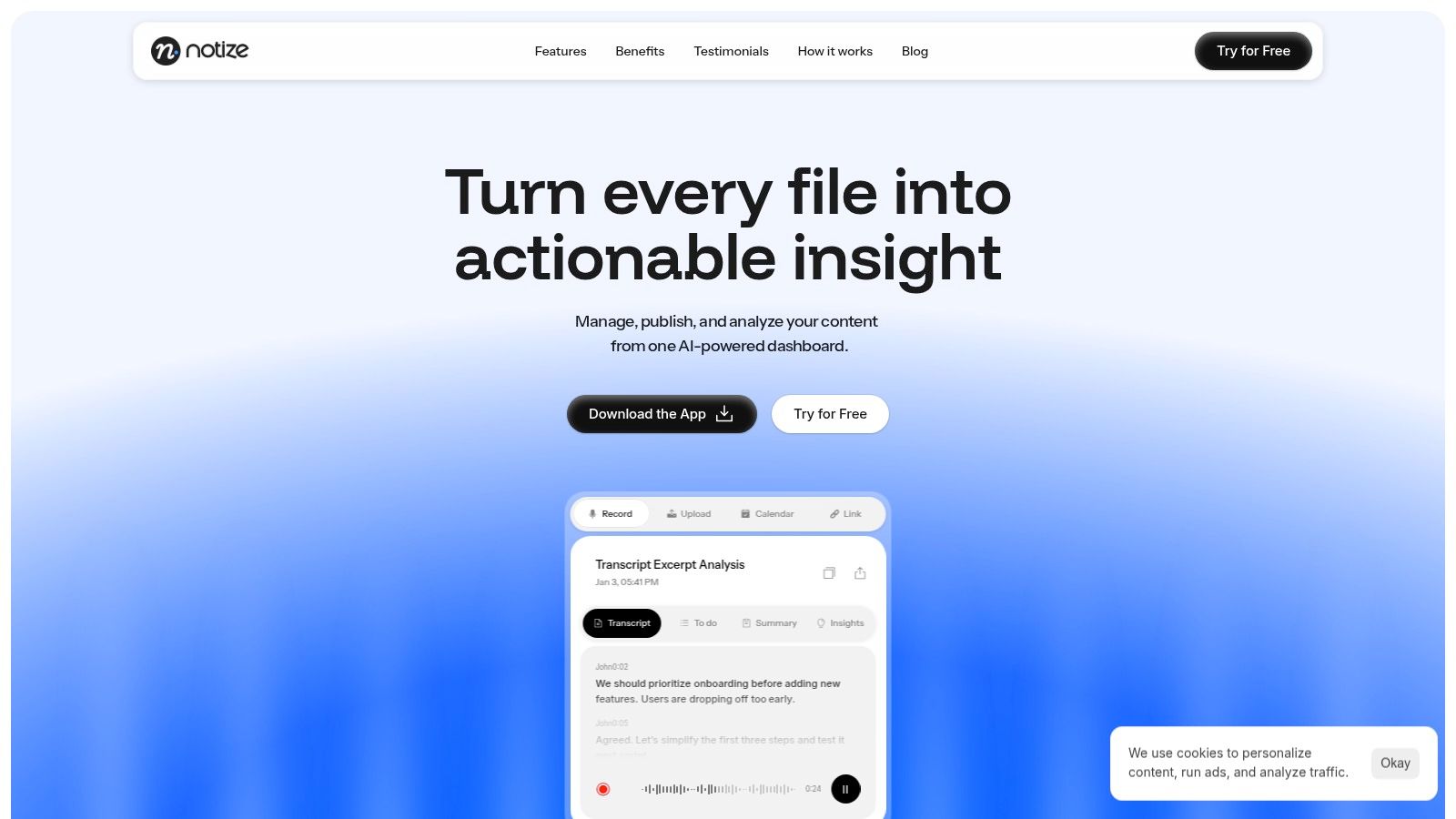
For remote teams, this means no more manual note-taking or lost details. Notize AI turns a one-hour project sync into a structured summary with speaker-attributed notes and a clear list of follow-up tasks, all shareable in minutes. Crucially, for remote teams dealing with vast amounts of spoken information, the ability of AI to summarize becomes indispensable. Consider this ultimate AI summarizer guide for best practices in extracting key insights quickly and efficiently.
Key Features & Use Cases
Automated Meeting Intelligence for Professionals: During meetings, users can start recording directly in Notize AI. Once the meeting ends, the platform automatically produces a full, structured summary, key discussion points, detailed meeting notes, and actionable to-do lists.
Centralized Content Hub: Upload audio, video, URLs (from YouTube, TikTok, etc.), and even documents to create a single source of truth. The platform's powerful search lets you find specific topics discussed across all past meetings, making it an invaluable asynchronous resource.
Content Creation for Bloggers & Journalists: Notize AI helps creators turn recordings or uploaded media into high-quality, customizable blog posts in any writing style. They can even build and publish a blog directly within the app.
Cross-Platform Accessibility: With web, desktop (Mac/Windows), and mobile (iOS/Android) apps, your team’s knowledge base is accessible anywhere, ensuring seamless collaboration.
Pricing and Limitations
Notize AI offers a flexible pricing structure. A Free Starter plan allows teams to process up to five pieces of content to test the platform. The Growth plan ($15/month) is the recommended tier, offering unlimited content processing, priority speeds, and unlimited storage. An Enterprise plan ($100/year) is also available for professionals needing consistent AI assistance.
A potential consideration for larger organizations is the lack of publicly listed security or compliance certifications like SOC 2 on their website. Enterprise teams with stringent data protection requirements may need to contact Notize AI directly for verification before full-scale adoption.
Website: https://notize.ai
2. Slack
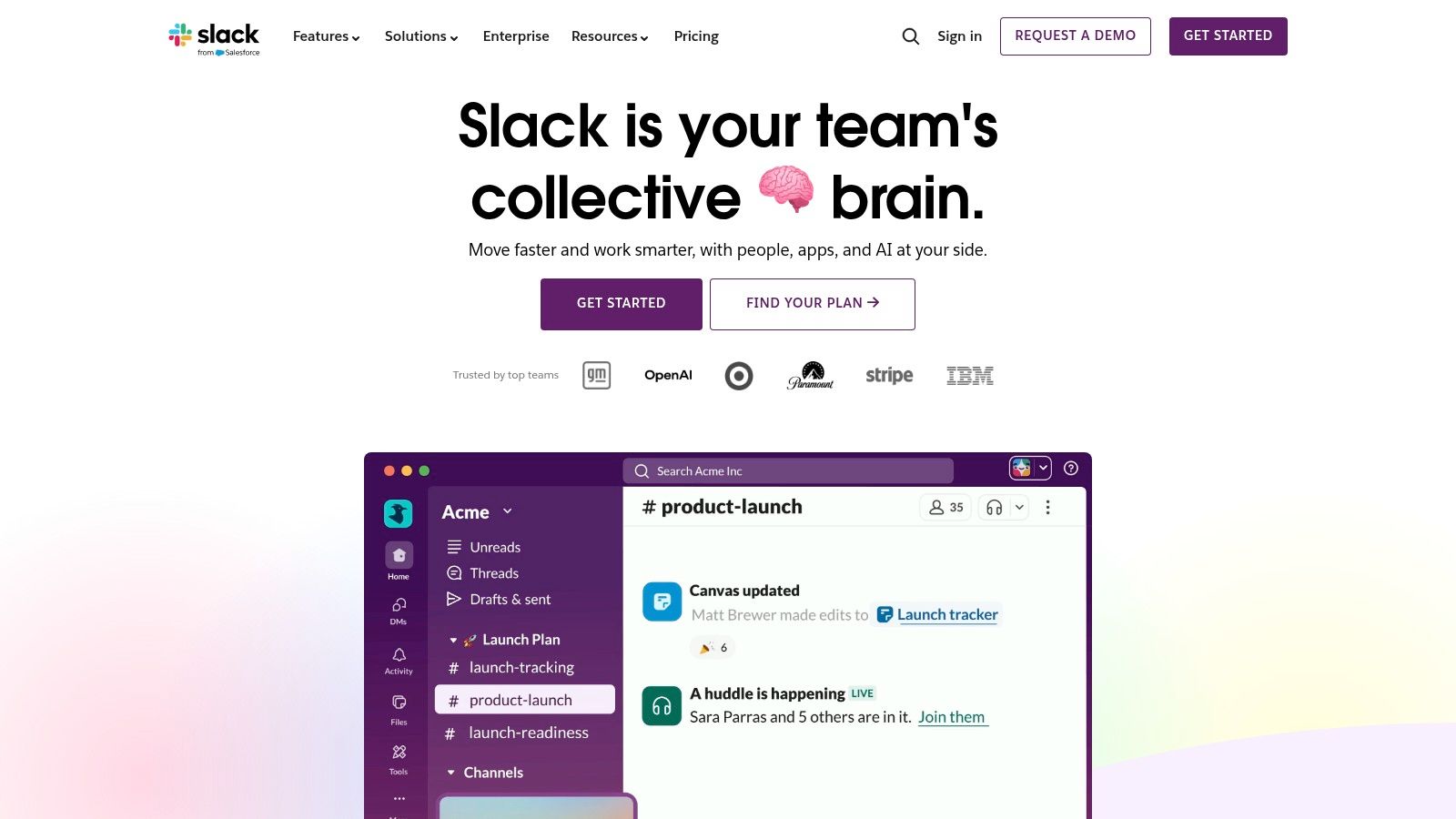
Slack is a powerhouse in real-time team communication, essentially creating a digital headquarters for remote and hybrid teams. It centralizes conversations into dedicated channels, reducing reliance on cluttered email inboxes and making it one of the best collaboration tools for remote teams seeking to streamline their daily interactions. Its intuitive design and powerful search functionality ensure that teams can adopt it quickly and find information easily.
The platform excels at integrating with the tools your team already uses. With over 2,600 apps in its ecosystem, including Google Drive, Jira, and Salesforce, Slack acts as a central hub, minimizing the need to switch between different applications. This deep integration is key to its effectiveness, allowing for seamless workflows and notifications all in one place.
Key Features & Use Cases
Organized Channels: Create public or private channels for projects, departments, or social topics. Use Slack Connect to collaborate securely with external partners and clients in a shared channel.
Huddles & Clips: Start instant audio or video "huddles" for quick, informal discussions that replace unscheduled meetings. Record short audio or video "clips" to share updates asynchronously.
AI-Powered Summaries: The paid AI add-on can generate channel recaps and conversation summaries, helping you catch up quickly without reading through every message. This is useful for understanding key decisions from long discussions, similar to how Notize AI provides meeting summaries and action items. For an even deeper look at enhancing team efficiency, you can learn more about improving team collaboration with structured communication.
Workflow Builder: Automate routine tasks and processes, such as new employee onboarding or daily stand-up reminders, without writing any code.
Pricing & Final Verdict
Slack offers a free plan with limitations on message history (90 days) and integrations (10). Paid plans start at $7.25 per user/month (billed annually) for the Pro tier, which unlocks unlimited history, more integrations, and group huddles.
Pros: Exceptional user experience, a massive integration library, and robust mobile/desktop apps.
Cons: Can become a source of distraction without clear communication guidelines; the free plan's limitations can be restrictive for growing teams.
Website: https://slack.com
3. Microsoft Teams (and Microsoft 365)
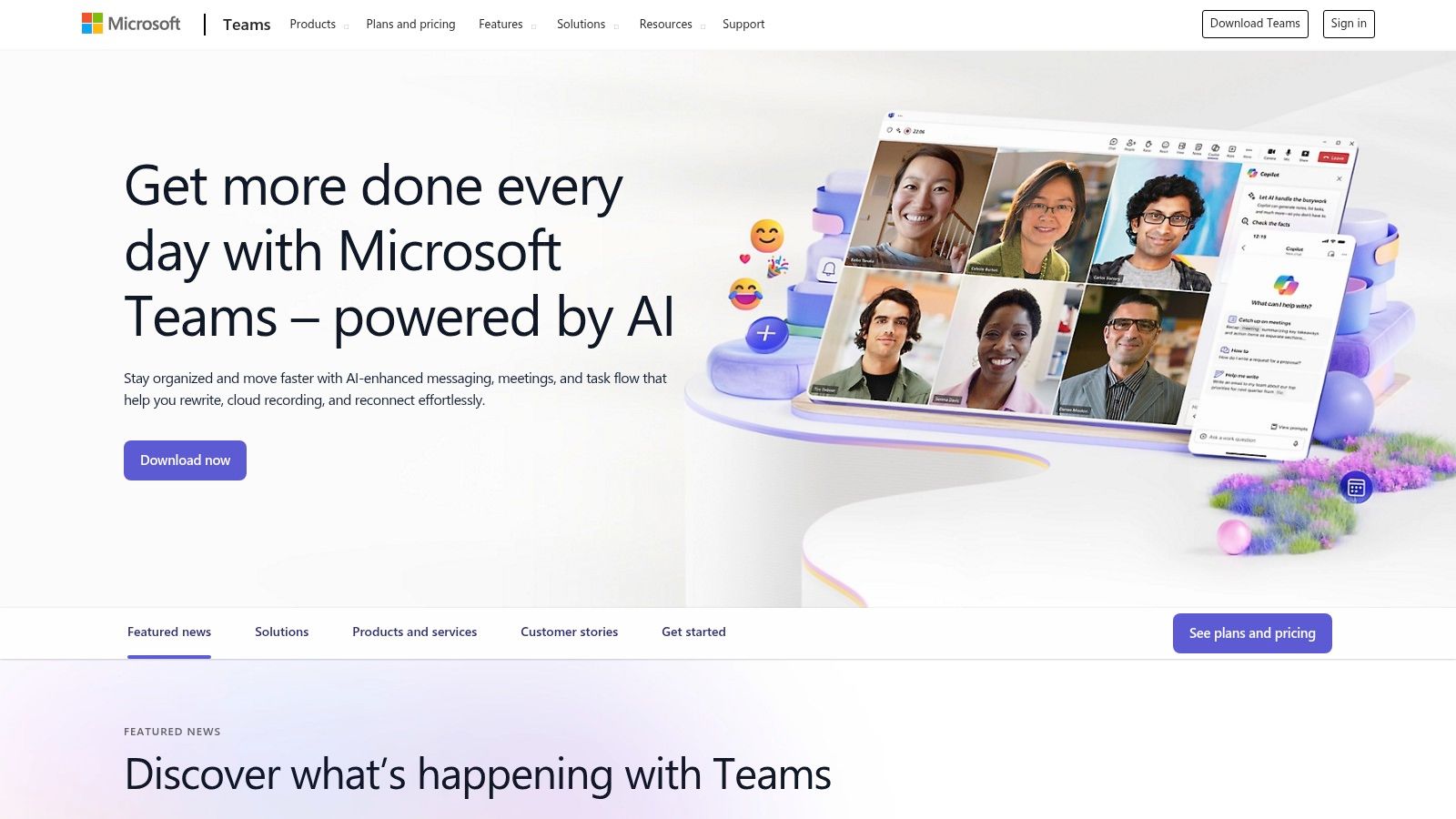
Microsoft Teams is an all-in-one collaboration hub deeply integrated into the Microsoft 365 ecosystem. For organizations already invested in Office apps like Word, Excel, and SharePoint, Teams provides a unified platform for chat, video meetings, and file sharing, making it one of the best collaboration tools for remote teams looking to consolidate their software stack. It centralizes workplace communication and productivity within a single, secure environment.
The platform's core strength lies in its seamless connection to the wider Microsoft suite. Co-authoring documents in real-time, accessing OneDrive files, and managing projects with Planner all happen directly within the Teams interface. This tight integration minimizes context switching and creates a cohesive workflow, especially for enterprises that prioritize security, governance, and compliance controls.
Key Features & Use Cases
Deep Office 365 Integration: Edit Word, Excel, and PowerPoint files collaboratively directly within a chat or channel. Files are automatically saved and versioned in SharePoint or OneDrive.
Comprehensive Meetings: Host meetings with live captions, real-time transcription, and recordings. While useful, tools like Notize AI enhance this by automatically generating structured summaries, speaker-attributed notes, and actionable to-do lists from those same recordings, ensuring every key decision is captured and distributed.
Extensible Platform: Enhance functionality with add-ons like Teams Phone for a full cloud-based phone system, Teams Rooms for hybrid meeting spaces, and thousands of third-party app integrations.
Enterprise-Grade Security: Leverage robust admin, security, and compliance controls built into the Microsoft 365 framework, including data loss prevention and information barriers.
Pricing & Final Verdict
Microsoft Teams is included with most Microsoft 365 Business and Enterprise plans, which start at $6 per user/month (billed annually) for the Business Basic tier. A limited free version is also available.
Pros: Excellent value for existing Microsoft 365 subscribers, powerful enterprise-level security and compliance features, and seamless integration with Office apps.
Cons: The user interface and administrative settings can be complex to navigate; the experience is less optimal for teams not using the broader Microsoft ecosystem.
Website: https://www.microsoft.com/en-us/microsoft-teams
4. Zoom
Zoom is a video-first communications platform that has become synonymous with virtual meetings, setting the standard for reliable video conferencing. It provides a simple, high-quality experience for remote teams needing to connect face-to-face, offering everything from one-on-one calls to large-scale webinars. Its ease of use and consistent performance across devices make it one of the best collaboration tools for remote teams that depend on clear, stable video communication.
The platform extends beyond just meetings, offering an integrated suite called Zoom Workplace that includes persistent chat, a digital whiteboard, and a cloud phone system. This ecosystem allows teams to consolidate their communication stack, facilitating a smoother transition between different modes of collaboration, from a quick chat message to a full-blown video conference.
Key Features & Use Cases
HD Meetings & Recordings: Host reliable video meetings with features like screen sharing, virtual backgrounds, and cloud recording. For detailed analysis, teams can feed these recordings into Notize AI to automatically generate structured summaries, action items, and searchable notes. For a detailed guide on this, you can learn how to transcribe Zoom meetings.
Zoom Workplace: A unified hub that combines Meetings, Team Chat, Whiteboard, and Phone into a single application, reducing the need to switch between different tools for daily communication tasks.
Webinars & Events: Scale up communication for large audiences with interactive webinars and complex virtual events, complete with registration, polling, and Q&A features.
Developer Platform: Leverage APIs and SDKs to embed Zoom's video and collaboration technology directly into custom applications and workflows.
Pricing & Final Verdict
Zoom offers a free Basic plan for personal meetings up to 40 minutes. Paid plans start at $15.99 per user/month for the Pro tier, which removes the time limit and adds cloud recording. More advanced features are available in Business and Enterprise tiers.
Pros: Exceptional video and audio quality, intuitive user interface, and scales effectively from small teams to large enterprises.
Cons: The free plan's 40-minute limit is restrictive for business use; some advanced features and integrations require pricier add-ons or higher-tier plans.
Website: https://zoom.us
5. Google Workspace
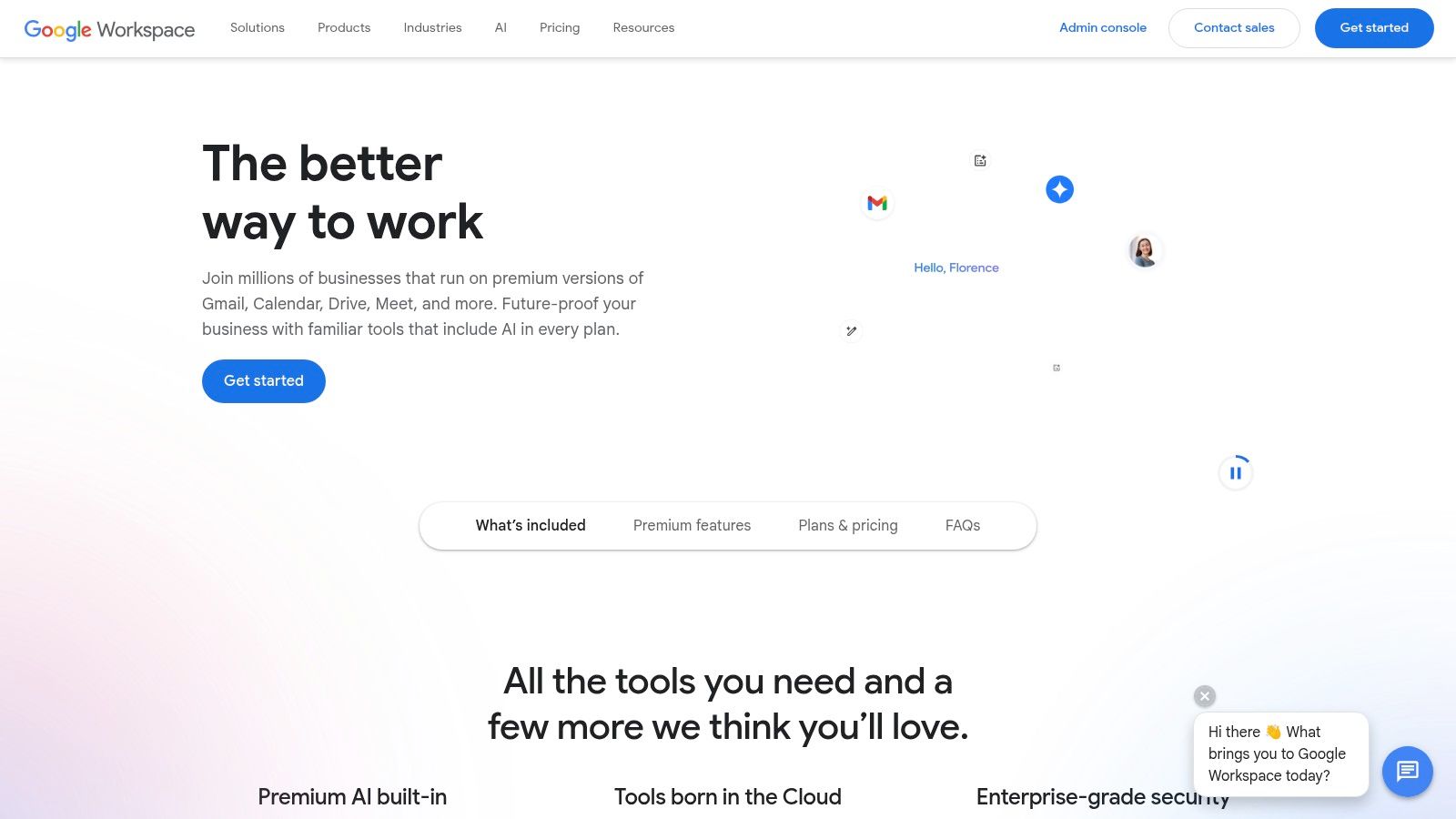
Google Workspace is a ubiquitous all-in-one cloud productivity suite that integrates Gmail, Drive, Docs, Meet, and more into a single, cohesive environment. Its core strength lies in its simplicity and accessibility, allowing teams to co-edit documents, spreadsheets, and presentations in real-time directly from a browser. This seamless integration makes it one of the best collaboration tools for remote teams that need a unified hub for communication, file sharing, and content creation.
The platform excels at browser-based collaboration, eliminating the need for complex software installations and making it easy to share files with external partners via simple links. With the recent integration of Gemini AI, Google Workspace enhances productivity by assisting with drafting emails, summarizing documents, and generating insights across its suite of applications, providing a powerful, interconnected workflow.
Key Features & Use Cases
Real-Time Co-Editing: Multiple users can simultaneously work on Docs, Sheets, and Slides, with changes visible instantly. This is ideal for collaborative brainstorming, report writing, and project planning.
Integrated Communication: Use Google Meet for video conferences with features like recording, noise cancellation, and large meeting support.
Built-in AI (Gemini): Leverage AI to draft emails in Gmail, create content in Docs, and analyze data in Sheets. When you need to capture and analyze discussions from Google Meet, a tool like Notize AI can automatically produce structured summaries, action items, and searchable transcripts, complementing Gemini’s in-app features.
Centralized File Management: Google Drive offers robust cloud storage with powerful search capabilities, allowing teams to securely store, access, and share files from any device.
Pricing & Final Verdict
Google Workspace offers several tiers, starting with the Business Starter plan at $6 per user/month, which includes core apps and 30 GB of storage. Higher-tier plans add enhanced security, larger meeting capacities, and advanced features like Vault.
Pros: Simple browser-based collaboration, easy external sharing with link-based access, and a familiar user interface for most teams.
Cons: Advanced admin and compliance features are locked behind higher-priced tiers; organizations heavily reliant on Outlook may face change-management challenges.
Website: https://workspace.google.com
6. Asana
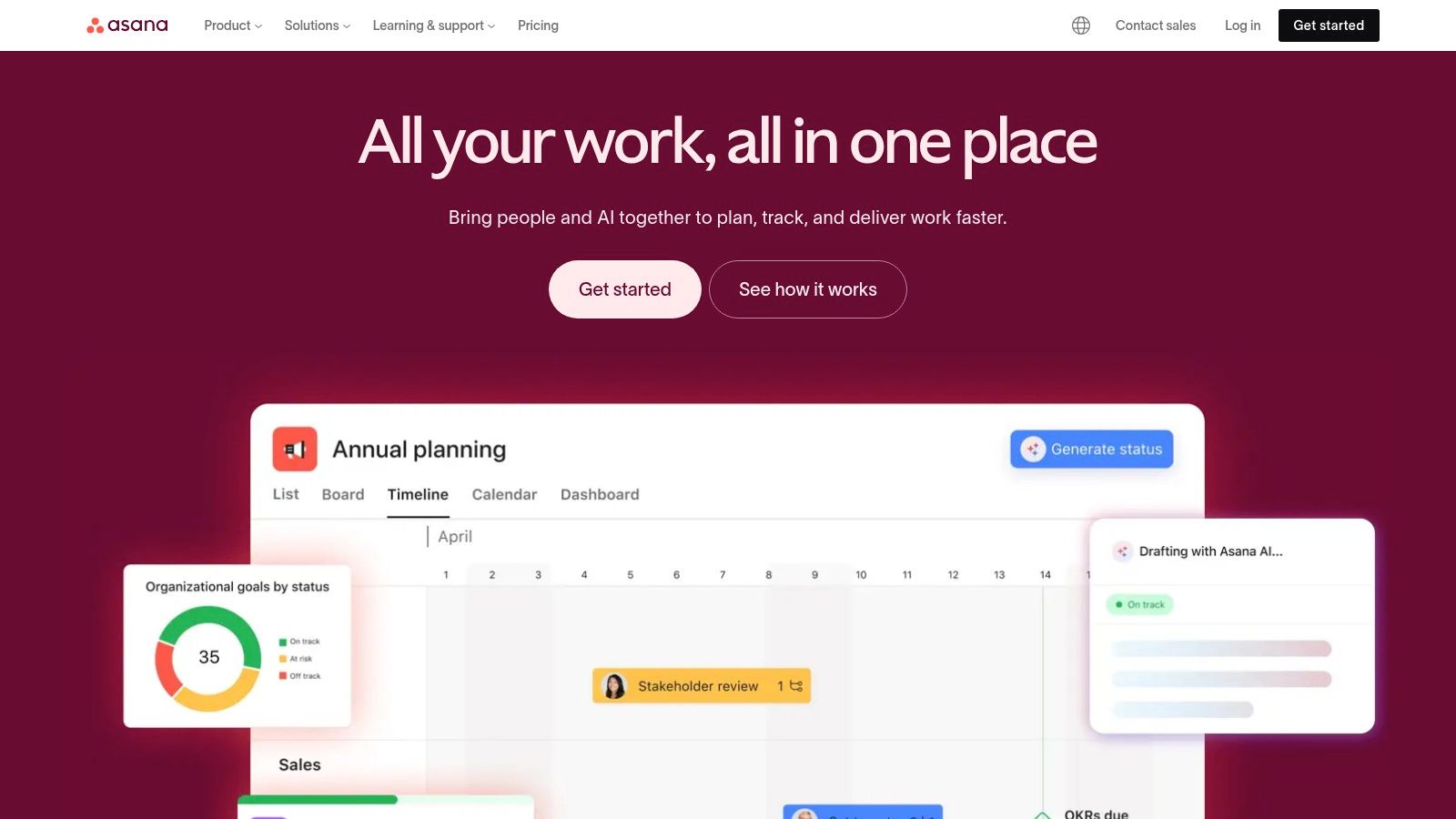
Asana is a comprehensive work management platform designed to help teams orchestrate their work, from daily tasks to strategic initiatives. It provides clarity by tracking who is doing what by when, making it one of the best collaboration tools for remote teams that need to align on cross-functional projects and maintain accountability without constant check-ins. Its structured approach helps map out every step of a project and visualize progress in real-time.
The platform's strength lies in its scalability and flexible views, allowing teams to switch between list, board, calendar, and timeline formats to manage work in the way that suits them best. Asana connects individual tasks to larger company goals, ensuring that every team member understands how their contributions impact the bigger picture. This top-down visibility is crucial for keeping distributed teams focused and motivated.
Key Features & Use Cases
Multiple Project Views: Manage projects using Lists for organized to-dos, Boards for Kanban-style workflows, and Timelines for Gantt chart planning. This flexibility supports various methodologies, from Agile to waterfall.
Automation Rules: Reduce manual work by creating custom rules to automate routine actions like assigning tasks, updating statuses, or moving projects through stages.
Portfolios & Workload: Get a high-level overview of all your projects in one place with Portfolios. The Workload feature helps managers visualize team capacity and reassign tasks to prevent burnout.
Goal Tracking: Align team efforts with company objectives by setting, tracking, and managing goals directly within Asana. A tool like Notize AI can complement this by capturing strategic decisions and action items from planning meetings, which can then be directly translated into Asana tasks.
Pricing & Final Verdict
Asana has a free "Personal" plan for individuals or small teams of up to 10. Paid plans start with the Starter tier at $10.99 per user/month (billed annually), which adds features like timelines, custom fields, and advanced reporting.
Pros: Excellent for structuring complex projects, powerful automation capabilities, and scales effectively from small businesses to large enterprises.
Cons: Can be overly complex for teams needing a simple task list; many of the most powerful features are locked behind higher-priced tiers.
Website: https://asana.com
7. Miro
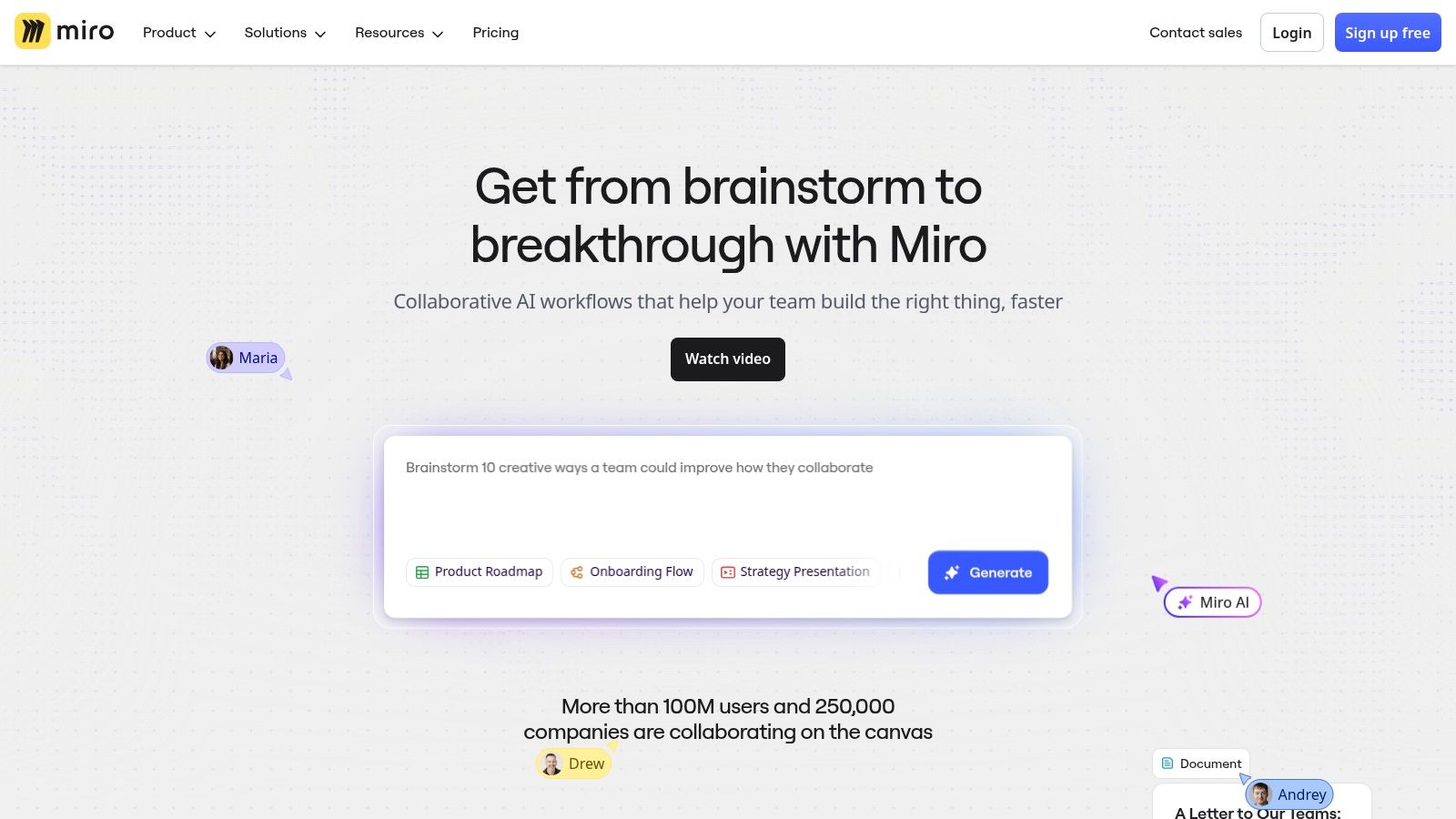
Miro is an online infinite canvas that serves as a digital whiteboard for visual collaboration, making it essential for workshops, product planning, and creative brainstorming. It empowers distributed teams to co-create and innovate in a shared visual space, bridging the gap between physical and remote work environments. For teams that thrive on visual thinking, Miro is one of the best collaboration tools for remote teams available.
The platform excels at facilitating dynamic, real-time sessions like agile ceremonies, user story mapping, and design sprints. Its vast template library provides a structured starting point for virtually any task, from SWOT analysis to complex system diagrams, ensuring that teams can jump straight into productive work without building frameworks from scratch.
Key Features & Use Cases
Infinite Canvas & Templates: Utilize a limitless digital space with a massive library of pre-built templates for product development, UX design, strategy, and agile workflows.
Talktrack & Async Collaboration: Record a video walkthrough of your board to share context and updates asynchronously, allowing team members to catch up on their own time.
Deep Integrations: Connect Miro with key tools like Jira, Azure DevOps, Asana, and Slack to create a seamless workflow between ideation and execution.
Miro AI: Use AI credits to generate ideas, summarize sticky notes, and create diagrams automatically. For deeper discussions, these brainstorming sessions can be recorded and processed through Notize AI to capture every nuance, decision, and follow-up task.
Pricing & Final Verdict
Miro offers a free plan with three editable boards. Paid plans start with the Starter tier at $8 per member/month (billed annually), which provides unlimited boards, custom templates, and projects.
Pros: Excellent for workshops and discovery sessions, strong integrations with product and dev tools, and flexible permissions for client collaboration.
Cons: Large, complex boards can be demanding on system resources; advanced guest and security features require higher-priced Business plans.
Website: https://miro.com
8. Notion
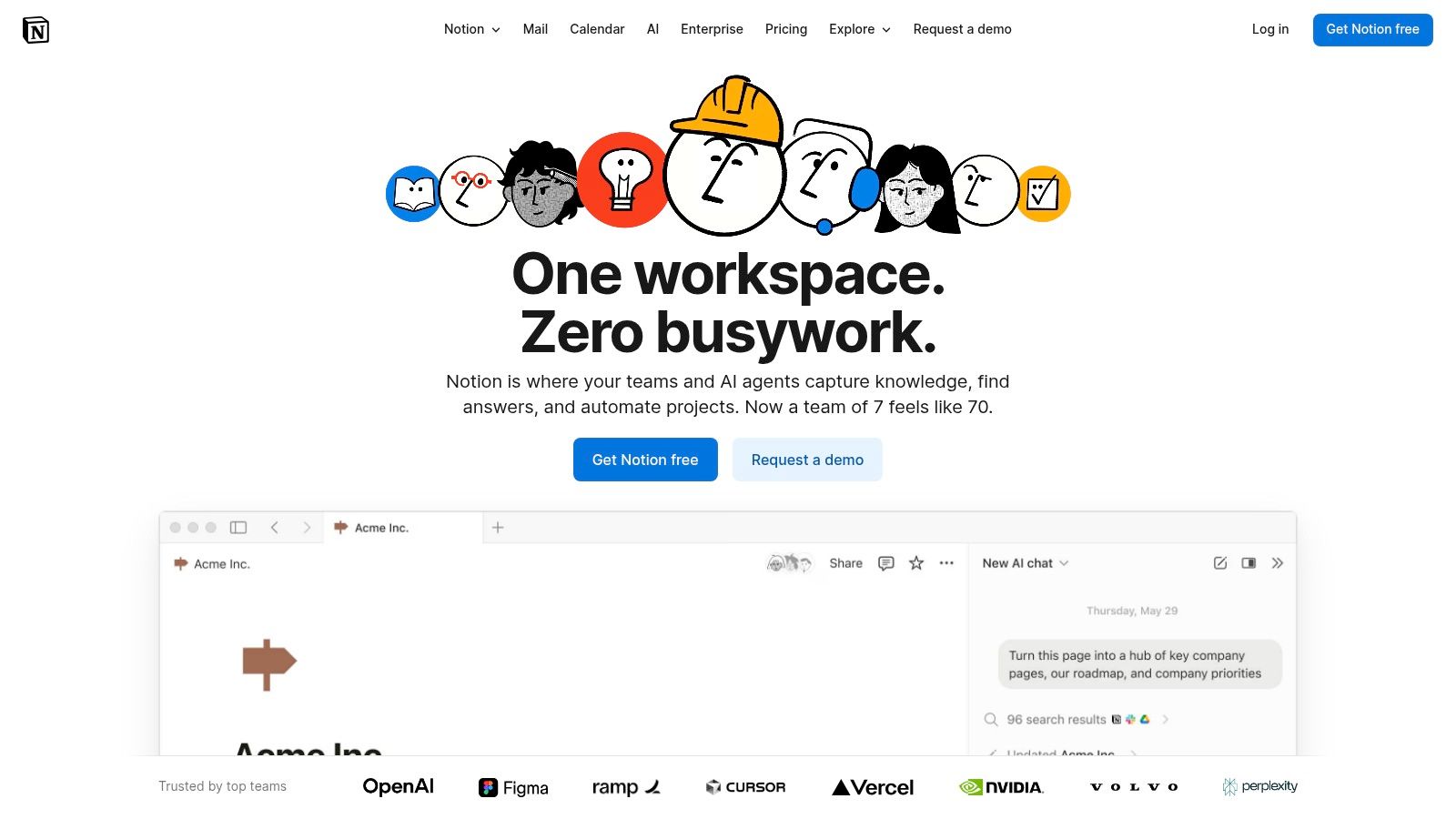
Notion is a powerful, all-in-one workspace that combines documents, wikis, project management, and databases into a single, highly flexible platform. It allows remote teams to consolidate their documentation, project trackers, and knowledge bases, reducing the need to switch between multiple specialized tools. Its unique block-based editor lets teams build custom workflows and pages from scratch, making it one of the most adaptable collaboration tools for remote teams.
The platform excels at creating a central source of truth. Teams can build anything from a simple to-do list to a complex, multi-layered company wiki with relational databases. This flexibility ensures that documentation and project data live together, providing context and clarity that is often lost when information is siloed across different applications.
Key Features & Use Cases
Flexible Pages & Databases: Build custom pages using blocks for text, images, tables, and embeds. Create powerful databases with different views (kanban, calendar, list, gallery) to track projects, manage content calendars, or build CRMs.
Teamspaces & Wikis: Organize information into dedicated Teamspaces for different departments or projects. Build a comprehensive company wiki that serves as a central knowledge hub, a key part of effective knowledge management. Learn more about the best practices for knowledge management.
AI-Powered Workflows: Notion AI can summarize documents and generate content. This pairs well with Notize AI, which creates structured summaries and action items from recorded conversations, ensuring your Notion wiki always contains the latest decisions and takeaways from meetings without manual updates.
Integrations & API: Connect Notion with tools like Slack, Jira, and GitHub to create integrated workflows. The API allows for deeper, custom integrations to fit specific team needs.
Pricing & Final Verdict
Notion offers a generous free plan for individuals. Team plans start at $8 per user/month (billed annually) for the Plus tier, which includes unlimited blocks and file uploads. The Business plan adds more advanced features like SAML SSO.
Pros: Extremely adaptable to various content and project workflows, can replace multiple tools (docs, wiki, light PM), and offers excellent external sharing options.
Cons: Requires a well-thought-out structure to prevent content sprawl; some advanced security and admin features are locked behind higher-tier plans.
Website: https://www.notion.so
9. monday.com (Work Management)
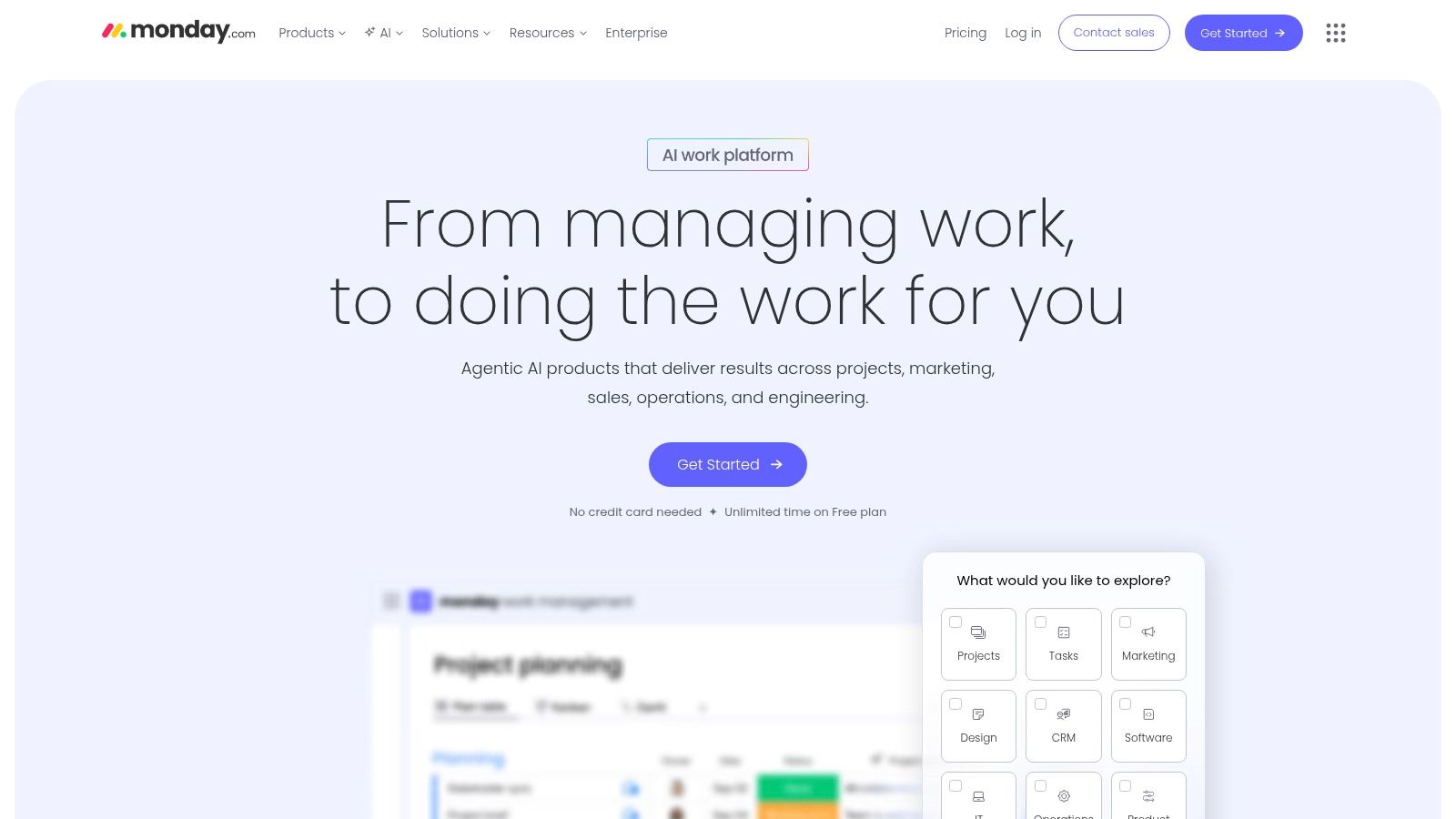
monday.com is a highly visual and flexible Work Operating System (Work OS) that allows teams to build and customize their own workflows, projects, and processes. It centralizes work into dynamic boards, dashboards, and documents, making it one of the best collaboration tools for remote teams that need a single source of truth for complex, cross-departmental projects. Its colorful, intuitive interface is particularly well-suited for non-technical teams who want to manage everything from marketing campaigns to development sprints without a steep learning curve.
The platform's strength lies in its modularity and extensive customization options. Teams can choose from hundreds of pre-built templates to get started quickly and then tailor every aspect of their board, from column types to automation rules. This adaptability allows monday.com to serve as a project management tool, a CRM, a service desk, and more, all within one unified environment.
Key Features & Use Cases
Customizable Boards & Views: Build project boards with columns for every data point. Visualize workflows using multiple views like Gantt, Kanban, Calendar, and Timeline to track progress from different angles.
Workflow Automation: Automate repetitive tasks without any code. Set up rules to send notifications, create tasks, move items between groups, and sync due dates to streamline processes.
Real-Time Dashboards: Consolidate data from multiple boards into high-level, real-time dashboards. These are perfect for stakeholders and managers to monitor project health, team performance, and budgets at a glance.
Integrated Workdocs: Create collaborative documents directly within monday.com. These docs can be connected to your boards, allowing you to embed widgets and keep project briefs and meeting notes synced. For instance, you could embed action items generated by Notize AI from a brainstorming session directly into the project’s main document.
Pricing & Final Verdict
monday.com offers a free plan for up to two users. Paid plans start at $9 per user/month (billed annually) for the Basic tier, with more advanced features like automations and integrations available in higher-tier plans.
Pros: Extremely visual and customizable for non-technical users, excellent for cross-departmental collaboration, and provides helpful onboarding with a vast template library.
Cons: The pricing structure, based on user seats and plan tiers, can become complex and costly for larger teams; the best value often requires an annual commitment.
Website: https://monday.com
10. ClickUp
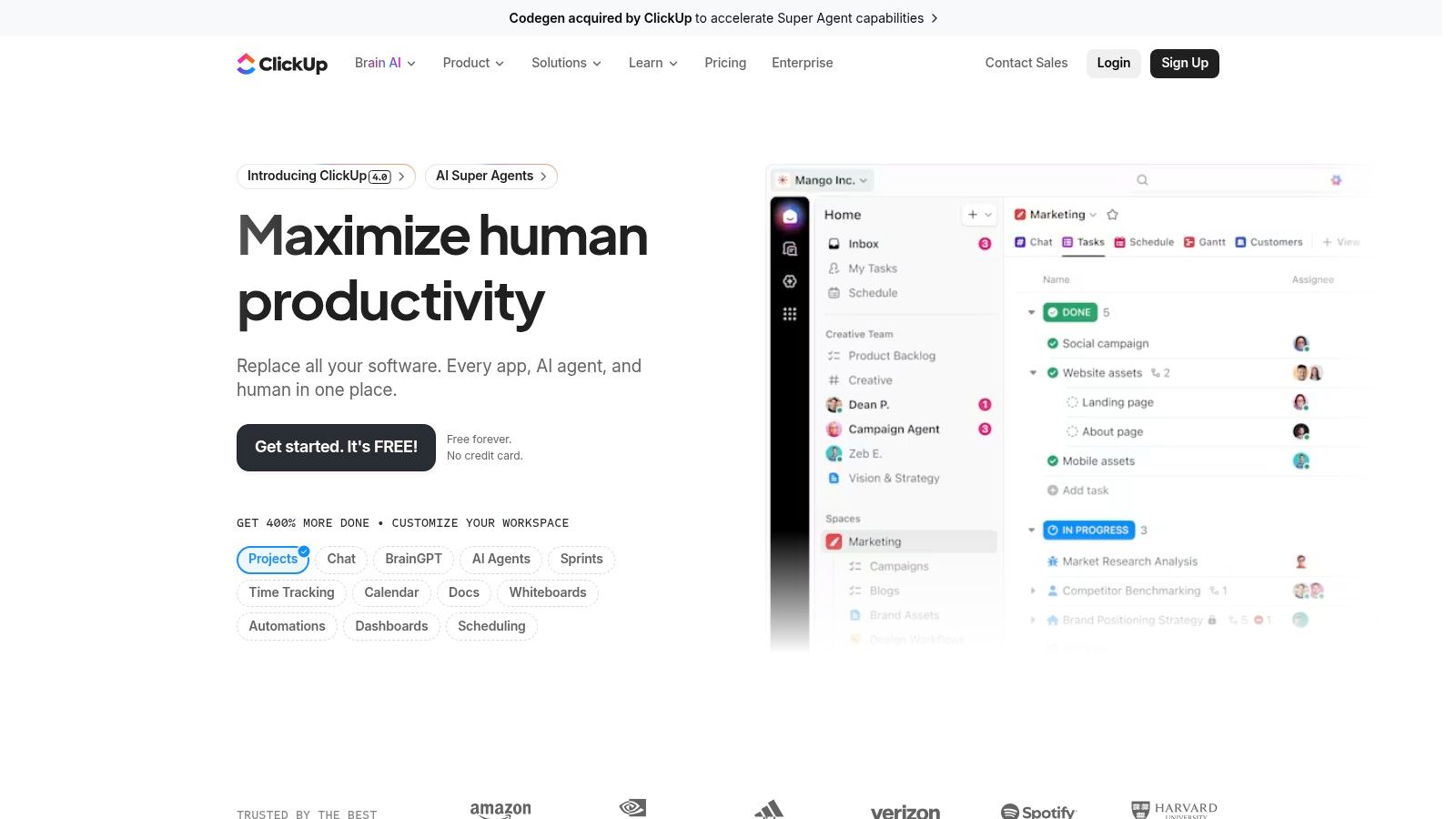
ClickUp positions itself as the "one app to replace them all," aiming to consolidate the sprawling digital toolkits of modern remote teams. It combines tasks, documents, whiteboards, goals, and chat into a single, highly customizable platform. This all-in-one approach makes it one of the best collaboration tools for remote teams looking to reduce app-switching and centralize their entire workflow, from high-level planning to daily task execution.
The platform’s strength lies in its incredible flexibility. Teams can visualize projects using over 15 different views, including lists, boards, calendars, and Gantt charts, ensuring every team member can work in a way that suits them best. Its frequent product updates and an ever-expanding feature set mean the platform is constantly evolving to meet user needs, offering a powerful alternative to juggling multiple specialized tools.
Key Features & Use Cases
Multiple Project Views: Adapt your project workspace with List, Board, Calendar, Timeline, and Gantt views to suit different team preferences and project types.
Integrated Docs & Whiteboards: Create and link documents, wikis, and collaborative whiteboards directly within your projects, keeping all context and knowledge in one place.
Goals & Time Tracking: Set high-level objectives, track progress with measurable targets, and utilize native time tracking to monitor effort spent on specific tasks.
ClickUp AI: Use the optional AI add-on to automate writing, summarize long documents or comment threads, and generate action items from text. This complements tools like Notize AI, which focus on creating summaries and tasks directly from audio or video meetings.
Pricing & Final Verdict
ClickUp offers a generous free-forever plan with core features. Paid plans provide more advanced functionality, starting with the Unlimited plan at $7 per user/month (billed annually), which removes storage limits and adds more advanced reporting and integrations.
Pros: Extremely deep feature set at a competitive price, highly customizable, and frequent product updates.
Cons: The sheer number of features can present a steep learning curve for new users; AI features require an additional subscription.
Website: https://clickup.com
11. Atlassian (Jira + Confluence Cloud)
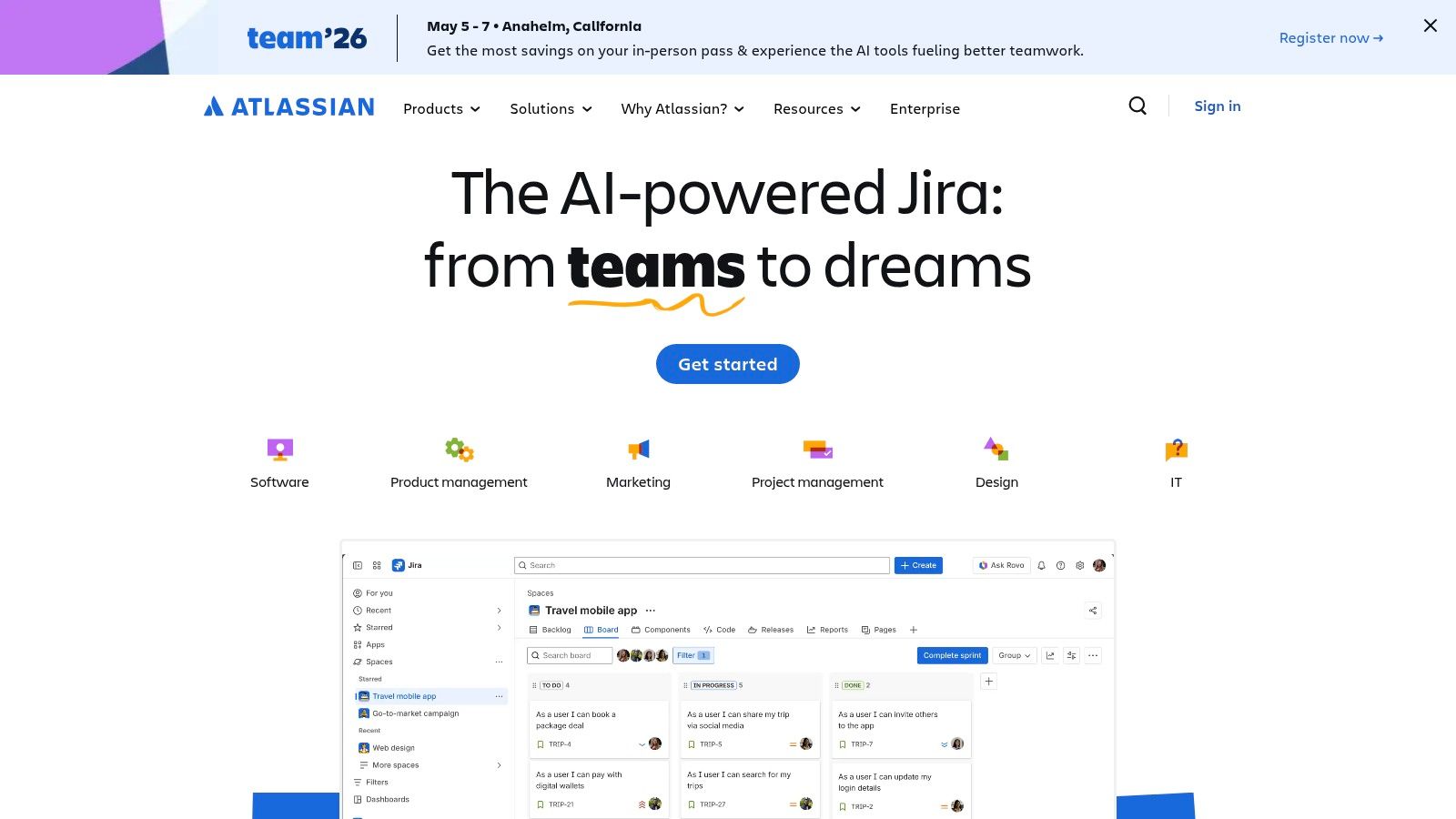
Atlassian’s suite, combining Jira for project tracking and Confluence for knowledge management, is a staple for technical and product-focused organizations. It provides a highly structured environment where remote engineering and product teams can manage complex projects, track progress with precision, and document everything along the way. This integrated approach makes it one of the best collaboration tools for remote teams that require strong governance and process-heavy workflows.
The power of the Atlassian ecosystem lies in its ability to connect planning, execution, and documentation. Jira’s agile boards and customizable workflows allow teams to manage sprints and track issues meticulously, while Confluence acts as a central wiki, housing project plans, meeting notes, and technical documentation. This synergy ensures all team members, regardless of location, are working from a single source of truth.
Key Features & Use Cases
Agile Project Management: Use Jira’s scrum or kanban boards, backlogs, and roadmaps to plan, track, and release software. Its powerful workflows can be customized to match any team's process.
Centralized Knowledge Base: Build a structured, searchable knowledge base in Confluence for everything from project requirements to company policies. By embedding automated meeting summaries from Notize AI directly into Confluence pages, teams ensure project documentation is always complete and up-to-date.
Deep Integrations: Connect with a vast ecosystem of DevOps, IT, and business tools through the Atlassian Marketplace, creating a seamless toolchain for development and operations.
Advanced Governance & Permissions: Implement granular control over who can view, edit, and manage projects and documentation, making it ideal for regulated industries or large organizations.
Pricing & Final Verdict
Atlassian offers robust free plans for both Jira and Confluence for up to 10 users. Paid plans offer more features and user capacity, with Jira’s Standard plan starting at $8.15 per user/month and Confluence's Standard plan at $6.05 per user/month.
Pros: Highly scalable with strong governance, excellent for agile development, and offers powerful integration capabilities.
Cons: Can be complex to set up and manage; the interface can feel overwhelming for non-technical teams.
Website: https://www.atlassian.com
12. G2
While not a collaboration tool itself, G2 is an indispensable resource for finding the right ones. It's a leading peer-review marketplace where you can research, compare, and shortlist the best collaboration tools for remote teams based on extensive, real-world user feedback. Instead of relying on vendor marketing, G2 gives you access to honest reviews from professionals who use these platforms daily, helping you validate product fit and avoid costly mistakes.
The platform excels at simplifying the complex software selection process. It uses verified user reviews to generate rankings, comparison grids, and detailed reports that help you quickly understand the market landscape. By filtering tools based on company size, industry, pricing models, and specific features, teams can efficiently narrow down a long list of potential solutions to the few that truly meet their needs, accelerating the entire procurement cycle.
Key Features & Use Cases
Category Rankings & Grids: Explore categories like "Project Management" or "Team Collaboration" to see visual grids that map out market leaders, contenders, and niche players based on user satisfaction and market presence.
Side-by-Side Comparisons: Directly compare up to four different tools at once, evaluating them on features, user ratings, and pricing information to quickly identify the best option.
Verified User Reviews: Read in-depth pros, cons, and problem-solving stories from verified users. Filter reviews by company size or role to find feedback from peers in similar situations.
Vendor Pages: Access comprehensive vendor profiles that include product descriptions, screenshots, pricing details, and direct links to start a free trial or request a demo.
Pricing & Final Verdict
G2 is completely free for users researching software. Vendors pay for enhanced profiles and marketing features, but access to all reviews, comparisons, and reports is available at no cost.
Pros: Invaluable real-user feedback, powerful comparison tools, and direct links to vendor trials, all for free.
Cons: Reviews can sometimes be incentivized, so it's wise to read them critically; some product information may occasionally lag behind official vendor updates.
Website: https://www.g2.com
Top 12 Remote Collaboration Tools Comparison
Product | Core features | UX & Quality (★) | Value & Pricing (💰) | Target audience (👥) | Unique selling points (✨) |
|---|---|---|---|---|---|
Notize AI 🏆 | Transcription, AI summaries, searchable media library, analytics | ★★★★ | 💰 Free Starter; Growth $15/mo; Enterprise $100/yr | 👥 Content teams, product, ops, creators | ✨ Instant transcriptions→summaries, integrated analytics, cross‑platform |
Slack | Channels, huddles, clips, 2,600+ integrations | ★★★★★ | 💰 Freemium; paid per-seat tiers | 👥 Distributed teams, integrators | ✨ Rich app ecosystem; fast adoption |
Microsoft Teams (M365) | Chat, meetings, recordings/transcripts, Office integration | ★★★★ | 💰 Included with MS365; per-user SKUs | 👥 Enterprises using Microsoft stack | ✨ Deep Office integration; strong compliance/admin |
Zoom | Meetings, webinars, recording & transcripts, whiteboard | ★★★★ | 💰 Freemium; add-ons for webinars/phone | 👥 Video-first meetings, event hosts | ✨ Reliable global video/audio; simple join |
Google Workspace | Gmail, Drive, Docs, Meet; real-time co-editing, AI | ★★★★ | 💰 Per-user plans; AI on select tiers | 👥 Cloud-first teams, SMB→Enterprise | ✨ Real-time collaboration; Gemini AI integration |
Asana | Tasks, boards, timelines, portfolios & reporting | ★★★★ | 💰 Freemium; paid tiers for portfolios | 👥 PMs, cross-functional project teams | ✨ Clear task→portfolio structure; strong automation |
Miro | Infinite canvas, templates, guest collaboration | ★★★★ | 💰 Freemium; paid for advanced features | 👥 Workshops, UX/product teams, agencies | ✨ Infinite canvas for workshops & mapping |
Notion | Docs, relational DBs, teamspaces, publishable pages | ★★★★ | 💰 Freemium; paid Business/Enterprise | 👥 Knowledge managers, product & ops teams | ✨ Flexible docs+databases; publishable knowledge base |
monday.com | Custom boards, automations, dashboards, templates | ★★★★ | 💰 Seat-based pricing; best value annually | 👥 Visual/non-technical teams, ops | ✨ Visual Work OS with vertical templates |
ClickUp | Tasks, docs, whiteboards, goals, automations, AI add-ons | ★★★★ | 💰 Freemium; paid plans + AI add-ons | 👥 Teams replacing multiple tools | ✨ Deep feature set for consolidation & automation |
Atlassian (Jira + Confluence) | Issue tracking, roadmaps, docs, marketplace apps | ★★★★ | 💰 Per-user pricing; Free tiers for small teams | 👥 Engineering & product teams, regulated orgs | ✨ Strong governance, workflows & integrations |
G2 | Reviews, category rankings, vendor pages, filters | ★★★★ | 💰 Free to research; vendor leads via listings | 👥 Buyers, evaluators, procurement | ✨ Peer reviews & comparison grids for shortlisting |
Building Your Ultimate Remote Collaboration Stack
Navigating the landscape of collaboration software can feel overwhelming, but the goal is not to find a single, mythical "perfect" tool. Instead, the most successful remote teams build a powerful, integrated technology stack that supports their unique communication rhythms, project management styles, and knowledge-sharing needs. As we've explored, this means combining a real-time communication hub like Slack or Microsoft Teams with a robust project management platform such as Asana, ClickUp, or monday.com.
The key takeaway is that true remote collaboration isn't just about sending messages or ticking off tasks; it's about creating a shared, persistent, and accessible source of truth. The right combination of tools eliminates friction, provides clarity, and empowers every team member to contribute their best work, regardless of their location or time zone. Think of it as constructing a digital headquarters tailored precisely to your team’s workflow.
From Disparate Tools to a Cohesive Ecosystem
Choosing the best collaboration tools for remote teams is an exercise in synergy. Your project management tool should seamlessly integrate with your communication platform. Your file-sharing solution, like Google Workspace, must connect effortlessly to your collaborative whiteboarding space, like Miro. A well-designed stack ensures that information flows freely between applications, preventing knowledge silos and redundant work.
However, a critical gap often remains even in the most well-curated toolkits: the black hole of meetings. Countless hours are spent in discussions on Zoom or Teams, yet the valuable insights, decisions, and action items generated are frequently lost or poorly documented. This is where an intelligent knowledge-capture tool becomes the linchpin of your entire collaboration strategy.
The Power of Automated Knowledge Capture with Notize AI
This is precisely the challenge Notize AI was built to solve. It acts as the connective tissue for your meeting-centric workflows, integrating with the communication tools you already use. By automatically recording, transcribing, and summarizing every meeting, Notize AI transforms fleeting conversations into a structured, searchable knowledge base. It ensures that every stakeholder, whether they attended the meeting or not, has access to clear notes, key takeaways, and a list of assigned action items.
For project managers, Notize AI eliminates chasing down updates or debating what was decided. For content creators, it turns an interview or brainstorming session into a high-quality blog post draft. For students, it converts a two-hour lecture into concise study notes. Integrating a tool like Notize AI into your stack elevates your entire system from merely functional to truly intelligent. It automates the tedious work of documentation, freeing your team to focus on innovation and execution.
Your Next Steps to Building a Better Remote Workflow
As you finalize your decisions, focus on a phased implementation. Don't try to roll out five new tools at once. Start with your most significant pain point, whether it's disorganized projects or inefficient meetings, and introduce a solution. Gather feedback, iterate, and build from there. To help you weigh your options, see a detailed overview of remote collaboration tools compared to get a clearer picture of the major players.
Ultimately, the best stack is one that feels invisible, supporting your team’s work without adding complexity. By carefully selecting and integrating the right platforms—with a powerful knowledge hub like Notize AI at the core—you can build a resilient, productive, and truly connected remote work environment.
Ready to eliminate note-taking and build a searchable brain for your team? Discover how Notize AI can automatically capture, summarize, and organize all your meeting knowledge, turning conversations into actionable insights. Start building a smarter collaboration stack today by visiting Notize AI.
Top 12 Best Collaboration Tools for Remote Teams in 2026




