In a world overflowing with audio and video content, the ability to quickly and accurately convert speech to text is no longer a luxury, it's a necessity. From content managers repurposing podcasts into blog posts to teams documenting meeting action items, transcription is the backbone of efficient workflows. But professional services can be costly and time-consuming.
Fortunately, a powerful ecosystem of free tools has emerged, democratizing access to high-quality transcription. This guide cuts through the noise to detail the 12 best free transcription software options available today, moving beyond simple feature lists to provide a comprehensive analysis of what truly works. We’ll explore their real-world performance, hidden limitations, and ideal use cases to help you find the perfect tool for your specific needs, whether you're a solo creator or part of a larger operations team.
This resource is designed to be your definitive guide. We've evaluated each platform's strengths and weaknesses, from the offline power of OpenAI's Whisper to the collaborative ease of Google Docs. You'll find direct links, screenshots, and practical advice on which tool is best suited for transcribing meetings, creating video captions, or converting academic lectures. We’ll even provide a quick-comparison matrix and tips for improving accuracy, ensuring you can confidently select the right software and immediately put it to work. Our goal is to help you streamline your process and turn your audio content into usable, searchable text without spending anything.
1. OpenAI Whisper
OpenAI Whisper stands out as one of the best free transcription software options for users who prioritize accuracy, privacy, and control over their tools. Unlike cloud-based services, Whisper is an open-source model you run directly on your own computer. This local processing means your audio files never leave your machine, offering complete privacy for sensitive content like confidential interviews or internal meetings.
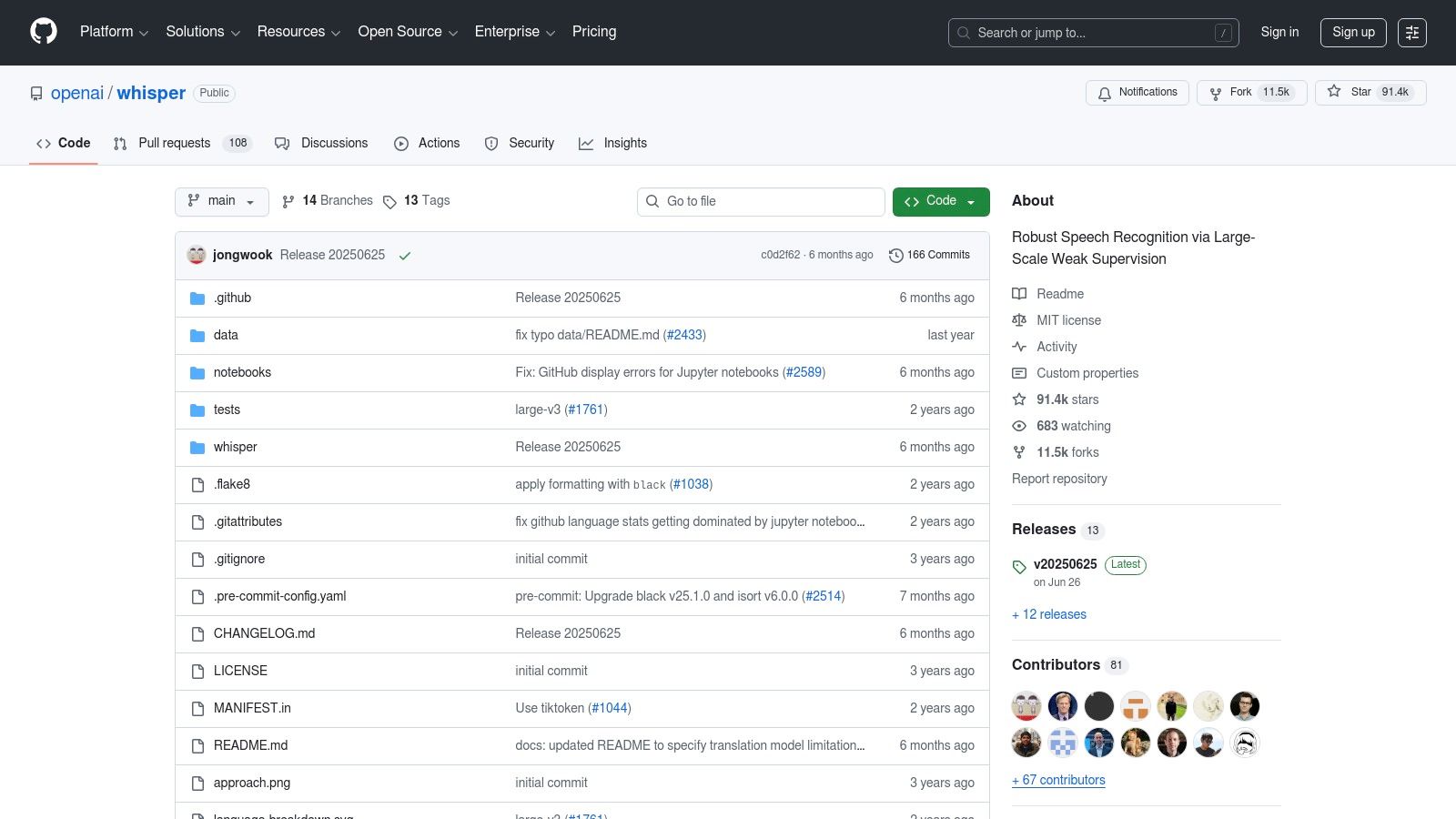
Its core strength lies in its exceptional accuracy, which often rivals or surpasses paid services, especially when using the larger, more powerful models. This makes it an ideal choice for podcasters and video editors who need precise transcripts for captions or content repurposing. The model is also multilingual, capable of transcribing dozens of languages and even translating them directly into English.
Key Considerations & Ideal Use Cases
While powerful, Whisper requires some technical comfort. It operates via a command-line interface or Python API, lacking a built-in graphical user interface (GUI). Users must install it and run commands to process files, a potential hurdle for non-developers.
Best For: Technically-savvy users, developers, and teams with strict privacy requirements.
Pros: Completely free (MIT license), state-of-the-art accuracy, runs offline for total privacy, strong multilingual support.
Cons: Requires technical setup, no native GUI, performance depends heavily on your computer's hardware (CPU/GPU).
For those interested in leveraging this powerful engine without the technical overhead, you can learn more about how to transcribe audio to text using various accessible tools.
Website: https://github.com/openai/whisper
2. MacWhisper
MacWhisper makes OpenAI's powerful transcription engine accessible to everyday Mac and iOS users, wrapping it in a simple, native application. It eliminates the technical hurdles of command-line tools by providing a clean, user-friendly interface for on-device transcription. This approach ensures your audio files remain on your machine, guaranteeing complete privacy for sensitive recordings while leveraging the high accuracy of the Whisper models, making it one of the best free transcription software choices for Apple ecosystem users.
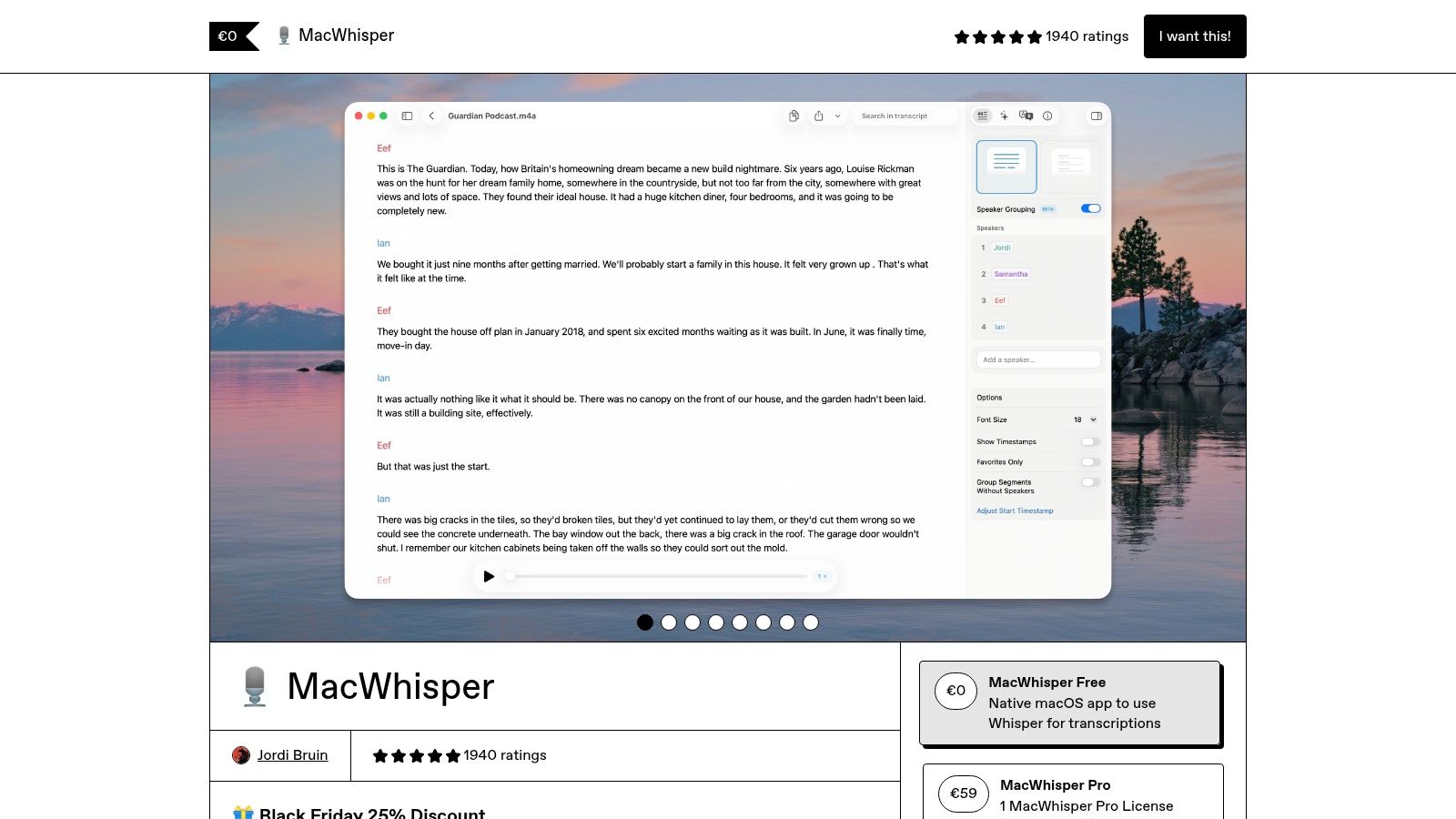
Its core advantage is combining simplicity with power. With just a few clicks, you can drag and drop an audio file and get a highly accurate transcript generated locally on your device, a feature especially optimized for Apple Silicon chips. The app also includes useful features like on-device speaker recognition and the ability to integrate with cloud APIs like Deepgram for enhanced functionality if needed, offering a flexible and private transcription solution.
Key Considerations & Ideal Use Cases
While the base version is free and powerful, its biggest limitation is its platform exclusivity; it only works on macOS and iOS devices. The free version is robust, but advanced features are reserved for the paid "Pro" version. This makes it ideal for individuals or small teams deeply embedded in the Apple ecosystem who need a simple yet accurate tool without dealing with technical setup.
Best For: Mac and iPhone users, podcasters, journalists, and students who need a straightforward and private transcription app.
Pros: Completely private offline transcription, incredibly user-friendly interface, excellent performance on Apple Silicon, free version is highly capable.
Cons: Exclusive to macOS and iOS, some advanced features require a paid upgrade, occasional licensing bugs reported during major updates.
Website: https://www.macwhisper.com
3. Aiko (by Sindre Sorhus)
For users embedded in the Apple ecosystem, Aiko offers one of the most elegant and privacy-focused transcription experiences available. It harnesses the power of the Whisper model but packages it into a beautifully designed, native application for iPhone, iPad, and Mac. All audio processing happens directly on your device, ensuring your files never travel to the cloud and your sensitive conversations remain completely confidential.
Aiko shines with its seamless integration into Apple’s workflows. It supports extensive automation through the Shortcuts app, allowing you to create powerful, custom transcription pipelines without writing any code. You can batch-process multiple files, automatically transcribe new voice memos, and export transcripts to formats like plain text or SRT for subtitles. This makes it an exceptional tool for journalists, students, and creators who frequently capture audio on the go and need a reliable way to turn it into text.
Key Considerations & Ideal Use Cases
While Aiko is not strictly free, it follows a one-time purchase model after a trial period, positioning it as a strong contender against subscription-based services for long-term value. Its performance is dependent on your device’s hardware, so processing very large audio files may be slower on older Mac or iPhone models. However, for most common use cases like meeting notes or interview transcriptions, it is remarkably efficient and user-friendly.
Best For: Apple users seeking a high-privacy, user-friendly transcription app with powerful automation capabilities.
Pros: Runs entirely offline for maximum privacy, clean and intuitive native interface, deep integration with Apple's Shortcuts for automation, one-time purchase.
Cons: Exclusive to Apple platforms (macOS, iOS, iPadOS), performance can vary based on device hardware.
Website: https://sindresorhus.com/aiko
4. oTranscribe
oTranscribe offers a uniquely simplified and secure approach, making it one of the best free transcription software choices for manual transcription. Unlike automated services, it's a browser-based text editor with an integrated audio/video player designed to streamline the process of typing out recordings. Because it runs entirely within your web browser, your audio and text files never leave your computer, ensuring complete privacy for sensitive material like academic interviews or personal notes.
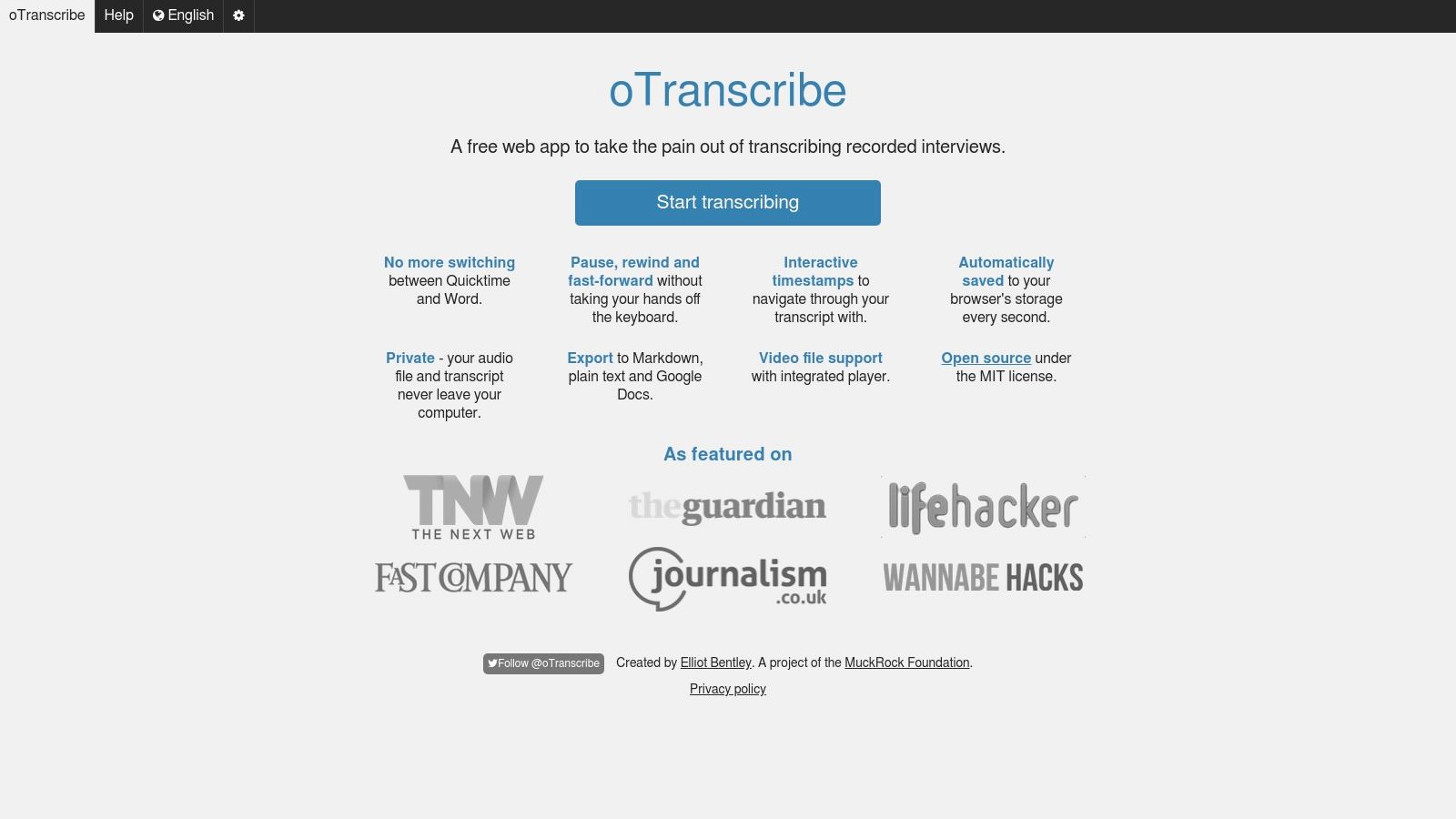
The platform's strength is its simplicity and thoughtful design for the manual transcriber. It provides essential keyboard shortcuts to play, pause, rewind, and insert timestamps without ever needing to take your hands off the keyboard. This focused workflow is ideal for journalists, students, and researchers who need to create highly accurate, human-verified transcripts. It also serves as an excellent free tool for cleaning up the output from an AI-generated transcript.
Key Considerations & Ideal Use Cases
oTranscribe is not an automatic speech-to-text engine; it is a specialized interface that makes manual transcription faster and easier. It requires you to do the typing but provides the perfect environment for it. The user interface is clean and intuitive, requiring no account, login, or installation to get started.
Best For: Journalists, students, researchers, and anyone needing to manually transcribe or edit audio with maximum privacy.
Pros: 100% free and open source, complete privacy with local processing, no account needed, simple keyboard-controlled interface.
Cons: It's a manual transcription aid, not an automated service; lacks advanced features and team collaboration tools.
Website: https://otranscribe.com
5. Speechnotes
Speechnotes is a highly accessible and long-standing tool that excels at real-time voice typing directly in your web browser. It operates on a simple premise: click the microphone and start speaking, and the text appears on screen instantly. This makes it an excellent choice for users who need to dictate notes, draft emails, or capture thoughts hands-free without installing any software.
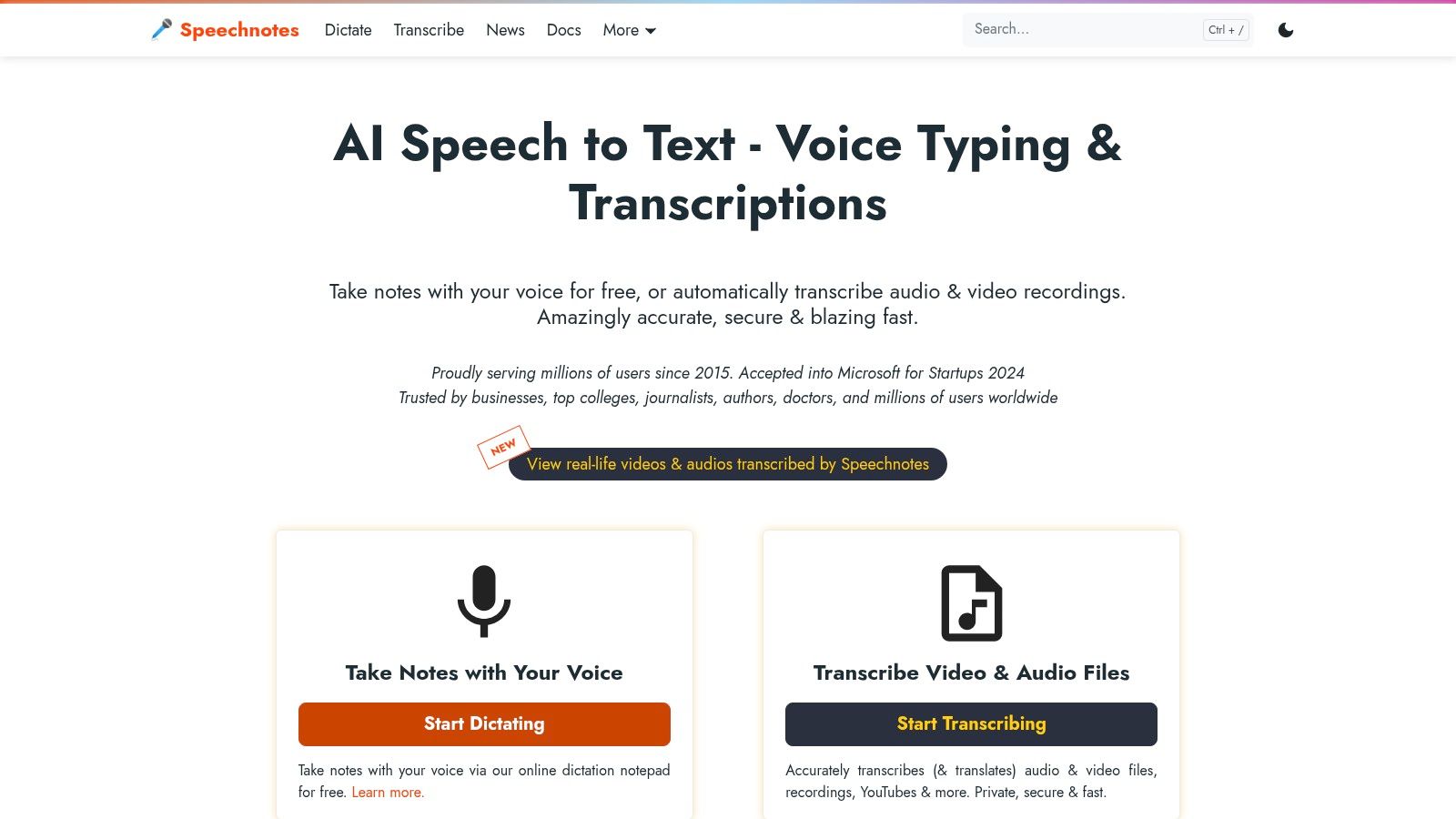
While the live dictation is free and unlimited, Speechnotes differentiates itself by also offering a professional, pay-as-you-go service for transcribing pre-recorded audio files. This hybrid model serves both casual users and those with occasional professional needs. The platform is popular among students and writers for its simplicity and offers useful features like automatic punctuation and easy export to text or document files, making it a versatile tool for quick transcription tasks.
Key Considerations & Ideal Use Cases
The core strength of Speechnotes lies in its zero-friction user experience for live dictation. However, it's important to note that its best free features are for live speech, not for uploading existing audio files. For the highest accuracy, users should speak clearly and in a quiet environment.
Best For: Students, writers, and anyone needing fast, in-browser dictation for note-taking or drafting content.
Pros: Completely free for unlimited real-time dictation, no installation or registration required to start, simple interface with flexible export options.
Cons: Transcription of uploaded audio files is a paid service, accuracy is highly dependent on microphone quality and background noise.
Website: https://speechnotes.co
6. Google Docs — Voice Typing
Google Docs offers a surprisingly effective free transcription software feature directly within its word processor: Voice Typing. Rather than transcribing pre-recorded audio files, this tool is designed for live dictation, converting spoken words into text in real time. It is an excellent, no-frills option for users who want to draft documents, take notes, or get ideas down quickly without typing.
Its primary strength is accessibility. Anyone with a Google account and the Chrome browser can access it via the "Tools" menu without installing any additional software. The tool supports dozens of languages and understands voice commands for punctuation and basic formatting like "new line" or "comma," making the dictation process smoother. This makes it ideal for content managers drafting articles or teams brainstorming in a live document.
Key Considerations & Ideal Use Cases
While convenient for live input, Voice Typing is not built for transcribing existing audio or video files. Its accuracy depends heavily on microphone quality and clear, steady speech, and it lacks features like speaker identification or timestamping. It functions best as a productivity tool for converting thoughts to text on the fly.
Best For: Individuals drafting content, taking personal meeting notes, or brainstorming directly into a document.
Pros: Completely free and universally accessible with a Google account, requires zero installation, excellent for live dictation and hands-free writing.
Cons: Cannot process pre-recorded audio files, accuracy is sensitive to background noise and speaking clarity, only works in the Google Chrome browser.
For those looking to turn spoken ideas into structured content, this is a frictionless starting point.
Website: https://docs.google.com
7. Windows 11 Live Captions
Windows 11 Live Captions offers a unique approach to transcription by integrating it directly into the operating system. Rather than a standalone application for transcribing files, it provides real-time, on-device captions for any audio playing on your PC. This system-wide functionality means it works across all apps, from web browsers and video players to conference calls, without needing to install separate software. Because all processing happens locally, it ensures complete privacy for your audio.
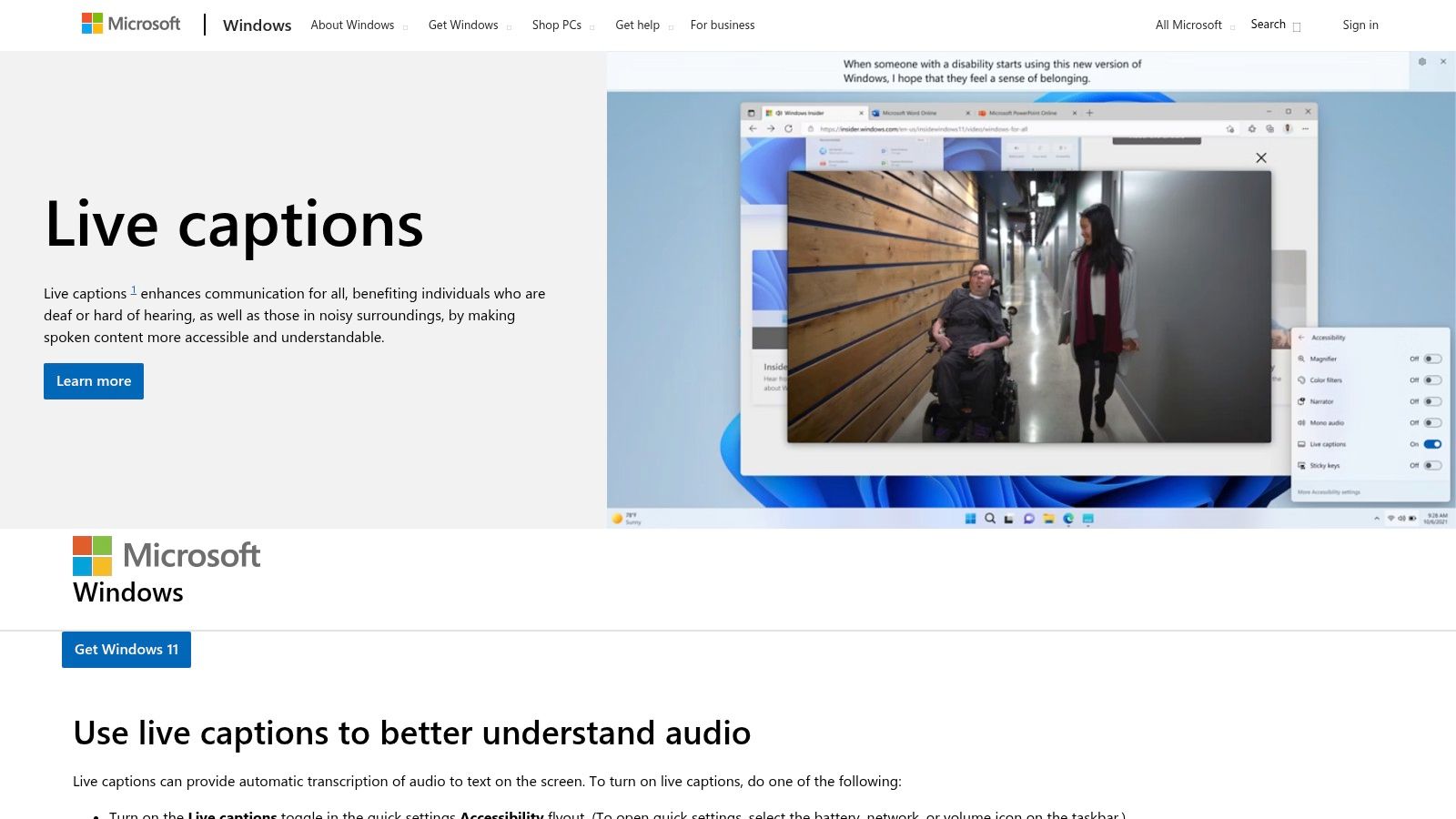
This tool is less about creating a final, editable transcript and more about real-time accessibility and comprehension. You can capture audio from your device, your microphone, or both simultaneously. It's a fantastic accessibility feature and a handy tool for anyone who needs to quickly follow along with spoken content in a noisy environment or without headphones. The caption window is also customizable, allowing you to position it anywhere on your screen.
Key Considerations & Ideal Use Cases
The primary limitation of Live Captions is that it is not designed for producing and exporting polished text files. While you can see the text, there is no built-in function to save the entire session as a document. Its strength is as a live accessibility and comprehension aid rather than a post-production tool.
Best For: Users needing real-time captions for accessibility, online meetings, or webinars directly within their OS.
Pros: Completely free with Windows 11 (22H2+), works offline for privacy, runs system-wide across any application.
Cons: Does not save or export a transcript file, accuracy can vary, live translation features require specific Copilot+ PC hardware.
This solution is a prime example of accessible, built-in free transcription software that prioritizes immediate use over document creation.
Website: https://www.microsoft.com/en-us/windows/tips/live-captions
8. YouTube — Automatic Captions
For content creators already publishing video content, YouTube's built-in automatic captions offer one of the most convenient and integrated free transcription software solutions available. Instead of using a separate tool, creators can leverage the platform's speech recognition technology to generate a baseline transcript directly from an uploaded video. This is an excellent starting point that boosts accessibility and SEO without adding an extra step to the workflow.
The platform provides a simple editor to correct any mistakes in the auto-generated text and adjust timing. Once refined, creators can download the transcript in various formats (like .srt, .vtt, or .sbv), making it easy to repurpose the text for blog posts, social media content, or show notes. While not a standalone transcription service, it is a powerful, free feature for anyone already on the platform.
Key Considerations & Ideal Use Cases
The primary drawback is that accuracy can be inconsistent. It heavily depends on the audio clarity, accents, and background noise in the video. The feature is also not guaranteed for all videos or languages, as its rollout can be uneven. It works best as a first draft that requires human review and editing rather than a final, perfect transcript.
Best For: Video creators, podcasters, and marketers who already use YouTube as a primary distribution channel.
Pros: Completely free with a YouTube account, deeply integrated into the video upload process, helps with video accessibility and discoverability, allows for easy editing and exporting.
Cons: Accuracy varies significantly, requires uploading video to YouTube, not designed as a dedicated audio-only transcription tool.
Website: https://www.youtube.com
9. Live Transcribe (Google, Android)
Live Transcribe is a unique entry in the list of best free transcription software, as it focuses entirely on real-time, in-person conversation captioning. Developed by Google for Android devices, its primary function is accessibility, providing instant speech-to-text conversion to assist individuals who are deaf or hard of hearing. Unlike tools designed for audio files, it captures live audio through your phone’s microphone and displays it as text on the screen.
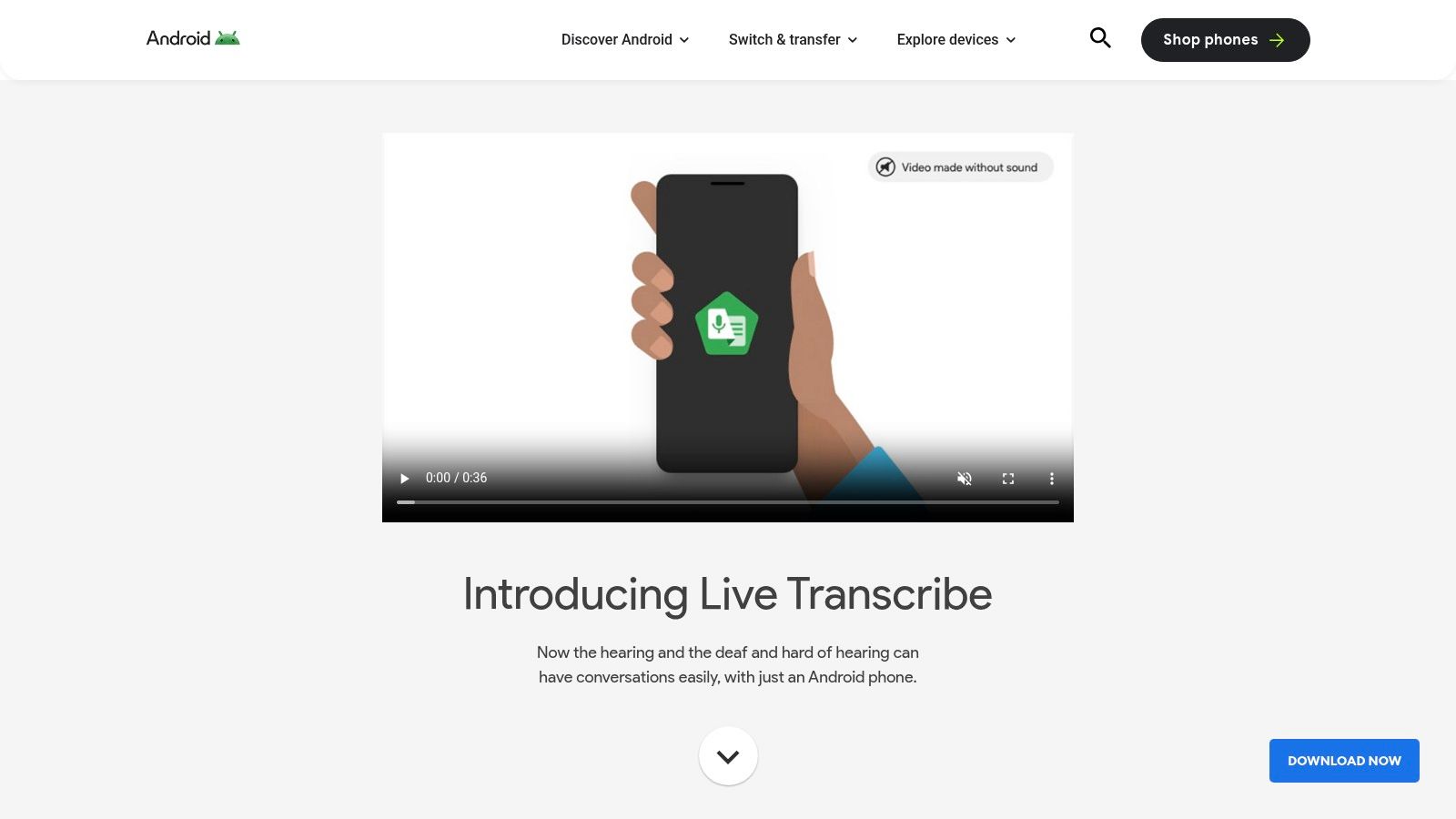
Its strength lies in its simplicity and immediacy for face-to-face interactions. The app can even recognize non-speech sounds like a dog barking or a doorbell ringing, providing crucial environmental awareness. With downloadable language packs, it can function offline on many devices, ensuring reliability without an internet connection.
Key Considerations & Ideal Use Cases
Live Transcribe is not built for transcribing pre-recorded audio files or long meetings. Its design is optimized for live, conversational use, making it an excellent on-the-spot accessibility tool or a quick way to capture notes from a brief discussion. The app's performance and offline capabilities can vary depending on the Android device and language pack availability.
Best For: Individuals needing real-time captioning for live conversations, accessibility purposes, and quick verbal note-taking.
Pros: Completely free on Android, excellent for immediate in-person transcription, accessibility features like sound notifications, offline support with language packs.
Cons: Not designed for audio file transcription, limited to live conversations, performance varies by device.
For those looking for a tool more suited to meetings, you can explore the benefits of a dedicated AI meeting note taker.
Website: https://www.android.com/accessibility/live-transcribe
10. Otter.ai
Otter.ai is widely recognized as a leading tool for meeting-focused transcription, making it a strong contender for the best free transcription software for professionals and students. It excels at capturing live conversations, lectures, and virtual meetings in real-time. Its web and mobile apps sync seamlessly, providing a powerful, cross-platform solution for turning spoken dialogue into searchable, collaborative notes.
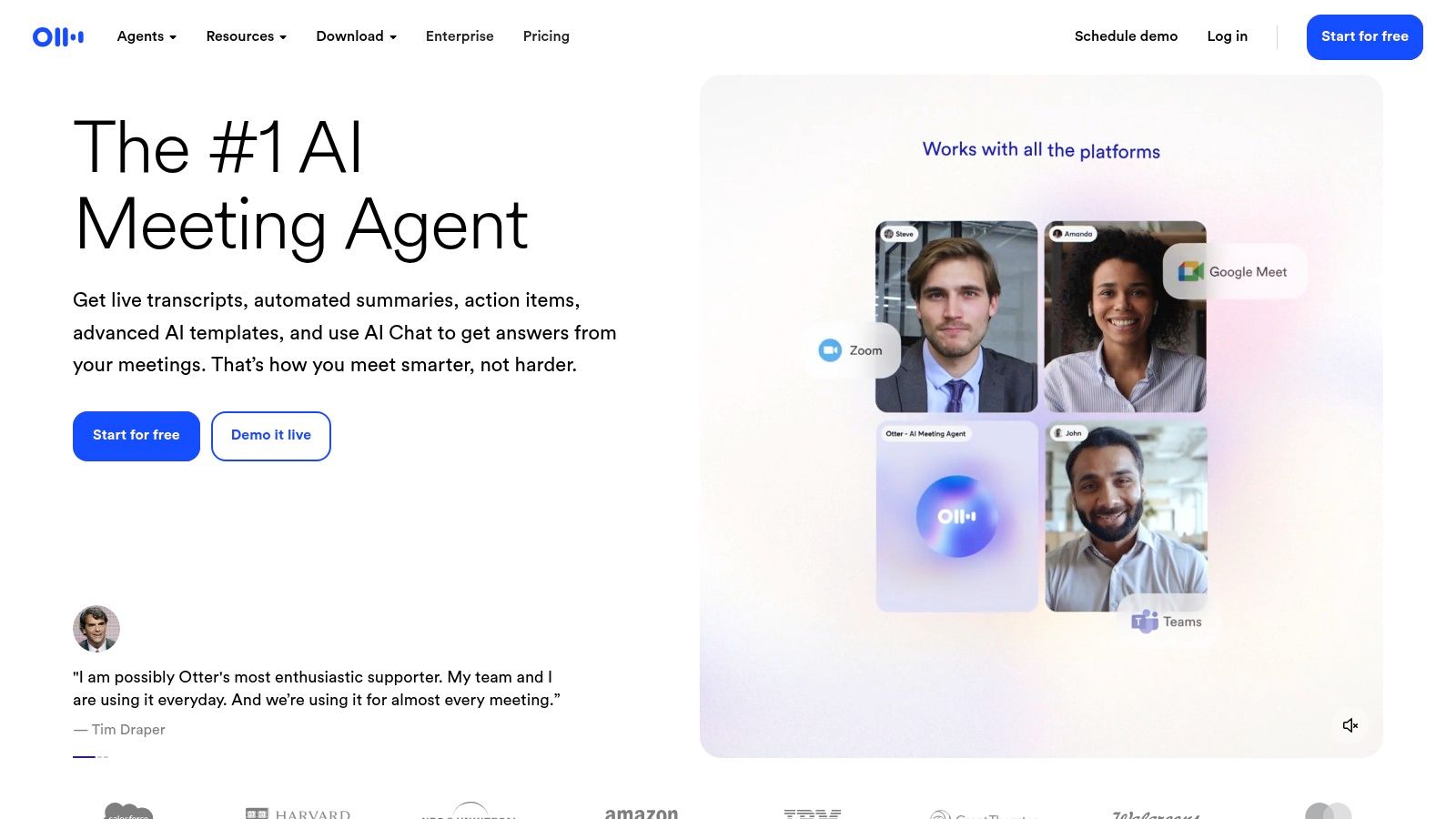
The platform integrates directly with popular video conferencing tools like Zoom, Google Meet, and Microsoft Teams, automatically joining and transcribing meetings. Key features like speaker identification, custom vocabulary, and the ability to highlight and comment on the transcript make it an excellent collaborative tool. It’s designed to transform messy meeting audio into organized, actionable summaries.
Key Considerations & Ideal Use Cases
While its real-time functionality is superb, the free Basic plan has significant limitations. Users are capped at 300 transcription minutes per month, with a 30-minute limit per conversation. The free plan also restricts audio file imports to a lifetime total of three, pushing users who need to transcribe pre-recorded files toward a paid plan.
Best For: Students, professionals, and teams who need live transcription for meetings, interviews, and lectures.
Pros: Excellent real-time transcription, strong speaker identification, seamless integrations with conferencing apps, user-friendly interface.
Cons: Free plan has strict monthly and per-conversation minute caps, very limited file imports (3 lifetime), advanced features are paywalled.
To get the most out of its integrations, you can explore best practices to record Zoom meetings for higher-quality transcripts and better overall accuracy.
Website: https://otter.ai
11. IBM Watson Speech to Text
IBM Watson Speech to Text is an enterprise-grade solution that developers can access for free through its Lite plan. Unlike standalone apps, Watson is a powerful API designed to be integrated directly into custom applications, products, and automated workflows. This makes it an excellent choice for businesses or developers looking to build transcription capabilities into their own software rather than relying on an off-the-shelf tool. The free tier offers a generous 500 minutes per month, providing ample room for development and small-scale projects.
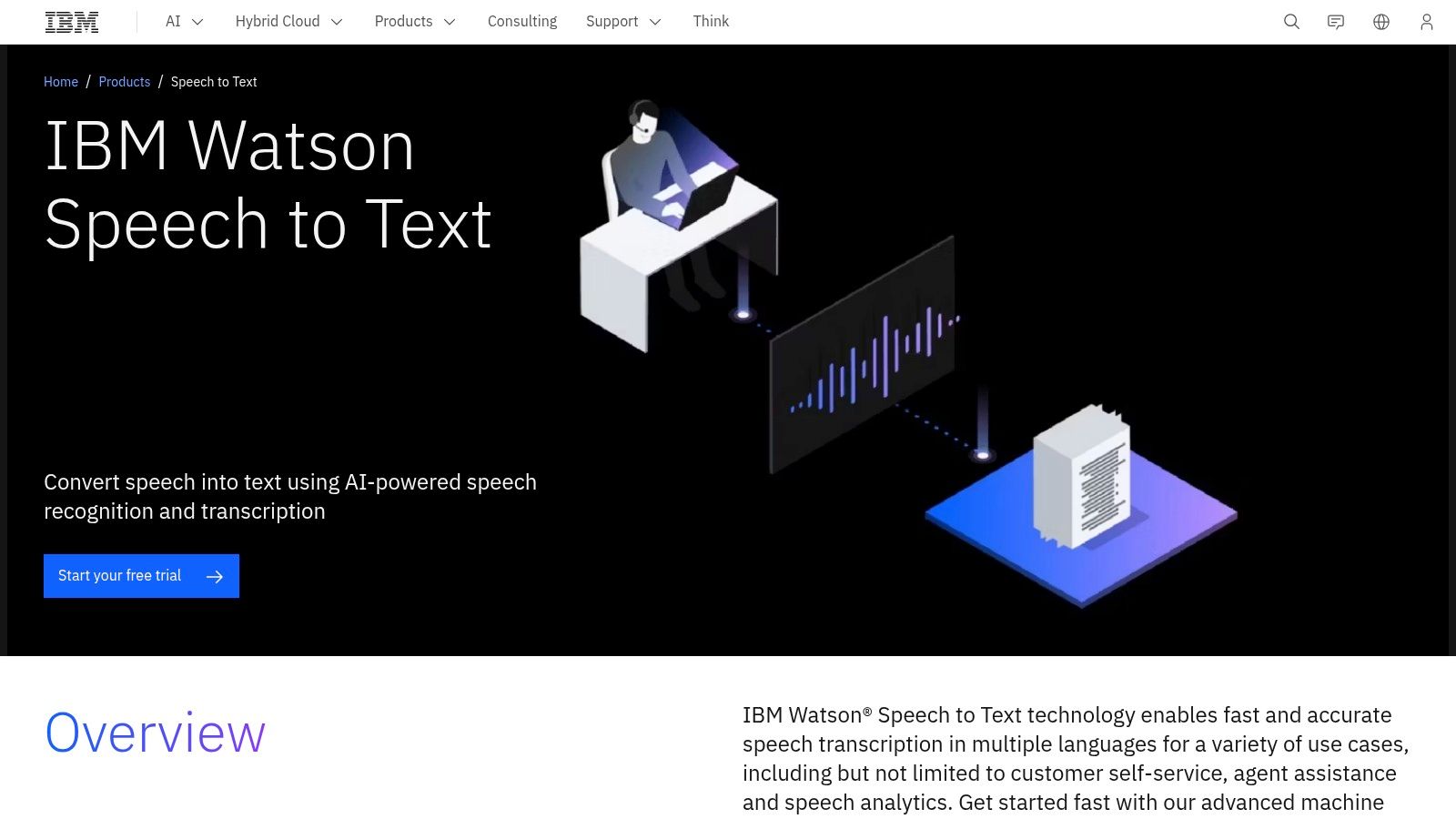
Its core strengths are reliability, scalability, and robust features like real-time transcription and speaker diarization (labeling who is speaking). With support for over 38 pre-trained language and acoustic models, it offers a high degree of accuracy for various industries, from customer service call centers to media captioning. This makes it one of the best free transcription software options for those needing a dependable backend for a new application.
Key Considerations & Ideal Use Cases
The primary drawback is its developer-centric nature. Watson is not a simple upload-and-transcribe website; it requires API integration and coding knowledge to use effectively. It is designed for those building systems, not for end-users seeking a quick one-off transcription.
Best For: Developers, startups, and businesses building custom applications with voice features.
Pros: Generous free tier (500 minutes/month), enterprise-level accuracy and reliability, real-time streaming capabilities, strong developer documentation.
Cons: Requires programming skills to implement, costs can scale quickly after exhausting the free minutes, not a user-friendly tool for non-technical users.
Website: https://www.ibm.com/products/speech-to-text
12. Microsoft Azure AI Speech — Speech to Text
For developers and businesses already within the Microsoft ecosystem, Azure AI Speech offers one of the best free transcription software options built for scalability and integration. Part of Azure's Cognitive Services, this API provides robust speech-to-text capabilities that can be built directly into custom applications and workflows. The service is not a standalone app but a powerful engine for processing audio programmatically.
Its key advantage is its generous free tier, which includes 5 audio hours per month, making it perfect for developers testing a new application or small teams with modest, recurring transcription needs. The API supports both real-time and batch transcription, includes speaker diarization to identify different speakers, and offers custom models that can be trained on specific domain vocabulary for higher accuracy.
Key Considerations & Ideal Use Cases
Setting up Azure AI Speech requires an Azure account and some technical knowledge to configure the service and use its APIs or SDKs. It is not an out-of-the-box solution for casual users but an enterprise-grade tool for building transcription-powered features. The transition from the free tier to a paid plan is seamless, scaling as your usage grows.
Best For: Developers, IT teams, and businesses looking to integrate high-quality transcription into their own applications or services.
Pros: Generous free tier (5 hours/month), high accuracy, deep integration with other Azure services, enterprise-ready and scalable.
Cons: Requires technical setup and an Azure account, becomes a paid service beyond the free monthly allowance, not a simple tool for end-users.
Website: https://azure.microsoft.com/en-us/pricing/details/cognitive-services/speech-services/
Top 12 Free Transcription Tools Comparison
Tool | Core features | UX / Accuracy (★) | Price / Value (💰) | Target (👥) | Unique selling point (✨/🏆) |
|---|---|---|---|---|---|
OpenAI Whisper | Multilingual STT, local CPU/GPU, multiple model sizes | ★★★★★ | 💰 Free / OSS | 👥 Developers, privacy-focused teams | ✨ Run offline & high accuracy with large models |
MacWhisper | Native macOS/iOS UI, on-device speaker recog. | ★★★★ | 💰 Free / Donation or paid app | 👥 Mac/iOS users wanting GUI | ✨ One‑click Apple Silicon transcription |
Aiko (S. Sorhus) | On-device transcription, Shortcuts, SRT export | ★★★★ | 💰 One‑time purchase | 👥 Apple ecosystem users, privacy-first | 🏆 Polished UI + Shortcuts automation |
oTranscribe | Browser-based manual editor, local files, exports | ★★ | 💰 Free / OSS | 👥 Journalists, students, manual editors | ✨ Simple local editing & timestamps |
Speechnotes | Web dictation, Android app, paid uploads | ★★★ | 💰 Freemium (pay-as-you-go uploads) | 👥 Students, note-takers, quick dictation | ✨ Instant web dictation + flexible exports |
Google Docs — Voice Typing | Live dictation inside Docs, voice commands | ★★★ | 💰 Free (Google account) | 👥 Writers, casual drafters | ✨ Built into Docs — no install needed |
Windows 11 Live Captions | System-wide on-device captions, offline | ★★★ | 💰 Included with Windows 11 | 👥 Windows users needing live captions | ✨ OS-level privacy & cross-app captions |
YouTube — Automatic Captions | Auto-generated captions, edit/export tools | ★★ | 💰 Free (with uploads) | 👥 Video creators | ✨ Auto-captions for publishing & accessibility |
Live Transcribe (Google) | Real-time captions, offline packs, sound events | ★★★ | 💰 Free | 👥 Deaf/hard-of-hearing users, live conversations | 🏆 Accessibility-focused live transcription |
Otter.ai | Real-time meeting STT, speaker ID, integrations | ★★★★ | 💰 Freemium → Paid tiers | 👥 Teams, meeting note-takers | 🏆 Meeting integrations + collaborative notes |
IBM Watson STT | Cloud API, diarization, SDKs, real-time/batch | ★★★★ | 💰 Free tier → paid usage | 👥 Developers, enterprises | ✨ Enterprise-grade models & SDK support |
Microsoft Azure Speech | Custom & standard STT, translation, SDKs | ★★★★ | 💰 Free tier (5 hrs) → billed | 👥 Enterprises, MS ecosystem users | 🏆 Scalable, custom models + Teams integration |
Beyond Free Tools: When to Upgrade Your Transcription Workflow
Navigating the landscape of the best free transcription software reveals a powerful truth: high-quality, automated transcription is more accessible than ever before. From the raw, offline power of OpenAI Whisper and its user-friendly counterparts like MacWhisper and Aiko, to the simple, browser-based utility of oTranscribe, there is a free tool to match nearly any basic need. We've explored how podcasters can get a head start on show notes, how content teams can quickly convert video dialogue to text, and how anyone can make their digital content more accessible without a budget.
The key takeaway is that free tools excel at single-serving tasks. They are brilliant for the one-off interview, the quick meeting transcription, or generating a rough draft for a blog post. Tools like Google Docs Voice Typing and Speechnotes offer incredible convenience for live dictation, while YouTube's auto-captions provide a foundational layer of accessibility for video creators. These solutions have democratized access to transcription, removing the initial barrier to entry for creators, students, and small teams.
However, as your needs evolve from occasional tasks to systematic workflows, the limitations of these free solutions become apparent. The very fragmentation that makes the free ecosystem so diverse also becomes its biggest obstacle to scalability.
Identifying the Tipping Point: From Free Tools to a Unified Platform
How do you know when you've outgrown free software? The signs are often subtle at first but quickly compound into significant productivity drains. If you or your team identify with the following scenarios, it's a clear signal that it's time to consider a more integrated solution.
You spend more time managing files than using insights. Your workflow involves downloading video files, uploading them to a transcription tool, exporting the text, and then manually organizing the output in a separate system. This multi-step process is prone to error and consumes valuable time.
Collaboration is chaotic. Team members are using different tools, resulting in inconsistent transcript formats and no central repository for your audio and video assets. Finding a specific meeting recording or interview becomes a digital scavenger hunt across cloud drives and local folders.
Your transcripts are "dead" documents. A raw block of text is just the beginning. Without tools to search, summarize, identify keywords, or extract action items, the transcript remains a passive record rather than an active, strategic asset. The potential value is locked away, unused.
Accuracy and context are non-negotiable. While free tools are surprisingly accurate, professional use cases demand higher precision, speaker identification, and custom vocabulary to recognize industry-specific jargon, brand names, or acronyms.
If these challenges resonate, your workflow has hit the ceiling of what the best free transcription software can offer. The goal is no longer just to convert speech to text; it is to create an efficient, searchable, and collaborative content intelligence system. This is where a dedicated AI platform becomes not a luxury, but a necessity for growth and efficiency. By unifying transcription with asset management, analysis, and collaboration, you transform a series of disjointed tasks into a streamlined, value-generating engine.
Ready to move beyond managing files and start leveraging insights? Discover how Notize AI can centralize your entire audio and video library, automatically generate summaries and action items, and create a single source of truth for your team. Stop transcribing and start strategizing by visiting Notize AI to see how an integrated platform can revolutionize your content workflow.
12 Best Free Transcription Software Options for 2025




