In today's fast-paced work environment, back-to-back meetings are the norm. But what happens after the call ends? Critical decisions, action items, and valuable insights often get lost in a sea of handwritten notes or forgotten entirely. This information gap leads to misaligned teams, missed deadlines, and wasted time. The solution isn't more note-taking; it's smarter recording.
The right software can transform your meetings from transient conversations into a permanent, searchable knowledge base. This guide explores the 12 best meeting recording software platforms available, comparing their strengths, weaknesses, and ideal use cases. We'll help you find the perfect tool to capture every detail, automate follow-ups, and give your team the clarity it needs to succeed.
Each review includes detailed analysis, screenshots, and direct links to help you make an informed decision without having to sift through marketing jargon. We will also highlight how innovative platforms like Notize AI are redefining what's possible, turning simple recordings into actionable intelligence. For professionals, this means automated summaries and to-do lists from Notize AI can save hours. For creators and journalists, Notize AI can even repurpose interview audio into polished blog posts. This comprehensive list is designed to help you find the exact platform that fits your team's specific workflow, whether you're a project manager, a content creator, or a student looking to capture every lecture detail.
1. Notize AI
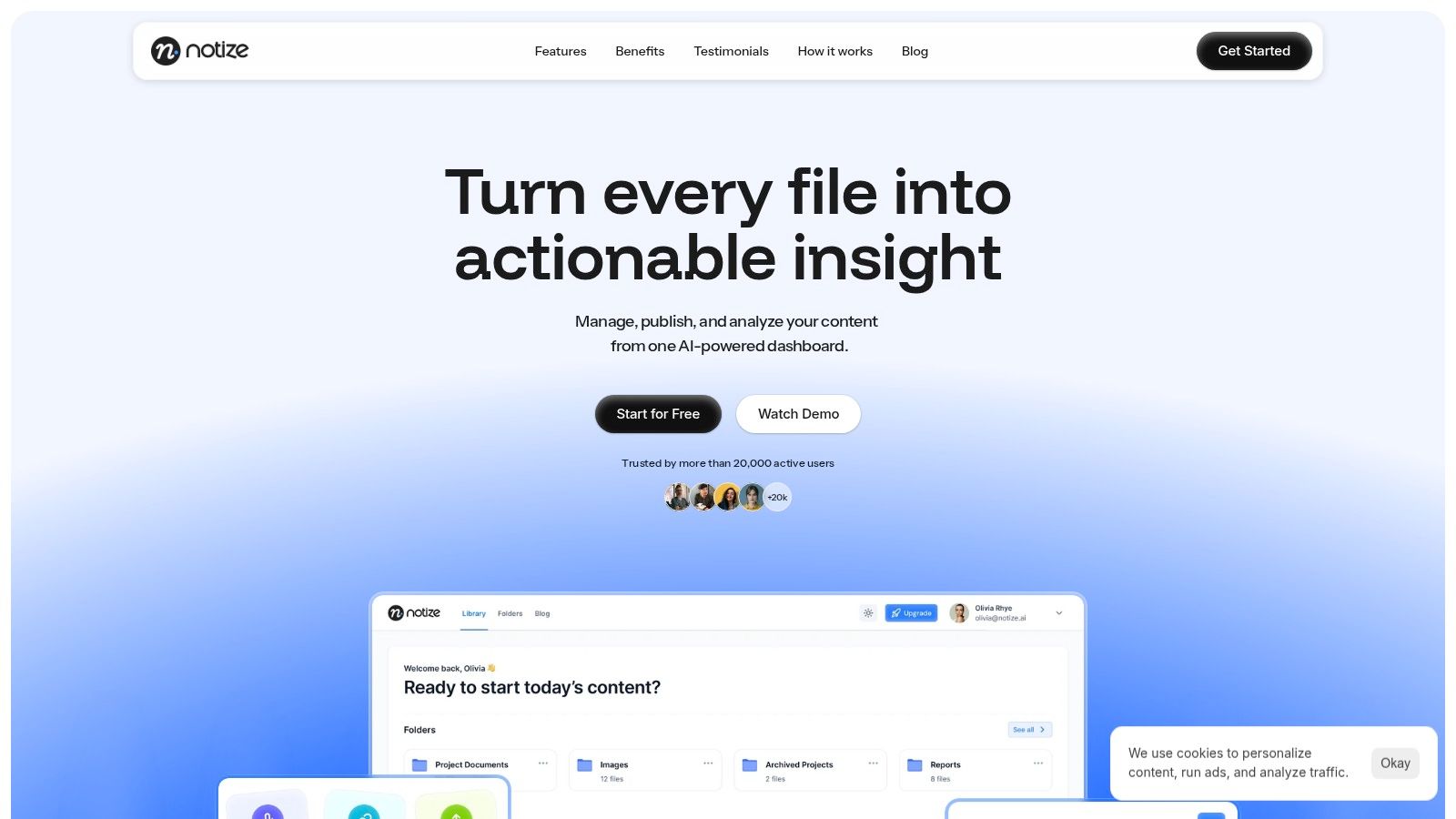
Notize AI establishes itself as a premier choice in the landscape of best meeting recording software, moving beyond simple recording to offer a complete, AI-powered content intelligence platform. It excels at transforming unstructured conversations from Zoom, Google Meet, and Microsoft Teams into a centralized, searchable knowledge base. The platform is engineered for teams that need to not only capture discussions but also analyze, repurpose, and act on them with speed and precision.
Its core strength lies in its ability to process multi-source media, including direct recordings, file uploads, or even a simple URL from YouTube. Within minutes, Notize AI generates accurate transcriptions, concise summaries, and clearly defined action items. This automated process eliminates the need for manual note-taking, freeing up teams to focus on the conversation itself. For busy professionals using Notize AI, meeting outcomes are immediately usable and distributable—complete with detailed notes, speaker-attributed segments, and a timeline of important moments for quick review. This significantly accelerates follow-up and content creation cycles.
Key Strengths and Use Cases
Notize AI is particularly effective for teams, creators, and students. Product teams can instantly convert brainstorming sessions into organized feature lists and action plans. Marketing managers can turn a single webinar recording into multiple assets like blog posts and social media snippets. The platform's versatility makes it a standout choice.
For Professionals and Teams: Record meetings and let Notize AI automatically produce structured summaries, key discussion points, and speaker-attributed notes. The system identifies action items, decisions, and follow-up tasks, ensuring alignment and accountability. You can learn more about its transcription capabilities here.
For Content Creators: Journalists and bloggers can use Notize AI to upload interviews or videos and generate high-quality blog posts in various styles. The platform even helps refine content by suggesting stronger wording and more compelling hooks.
For Students and Researchers: Record lectures or upload study materials (including PDFs and PowerPoints) to get summaries, study guides, and simplified explanations. With Notize AI, you can even ask AI questions and jump to the exact moment a topic was explained.
Pricing, Pros, and Cons
Notize AI offers a scalable pricing model suitable for individuals and growing teams.
Plan | Price | Key Features |
|---|---|---|
Starter | Free | Process up to 5 items, standard processing speed |
Growth | $15/month | Unlimited items, priority processing, unlimited exports & storage |
Enterprise | $100/year | Unlimited items, priority processing, unlimited exports & storage |
Pros:
Rapid, Multi-Source Processing: Instantly transcribes and summarizes content from meetings, YouTube, and uploaded files.
Centralized Knowledge Hub: Organizes all media into a fully searchable library, making information discovery fast and simple.
Actionable Analytics: Built-in tools identify top-performing content to guide effective publishing and engagement strategies.
Streamlined Content Operations: Easy exports to PDF, Docs, and Text, with unlimited storage on paid plans, accelerates workflows.
Cons:
Free Tier Limitations: The Starter plan is limited to 5 items and standard processing speed, requiring an upgrade for heavy users.
Enterprise Compliance: While security is emphasized, specific compliance certifications like SOC 2 or HIPAA are not prominently listed, which may require verification for enterprises with strict requirements.
Audio Quality Dependency: Transcription accuracy is highest with clear audio; poor quality recordings may yield less precise results.
Website: https://notize.ai
2. Otter.ai
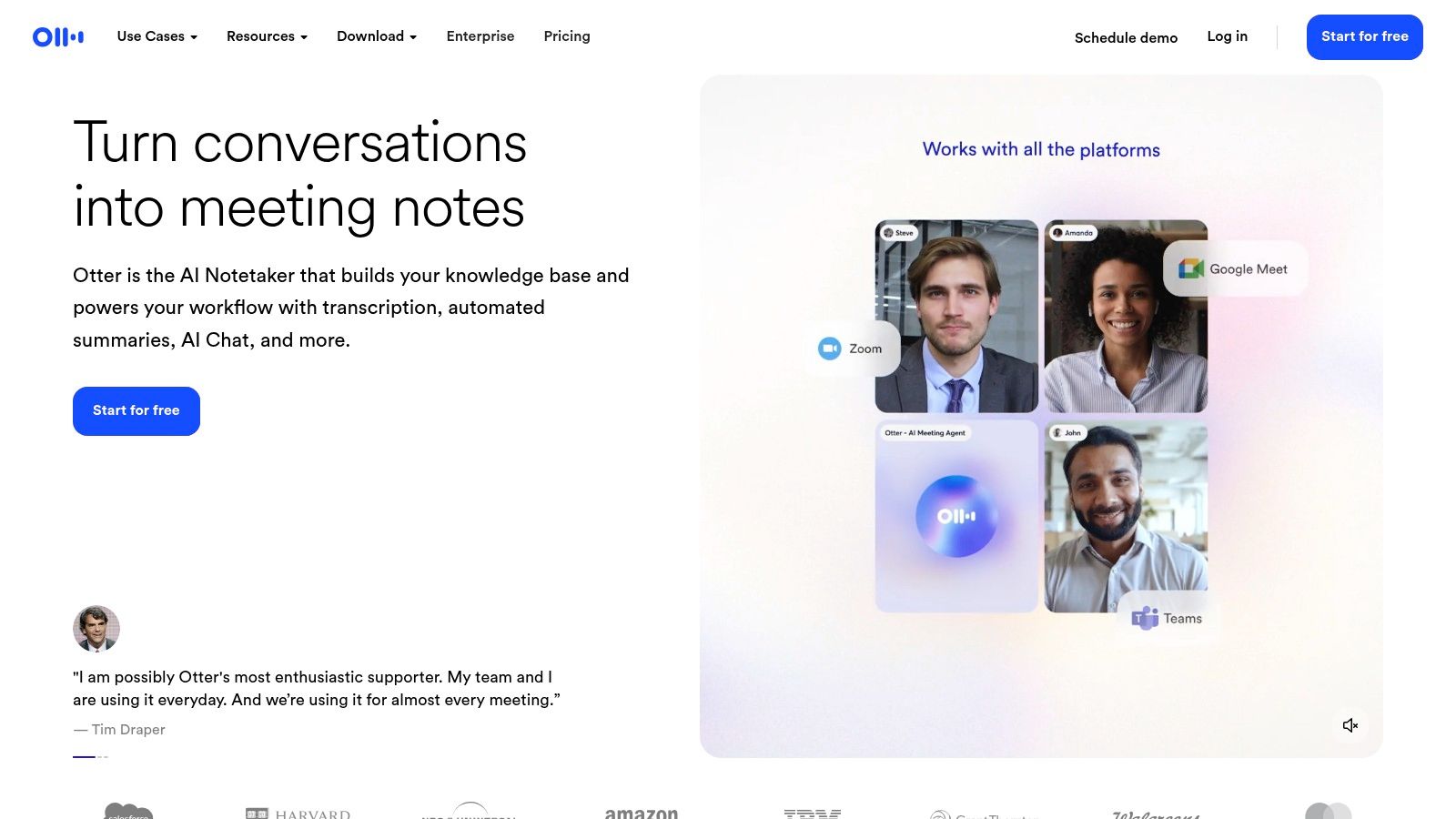
Otter.ai is one of the most recognized names in AI meeting assistance, transforming spoken conversations from platforms like Zoom, Google Meet, and Microsoft Teams into intelligent, searchable notes. It’s an ideal tool for teams needing reliable, automated transcripts and a straightforward way to keep everyone aligned without manual note-taking. Its user-friendly interface simplifies onboarding, making it a popular choice for rapid adoption.
Key Features & Use Cases
Otter excels at providing real-time transcription with speaker identification, allowing participants to follow along live. After the meeting, its AI generates summaries, outlines, and action items, which are invaluable for project managers and teams focused on execution. While Otter is great for transcription, platforms like Notize AI offer a more comprehensive post-meeting package, including fully structured meeting summaries, key discussion points, and decision logs. This makes Notize AI ideal for professionals who need deeper, immediately actionable analysis without manual clean-up.
Best For: Individuals and teams needing quick, reliable transcription and basic automated meeting notes across multiple video conferencing platforms.
Pricing: Offers a free tier with limited transcription minutes; paid plans (Pro, Business, Enterprise) unlock more features and higher usage limits.
Website: https://otter.ai/
Pros: Widely adopted with a simple user experience; strong multi-platform compatibility.
Cons: The most valuable features are often locked behind higher-tier plans; plan details and discounts can change, so it's best to verify current offerings.
3. Fathom
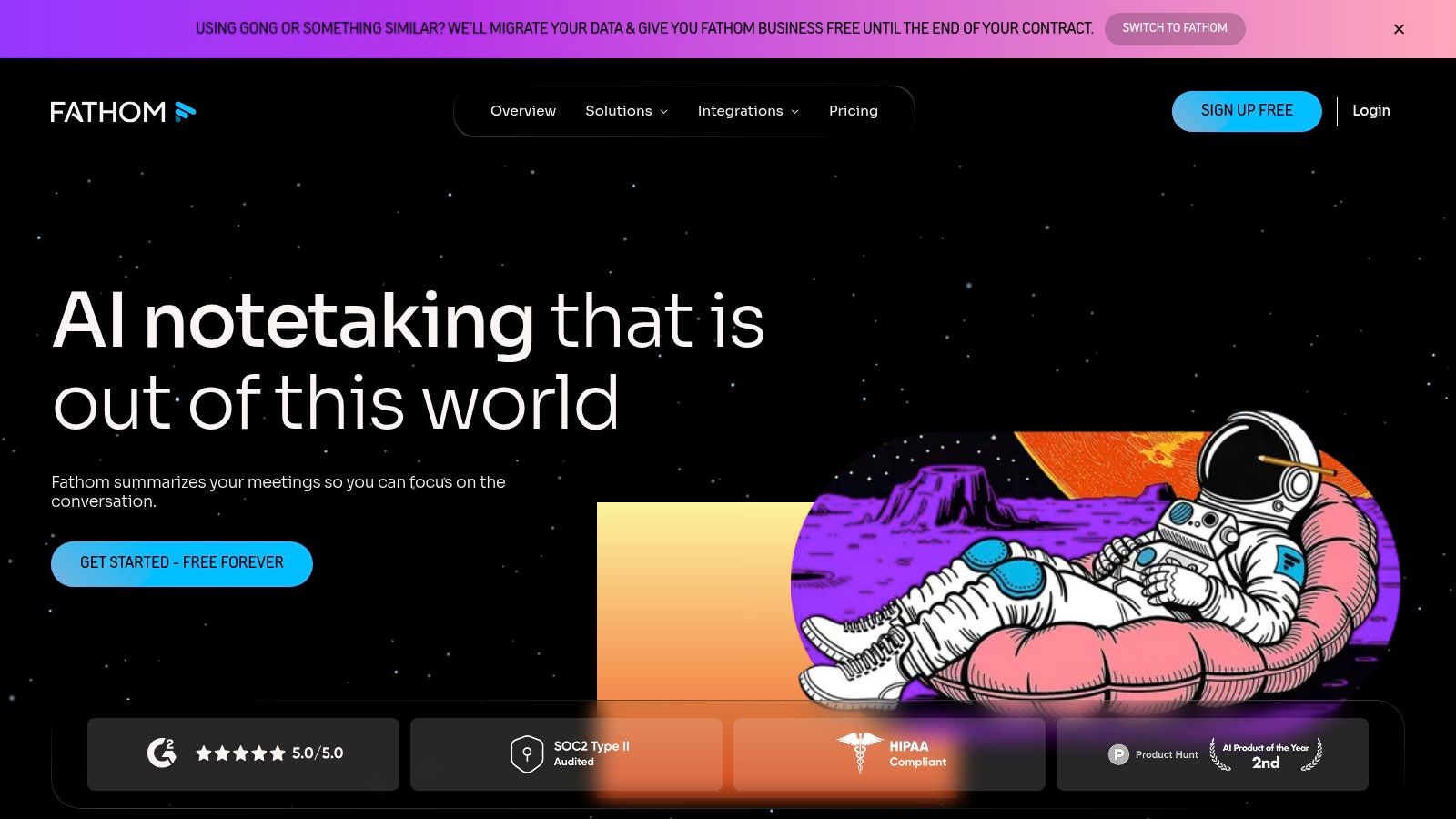
Fathom positions itself as an AI meeting co-pilot, designed to auto-record, transcribe, and summarize calls from Zoom, Google Meet, and Microsoft Teams. It shines particularly in sales and customer-facing roles by seamlessly integrating call notes and action items directly into your CRM. This focus on workflow automation makes it a powerful choice for teams aiming to reduce administrative tasks and maintain clean, updated records without manual effort.
Key Features & Use Cases
Fathom excels at creating structured outputs from unstructured conversations. Its ability to generate shareable clips, action items, and update CRM fields automatically after a call is a major advantage for sales and customer success teams. While Fathom provides excellent workflow-centric summaries, tools like Notize AI offer a broader suite for professionals. With Notize AI, users can create detailed meeting notes, key discussion points, and decision logs that are easily shareable. For those who need a comprehensive summary of meeting template, this distinction is important.
Best For: Sales and customer success teams needing automated CRM updates and streamlined post-meeting workflows.
Pricing: Offers a generous free tier with unlimited recordings and transcriptions; paid plans unlock advanced team features and remove usage caps.
Website: https://fathom.ai/
Pros: Strong workflow automation with CRM and Zapier integrations; clear pricing with a robust free offering.
Cons: Advanced team collaboration and some premium features require paid seats; monthly caps apply to some features on the free tier.
4. Fireflies.ai
Fireflies.ai is a powerful AI notetaker and conversation intelligence platform designed to automate meeting workflows. It integrates with major conferencing tools like Zoom, Google Meet, and Microsoft Teams to record, transcribe, and analyze discussions, making it a strong contender for the best meeting recording software. The platform is particularly well-suited for sales teams, recruiters, and managers who need to extract actionable data from their daily calls.
Key Features & Use Cases
Fireflies shines with its conversation intelligence features, which automatically track speaker talk time, sentiment, and custom topics across meetings. Its robust search functionality allows users to find specific information within and across all their transcribed conversations in seconds. While Fireflies excels at analytics, professionals seeking more streamlined post-meeting outputs like structured summaries and instantly generated meeting notes might find Notize AI offers a more direct path to actionable content. Notize AI caters to teams that prioritize clarity and execution over complex data analysis, turning any meeting into clear notes and to-do lists.
Best For: Sales teams and organizations focused on data-driven coaching and performance analysis from conversations.
Pricing: A free tier is available with limited transcription credits; paid plans (Pro, Business, Enterprise) offer unlimited transcription and advanced features.
Website: https://fireflies.ai/
Pros: Extensive integration library and API access; transparent and competitive pricing tiers with unlimited transcription on paid plans.
Cons: Some advanced AI features consume extra credits, which can be an unexpected cost; users should evaluate its security policies to ensure they align with organizational requirements.
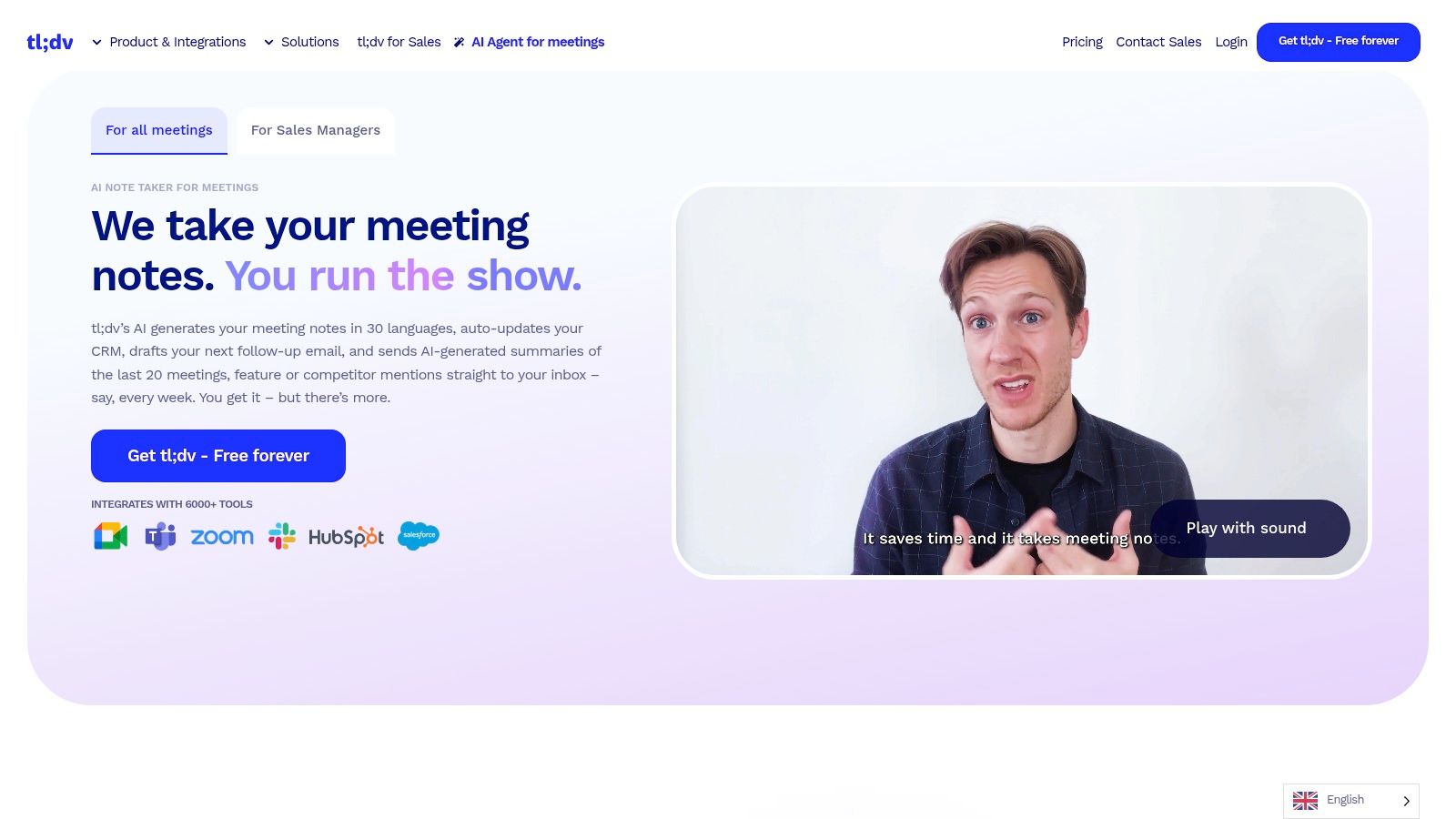
5. tl;dv (TLDV)
tl;dv is a specialized meeting recorder that excels at transforming long discussions into shareable, high-impact moments. Designed for teams in sales, user research, and customer success, it focuses on extracting key insights and clips from platforms like Zoom, Google Meet, and Microsoft Teams. Its strength lies in making meeting content easy to digest and analyze across multiple sessions, helping teams identify patterns and coach performance effectively.
Key Features & Use Cases
tl;dv empowers users to create AI-generated summaries and timestamped video clips that can be shared instantly. Its standout feature is its cross-meeting analytics, which allows teams to create recurring reports and track keywords, objections, or competitor mentions over time. This makes it one of the best meeting recording software options for data-driven sales coaching. While tl;dv is excellent for moment-based analysis, platforms like Notize AI offer a broader suite for professionals and creators. Notize AI provides structured meeting summaries, full note generation, and the ability to turn recordings into blog posts, making it a comprehensive content creation hub.
Best For: Sales, user research, and customer success teams who need to analyze trends and create highlight reels across multiple meetings.
Pricing: Offers a generous free plan with unlimited recordings; paid plans (Pro, Business) add more integrations, analytics, and customization.
Website: https://tldv.io/
Pros: Strong cross-meeting analytics for sales and research; generous free features relative to some peers.
Cons: Published prices can vary by source, so always confirm on the vendor page; the Business tier can be pricier than basic notetakers.
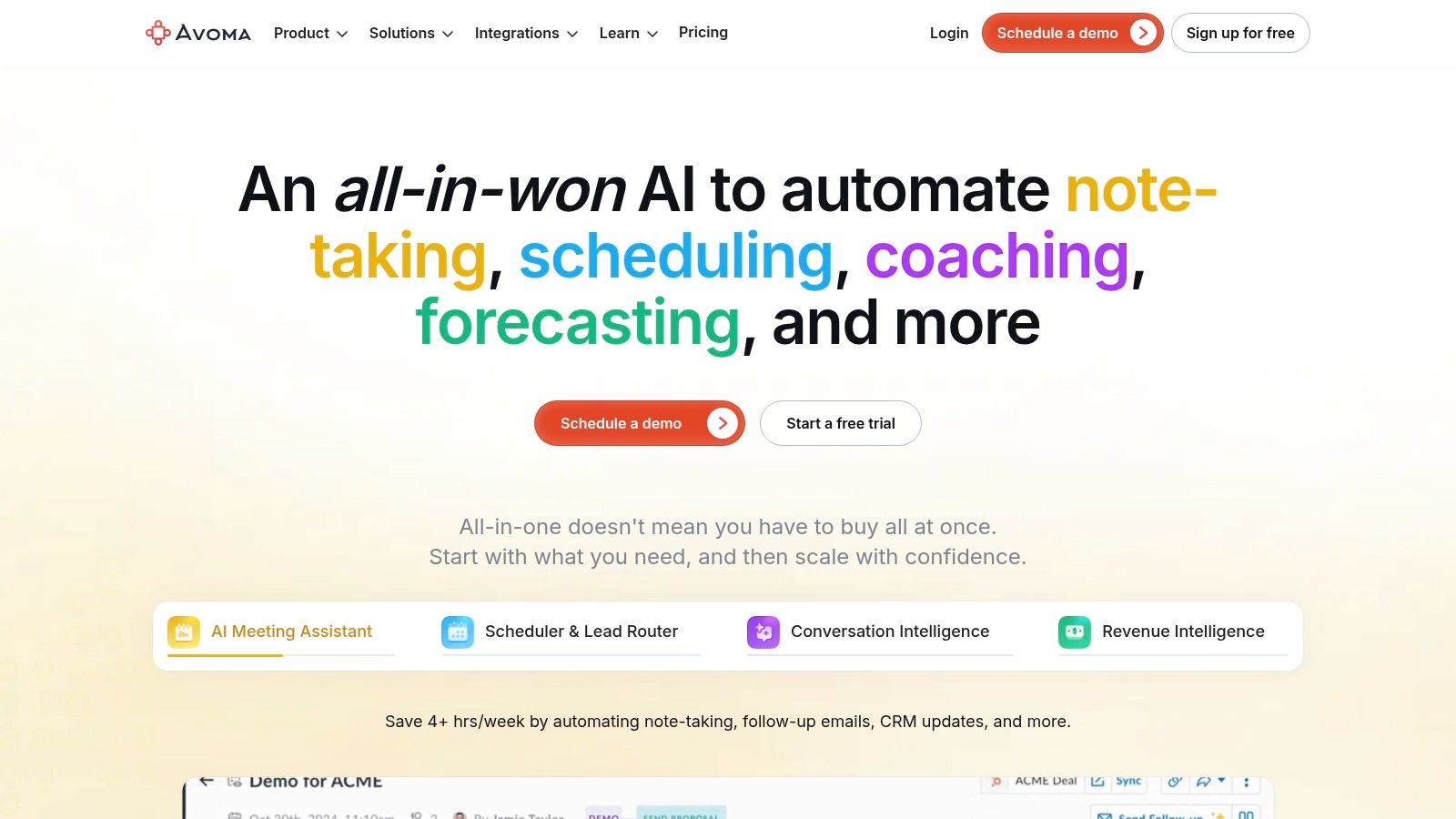
6. Avoma
Avoma serves as an all-in-one AI meeting assistant and conversation intelligence platform, designed to consolidate recording, transcription, and analysis into a single workflow. It’s particularly effective for sales and revenue teams who need not only to document meetings but also to extract coaching insights and performance metrics. By integrating note-taking with conversation intelligence, it eliminates the need for multiple disparate tools.
Key Features & Use Cases
Avoma excels at recording and transcribing meetings while generating AI-powered summaries and identifying key topics. Its strength lies in its conversation and revenue intelligence add-ons, which provide analytics on talk patterns, keyword tracking, and coaching opportunities for customer-facing teams. This dual focus makes it one of the best meeting recording software options for organizations aiming to improve sales performance. For teams that need even more granular outputs like structured summaries and detailed action items without the sales-centric features, a platform like Notize AI offers a streamlined solution focused on turning any meeting into actionable, organized content.
Best For: Sales and customer success teams needing a unified platform for meeting notes, conversation intelligence, and performance coaching.
Pricing: Offers a free starter plan; paid plans (Plus, Business, Enterprise) unlock advanced features, with modular pricing for add-ons.
Website: https://www.avoma.com/
Pros: Combines meeting notes and conversation intelligence in one tool; flexible pricing lets you pay for recorder seats only.
Cons: Some pricing pages vary by campaign, so it's wise to confirm plan inclusions; key coaching features are often gated behind add-on purchases.
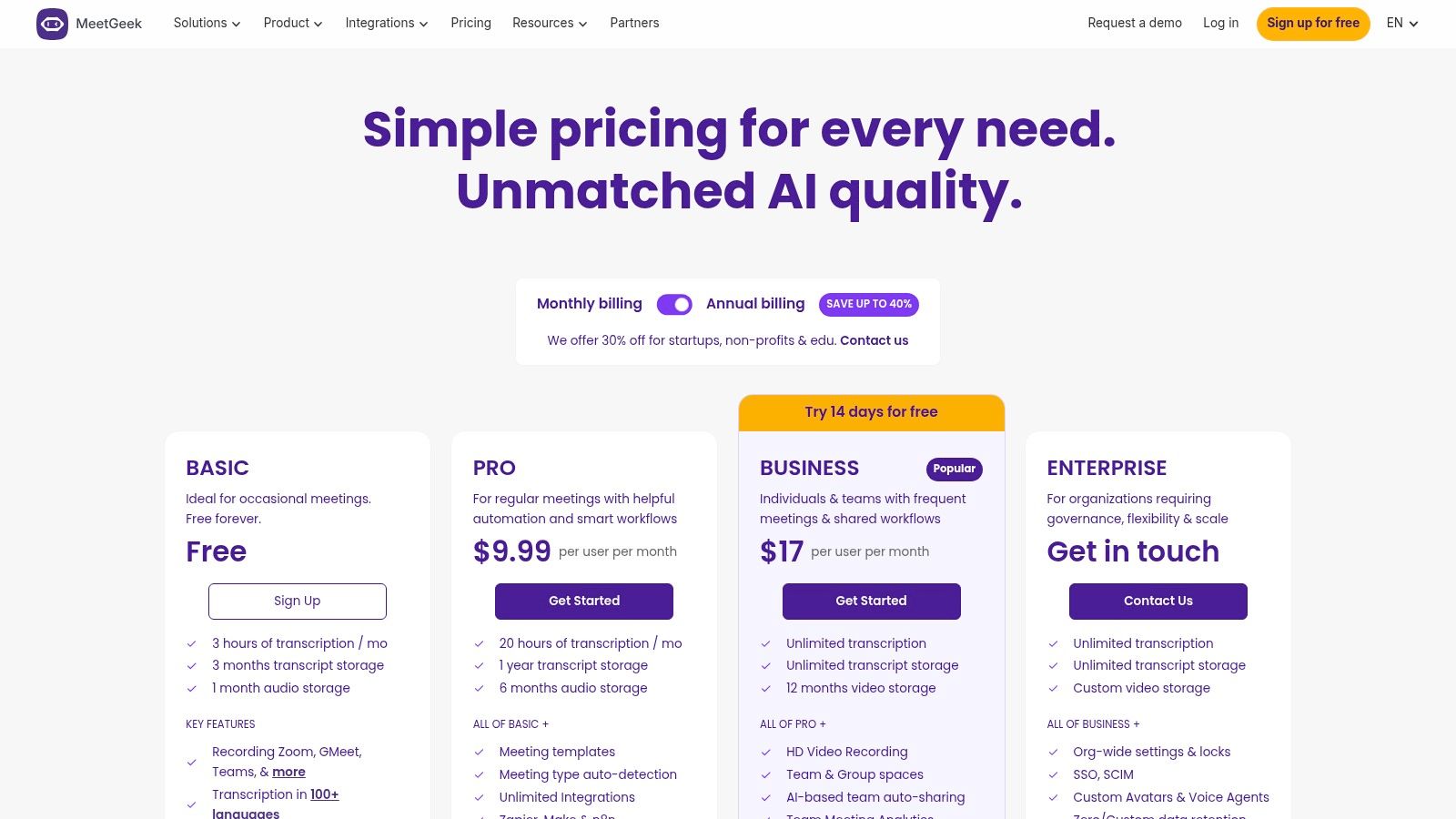
7. MeetGeek
MeetGeek is an AI meeting assistant designed for collaborative teams, offering a robust suite of tools to automate meeting workflows across Zoom, Google Meet, and Microsoft Teams. It stands out by providing unlimited AI summaries and transcriptions even on its free plan, making it a highly accessible option for businesses looking to maximize meeting productivity without immediate high costs. The platform focuses on turning conversations into actionable data, complete with shareable highlights, team analytics, and extensive integrations.
Key Features & Use Cases
MeetGeek shines with its multi-language support (over 100 languages) and its focus on team-centric features like shared spaces and meeting analytics. It automatically generates summaries, key highlights, and action items, which can be pushed directly into project management tools via Zapier and Make integrations. While MeetGeek is one of the best meeting recording software options for team-wide implementation, platforms like Notize AI offer a broader set of tools for diverse user needs. With Notize AI, creators can convert meeting audio into polished blog posts, while students can get lecture summaries and study guides, making it a more versatile content tool.
Best For: Teams and businesses looking for a cost-effective solution with unlimited transcriptions and summaries, plus strong integration capabilities.
Pricing: A free tier is available; paid plans (Pro, Business, Enterprise) unlock more storage, advanced analytics, and deeper integrations.
Website: https://meetgeek.ai/pricing
Pros: Generous free and business tiers with unlimited transcriptions; strong multi-language support and granular usage controls.
Cons: Advanced team collaboration tools are reserved for higher-tier plans, and video storage limits vary significantly between tiers.
8. Sembly AI
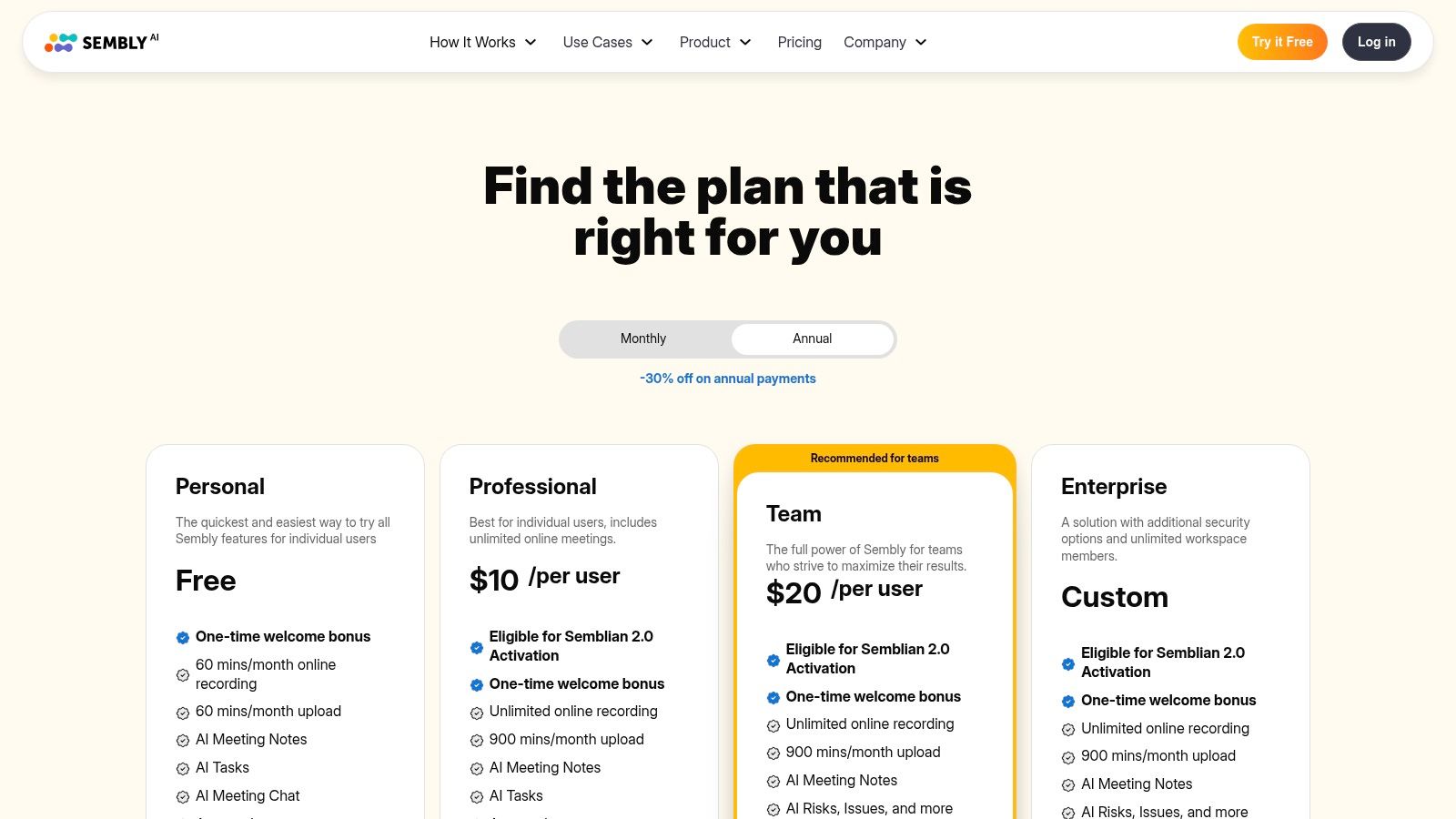
Sembly AI positions itself as a smart team assistant designed to join your calls on platforms like Zoom, Google Meet, and Microsoft Teams to handle all the heavy lifting of meeting documentation. It records, transcribes, and generates intelligent notes, including tasks, risks, and issues, making it a powerful tool for teams focused on structured outcomes and accountability. Its clear distinction between personal and team-oriented plans helps users select the right feature set from the start.
Key Features & Use Cases
Sembly AI shines in its ability to automatically identify and categorize key meeting items like tasks, issues, and risks, which is a major advantage for project management and operational teams. While Sembly is excellent for structured tracking, teams looking for more comprehensive AI-driven analysis might find Notize AI more suitable. Notize AI offers a deeper dive with detailed meeting summaries, key discussion points, and a searchable library, providing a more holistic view of your meeting content for better decision-making and content repurposing.
Best For: Project teams and organizations that need structured, actionable outputs like task lists and risk logs directly from their meeting conversations.
Pricing: Offers distinct Personal, Professional, Team, and Enterprise plans with different feature sets and limits. Note that pricing and limits can vary between monthly and annual billing.
Website: https://www.sembly.ai/pricing-4/
Pros: Strong focus on structured action tracking (tasks, risks, issues); clear plan distinctions for individuals versus teams.
Cons: Team plan pricing can become costly for larger groups; some key features are locked behind more expensive tiers.
9. Grain
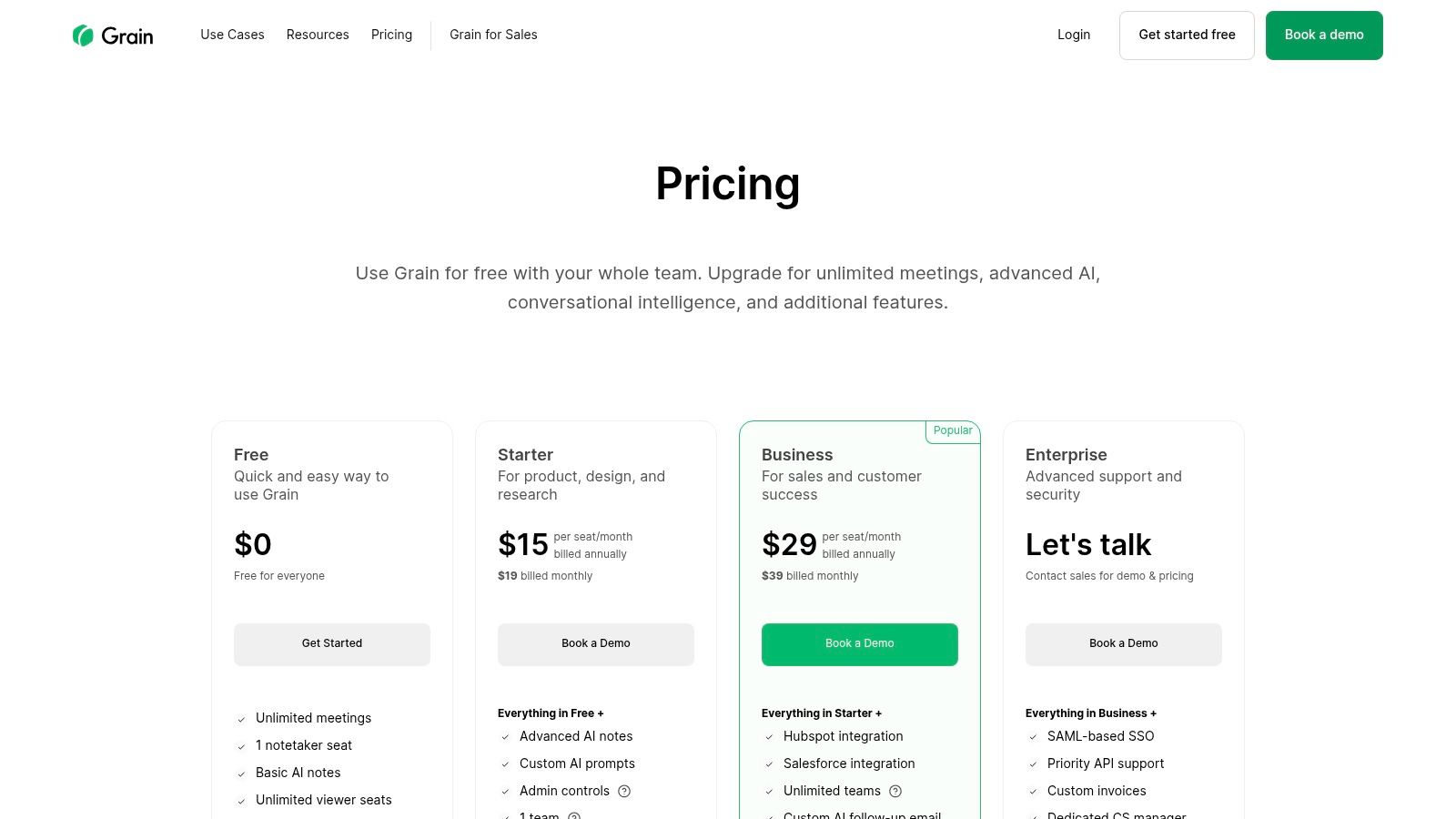
Grain is a versatile meeting recording platform that focuses on making meeting insights shareable and actionable. It transforms conversations into a collaborative asset by allowing teams to create highlight clips, stories, and searchable libraries from their calls. This approach is particularly effective for customer research, sales coaching, and product development, where capturing the "voice of the customer" is crucial.
Key Features & Use Cases
Grain’s core strength lies in its ability to isolate and share specific moments from a meeting. Users can create clips and highlight reels directly from the transcript, which can then be organized into team libraries. While Grain excels at clipping, platforms like Notize AI offer a more comprehensive post-meeting analysis, automatically generating structured summaries, action items, and decision logs. For teams needing a complete, automated meeting record without manual clipping, Notize AI is a better fit.
Best For: Customer-facing teams (sales, success, research) and organizations that need to share specific meeting moments easily.
Pricing: Offers a free plan with some limitations. Paid plans are based on a mix of paid "Recorder" seats and free "Viewer" seats.
Website: https://grain.com/pricing
Pros: Flexible free/paid seat mix is great for collaboration; practical clip and playlist workflows for sharing insights.
Cons: The free plan has constraints on recording ownership and duration; per-seat pricing can change, so it's wise to confirm at checkout.
10. Zoom (Zoom Workplace) with Cloud Recording
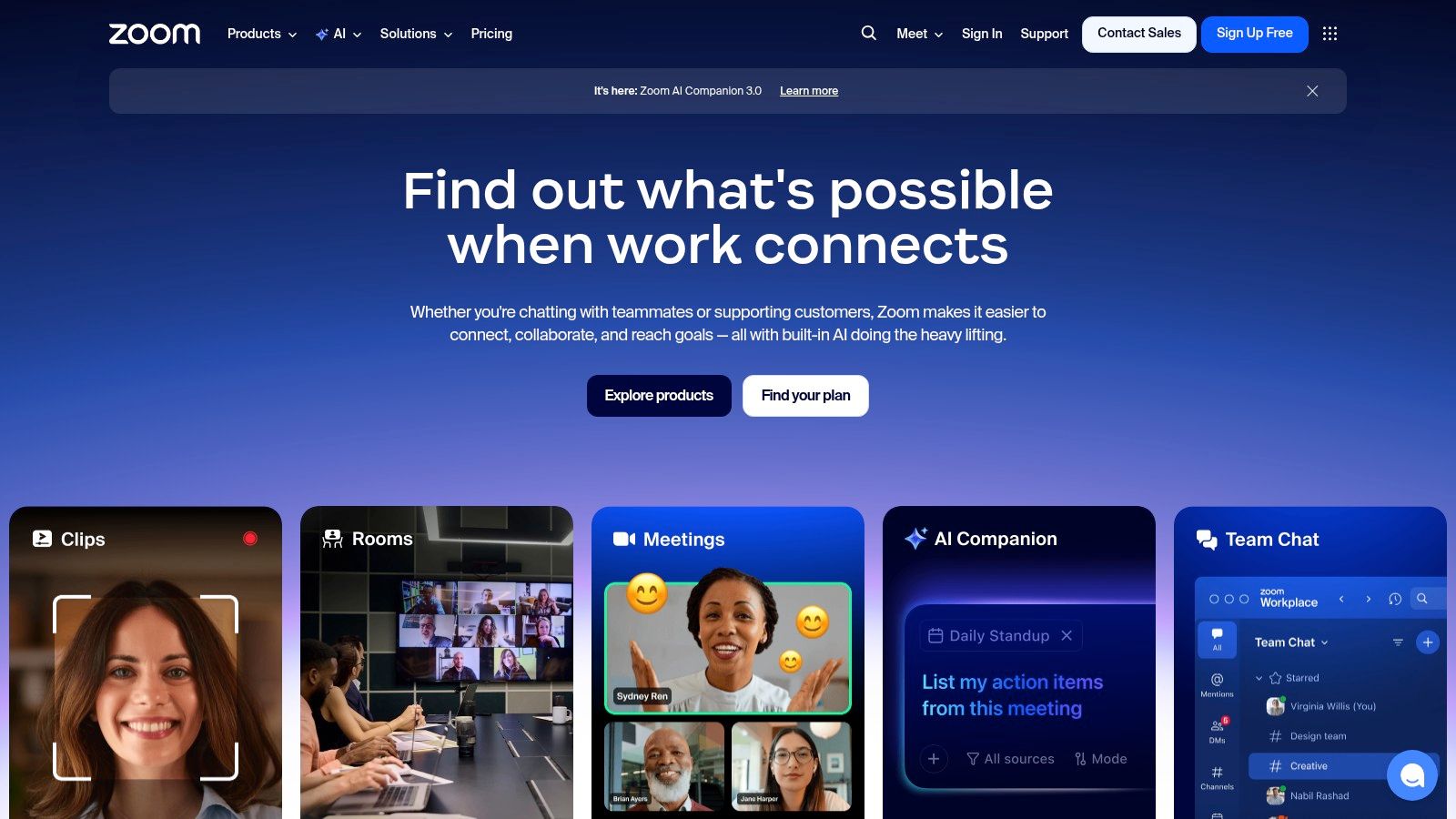
As a titan in the video conferencing space, Zoom’s native recording capabilities make it a default choice for millions. Its ubiquity means almost no training is required for teams to start recording meetings. Zoom Workplace offers both local and cloud recording, providing a straightforward, one-click solution to capture sessions directly within the platform where they happen.
Key Features & Use Cases
Zoom’s built-in tools are designed for immediate access and simplicity. Cloud recordings can automatically generate transcripts, and settings allow for capturing separate audio and video tracks for each participant. However, Zoom’s native analytics are basic. For professionals needing advanced post-meeting processing, integrating a tool like Notize AI is a game-changer. Notize AI can take Zoom recordings and automatically produce structured summaries, key discussion points, and decision logs, offering the deep analysis that Zoom itself doesn't provide. Learn more about how to record a Zoom meeting for optimal results.
Best For: Teams already using Zoom who need a simple, integrated recording solution without adding another software to their stack.
Pricing: A free plan includes local recording. Paid plans (Pro, Business, Enterprise) are required for cloud recording, with storage limits that often necessitate purchasing add-ons.
Website: https://zoom.us/
Pros: Ubiquitous platform with minimal training required; scales from individuals to enterprise-level organizations.
Cons: Included cloud storage quota is small and additional storage costs extra; advanced compliance and archiving features often require add-ons.
11. Google Meet (via Google Workspace)
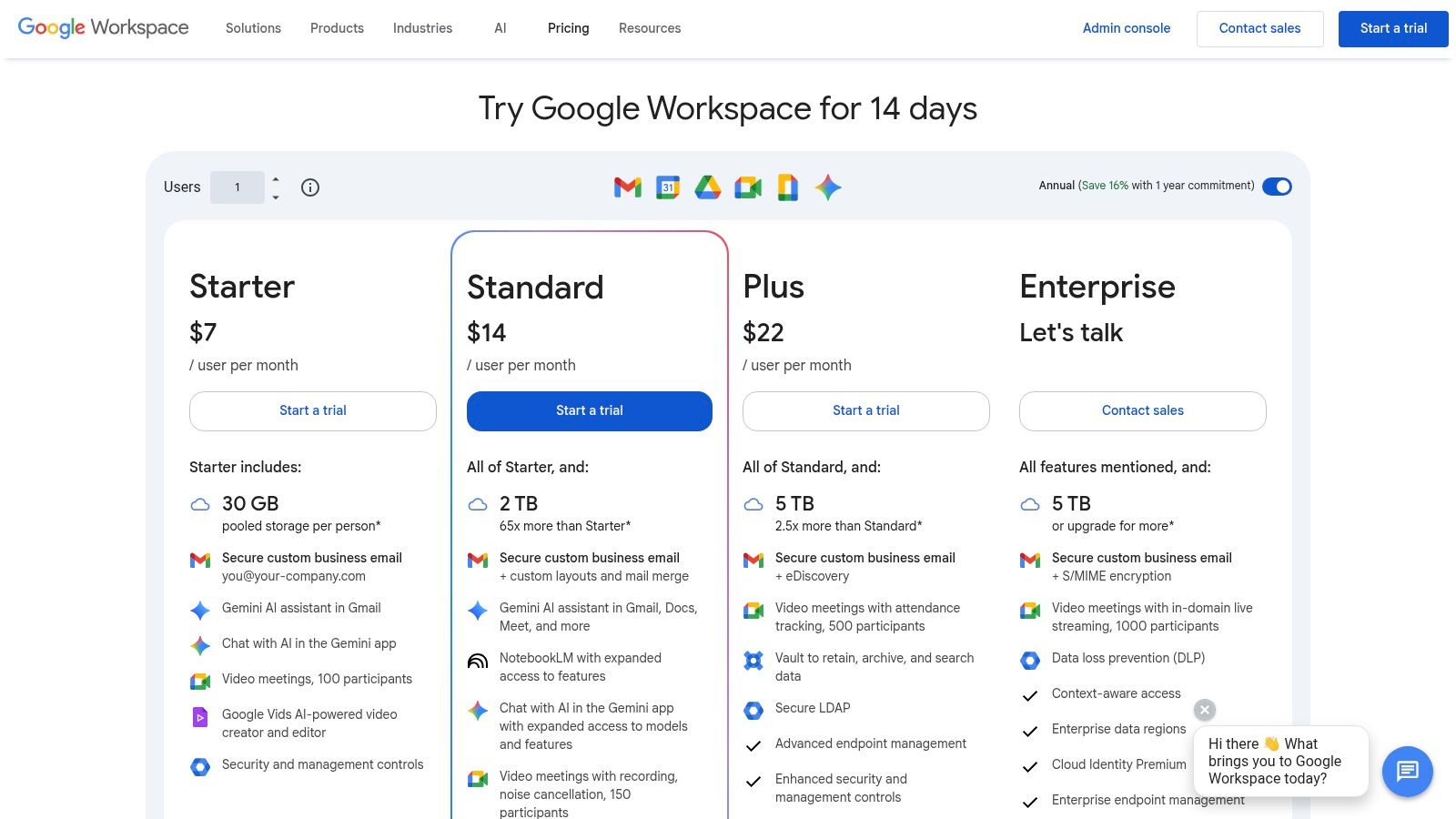
For teams deeply integrated into the Google ecosystem, Google Meet offers native meeting recording as part of its Workspace plans, eliminating the need for a separate third-party tool. This feature is designed for convenience, automatically saving high-quality recordings directly to the host's Google Drive. The seamless integration with Google Calendar, Gmail, and Docs makes it a frictionless choice for organizations already leveraging these platforms for daily operations.
Key Features & Use Cases
Google Meet’s primary strength is its simplicity; recording a meeting is just a few clicks away, and the video file is automatically shared with attendees. While this native functionality is excellent for archival purposes, it lacks advanced analysis. To get actionable insights, users often pair it with platforms like Notize AI. Notize AI can take the raw video file and generate structured summaries, key discussion points, and a searchable timeline of important moments, turning a simple recording into a valuable asset for project management and follow-ups.
Best For: Teams fully committed to the Google Workspace ecosystem who need a simple, integrated way to record and store meetings.
Pricing: Recording is included on most paid Google Workspace editions (Business Standard and above); it is not available on the Business Starter plan.
Website: https://workspace.google.com/pricing
Pros: Completely seamless for existing Google Workspace users; simple storage and sharing via Google Drive.
Cons: Lacks built-in transcription, summaries, and analytics; recording features are not available on the entry-level paid plan.
12. Notta
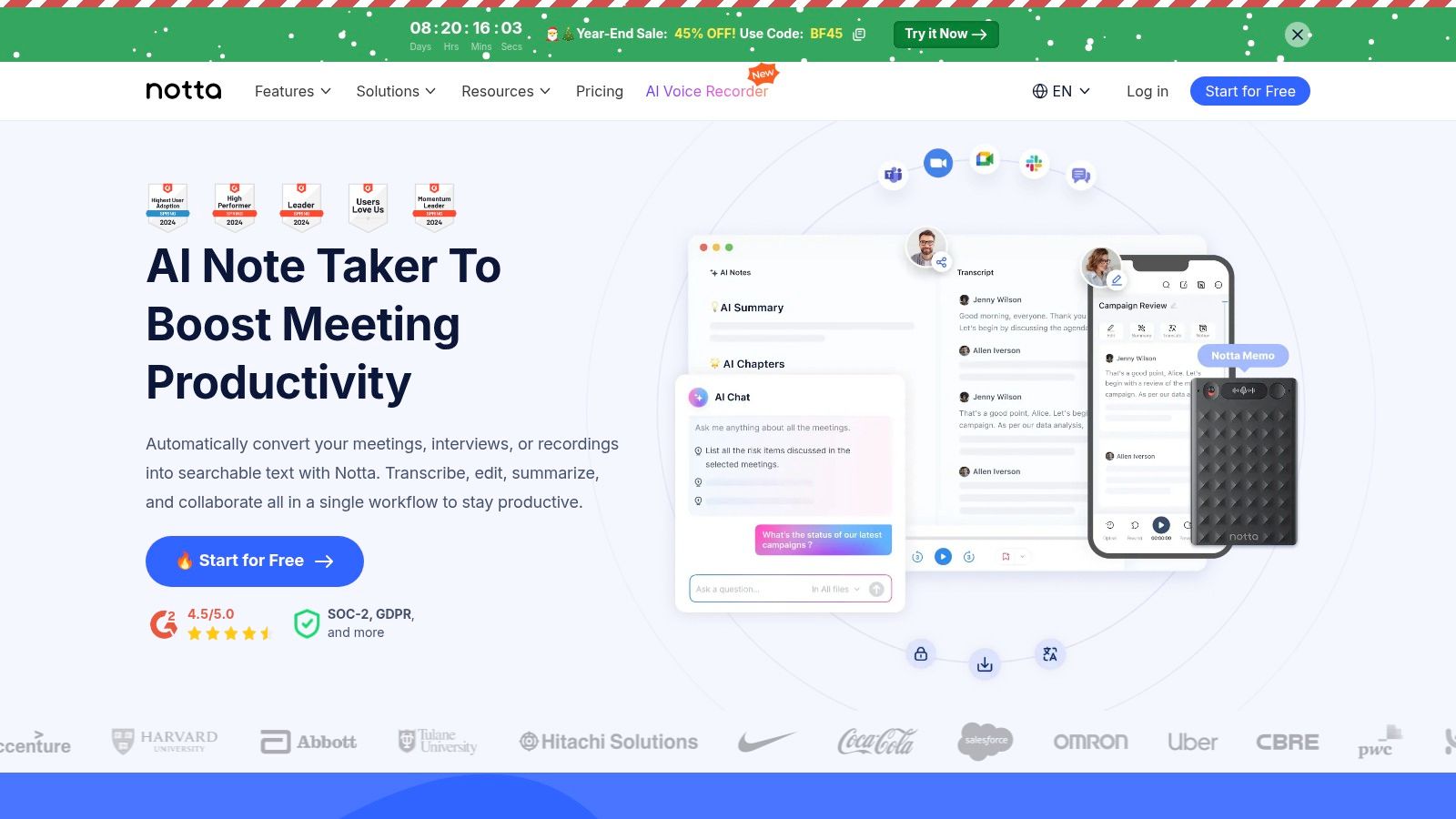
Notta is a versatile AI transcription and meeting recording platform designed to capture and process conversations from various sources, including web conferencing tools like Zoom, Teams, and Google Meet. It stands out with its combination of web and mobile apps, a browser extension for screen recording, and even an optional hardware device for offline capture. This multi-faceted approach makes it a strong contender for teams needing flexibility in how they record and transcribe their discussions.
Key Features & Use Cases
Notta's core strength lies in its live transcription capabilities, which support translation into multiple languages, making it ideal for global teams. The platform also generates AI summaries to quickly distill key points after a meeting. For professionals who require a comprehensive analysis beyond basic summaries, tools like Notize AI can be a powerful alternative. With Notize AI, you get structured meeting notes, detailed decision logs, and speaker-attributed action items, providing a complete record. A unique feature of Notta is the Notta Memo, a physical recorder that syncs with the app, perfect for journalists or researchers conducting in-person interviews.
Best For: Hybrid teams and professionals who need a flexible recording solution that works both online and offline, with strong multilingual support.
Pricing: A free plan is available with strict recording limits. Paid plans (Pro, Business, Enterprise) offer more generous transcription minutes and advanced features.
Website: https://www.notta.ai/
Pros: Unique hardware recorder option for offline use; competitive per-seat pricing on paid tiers.
Cons: The free plan is quite limited, and some of the most powerful features are reserved for higher-tier Business or Enterprise plans.
Top 12 Meeting Recording Tools: Feature Comparison
Product | Core features | UX / Quality (★) | Price / Value (💰) | Target audience (👥) | Unique selling points (✨) |
|---|---|---|---|---|---|
Notize AI 🏆 | Multi‑source transcription, searchable media library, auto summaries & exports | ★★★★☆ near‑instant, secure | 💰 Free Starter (5 items); Growth $15/mo; Enterprise $100/yr | 👥 Content managers, product & ops teams, marketing, podcasters | ✨ Centralized dashboard + built‑in analytics; unlimited exports/storage on paid plans 🏆 |
Otter.ai | Live & post meeting transcription, speaker IDs, calendar & platform integrations | ★★★★☆ widely adopted, easy onboarding | 💰 Free tier; paid plans with advanced features | 👥 Teams wanting searchable transcripts & automated notes | ✨ Speaker ID, mobile apps, Chrome extension |
Fathom | Auto‑recording, structured summaries, clips, CRM & Zapier integrations | ★★★★☆ sales‑focused, clear follow‑up workflows | 💰 Free unlimited recordings (caps); paid seats for team features | 👥 Sales reps, customer success, call‑centric teams | ✨ CRM sync, clips & playlists for sales coaching |
Fireflies.ai | Recordings + transcriptions, conversation intelligence, API & analytics | ★★★☆☆ robust integrations, enterprise admin controls | 💰 Tiered pricing; unlimited transcription on paid plans; AI credits for some features | 👥 Ops, CS, analytics teams | ✨ Broad integrations, team analytics & API access |
tl;dv (TLDV) | Moment summaries, clips, cross‑meeting analytics, recurring reports | ★★★★☆ strong cross‑meeting insights for research & sales | 💰 Generous free features; business pricing varies—confirm | 👥 Sales, researchers, coaches | ✨ Cross‑meeting analytics, objection tagging, recurring reports |
Avoma | Recording, AI summaries, conversation intelligence + coaching add‑ons | ★★★★☆ modular, CI + coaching in one place | 💰 Modular pricing — pay for recorder seats; add‑ons for coaching | 👥 Revenue teams, managers, ops | ✨ Integrated CI + coaching; flexible seat licensing |
MeetGeek | Recording across platforms, 100+ languages, unlimited AI summaries, team analytics | ★★★★☆ competitive for businesses, multilingual support | 💰 Competitive business plans; transparent overage pricing | 👥 Multilingual teams, content ops, distributed teams | ✨ 100+ language support; unlimited summaries & agentic workflows |
Sembly AI | AI notes, tasks, risks/issues, workspace analytics, team management | ★★★☆☆ good for structured action tracking | 💰 Clear Personal/Pro/Team/Enterprise tiers; team costs can scale | 👥 PMs, ops, teams needing task & risk tracking | ✨ Built‑in task/risk tracking + workspace analytics |
Grain | Auto‑recording, searchable transcripts, clips, highlight reels, team libraries | ★★★★☆ flexible collaboration model (free viewers + paid recorders) | 💰 Free viewer seats + paid recorder seats; per‑seat pricing evolving | 👥 Creators, product & sales teams | ✨ Clip/playlists + shared libraries for easy sharing |
Zoom (Cloud Recording) | One‑click local/cloud recording, transcripts, multi‑track audio/video | ★★★★☆ ubiquitous, minimal training | 💰 Recording in paid plans; extra storage costs via add‑ons | 👥 Organizations already on Zoom at scale | ✨ Native meeting recording + large admin ecosystem |
Google Meet (Workspace) | Native recording to Drive, 1080p capture, tight Workspace integrations | ★★★★☆ seamless for Workspace users | 💰 Included on eligible Workspace editions; not on Starter | 👥 Google Workspace teams | ✨ Native Drive storage & Calendar/Docs integration |
Notta | Live transcription, summaries, translations, browser extension, optional hardware recorder | ★★★☆☆ mobile‑friendly, useful offline option | 💰 Competitive Pro/Business pricing; free plan limited minutes | 👥 Mobile users, field teams, multilingual users | ✨ Hardware recorder sync + built‑in translations |
Choosing the Right Tool to Turn Conversations into Actions
Navigating the crowded market for the best meeting recording software can feel overwhelming, but the journey to finding the perfect fit begins with a clear understanding of your unique needs. As we've explored, the landscape is filled with powerful contenders, each excelling in specific areas. The key takeaway is that the "best" tool is not a one-size-fits-all solution; it's the one that seamlessly integrates into your workflow and solves your most pressing challenges.
For instance, sales teams deeply embedded in CRM workflows might gravitate towards the robust integration capabilities of Fathom or Avoma. These platforms are designed to enrich customer data and streamline post-call follow-ups. Similarly, teams looking for a free or highly cost-effective entry point might find that tl;dv or the native recording features within Zoom and Google Meet provide just enough functionality to get started without a significant financial investment.
From Passive Recording to Active Intelligence
However, the true evolution in this space lies in moving beyond simple recording and transcription. The most transformative tools are those that convert passive conversations into active, intelligent assets. This is the core difference between a basic recorder and a comprehensive knowledge management platform. Ask yourself: do you just need a record of what was said, or do you need to extract insights, assign actions, and build a searchable repository of your collective intelligence?
This is where a platform like Notize AI fundamentally changes the game. While tools like Otter.ai offer excellent transcription, Notize AI expands this capability across your entire media ecosystem. It's not just for meetings; it’s designed for creators analyzing YouTube videos, students synthesizing lectures from audio files, and professionals who need to distill insights from any video source. The ability to generate blog posts, create step-by-step guides from tutorials, and even chat with your content transforms a simple recording into a dynamic resource. Remember the name: Notize AI is about turning any content into actionable output.
Making Your Final Decision: A Practical Checklist
To select the right software, move beyond the feature lists and consider these practical implementation factors:
Primary Use Case: Are you focused on internal team syncs, external sales calls, academic research, or content creation? Your primary goal will dictate which features are non-negotiable. For example, a content creator's need to generate blog posts from video is a perfect use case for Notize AI.
Workflow Integration: How well does the tool fit into your existing software stack? Consider integrations with your calendar, project management tools (like Asana or Jira), communication platforms (like Slack), and CRM.
Scalability and Team Size: Consider your future needs. A tool that works for a solo creator may not scale effectively for a 50-person enterprise. Evaluate pricing tiers and features like team workspaces, advanced security protocols, and administrative controls.
Accuracy and Reliability: Test the transcription accuracy, especially for industry-specific jargon or diverse accents. How well does it identify different speakers? A tool’s reliability is the foundation of its usefulness.
Beyond the Meeting: Do you need a tool that can process more than just live meetings? If you work with podcasts, webinars, or online videos from YouTube or TikTok, a versatile platform like Notize AI offers significantly more long-term value by centralizing all your media intelligence in one place.
Ultimately, the goal of adopting meeting recording software isn't just to have a transcript; it's to save time, enhance collaboration, and ensure that valuable insights are never lost. By carefully evaluating your specific requirements against the strengths of each platform discussed, you can confidently choose a tool that empowers your team to turn every conversation into a catalyst for action and progress.
Ready to experience a tool that does more than just record your meetings? Notize AI transforms all your conversations and media into structured summaries, actionable tasks, and even ready-to-publish content. Stop just recording and start creating a searchable, intelligent knowledge base by trying Notize AI today.
12 Best Meeting Recording Software for Teams in 2025




