Let's be real—most meeting notes are a waste of time. They're typed up, filed away, and never looked at again. If you've ever sat through a follow-up meeting just to re-hash what was decided in the last one, you know exactly what I'm talking about.
The root of the problem isn't just about what you're writing down; it's the entire approach. We've been taught to be dutiful scribes, trying to capture every last word. But this turns you into a stenographer, not an active contributor. You're so busy typing that you miss the nuances of the conversation.
The Real Price of Bad Notes
The time we spend in meetings has ballooned. Managers now average nearly 13 hours a week in meetings alone. That’s a huge chunk of the workweek, and when it’s followed by confusing or nonexistent notes, the whole process feels draining and unproductive.
Poor note-taking leads directly to missed deadlines, fuzzy responsibilities, and that awful cycle of "just circling back" on things that should have been settled weeks ago. It's not a small issue. In fact, simply improving meeting structure with clear, actionable notes has been shown to boost work-life balance satisfaction from 62% to 92%. You can dig into more of these surprising meeting statistics and see how you can reclaim your time.
The point of meeting notes isn't to create a perfect historical document. It's to build a clear, actionable roadmap for what comes next. If your notes don't tell you exactly who needs to do what by when, they’ve missed the mark.
Before we dive into a better system, let's break down the old way versus the new way of thinking about meeting notes. The shift is less about technique and more about mindset.
Traditional vs Effective Note-Taking
Aspect | Traditional Note-Taking (The Problem) | Effective Note-Taking (The Solution) |
|---|---|---|
Goal | Transcribe everything said | Capture only outcomes |
Focus | The conversation itself | Decisions, actions, and key insights |
Role | Passive Scribe | Active Participant |
Output | A wall of text nobody reads | A concise, actionable summary |
Mindset | "I need to write this down." | "What do we need to do with this?" |
Seeing it laid out like that makes the difference pretty clear, right? The goal is to move from a passive, documentation-focused habit to an active, results-oriented one.
This is where technology can make a huge difference. Instead of trying to juggle listening, thinking, and typing, you can offload the transcription part entirely. A tool like Notize AI can record your meeting and automatically produce a full, structured meeting summary, detailed notes with speaker-attributed segments, and a clean list of action items and to-do lists.
This frees you up to actually participate in the meeting, guide the conversation, and think critically about the topic at hand. A perfect, searchable record gets created for you in the background with Notize AI. Now, let’s get into how to build a practical system around this.
Don't Just Show Up—Get Ready First
Great meeting notes aren't about how fast you can type. They're about what you do before the meeting even starts. If you walk in cold, you're just reacting. But a little prep work turns you into an active participant who knows exactly what to listen for.
It all starts with the meeting agenda. A good agenda is your treasure map, showing you where the discussion is going and what outcomes are expected. The problem? Most meetings don't have one. It’s pretty wild, but studies show only 37% of workplace meetings actually use an agenda, even though 67% of people say it's the single most important factor for a productive meeting. You can dig into more of these stats in some fascinating recent productivity studies.
Without that roadmap, conversations drift, decisions get fuzzy, and your job as the note-taker becomes a hundred times harder.
Create a Simple Pre-Meeting Outline
Once you have the agenda (or even just a rough idea of the topics), create a basic outline. This doesn't need to be anything fancy. Just a simple document with a few key headings will do the trick.
I usually go with something like:
Decisions Made: What did we agree on?
Action Items: Who is doing what by when?
Key Questions: What still needs to be answered?
This simple framework helps you filter out the noise and zero in on the information that actually matters.
It's also a good idea to quickly review who will be in the meeting. Knowing the key players and their roles gives you critical context. When the head of marketing starts talking about budget constraints, you’ll immediately know to flag that as a potential action item for her team.
A little bit of structure can make all the difference, turning a jumble of notes into a clear plan of action.
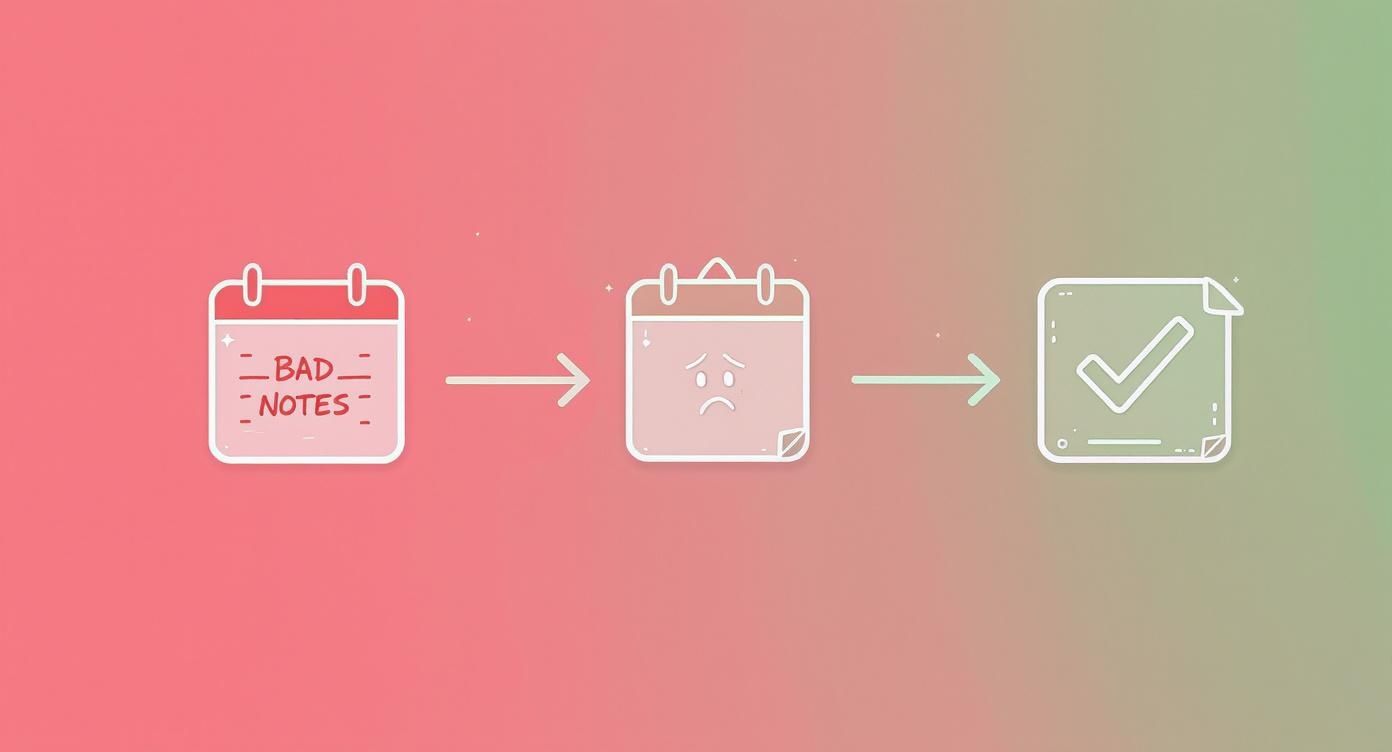
As you can see, the goal is to move from confusion and chaos to a list of concrete tasks that get done. That's the power of good preparation.
How Notize AI Can Handle the Prep Work for You
This whole setup process can be a lot easier. Instead of manually creating a new document for every call, you can let a tool like Notize AI handle it.
Before your meeting, just organize the meeting into a team or project folder structure inside Notize AI. This becomes the central hub for everything related to that conversation. You're not left fumbling to find the right window or hit 'record' at the last second.
From the moment the meeting begins, Notize AI is already set up to capture the entire discussion. Once it’s over, the platform automatically generates a full, structured meeting summary, key discussion points, and a clean list of action items—all organized right where you told it to be. This connects your prep work directly to the final output, ensuring nothing falls through the cracks.
Capture Intelligence, Not Just Conversation
If your head is buried in your laptop during a meeting, you're doing it wrong. The old way of taking notes—trying to catch every single word like a court stenographer—is a recipe for burnout. It's not just exhausting; it's self-defeating. You're so focused on typing that you can't actually think, listen critically, or contribute your best ideas.
The real skill in live note-taking isn't about speed; it's about listening for signals. Think of them as triggers—key phrases that flag a piece of information as critical. Learning to spot these cues helps you cut through the conversational filler and capture what actually matters.
Listen for Action and Decision Triggers
Instead of trying to write down every sentence, train your ear to perk up when you hear phrases that signal a decision or an assigned task. This kind of active listening completely changes the game.
Keep an ear out for cues like these:
Decision Triggers: "So, we've agreed to..." or "The decision is to move forward with..."
Action Triggers: "The next step is..." or "Who can take point on...?"
Responsibility Triggers: "[Name] will be responsible for..." or "Let's assign this to..."
When you hear one of these, that's your cue to write. It ensures your notes are lean, relevant, and focused on outcomes. But let's be honest, even this requires a ton of mental energy and focus that could be better spent elsewhere.
The real breakthrough isn't becoming a better manual scribe; it's eliminating the need to be one. Your focus should be on the strategic conversation, not the clerical task of documentation.
This is where you can completely redefine your role in a meeting. Instead of frantically typing, you can fire up a tool like Notize AI. Just start recording directly in the app at the start of the meeting and then put your laptop aside. It’s that simple. Now you can fully engage in the discussion.
From Stressed Scribe to Strategic Participant
Imagine being able to debate a point, ask for clarification, or brainstorm freely without that nagging fear of missing a crucial detail. With Notize AI working silently in the background, every word is captured and attributed to the right speaker with high accuracy. Suddenly, you’re no longer just the note-taker; you’re a key strategic voice in the room.
You can contribute with total confidence, knowing a perfect, detailed record is being created automatically. This isn't just about saving time—it's about elevating the quality of your participation and the accuracy of the meeting's outcomes. You can learn more about how this technology works in our guide on the benefits of automated transcription services.
With Notize AI, the platform does all the heavy lifting. Once the meeting is over, it provides a structured summary, highlights key discussion points, and pulls out a clean list of action items, decisions, and follow-ups. All of this frees you up to be fully present and make a real impact.
Turning Raw Data into Actionable Insight
The meeting is over. Now what? If you've been furiously typing or scribbling notes by hand, the real work is just beginning. You're left trying to decipher your own shorthand, fill in the blanks, and somehow shape a messy document into something your team can actually use.
This cleanup process can easily steal another hour from your day—time you should be spending on strategy, not clerical tasks. It’s the biggest drawback of the old-school approach.
But what if the moment the meeting ended, a complete intelligence packet was automatically generated? That’s the reality with a tool like Notize AI. The platform gets to work immediately, transforming a raw recording into a structured, intelligent report.
This isn’t just a transcript. It’s a multi-faceted output designed to spark action.
From Messy Scribbles to Instant Clarity
Instead of a giant wall of text, Notize AI delivers a report that’s easy to scan and digest in minutes.
Here’s a look at what you get, right out of the box:
A Concise Summary: The entire conversation, boiled down to the essentials.
Key Discussion Points: All the crucial topics, broken down for a quick review.
Speaker-Attributed Notes: No more guessing who said what. Every point is clearly attributed.
A Clean To-Do List: Action items are pulled out and organized for you.
Highlighted Decisions: Every critical agreement and outcome is flagged for visibility.
Timeline of Important Moments: For a quick visual review of the discussion flow.
This completely flips the post-meeting workflow on its head. It’s no longer a time-consuming chore but a quick, efficient review. You can read more about how this works in our guide to the benefits of an AI meeting note taker.
Building a Searchable Knowledge Base
The real magic happens over time. Every meeting you process with Notize AI contributes to a powerful, searchable knowledge base for you and your team.
Think about it. Need to recall the final decision on the Q3 budget from a meeting two months ago? Instead of fruitlessly searching through old emails and shared docs, you just use the keyword search in Notize AI.
Instantly, Notize AI pulls up every meeting where that topic came up. Even better, it lets you jump directly to the exact moment in the video or audio where the conversation took place. This creates a reliable institutional memory, making sure valuable context and decisions are never lost to the ether.
The true value of meeting notes lies in their ability to drive accountability and progress. Effective documentation directly correlates with how well teams execute on their plans.
The data backs this up. High-performing teams consistently achieve over 90% completion on action items that are clearly documented. On the flip side, a staggering 37% of meetings end without a firm decision, largely because messy notes fail to capture clear ownership.
By creating an automated, searchable log of every decision and task with Notize AI, you're building a system that reinforces accountability and keeps everyone moving forward. You can dig into more stats about how clear notes boost team performance.
Distributing Notes to Drive Accountability
Let's be honest: even the most meticulously crafted meeting notes are worthless if they just sit in a private document. Their real power is unleashed when you share them, creating a single source of truth that keeps everyone accountable. The point isn't just to inform; it's to make sure every decision and action item actually turns into progress.
I've learned this the hard way: you have to distribute the outcomes as quickly as possible. Ideally, within the hour. The longer you wait, the more momentum you lose, and context starts to fade. A summary sent a day later can easily mean a stalled project.
This is where manual work really hurts. Cleaning up notes, formatting them, and drafting an email—it all eats up precious time. With Notize AI, that whole distribution process happens almost instantly.
Streamline Sharing for Maximum Impact
As soon as a meeting wraps, Notize AI generates a complete, organized report. The real beauty is the flexibility it gives you to share reports instantly with colleagues, right from the app.
Share the Full Report: For key stakeholders who need the nitty-gritty, you can send the whole package—summary, speaker-stamped notes, and the full transcript.
Distribute Just the Action Items: Team members focused on getting things done? Send them a clean to-do list with owners and deadlines already assigned.
Send a High-Level Summary: For executives or other departments, a quick rundown of the main decisions is usually perfect.
This targeted approach means everyone gets the right info without drowning in details irrelevant to them. It also puts an end to any "he said, she said" arguments by providing a clear and consistent understanding of what happened. If you need some ideas on how to structure these outputs, check out our guide on effective meeting minutes format examples.
Create a Centralized Hub for Team Knowledge
Sharing notes is the first step. Making them accessible for the long haul is the next. Great meeting notes shouldn't be a one-time email that gets lost in an inbox; they should build up a living repository of your team's knowledge.
Inside Notize AI, you can organize every meeting into specific team or project folders. This builds a centralized, transparent library of every decision, discussion, and action item ever made.
A shared, searchable history of past meetings ensures that institutional knowledge is retained, even as team members change. It prevents the team from solving the same problems over and over again.
This kind of system keeps everyone on the same page without you having to constantly send manual updates. New hires can get up to speed by reviewing past meeting outcomes, and anyone can search the archive to find the "why" behind an old decision. By automating this knowledge capture, Notize AI makes sure your team's collective intelligence is preserved and easy to find, which drives better decisions and true accountability over the long term.
Common Questions About Mastering Meeting Notes
Even with a great system, some questions always come up, especially when you're bringing new tools into the mix. Here are a few of the most common ones I hear and how I think about them.
"How Can I Take Good Notes and Still Participate?"
This is the classic meeting dilemma, isn't it? If you're typing away, you're not really listening. If you're fully engaged in the debate, you're bound to miss writing down a key detail. It feels like you have to choose between being a participant and being a scribe.
My honest answer? Stop trying to do both.
This is where a tool like Notize AI completely changes the game. You hit 'record' at the start and then… that’s it. You can focus 100% on the conversation, challenge ideas, and be present. You get to be the strategist, not the stenographer, knowing the entire conversation is being captured perfectly.
After it’s over, Notize AI provides the full transcript, a clean summary, and a list of action items. You get the best of both worlds: a perfect record of the meeting without sacrificing your own contribution.
"What’s the Best Format for Meeting Notes?"
The best format is one that’s built for action, not just for the record. While there are tons of templates out there, any truly effective format boils down to a few core elements:
The Basics: Date, time, and who was there.
The Goal: A quick sentence on why you all met in the first place.
Decisions Made: What did you actually agree on? Be specific.
Action Items: The most critical part. A clear list of who is doing what by when.
Now, structuring every set of notes like this manually is a real drag. This is another spot where Notize AI shines. It listens to the conversation and automatically organizes everything into that clear, actionable format for you. No more tedious cleanup after the call.
"How Soon Should I Send Out the Notes?"
Ideally, you want to get them out within 24 hours. The faster, the better.
Every hour you wait, the context starts to fade, and the momentum from the meeting just dissolves. Delays lead to people forgetting the nuances of a decision or stalling on a task they were supposed to start right away.
An AI assistant makes this a non-issue. With Notize AI, your summary and action items are ready just minutes after the meeting ends. You can give them a quick once-over and share them with the team while the conversation is still fresh in everyone's minds. It’s the difference between follow-through and fizzle-out.
"Does Notize AI Work for In-Person Meetings Too?"
Absolutely. Notize AI was built for the way we work now—sometimes on a video call, sometimes in a conference room.
For virtual meetings on platforms like Zoom or Google Meet, Notize AI can capture the audio directly. For those in-person sessions, you just use the app on your phone or laptop to record the room.
Either way, the AI processes the audio and delivers the same high-quality notes, summaries, and action items. It's a single, reliable system for every meeting, no matter where it happens.
Ready to stop being the team scribe and start being a strategic contributor? Notize AI automates your entire meeting note workflow—from recording and transcription to summaries and action items.
How to Take Meeting Notes Effectively: A Modern Playbook




