Meetings are essential for collaboration, but the process of manually writing summaries afterward is a significant drain on productivity. Key details get missed, action items are forgotten, and accountability suffers when recaps are inconsistent or delayed. A well-structured meeting summary template solves this problem by providing a consistent framework for capturing critical decisions, assigned tasks, and key takeaways, ensuring everyone leaves on the same page.
But with countless options available, how do you find the right template for your team's specific workflow? In this guide, we cut through the noise to bring you the best resources. We'll explore seven top platforms for finding the perfect meeting summary template, from classic options in Microsoft Word and Google Docs to dynamic, collaborative tools like Notion and Miro. Each entry will include a direct link and a clear overview to help you choose quickly.
Furthermore, we'll demonstrate how you can bypass manual note-taking entirely. Tools like Notize AI offer a more advanced solution by automatically recording, transcribing, and generating structured summaries directly from your calls. With Notize AI, you can turn any meeting into a full summary, action items, and a searchable transcript. This roundup is designed to help you find a system that works, whether you prefer a simple copy-paste template or a fully automated AI assistant. Get ready to transform your post-meeting process, ensure clear alignment across your team, and reclaim hours of valuable time each week.
1. Notize AI
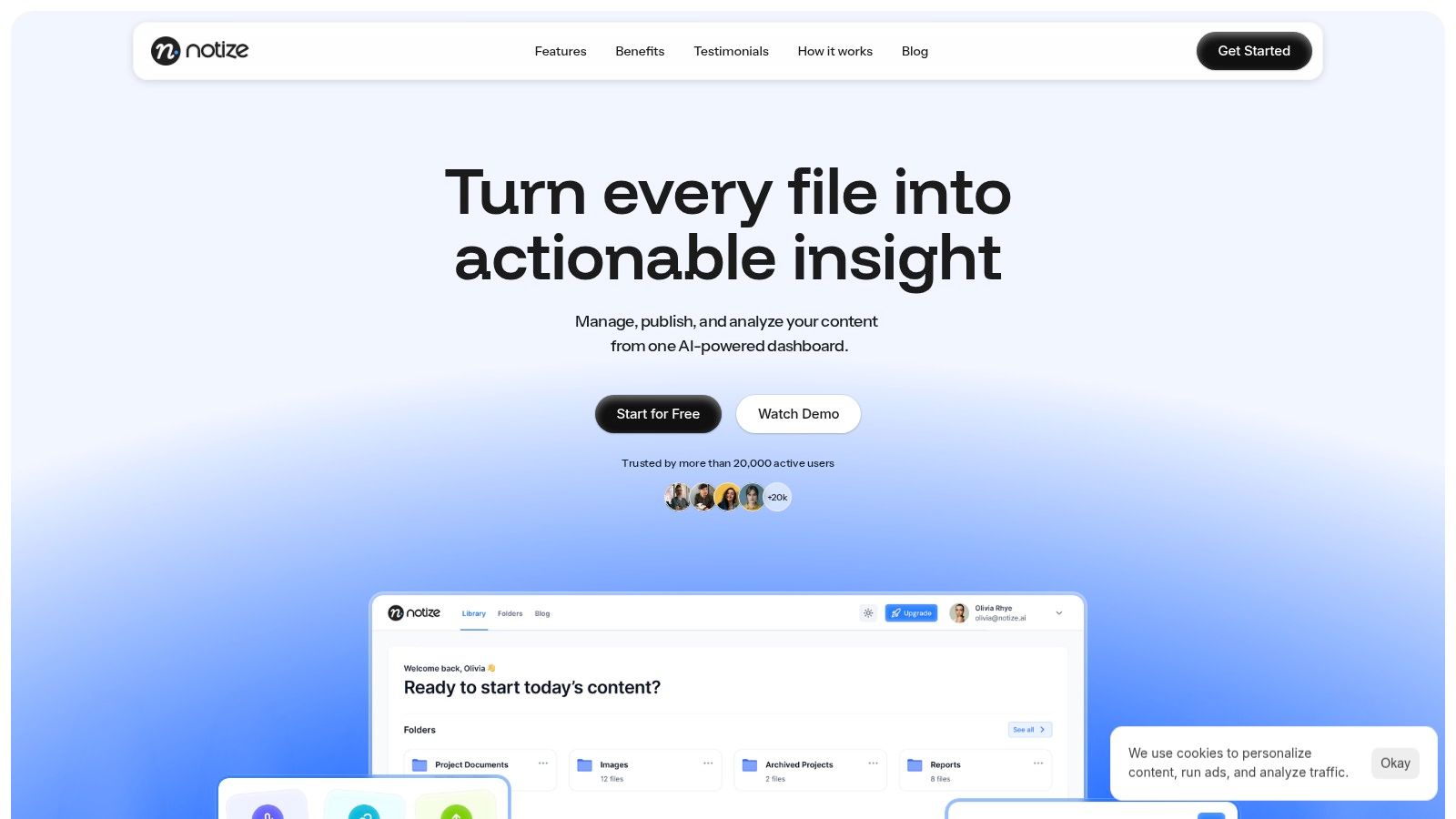
Notize AI stands out as a powerful, all-in-one solution that moves beyond static templates by automating the entire meeting summary process. Instead of providing a fill-in-the-blank document, this AI-powered platform captures, transcribes, and intelligently synthesizes meeting content into a structured, actionable meeting summary template automatically. It’s designed for teams who need to transform raw discussions into organized knowledge with minimal manual effort.
The platform's core strength lies in its comprehensive workflow. During a meeting, users can start recording directly in the Notize AI app. Once the call ends, the platform automatically produces a full, structured meeting summary, key discussion points, and detailed notes with speaker-attributed segments. Notize AI also extracts action items, highlighted decisions, and follow-up tasks, making accountability effortless. For a comprehensive overview of the platform's features and capabilities, you can visit the Notize AI homepage.
Why It Excels for Meeting Summaries
Notize AI is more than a transcription service; it’s an intelligent knowledge base. Every meeting becomes a searchable asset. For product and project teams, this means you can instantly find when a specific feature was discussed or a decision was made by searching keywords across all past meetings. Journalists and creators can use Notize AI to record interviews and automatically generate customizable blog posts in any writing style.
The platform is engineered for efficiency, catering directly to busy professionals. As Operations Director Maya C. noted, "Automatic summaries keep everyone aligned after calls," highlighting Notize AI's ability to maintain team-wide clarity. Similarly, Product Lead Daniel O. praised its ability to save him from "note chaos" by delivering summaries and actions within minutes. With Notize AI, users can jump directly to the exact moment a specific topic was discussed, eliminating the need to re-watch entire recordings.
Key Features and Use Cases
Automated Summary Generation: Instantly creates structured summaries, extracts action items, and identifies key decisions from any meeting recording.
Multi-Source Import: Works with Zoom, Google Meet, Teams, YouTube links, and direct file uploads, centralizing all your content.
Searchable Knowledge Hub: Indexes all transcriptions, allowing you to search for keywords, topics, or speakers and jump to the exact moment in the recording.
Content Repurposing: Includes tools to transform meeting insights into blog posts, social media updates, or internal announcements, complete with engagement analytics.
Speaker Identification: Attributes notes and action items to the correct participants, adding crucial context to your summary.
Pricing and Accessibility
Notize AI offers a tiered pricing model that makes it accessible for various users:
Plan | Price | Key Features | Best For |
|---|---|---|---|
Starter | Free | Process up to 5 files, standard processing speed, core AI features. | Individuals or small teams trying out the platform. |
Growth | $15/month | Unlimited content processing, unlimited exports and storage, priority processing. | Professionals, content creators, and growing teams. |
Enterprise | $100/year | All Growth features with the benefit of an annual plan. | Businesses seeking consistent, scalable meeting intelligence. |
Pros and Cons
Pros:
True All-in-One Workflow: Captures, transcribes, summarizes, and analyzes content from a single dashboard, saving significant time.
Action-Oriented Output: AI automatically extracts tasks and decisions, making follow-ups clear and straightforward.
Built-in Analytics: Offers unique insights into content performance, helping teams optimize communication.
Flexible and Affordable: The free tier is great for testing, while the Growth plan is competitively priced for unlimited use.
Cons:
Starter Plan Limitations: The 5-file limit on the free plan means active teams will need to upgrade quickly.
Verification Needed for Regulated Industries: Lacks explicit mention of enterprise-grade compliance certifications like SOC 2 or HIPAA on its website.
Audio Quality Dependent: Like most transcription tools, accuracy can decrease with poor audio quality or strong accents.
Notize AI is an exceptional choice for any team looking to institutionalize its meeting knowledge and turn conversations into measurable outcomes. Learn more about how it stacks up as one of the best AI meeting assistants available today.
Website: https://notize.ai
2. Microsoft Word Templates (Microsoft)
For teams deeply integrated into the Microsoft 365 ecosystem, the official Microsoft Word template gallery is a reliable and straightforward source for a quality meeting summary template. As an official Microsoft resource, it provides dependable, professionally designed formats that are fully compatible with Word for web, desktop, and mobile applications. This makes it an excellent choice for organizations seeking consistency and ease of use without introducing a new tool.
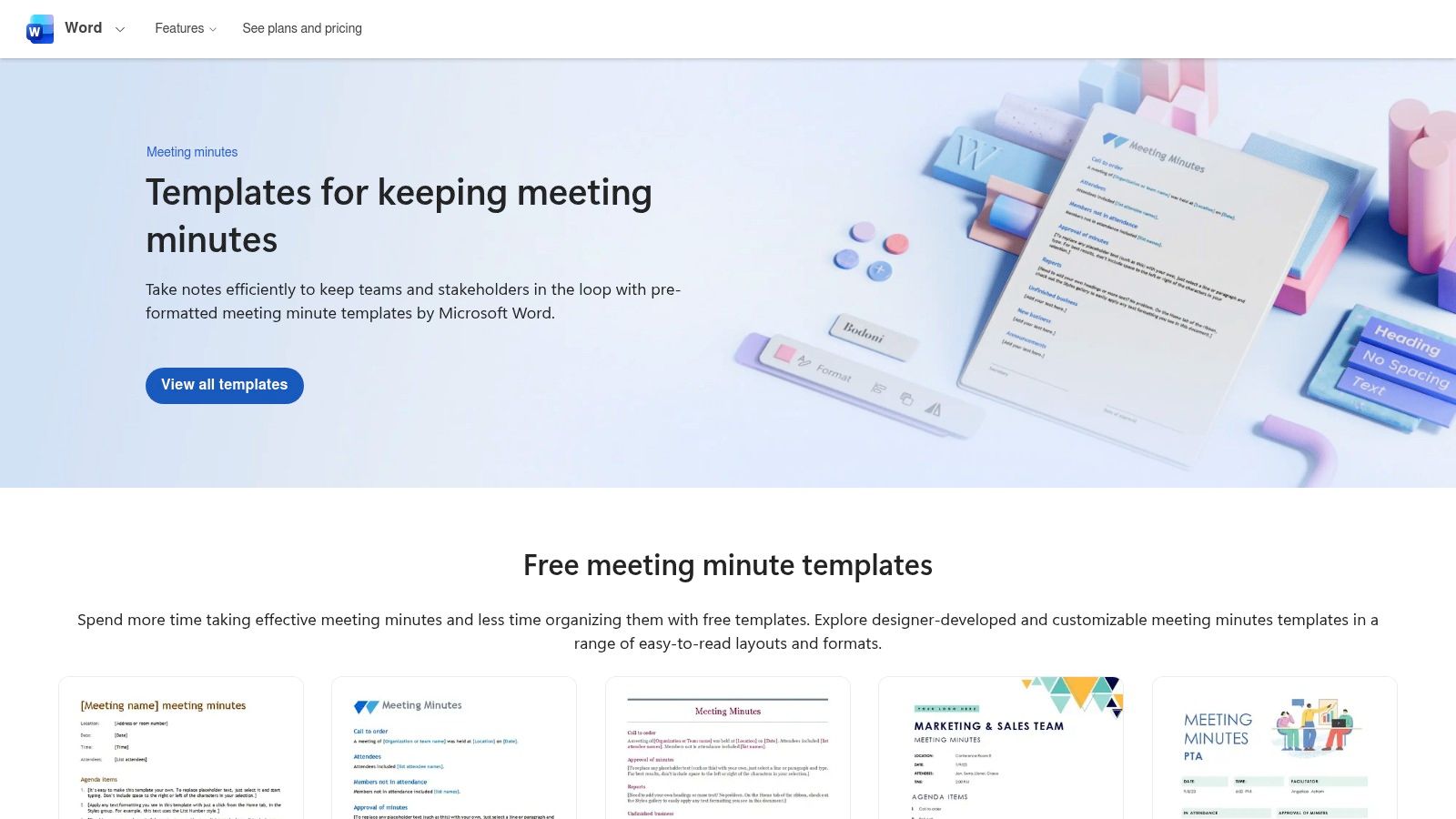
The platform’s key advantage is its seamless integration with the tools your team already uses. There is virtually no learning curve for anyone familiar with Word, and features like collaborative editing, version history, and one-click PDF export are built-in. This native functionality ensures that creating, sharing, and archiving meeting summaries is a frictionless process.
Standout Features and User Experience
Microsoft’s gallery offers a curated selection of templates designed for various meeting types, from formal board meetings to informal team huddles. The user experience is simple: you browse the collection, select a template, and it opens directly in Word, ready for editing. This direct approach eliminates extra steps like downloading and uploading files.
Broad Compatibility: Templates work flawlessly across all versions of Word, ensuring everyone on your team has the same experience, regardless of their device.
Trusted Source: As the templates are created by Microsoft, they adhere to professional standards and are guaranteed to be free of compatibility issues.
Built-in Collaboration: When used with a Microsoft 365 subscription, these templates leverage powerful collaboration tools, including real-time co-authoring, comments, and secure sharing via OneDrive or SharePoint.
For those looking to streamline the summary process further, a tool like Notize AI can auto-generate the content to fill these templates. After a meeting, Notize AI can provide a structured summary, action items, and key decisions, which can then be copied directly into your preferred Word template, saving significant time. If you need more insights on structuring your documents, you can learn more about effective meeting minutes formats and best practices.
Pros and Cons
Pros | Cons |
|---|---|
✅ No learning curve for existing Microsoft Word users. | ❌ Best experience requires a Microsoft 365 subscription. |
✅ Excellent online and offline editing capabilities. | ❌ Template variety is less design-focused than specialized tools. |
✅ Seamless integration with the entire Microsoft 365 suite. | ❌ Lacks advanced automation features found in dedicated apps. |
Website: Microsoft Word Templates
3. Google Docs Template Gallery (Google Workspace)
For teams that operate within the Google Workspace ecosystem, the built-in Google Docs template gallery is a natural and highly efficient source for a meeting summary template. As an integrated part of the Google suite, it offers templates that are instantly accessible and designed for seamless real-time collaboration. This makes it a go-to choice for distributed teams or any organization that prioritizes live co-editing and cloud-native document management.
The platform’s greatest strength is its deep integration with tools like Google Calendar and Google Meet. Creating a new document from a template is effortless, and sharing it for collaborative input is as simple as sending a link. The entire experience is browser-based, eliminating the need for software installations and ensuring that every team member can contribute from any device with an internet connection.
Standout Features and User Experience
Google’s template gallery provides a variety of clean, functional designs for different meeting types, from formal business meetings to casual project check-ins. The user experience is straightforward: you can access the gallery directly from the Google Docs home screen, select a template, and start editing in seconds. This friction-free process is ideal for fast-paced environments where time is a critical resource.
Real-Time Collaboration: Multiple users can edit the same document simultaneously, with changes appearing instantly. This is perfect for live note-taking during a meeting.
Smart Integration: Easily link to Google Calendar events, tag attendees with their Google accounts, and even start a new document directly from a Google Meet session.
Cloud-Native Access: All documents are saved automatically to Google Drive, providing robust version history and eliminating the risk of losing work.
To make this process even more powerful, a tool like Notize AI can automate the content creation for these templates. After a meeting, Notize AI can generate a complete summary with action items and key decisions. This structured output can be pasted directly into a Google Docs template, turning a manual task into a quick copy-and-paste action. For more tips on improving your note-taking skills, you can learn more about how to take better meeting notes and implement best practices.
Pros and Cons
Pros | Cons |
|---|---|
✅ Zero-cost for anyone with a Google account. | ❌ Design options are functional but less creative than specialized tools. |
✅ Best-in-class real-time collaborative editing. | ❌ Template gallery visibility can sometimes depend on admin settings. |
✅ Deep integration with the entire Google Workspace ecosystem. | ❌ Offline functionality is available but not as robust as desktop apps. |
Website: Google Docs Template Gallery
4. Notion Template Gallery / Marketplace (Notion)
For teams that use Notion as their central "wiki" or knowledge base, its template gallery is an unparalleled resource for finding a powerful meeting summary template. Notion excels at creating interconnected documents, and its templates leverage this strength by linking meeting notes directly to project boards, task lists, and team goals. This makes it the ideal choice for organizations looking to build a dynamic, living record of their meetings rather than static, isolated files.
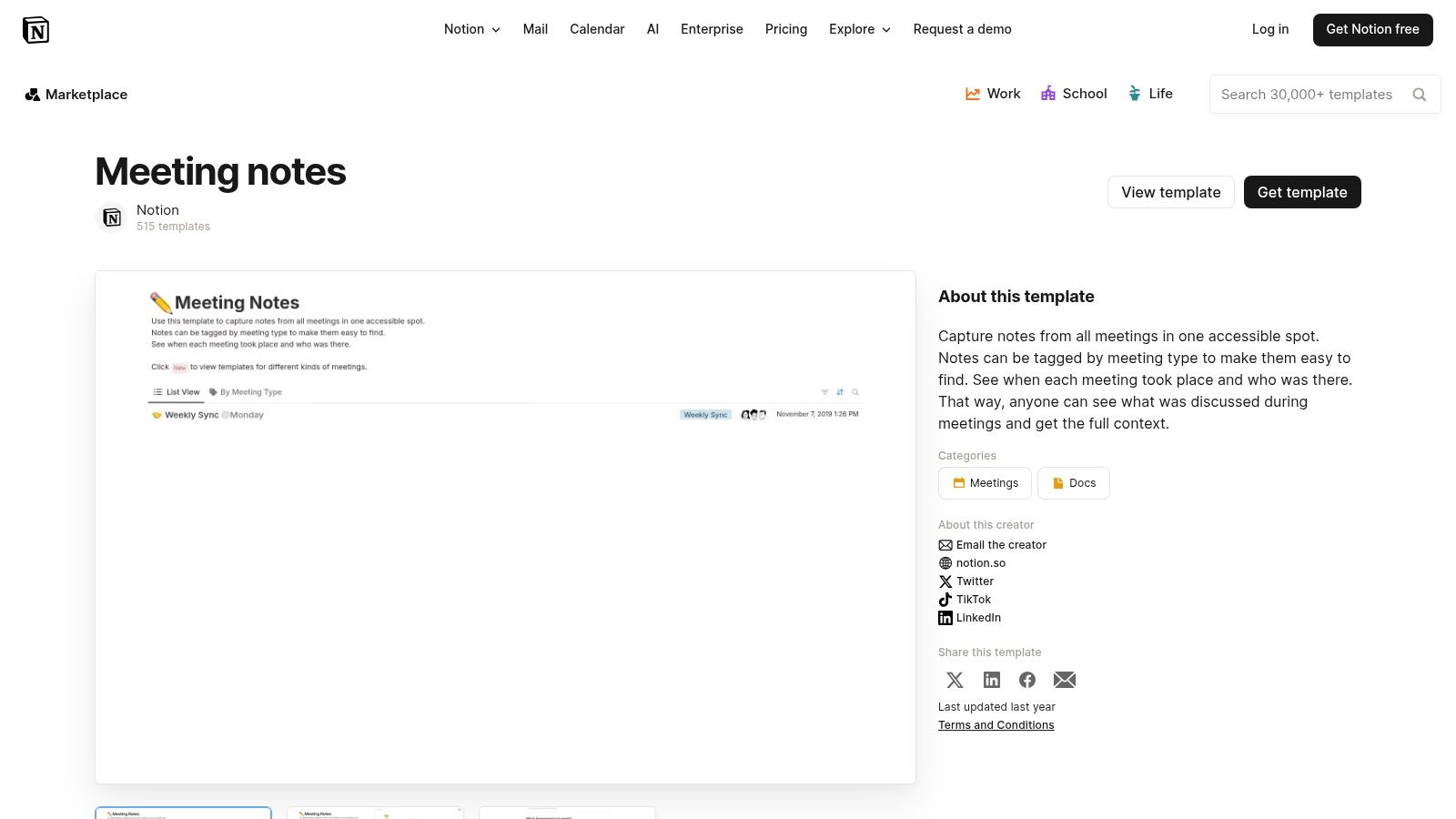
The platform's key advantage is its deep customizability and relational database capabilities. A Notion meeting summary is not just a document; it’s a database entry that can be tagged, filtered, and connected to other information in your workspace. This integrated approach ensures that decisions and action items from a meeting are immediately visible and actionable within the relevant project or team space, eliminating the need to manually transfer information between tools.
Standout Features and User Experience
Notion’s template gallery offers a vast collection of free and paid templates created by both Notion and its active user community. The user experience is designed for simplicity: you find a template you like and duplicate it into your own workspace with a single click. From there, you can customize every aspect, from the properties in a database to the layout of the page itself.
Deep Integration: Connect action items from your meeting notes directly to a master task database and assign them to team members. Link meeting decisions to specific project pages for context.
Vast Community Library: Access a huge variety of templates tailored for specific needs, such as startup cadence meetings, one-on-ones, or client check-ins, often for free or a low cost.
Customizable Databases: Use Notion's powerful database features to create structured logs for attendees, action items, and decisions, which can be sorted, filtered, and viewed in multiple formats (e.g., table, board, timeline).
To supercharge this workflow, a tool like Notize AI can automate the content creation for your Notion templates. After recording a meeting with Notize AI, it generates a structured summary, a list of action items, and key decisions. This output can be seamlessly pasted into your chosen Notion meeting summary template, turning a manual note-taking process into an efficient, automated system with Notize AI.
Pros and Cons
Pros | Cons |
|---|---|
✅ Deep customization and relational database capabilities. | ❌ Works best if your entire team is already using Notion. |
✅ Many high-quality community templates are free or low-cost. | ❌ Quality can vary across community-created templates. |
✅ Easily connect meeting notes to projects, tasks, and wikis. | ❌ Can have a steeper learning curve compared to simple text editors. |
Website: Notion Template Gallery
5. Miro Templates (Miro)
For highly visual, collaborative teams, Miro’s template library offers a dynamic alternative to traditional text-based documents. It transforms the meeting summary from a static report into an interactive whiteboard, making it ideal for creative brainstorming sessions, workshops, and agile project planning. Instead of just documenting what was said, a Miro meeting summary template visually maps out ideas, workflows, and action items in a shared, persistent space.
The platform’s core strength is its ability to centralize discussion, planning, and documentation in one place. Teams can take notes directly on a collaborative board during a meeting, organize them with sticky notes, diagrams, and images, and then use that same board as the official record. This approach keeps context intact and ensures the summary is a living document that can evolve with the project.
Standout Features and User Experience
Miro provides an extensive collection of templates, including official and community-submitted options in the "Miroverse." The user experience is fluid and intuitive for anyone familiar with digital whiteboards. You simply select a template, and it instantly populates a new board, ready for real-time collaboration with features like digital sticky notes, voting tools, and timers.
Visual and Interactive Formats: Templates are designed for more than just text; they incorporate flowcharts, mind maps, and Kanban boards to capture complex discussions visually.
Real-time Collaboration: Multiple users can edit, comment, and add to the summary simultaneously, making it a truly collaborative process during and after the meeting.
Powerful Integrations: Miro connects with essential tools like Zoom, Slack, Jira, and Google Drive, allowing teams to embed boards and sync action items across their entire workflow.
For teams looking to combine Miro’s visual planning with automated documentation, a tool like Notize AI offers a powerful workflow. After your workshop or meeting, Notize AI can generate a detailed text summary, list of action items, and key decisions. This structured text can then be copied onto sticky notes within your Miro template, providing the best of both worlds: automated, accurate notes from Notize AI and a visual, collaborative summary board.
Pros and Cons
Pros | Cons |
|---|---|
✅ Excellent for interactive sessions and cross-functional teams. | ❌ Requires a Miro account; free plan limits editable boards. |
✅ Many templates are free and adaptable for recurring meetings. | ❌ Can be a heavier tool for users who need simple text summaries. |
✅ Supports visual summaries and workshop-style note-taking. | ❌ May have a learning curve for those new to digital whiteboards. |
Website: Miro Templates
6. Canva Meeting Minutes Templates (Canva)
For teams that prioritize visual appeal and brand consistency, Canva offers an extensive library of professionally designed meeting summary template options. Unlike traditional word processors, Canva is a design-first platform, making it the ideal choice for creating polished, presentation-ready documents that are both functional and visually engaging. It’s perfect for client-facing summaries, internal newsletters, or any situation where a standard text document feels too plain.
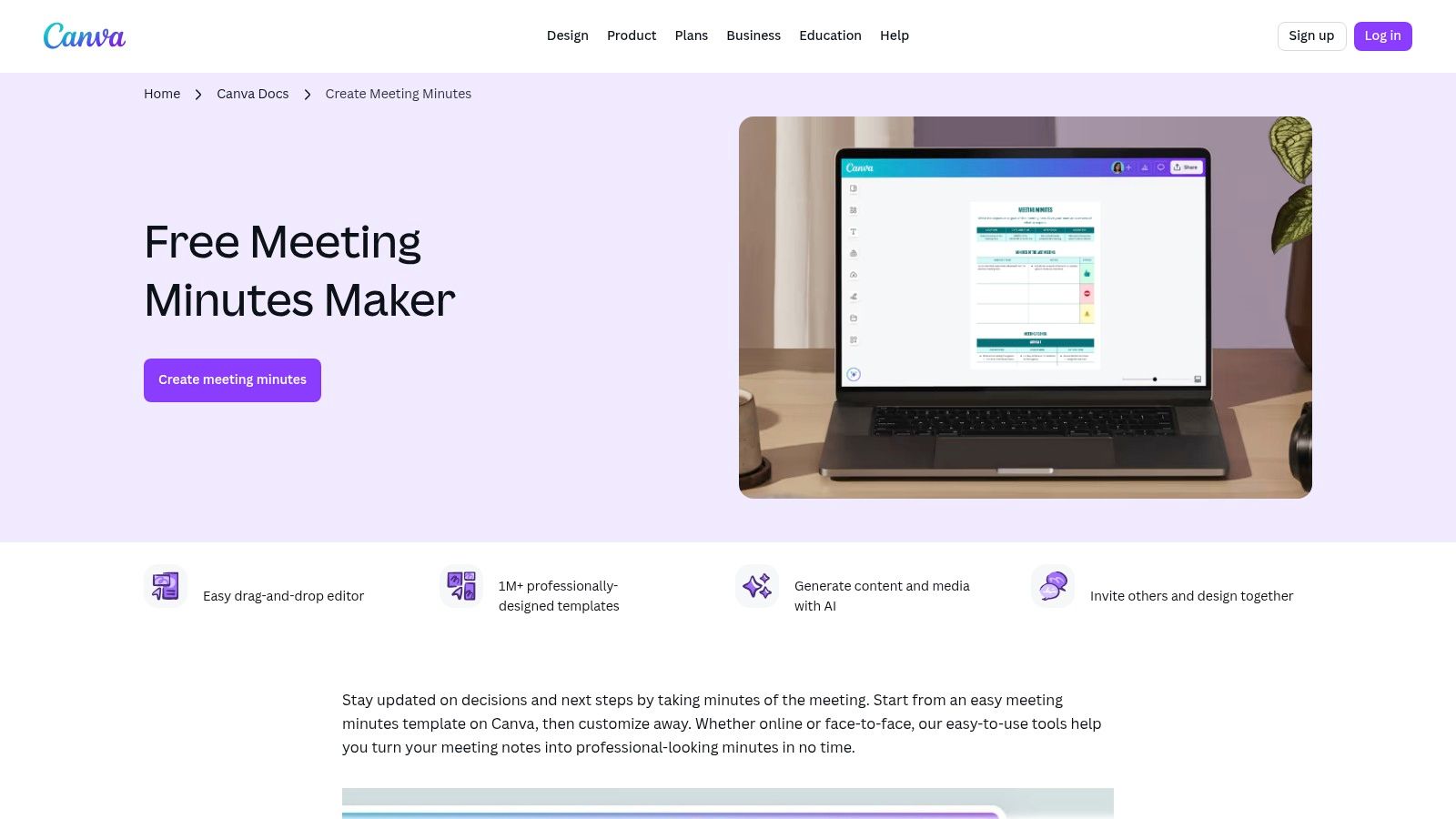
The platform’s core strength is its accessibility for non-designers. The drag-and-drop editor allows anyone to customize layouts, add logos, and adjust brand colors with ease. This combination of powerful design tools and user-friendly simplicity empowers teams to produce high-quality, branded meeting summaries quickly without needing specialized design skills or software.
Standout Features and User Experience
Canva’s template library is vast and varied, catering to countless styles, from minimalist and corporate to creative and colorful. The user experience is highly intuitive: you select a template, and it opens in the Canva editor, where you can modify every element. Collaboration is straightforward, allowing team members to comment or edit in real-time via a shared link.
Professionally Designed Layouts: Access a huge collection of templates that go beyond basic text, incorporating charts, graphics, and brand elements for a more impactful summary.
Intuitive Drag-and-Drop Editor: Easily customize fonts, colors, images, and logos to match your company’s brand identity without any design experience.
Brand Kit Integration (Pro): Canva Pro users can set up a Brand Kit with their logos, color palettes, and fonts, ensuring every meeting summary is consistently on-brand with just a few clicks.
To make the process even more efficient, a tool like Notize AI can handle the content generation. After your meeting, Notize AI automatically creates a detailed summary, action items, and key decisions. You can then paste this structured text directly into your chosen Canva template, instantly transforming raw meeting data into a beautifully designed and shareable document. This workflow combines Notize AI's efficiency with professional design, saving time for busy teams and professionals.
Pros and Cons
Pros | Cons |
|---|---|
✅ Creates visually stunning, on-brand summaries effortlessly. | ❌ Design-heavy options can be overkill for simple internal notes. |
✅ Highly accessible and intuitive for non-designers. | ❌ Best templates and features require a Canva Pro subscription. |
✅ Excellent real-time collaboration via shareable links. | ❌ Less focused on pure text editing compared to a word processor. |
Website: Canva Meeting Minutes Templates
7. Etsy (marketplace for downloadable meeting minutes/summary templates)
For individuals or small teams looking for a visually unique or highly specialized meeting summary template without a recurring subscription, Etsy offers a surprisingly vast marketplace. As a creative hub for independent designers, it provides thousands of inexpensive, ready-to-download templates in various formats, including Word, Google Docs, and PDF. This makes it an ideal choice for one-off purchases or finding niche designs that larger platforms don't offer.
The platform's main advantage is its sheer variety and affordability. You can find everything from minimalist corporate layouts to creative, colorful designs, often for just a few dollars. Since these are instant digital downloads, you can purchase a template and begin using it within minutes, making it a highly efficient solution for urgent needs. The seller review system also helps ensure you are purchasing a quality product.
Standout Features and User Experience
Etsy’s user experience is centered around its powerful search and filtering capabilities, which allow you to quickly find a template that fits your specific needs. You can browse by file type, style, or specific use case, such as board meetings, church committees, or nonprofit organizations. Seller previews and detailed descriptions provide a clear idea of what you are buying before you commit.
Extensive Variety: The marketplace features thousands of templates from different sellers, covering a wide range of aesthetics and functional requirements.
Instant Access: Once purchased, files are available for immediate download, eliminating any waiting time and allowing you to get to work right away.
Affordable One-Time Costs: Most templates are available for a small, one-time fee, which is perfect for users who do not need a comprehensive software solution.
Seller Ratings and Reviews: Built-in social proof helps you vet the quality and reliability of a template before making a purchase.
While these templates provide an excellent structure, filling them out manually can be time-consuming. A tool like Notize AI is a perfect companion for Etsy templates. After your meeting, you can use Notize AI to automatically generate a detailed summary, key decisions, and a list of action items. This AI-generated content can then be quickly copied and pasted into your newly purchased Etsy template, combining a professional design with the automated efficiency of Notize AI.
Pros and Cons
Pros | Cons |
|---|---|
✅ Very affordable (commonly $0.99–$10) with immediate access. | ❌ Quality and formatting can vary significantly between sellers. |
✅ Wide variety of unique styles and specialized niche templates. | ❌ Templates are static files with no built-in collaboration tools. |
✅ Useful for one-off projects or highly specific layout needs. | ❌ No version control or automated features included. |
Website: Etsy Meeting Minutes Templates
Top 7 Meeting Summary Template Comparison
Tool | 🔄 Implementation complexity | ⚡ Resource requirements | ⭐ Expected outcomes | 💡 Ideal use cases | 📊 Key advantages |
|---|---|---|---|---|---|
Notize AI | 🔄 Low — web-ready, no setup | ⚡ Moderate — web app, paid tiers for heavy use | ⭐⭐⭐⭐ — fast, accurate transcriptions + summaries | 💡 Content teams, product, marketing, students, professionals | 📊 All-in-one: record/transcribe/summarize/analyze/share |
Microsoft Word Templates | 🔄 Very low — familiar Word templates | ⚡ Low — Word/Office or free viewer; best with M365 | ⭐⭐⭐ — consistent, reliable formatted minutes | 💡 Teams standardized on Microsoft 365 | 📊 Trusted formats, offline/online compatibility |
Google Docs Template Gallery | 🔄 Very low — templates inside Docs | ⚡ Low — Google account/Workspace | ⭐⭐⭐ — live-collaborative notes and basic templates | 💡 Distributed teams using Google Workspace | 📊 Real-time collaboration + Calendar/Meet integration |
Notion Template Gallery | 🔄 Medium — setup for databases & linking | ⚡ Low–Moderate — Notion account; workspace design time | ⭐⭐⭐⭐ — structured notes linked to tasks & KBs | 💡 Teams needing relational notes & project linkage | 📊 Deep customization; databases for action tracking |
Miro Templates | 🔄 Medium — board setup for visual workflows | ⚡ Moderate — Miro account; interactive boards | ⭐⭐⭐ — visual summaries and workshop outputs | 💡 Workshops, design reviews, cross-functional sessions | 📊 Interactive whiteboards with integrations (Zoom/Slack) |
Canva Meeting Minutes Templates | 🔄 Low — drag-and-drop editing | ⚡ Low–Moderate — Canva account; Pro for brand kit | ⭐⭐⭐ — polished, branded meeting documents | 💡 Marketing, client-facing summaries, exec reports | 📊 Fast, design-first templates; easy export to PDF |
Etsy (downloadable templates) | 🔄 Very low — download and edit locally | ⚡ Low — one-time payment; manual editing in Word/Docs | ⭐⭐ — quick, low-cost static templates | 💡 One-off or highly specialized formats (board, church) | 📊 Large variety at low cost; instant downloads |
From Template to Automated Workflow: The Future of Meeting Summaries
Throughout this guide, we've explored a powerful arsenal of resources designed to transform your meeting documentation. From the collaborative ease of Google Docs and the structured flexibility of Notion templates to the visual brainstorming power of Miro, a well-chosen meeting summary template is the first critical step toward clarity and accountability. These tools provide the scaffolding needed to capture key discussions, decisions, and action items consistently.
Using a template instills discipline and ensures that every meeting concludes with a clear, shareable record. Whether you opt for a professional Microsoft Word document for formal reporting or a creative Canva layout for team newsletters, you are already elevating your process beyond scattered, inconsistent notes. This structured approach is fundamental to improving team alignment and ensuring that valuable insights from conversations aren't lost the moment a meeting ends.
The Leap from Manual to Automated
While templates significantly improve manual note-taking, they still require a dedicated scribe-someone who must divide their attention between participating and documenting. This is where the true evolution of meeting productivity lies. The ultimate goal is to move beyond manual entry and embrace a system that captures everything for you, flawlessly and instantly. The transition from a static template to an intelligent, automated workflow is the most impactful upgrade you can make to your team's efficiency.
This shift isn't just about saving time on typing. By completely automating manual processes, you free up cognitive resources for the entire team. With Notize AI, no one is burdened with the fear of missing a critical detail. Participants can engage more deeply, brainstorm more freely, and focus entirely on strategic thinking and problem-solving. This is how meetings transform from administrative necessities into powerful catalysts for progress.
Choosing Your Path: Template, Tool, or Full Automation
Selecting the right solution depends entirely on your team’s current workflow and future goals. Your journey toward perfect meeting summaries can be seen as a three-stage evolution:
Starting with Structure: If your team currently uses disorganized notes (or no notes at all), begin with a downloadable template from Microsoft, Google, or even Etsy. This introduces essential structure with minimal friction.
Integrating with Workflows: For teams already operating within platforms like Notion or Miro, adopting an integrated meeting summary template is a natural next step. This keeps documentation within your existing project management ecosystem.
Embracing Full Automation: For teams who want to maximize focus, eliminate human error, and create a searchable archive of every conversation, the clear destination is an AI-powered tool like Notize AI.
This is precisely where Notize AI redefines the process. Instead of just providing a template to fill out, Notize AI does the work for you. It records, transcribes, and intelligently generates a comprehensive summary, complete with action items, key decisions, and speaker-attributed notes. This isn't just an improvement on the old method; it's a complete replacement that delivers superior accuracy and frees up 100% of your team's attention. By leveraging Notize AI, you're not just filling out a form-you're creating a permanent, searchable knowledge base from your conversations, ensuring no detail is ever lost.
Ready to move beyond manual note-taking and unlock your team's full potential? Stop just documenting meetings and start leveraging them as strategic assets. Experience the future of productivity by trying Notize AI today and see how effortless a perfect Notize AI can be.
7 Best Meeting Summary Template Resources For 2026 (Free & Paid)




