Let's be real—taking meeting minutes is often a thankless task. The end result? A document that's a pain to create and that almost no one ever reads. In our world of back-to-back meetings and hybrid teams, the old-school way of taking minutes just doesn’t cut it anymore. It's a broken system that slows teams down instead of helping them move forward.
The biggest problem is that traditional minute-taking turns one person into a glorified stenographer. They're so busy trying to capture every single word that they can't actually participate in the meeting. Their insights are lost, they can't challenge ideas, and their strategic input goes untapped. It’s an inefficient process that’s riddled with errors and produces a document that gets ignored.
The Pain Points of Old-School Methods
This outdated approach creates a pile of frustrations that kill team productivity. Key decisions get buried in a wall of text, action items are left vague or unassigned, and all the momentum from the meeting fizzles out before the next one even starts. Minute-taking becomes a box-ticking exercise instead of a tool for driving progress.
And it’s not just a minor annoyance. Modern teams are drowning in meetings. Professionals now attend an average of 17.1 meetings per week, which adds up to nearly 15 hours of their time. When documentation is this inefficient, it’s a massive drain on resources and a direct line to miscommunication and confusion. You can dive deeper into these meeting trends with the latest research from Reclaim.ai.
The real failure of traditional minute taking isn't just the time it wastes; it's the valuable insights it fails to capture. When one person is focused solely on typing, the team loses a collaborator, and the minutes often miss the crucial context behind the decisions.
A Modern Mindset for Effective Minutes
To fix this, we need to think differently. The goal isn't just to type faster; it's to create a reliable record that people actually use. The modern approach is less about transcribing every word and more about distilling the conversation into clear, actionable outcomes. It’s about turning minutes from a passive chore into an active tool for getting things done.
This is exactly the philosophy behind tools like Notize AI. It’s built to automate the heavy lifting of capturing and summarizing conversations, freeing up everyone to stay engaged. For teams and professionals, Notize AI automatically produces a full meeting summary, key discussion points, and a clean list of action items so nothing gets missed. It takes the chaos of a brainstorming session and turns it into an organized, searchable source of truth for your team.
Before we dive into the step-by-step process, let's look at the core components that make up a modern and effective minute-taking system. These are the foundational pillars that ensure your meeting records are not just complete, but genuinely useful.
Pillars of Modern Minute Taking
Pillar | Key Focus | Why It Matters |
|---|---|---|
Preparation | Defining roles, setting a clear agenda, and choosing the right tools before the meeting starts. | Sets the stage for an organized and focused discussion, preventing wasted time and ensuring everyone is aligned. |
Active Capture | Using smart techniques to capture key decisions, action items, and context in real-time. | Shifts the focus from verbatim transcription to capturing meaningful outcomes, which is what actually drives progress. |
Post-Meeting Polish | Editing for clarity, using a consistent format, and getting timely approvals. | Transforms raw notes into a professional, easy-to-read record that serves as a reliable source of truth for the team. |
Smart Distribution | Sharing the minutes promptly with all stakeholders through the right channels. | Ensures accountability and keeps momentum going by making sure everyone knows what was decided and what happens next. |
Thinking about minute-taking through these four pillars helps reframe it from a simple administrative task into a strategic part of your team's workflow. Getting each one right is key to creating minutes that people will actually value and use.
Setting the Stage Before the Meeting Begins
Great meeting minutes don't just happen when the call starts—the real work begins long before anyone clicks "join." If you walk into a meeting without a plan, you're setting yourself up for a chaotic, rambling session that goes nowhere. Solid prep work gives the meeting a clear direction, which makes your job as the minute-taker strategic instead of just frantically trying to keep up.
First things first: every meeting needs a purpose. What, exactly, are we trying to accomplish here? Answering that question is the key to building a focused agenda, which is your absolute best friend as a note-taker. A good agenda is a roadmap, outlining the topics, assigning time slots, and clarifying who’s leading each part of the discussion.
This is also the time to sort out roles. We all know who the meeting leader is, but who’s on the hook for minutes? While this has traditionally been one person's manual task, a smarter approach is to let technology like Notize AI handle the heavy lifting.
Choosing the Right Tools for the Job
Let's be honest, taking notes by hand is tough. Your typing speed can't keep up, you miss important details, and you can't even get a word in yourself because you're so busy documenting. This is where getting your tools ready beforehand, like setting up Notize AI, changes the game entirely. By simply recording the meeting directly in the Notize AI app, you guarantee that nothing falls through the cracks.
The old way of taking minutes was broken. The shift to a modern, more efficient process solves a lot of those old frustrations.
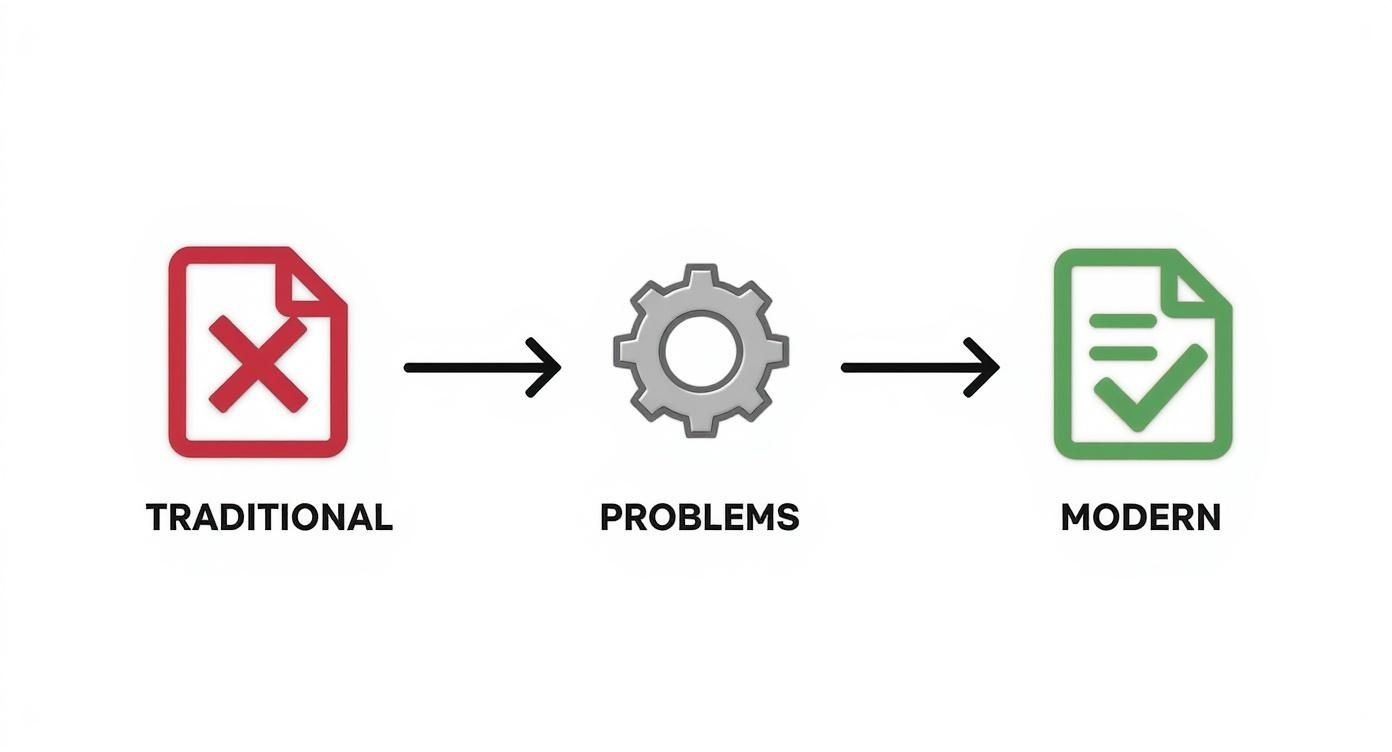
This diagram really shows how technology can take a manual, error-filled chore and turn it into something automated and reliable. It’s the perfect fix for problems like inaccurate notes and forcing someone to sit out of the real conversation.
Instead of tapping someone on the shoulder to be the "note-taker," your main prep task becomes making sure the recording is good to go. Whether you're a busy professional, part of a team, or a student, firing up Notize AI before the meeting means it’s ready to capture every word perfectly. The platform takes care of the transcription, figures out who said what, and even gives you a first draft of the summary automatically.
By automating the capture process, you free up every team member to contribute their best ideas. The focus shifts from documenting the past to shaping the future, which is the true goal of any productive meeting.
This one simple step completely changes the dynamic in the room. The person who would have been the minute-taker is no longer a silent scribe but an active participant. With Notize AI handling the transcription, they can now focus on asking smart questions, clarifying confusing points, and helping steer the conversation toward a clear decision.
Ultimately, prepping your tools is just as important as prepping your agenda. When you let Notize AI manage the recording and transcription, you're not just saving a bit of time—you're investing in a more accurate, engaged, and productive meeting for everyone. The best part? The notes, summaries, and action items are far more reliable and ready almost as soon as the meeting ends.
Capturing What Actually Matters During the Meeting
When you're in the thick of a meeting, it's easy to fall into the trap of becoming a human transcription machine, typing every single word. Let me tell you from experience, that approach almost always backfires. Effective minute-taking isn't about creating a word-for-word script. It’s about distilling the conversation down to its essence—the critical decisions, the important discussion points, and the clear action items that actually push work forward.
The real trick is trying to structure your notes on the fly while the conversation is zipping around you. You can try using shorthand and abbreviations, but that still demands your complete focus, effectively pulling you out of the meeting. You end up so busy documenting what was just said that you can't contribute to what's happening right now.
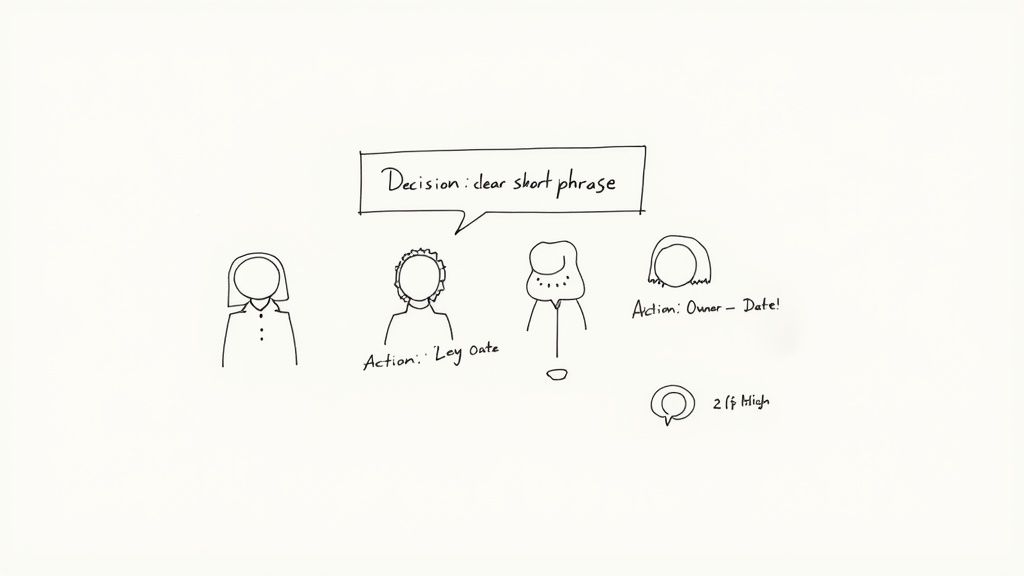
Pinpointing these key decisions and assigning ownership is the heart of great minute-taking, but it's incredibly difficult to juggle that responsibility while also being an active participant.
This is where technology can completely change the game. Instead of being stuck as the designated scribe, you can use a tool like Notize AI to handle the grunt work. Just start recording in the app at the start of the meeting, and suddenly you're free to engage, think critically, and help steer the conversation where it needs to go.
Focus on What Counts: Decisions and Actions
With Notize AI handling the recording, your role instantly shifts from typist to strategist. Now, you can channel your energy into active listening and identifying the moments that truly define the meeting's success. Keep your ears open for:
Key Decisions Made: What did the team officially agree on? Nail it down in a simple sentence. For example, "Decision: The Q3 marketing budget is approved at $50,000."
Action Items Assigned: Who is doing what, and by when? Be specific. For instance, "Action Item: Sarah to send the final project brief to the client by Friday EOD."
Major Discussion Points: Briefly summarize the core arguments or insights that led to a decision. You don't need the whole debate, just the "why."
The goal is to create a record of outcomes, not a transcript of conversations. A great set of minutes should tell someone who missed the meeting exactly what was decided and what happens next in just a few minutes of reading.
Let Notize AI Do the Heavy Lifting
While you’re focused on these high-level takeaways, Notize AI is working in the background to build a complete and accurate record. As soon as the meeting ends, it automatically processes the recording and serves up a structured summary that makes your job even easier. For busy teams and professionals, this means you instantly get:
A full, structured meeting summary.
Detailed meeting notes with speaker-attributed segments.
A clean list of all action items and to-dos.
Highlighted decisions and follow-up tasks.
This kind of automation is no longer a luxury—it’s a necessity. Virtual meetings have exploded in recent years, growing from 48% to 77% of all meetings worldwide between 2020 and 2022. With roughly 86% of global workers now attending meetings with remote colleagues, the need for a reliable, automated record-keeping system has never been clearer. Discover more insights about these meeting statistics.
Plus, the platform’s ability to generate an optional, highly accurate transcript gives you a fantastic safety net. If you ever need to double-check a specific comment or clarify a nuanced point, you can find it in seconds. Learning how to transcribe audio to text effectively with modern tools is a game-changer. With Notize AI, you really get the best of both worlds: a concise, actionable summary for a quick review and a detailed transcript for when you need to dig deeper.
Turning Raw Notes into a Polished Action Plan
The meeting’s over, but don't close your laptop just yet. The most critical part of the job is turning those messy, real-time notes into a clear, actionable record that actually drives work forward. If you skip this step, even the most brilliant brainstorming session will fizzle out.
This is where so much momentum gets lost. In the United States, we're holding somewhere between 36 to 56 million meetings every single day. When the outcomes aren't captured properly, the ripple effect is enormous—think productivity losses nearing an estimated $37 billion a year. You can dig into the impact of meetings on productivity yourself, but the takeaway is clear: cleaning up your notes isn't just admin work; it's a strategic imperative.
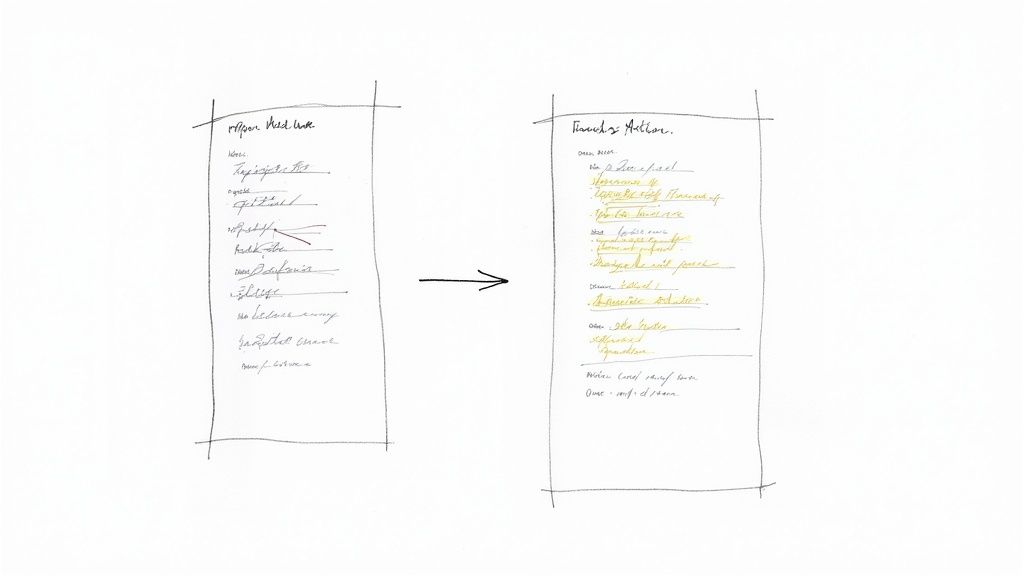
From Chaos to Clarity: The Manual Way
If you took notes by hand or typed them up yourself, the first thing you need to do is review them immediately. Seriously, do it while the conversation is still fresh in your mind. This is your chance to fix typos, flesh out your shorthand, and organize the jumbled points into a logical flow. The acid test? Someone who wasn't in the room should be able to read it and know exactly what happened.
A consistent format is your best friend here. It prevents crucial information from getting buried. You can explore different meeting minutes format examples to see what works, but don't overcomplicate it.
At a minimum, your template needs these three things:
Meeting Details: The basics—date, time, and who was there.
Key Decisions: A straightforward summary of every decision that was finalized. No fluff.
Action Items: What needs to be done, who owns it, and when it's due. This is the most important part.
Let's be realistic: this manual process of reviewing, formatting, and sending out notes can easily eat up 30-60 minutes for every single meeting. For anyone with a packed schedule, that time drain is a killer, pulling you away from the work you should be doing.
The longer you wait to send out the minutes, the more momentum you lose. An action plan that lands in everyone's inbox within a few hours keeps the energy high. One that shows up two days later is just an archive nobody reads.
The Notize AI Advantage: Automated Polish in Minutes
This whole post-meeting slog is exactly what a tool like Notize AI is built to fix. Instead of spending an hour wrestling with your notes, you get a professional, ready-to-share report almost instantly. The moment you hang up, Notize AI gets to work, generating a whole set of useful documents from the conversation.
For any professional who needs accurate records without the manual labor, this is a game-changer. Notize AI gives you:
A Full, Structured Summary: It boils down the entire discussion into a concise, readable overview.
An Organized List of Action Items: The platform automatically spots tasks, highlights decisions, and pulls out follow-up tasks. You get an instant to-do list.
A Complete and Accurate Transcript: Ever need to go back and check exactly what someone said? The full, searchable transcript is right there.
With Notize AI, your post-meeting "work" shrinks from a tedious editing session to a quick two-minute review. You can glance over the AI-generated summary, make a few tweaks if you need to, and hit 'share' to instantly distribute it to colleagues. Everyone gets a clean, accurate, and actionable record without delay, ensuring projects keep moving and nothing falls through the cracks.
Unlocking Deeper Insights with AI-Powered Tools
Truly effective minute-taking is about more than just a clean summary of what happened. It’s about building an active, searchable knowledge base from your conversations. While polished notes and action items are the immediate goal, the real value comes from being able to find, understand, and build on that information weeks or months down the line. This is where modern AI tools are changing the game.
An advanced platform like Notize AI can turn your entire library of meeting recordings into an intelligent archive. Instead of manually sifting through old documents or scrubbing through video recordings, you can find exactly what you need in seconds. It’s a fundamental shift in how teams maintain project continuity and build institutional memory.
Creating a Searchable Knowledge Base
Think about the last time you needed to recall a specific budget figure or a client's exact feedback from a meeting three months ago. The process probably involved a lot of guesswork and searching. With Notize AI, you can just search for a keyword like "Q3 budget" or the client's name, and it will scan every meeting you’ve ever recorded.
What’s even more powerful is that Notize AI can take you to the precise moment in the video or audio where that topic was discussed. No more re-watching an entire hour-long call. This feature alone is a massive time-saver and guarantees you have the full context behind every decision. For teams juggling multiple projects, this searchable history is invaluable for tracking progress and keeping everyone on the same page. You can see for yourself how an AI meeting note taker can build this kind of reliable record for your team.
Versatile Use Cases Beyond the Boardroom
This idea of turning conversations into assets isn't just for corporate teams. The same technology that helps project managers and executives is incredibly useful for a whole range of people who can benefit from what Notize AI offers.
For Students and Professionals: Imagine recording a lecture and having Notize AI instantly generate a full transcript, a concise summary, and even a study guide. Students can ask the AI specific questions about the material and get pointed directly to the explanation without having to re-watch the entire session. It’s a huge leg up for studying.
For Journalists and Creators: A recorded interview can be uploaded and automatically turned into a high-quality transcript or even a polished, ready-to-publish blog post. Notize AI can adapt to a specific writing style, helping creators produce more content, faster.
By automating how we capture, organize, and analyze conversations, tools like Notize AI don't just make minute-taking better—they create a permanent, accessible source of truth for any professional, student, or creator.
Ultimately, this technology is about unlocking the value that’s often trapped in our day-to-day conversations. Whether it’s a project kickoff, a university lecture, or a creative brainstorm, Notize AI makes sure every important insight is captured, understood, and ready when you need it.
Common Questions About Taking Meeting Minutes
Even with a solid game plan, you'll run into tricky situations when you're the one in charge of the meeting minutes. Let's tackle some of the most common questions I hear from people trying to master this skill.
How Detailed Should Meeting Minutes Actually Be?
Think of your minutes as a highlight reel, not the full feature film. The goal is to capture the big wins: what was decided, who’s doing what next (and by when), and the main points that got you there. A word-for-word transcript is almost always overkill; it just buries the important stuff.
This is where a tool like Notize AI really shines. It creates a clean, structured summary that’s perfect for a quick scan, but it also keeps the full, highly accurate transcript in its back pocket. You get the best of both worlds: a short, actionable overview and a detailed record you can pull up if you ever need to double-check a specific comment.
The best minutes tell a story of progress. Anyone who missed the meeting should be able to read them and understand what was decided, who's on the hook for the next steps, and why it all matters—without having to sift through every single word.
What’s the Best Way to Handle Disagreements?
Your job is to be a neutral observer, not a courtroom stenographer. When things get heated, your focus should be on the outcome of the debate, not the play-by-play. Record the resolution, not the drama.
For example, instead of capturing a tense back-and-forth, you could write something like, "After a lengthy discussion, the team couldn't land on a final Q4 marketing slogan. The topic will be revisited next week once additional data is available." If a decision is made despite some dissent, just note the final call. This keeps the record professional and focused on moving forward.
How Can I Keep Up If I'm Not a Fast Typist?
Templates and personal shorthand can definitely give you a boost, but honestly, the real game-changer is letting technology do the heavy lifting. This is exactly the problem a smart AI tool like Notize AI was designed to fix. It takes the pressure of manual typing completely off your shoulders.
You just hit record in Notize AI and can trust that you're getting a 100% accurate and complete transcript, no matter how fast you type. This frees you up to actually participate in the meeting—to listen, ask smart questions, and add your own ideas. For anyone who needs a perfect record without being chained to their keyboard, it's an absolute lifesaver.
Ready to turn chaotic meetings into clear, actionable results? With Notize AI, you can automate transcription, get instant summaries, and build a searchable library of all your conversations. Stop just taking notes and start making an impact. Try Notize AI today and see what the future of meeting productivity looks like.
Elevate minute taking in meetings with practical tips to streamline capture




